 GameWiki
GET YOUR BEARINGS
About Teddy's Haven
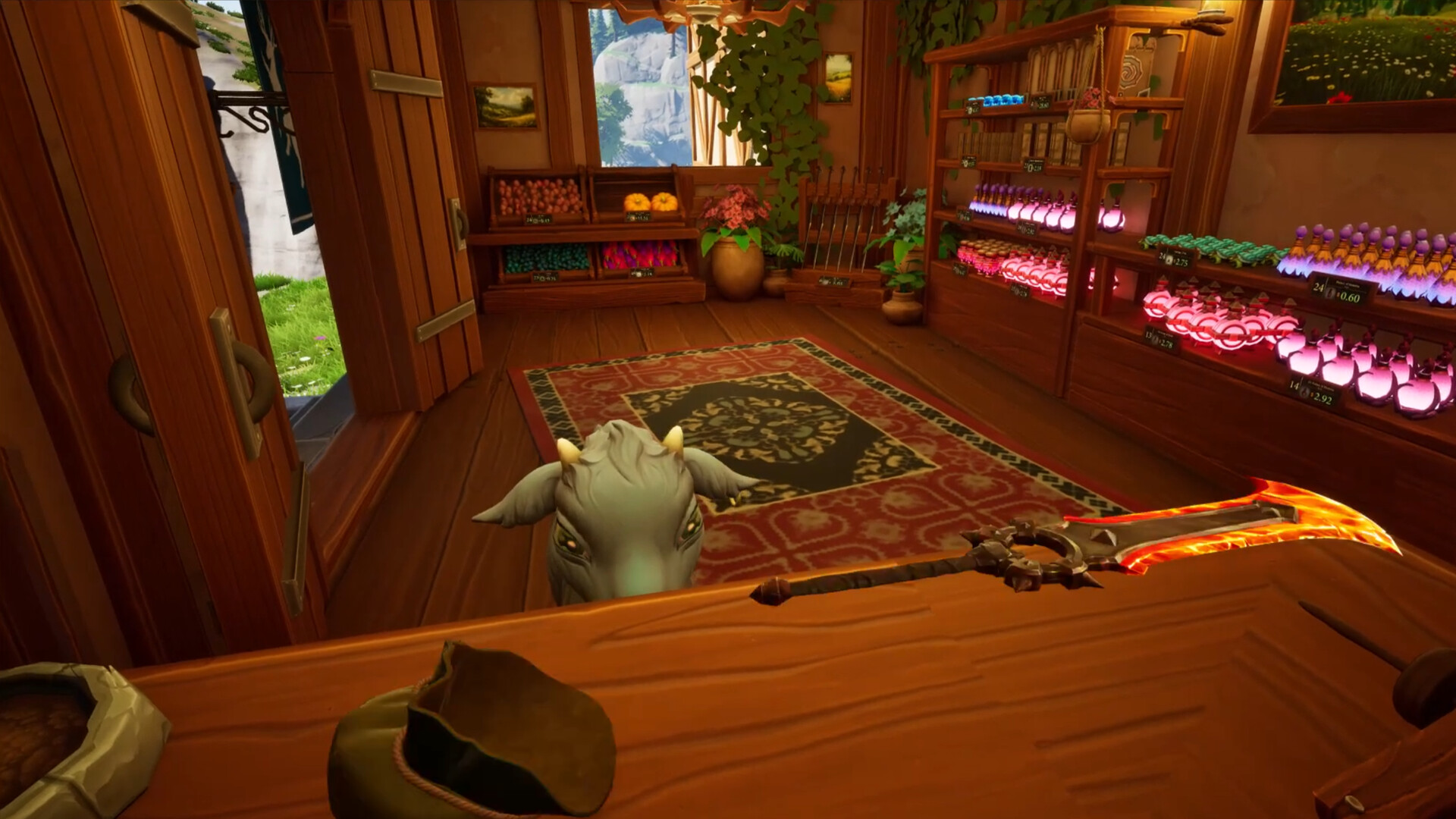
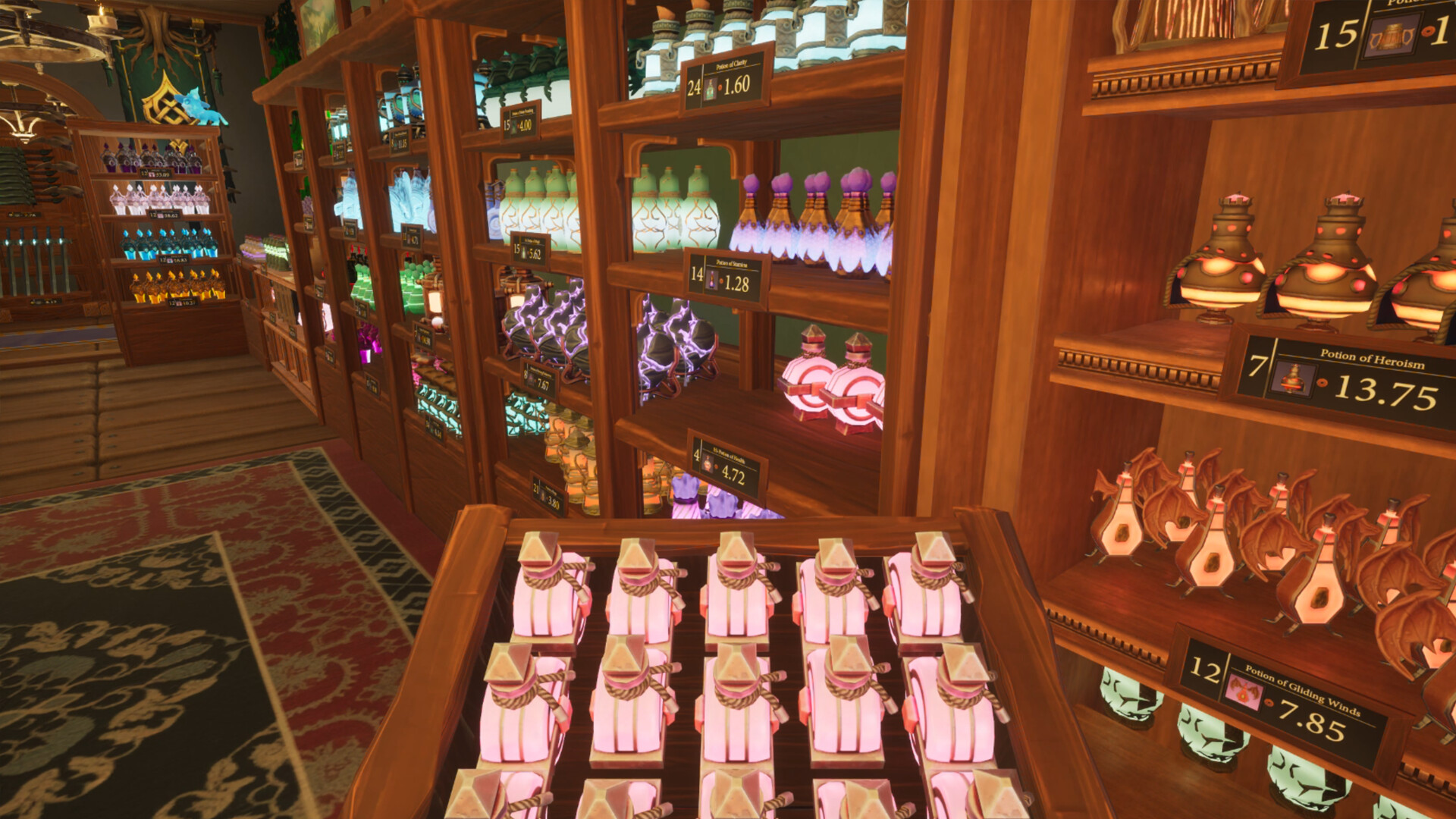
Teddy’s Haven invites you to run a magical shop on the tranquil island of Ursa, where you can sell harvested, crafted, or discovered items at your own pace. Beyond the shop, you may decorate your home and the island’s wilds, farm Aether‑infused crops, hire whimsical employees, and enjoy daily events that bring friendly creatures and gentle surprises in a relaxed rhythm.
01 / THE GUIDE
Shop Management
Your shop grows as you play, with seasons shifting and daily surprises appearing. Leveling rewards you for stocking shelves, harvesting berries, and completing simple tasks.
Skills improve naturally; you’ll stock faster, harvest more, and see abilities rise without pressure. The system encourages a relaxed rhythm rather than a race.
- Check the shop each morning for new daily items.
- Take breaks to let crafting finish overnight.
02 / THE GUIDE
Decoration Freedom
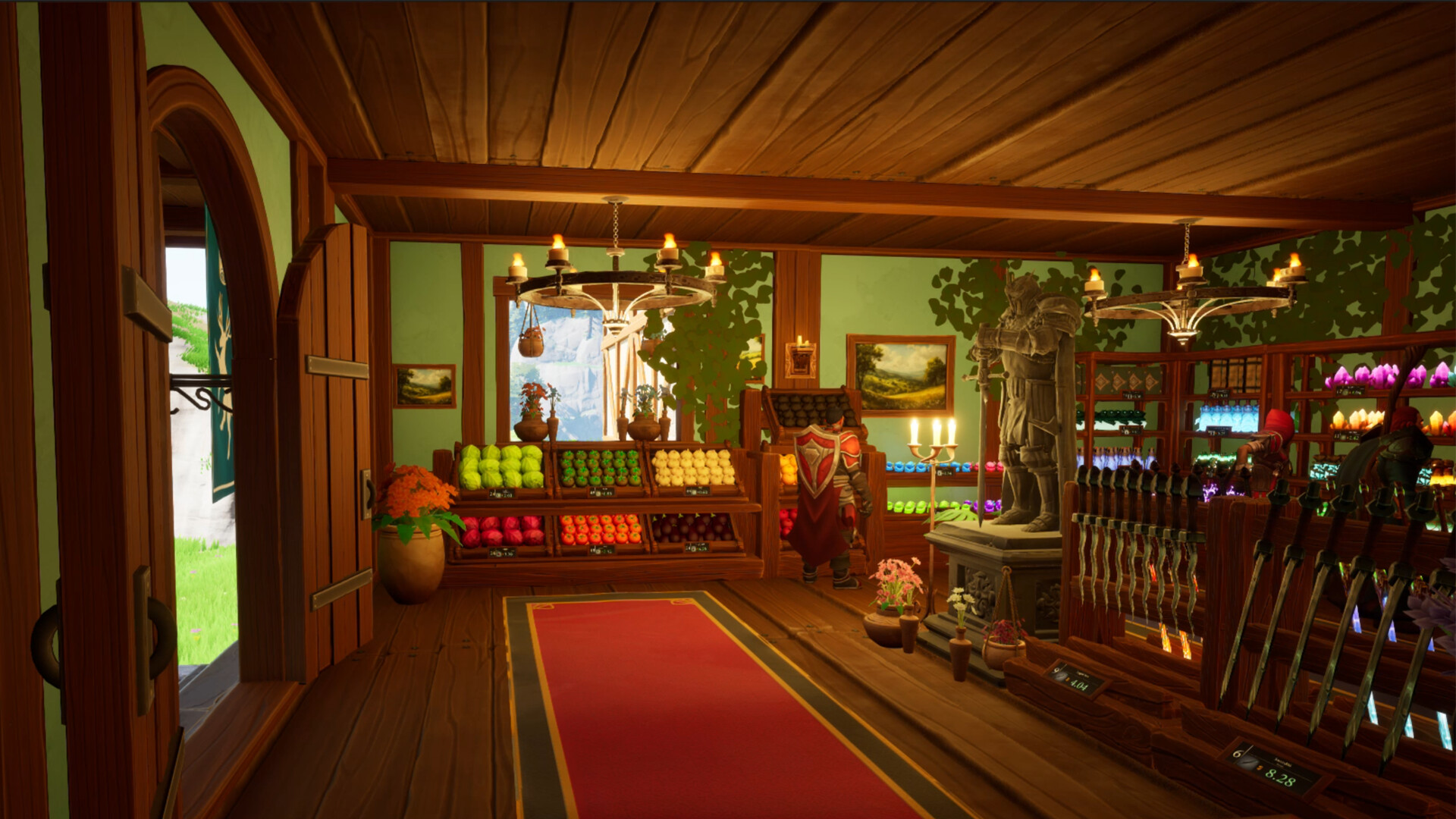
Over 250 decorations let you style the shop, your home, and the island’s landscapes. Placement is near‑limitless, so every corner can reflect your taste.
Seasonal changes add visual variety, and you can move items at any time without constraints. This flexibility supports creative expression throughout Ursa.
- Experiment with color palettes across shop and home.
- Use the same decoration theme to create a cohesive island feel.
03 / THE GUIDE
Crafting & Farming
Crafting is simple: place items, leave them, and return the next day to discover a new product. The system expands with future updates.
Farming unlocks contracts that let you plant magical, Aether‑infused crops. Harvesting these yields unique goods for your shelves.
- Plan your crafting queue before sleeping.
- Rotate crop contracts to keep your shop inventory fresh.
04 / THE GUIDE
Employees & Skills
Hire magical stockers and cashiers who tend the shop while you explore. They handle shelves and sales reliably.
Your personal skill system grows with each task, making shelf‑stocking faster and berry‑harvesting more efficient as you level.
- Assign employees to busy periods for smoother operation.
- Watch skill progress to notice faster harvesting over time.
05 / THE GUIDE
Exploration & Daily Events
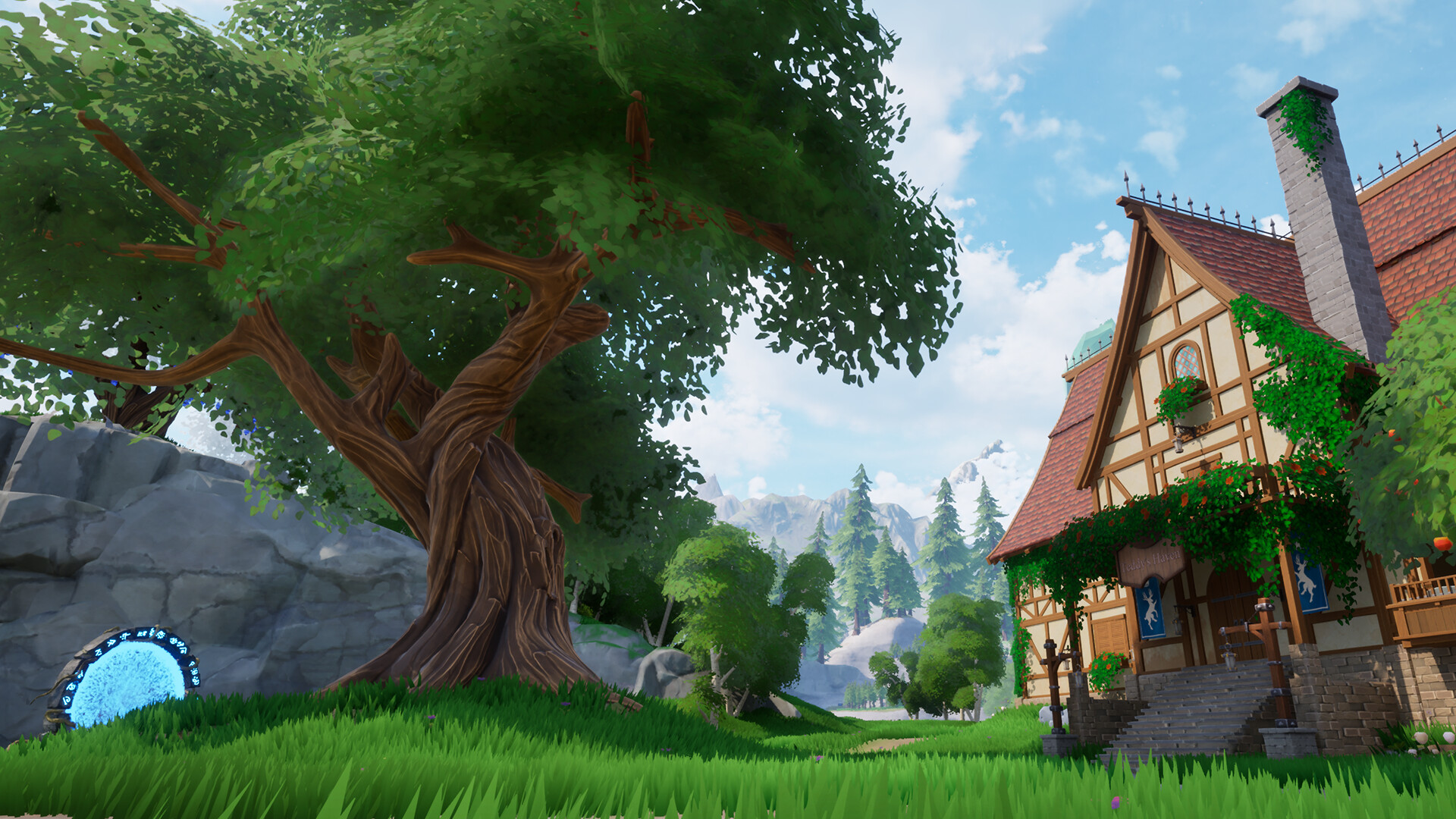
Ursa invites wandering; you can harvest berries, care for animals, and admire scenery at any pace, and explore hidden paths.
Daily events bring creatures bearing stories, gifts, or magical blessings, adding surprise and warmth to each day.
- Visit new locations each day for fresh event chances.
- Take photos of scenery to remember favorite spots.

COMMUNITY
Player discussion