 GameWiki
GET YOUR BEARINGS
About Teacup
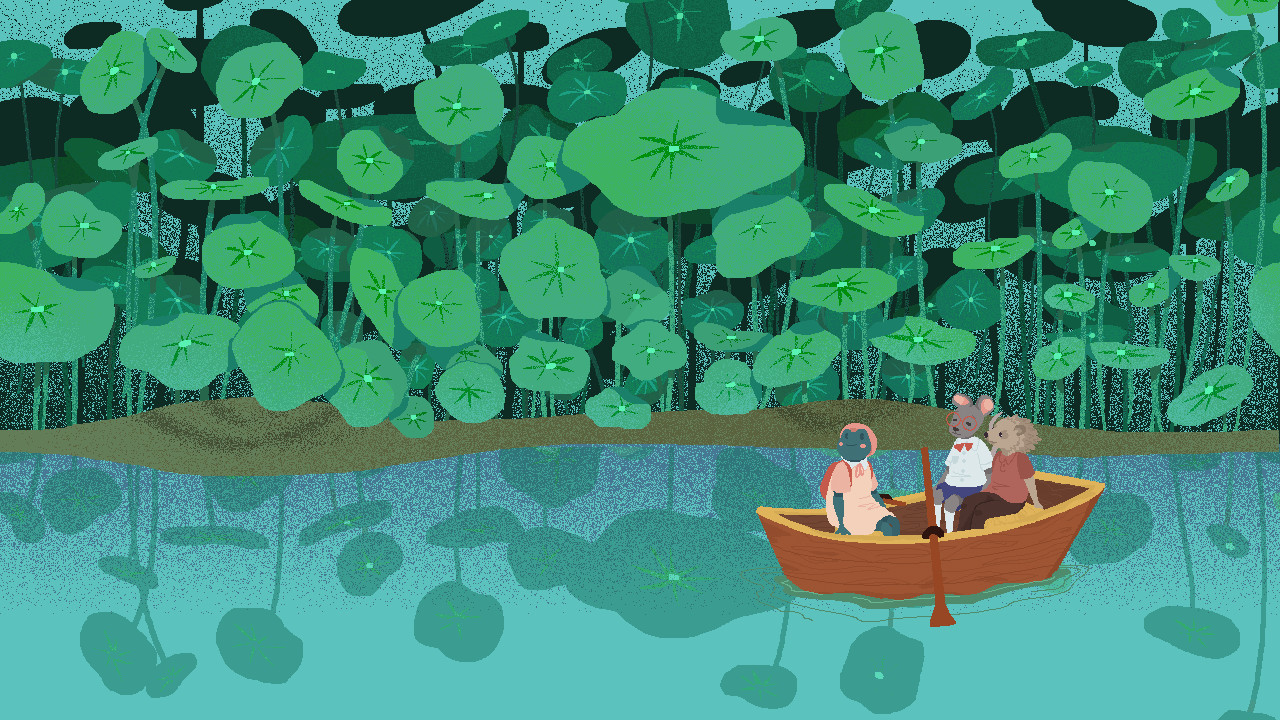
Teacup is a short, wholesome narrative adventure where you guide a shy frog named Teacup through the woods of Little Pond. The story begins when she discovers she has no tea for the party she plans to host, prompting a quest for herbs.
The game emphasizes non‑linear exploration, allowing you to collect ingredients in any order while meeting forest inhabitants who may request small favors. It is a single‑player experience that includes a range of accessibility options such as adjustable text size and full controller support.
01 / THE GUIDE
Narrative Exploration
The narrative follows Teacup, a young frog who must restock her pantry before a tea party. The plot unfolds through encounters in the woods rather than a fixed mission list, letting the story develop as you move through the environment.
Exploration is non‑linear; you may wander to any area of Little Pond and gather herbs in any sequence. This design encourages curiosity and lets each player craft a personal pacing for the adventure.
- Observe environmental cues; they often hint at nearby paths or items.
- Try different routes on subsequent playthroughs to notice how the story adapts to varied movement.
02 / THE GUIDE
Ingredient Gathering
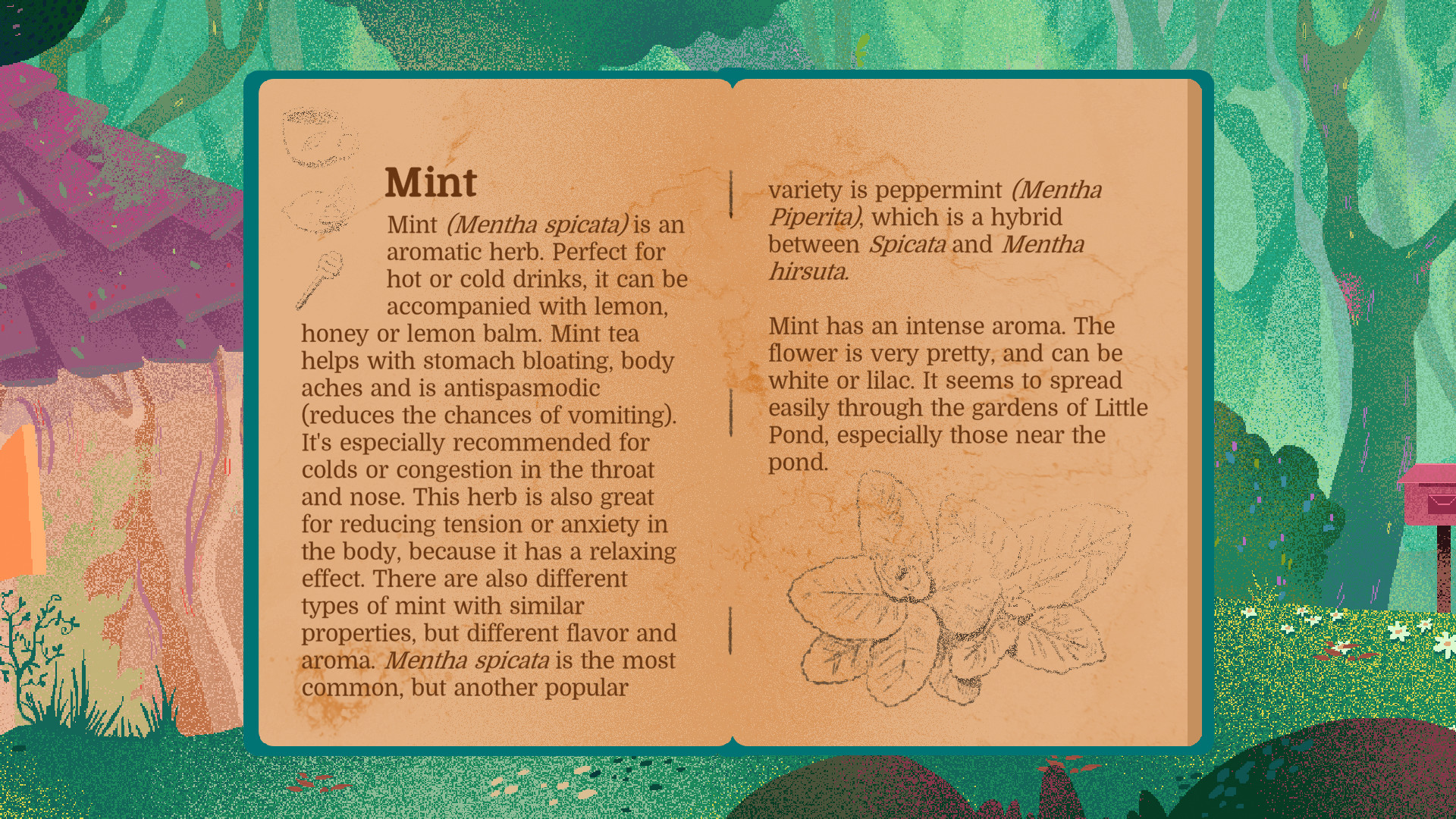
Your main objective is to collect a list of herbs needed for the tea party. The game does not enforce a set order, so you can prioritize items based on proximity or personal preference.
Gathering often involves interacting with forest residents who may ask for a small favor before providing an ingredient. This creates a gentle exchange that integrates side activities with the core collection goal.
- Take note of which residents request help first; they may provide ingredients that are harder to find elsewhere.
- Keep a mental checklist of needed herbs to reduce unnecessary backtracking.
03 / THE GUIDE
Forest Inhabitants
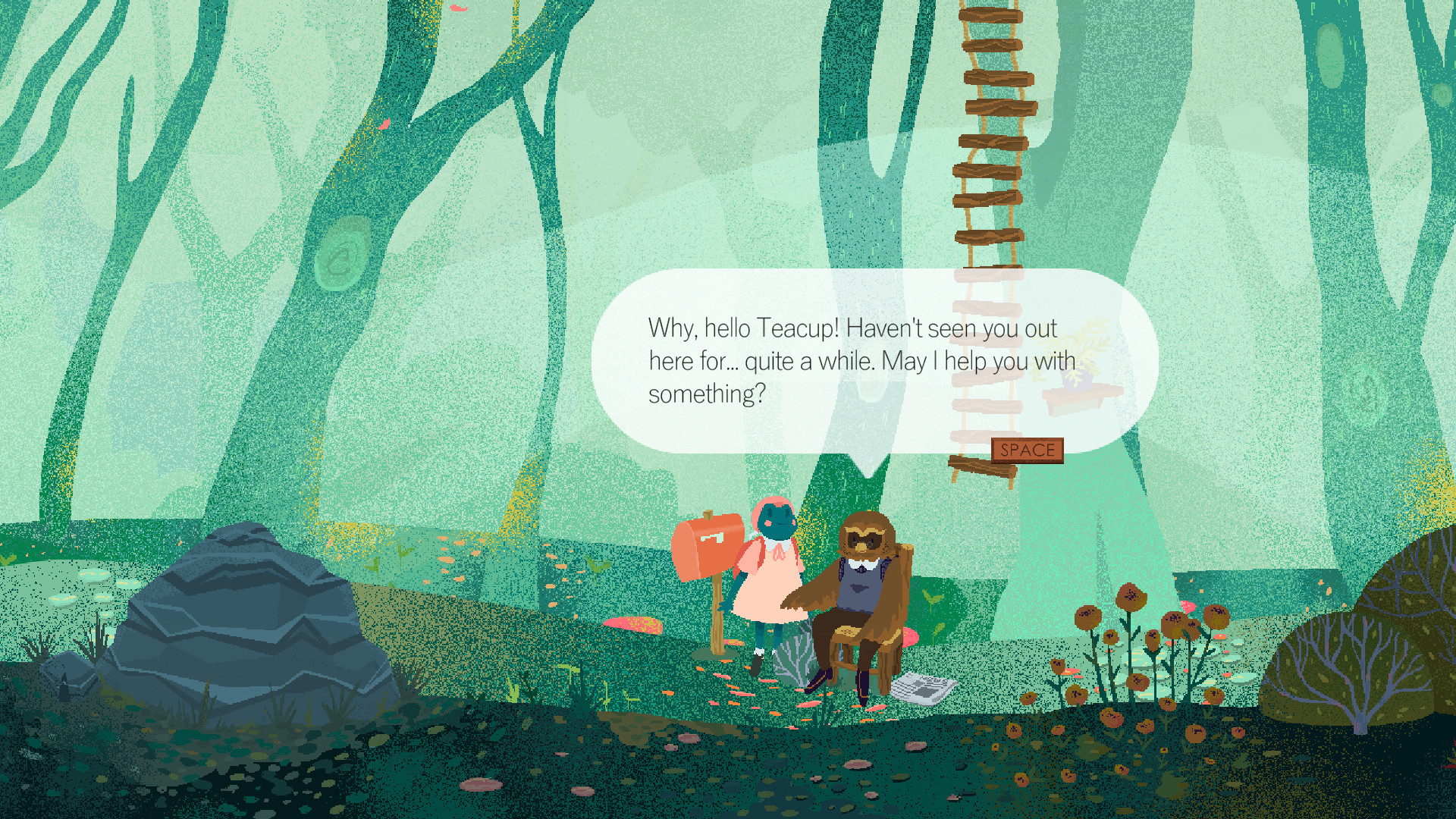
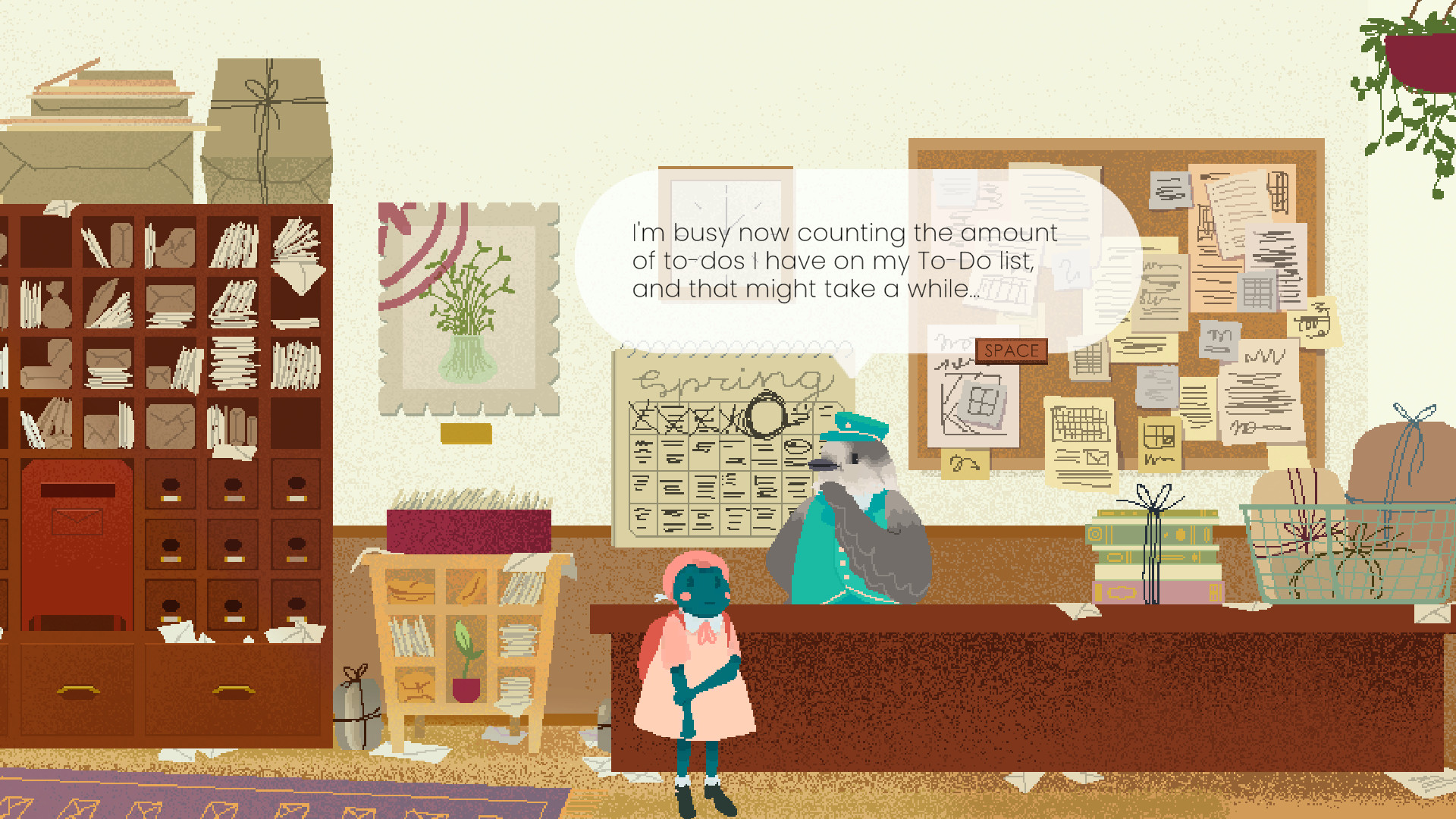
Little Pond is populated by a variety of animals, ranging from talkative to grumpy. Each character listens to Teacup’s journey and may offer assistance in exchange for a small favor.
These interactions add variety, such as helping set up a market stall or participating in an underwater race, providing both narrative depth and optional tasks that complement the exploration.
- Watch each character’s demeanor; it can suggest the type of favor they might request.
- Compare the outcomes of different favors to see which lead to the most useful herbs.
04 / THE GUIDE
Accessibility Options
Teacup provides several accessibility features, including adjustable text size, camera comfort, color alternatives, and custom volume controls. These settings let players tailor visual and auditory elements to their comfort.
A keyboard‑only option and full controller support are both available, ensuring that players can choose their preferred input method without restriction.
- Experiment with text size and color alternatives to find the most readable combination for your display.
- Switch between controller and keyboard‑only modes to determine which feels smoother for navigation.
05 / THE GUIDE
Save & Progression
The game allows you to save at any time, giving flexibility to pause and resume whenever you wish. The game also lists Steam’s family sharing feature among its supported features.
There are no timed inputs, so you can take as long as needed to explore, converse, or complete side activities without pressure.
- Use the save‑anytime feature after completing a favor to ensure that progress is recorded.
- Take advantage of the lack of timed input to explore areas at a relaxed pace.

COMMUNITY
Player discussion