 GameWiki
GET YOUR BEARINGS
About TCG Card Shop Simulator
TCG Card Shop Simulator lets you run a trading‑card‑game shop, selling booster packs and managing a small business. You arrange shelves, stock products, and keep the shop clean so customers stay and buy.
Beyond sales, you can open packs yourself, hunt for rare cards, and host in‑store games. Profits let you enlarge the shop, unlock new card sets, and upgrade facilities, creating a loop of growth and collection.
01 / THE GUIDE
Shop Management
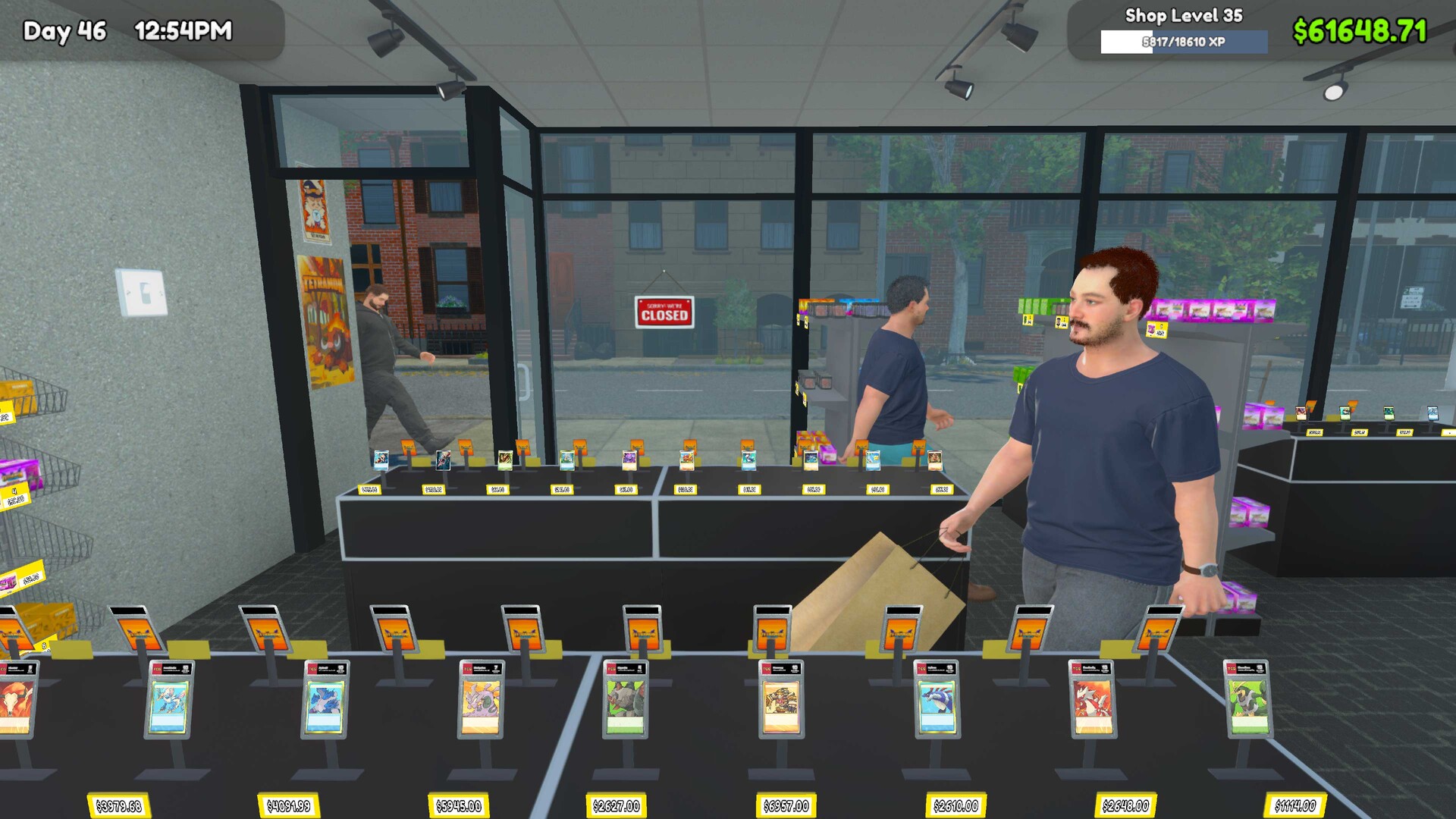
Design your own TCG shop by organizing shelves and card packs to make the shopping experience smooth and easy. Cleanliness matters; a dirty store may cause customers to leave.
The game tracks your shop’s layout and hygiene, influencing how long players stay and how much they spend on booster packs.
- Place popular packs at eye level to attract attention.
- Regularly clean the floor to keep customers from leaving.
02 / THE GUIDE
Card Collection
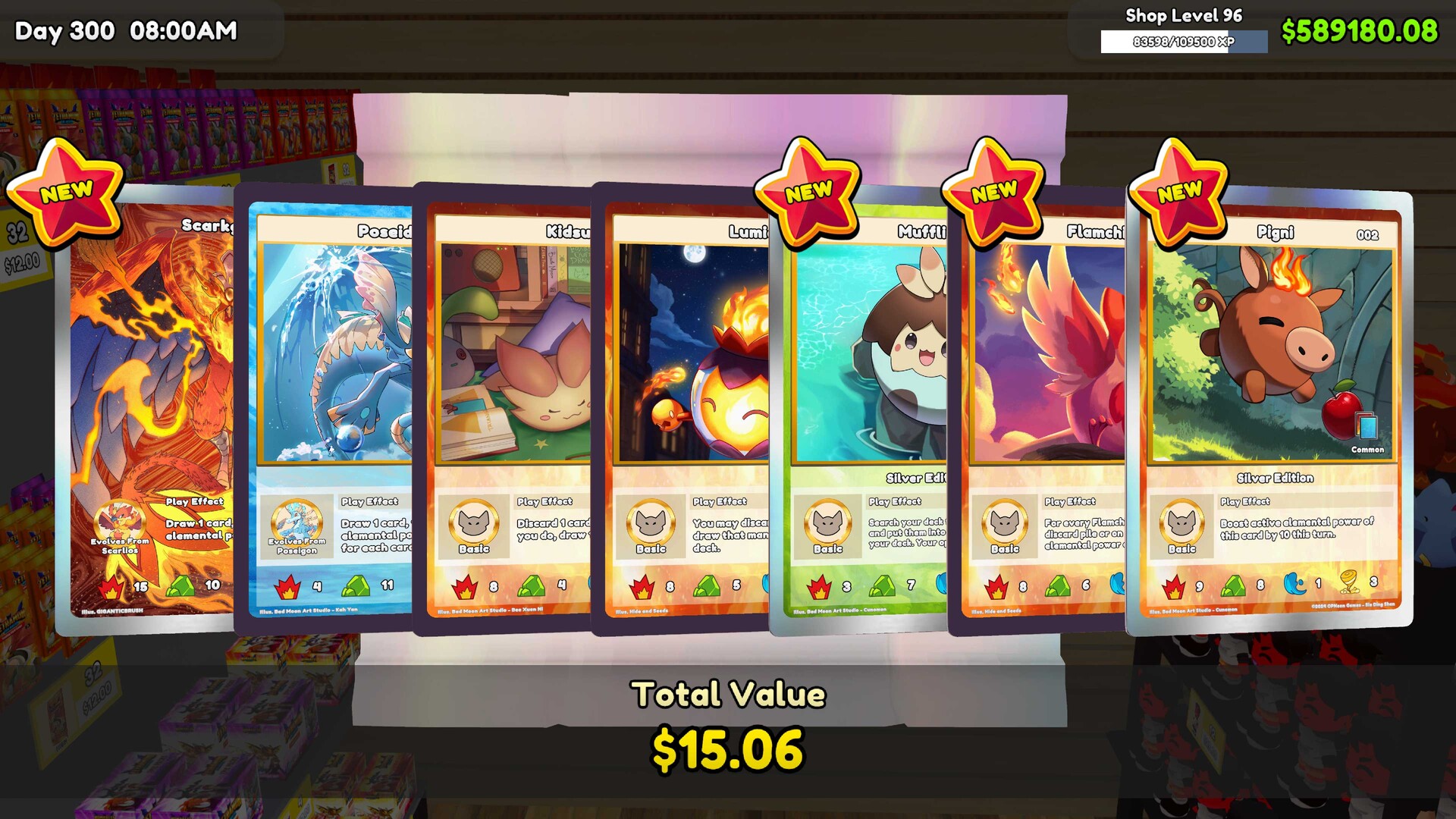
Open booster packs yourself to collect cards. Rare cards can be sold for profit or kept to complete your personal collection.
Your collection grows as you purchase and open packs, giving you options between selling for money or preserving for completion.
- Open packs early to discover rare cards before they become scarce.
- Balance selling rares with keeping some for collection goals.
03 / THE GUIDE
Hosting Games
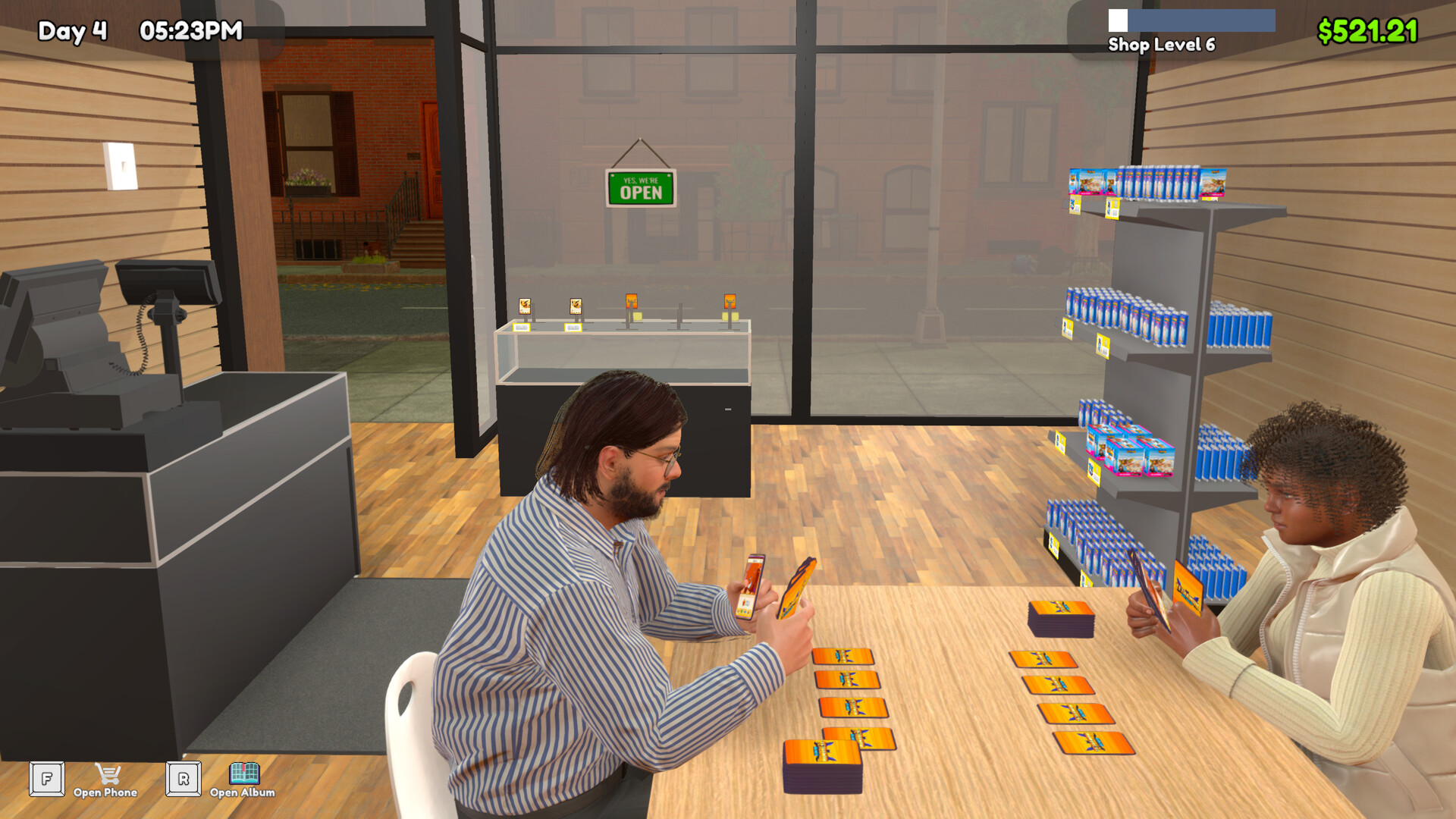
Set a card game format and fee, then invite players to compete in your shop. Hosting games adds extra income and draws traffic.
Players will attend if the fee is reasonable and the environment stays clean, boosting both reputation and revenue.
- Offer a modest entry fee to encourage more participants.
- Keep the area tidy during tournaments to retain players.
04 / THE GUIDE
Inventory & Ordering
Stock different booster packs and card‑game products, tracking trends to meet changing customer demand. Ordering the right mix keeps sales steady.
Adjust inventory based on popularity; popular sets should be replenished quickly, while less‑wanted items can be reduced.
- Monitor sales data to spot rising trends.
- Avoid over‑stocking low‑demand packs to save space.
05 / THE GUIDE
Business Expansion
Earn profits and reinvest them to expand shop space, unlock new card sets, and upgrade facilities. Expansion attracts more customers and raises revenue potential.
Each upgrade provides more room for inventory and new features, creating a cycle of growth.
- Prioritize space upgrades before new card sets for smoother inventory management.
- Upgrade facilities that improve customer comfort first.


COMMUNITY
Player discussion