 GameWiki
GET YOUR BEARINGS
About TCG Card Shop Simulator: Prologue
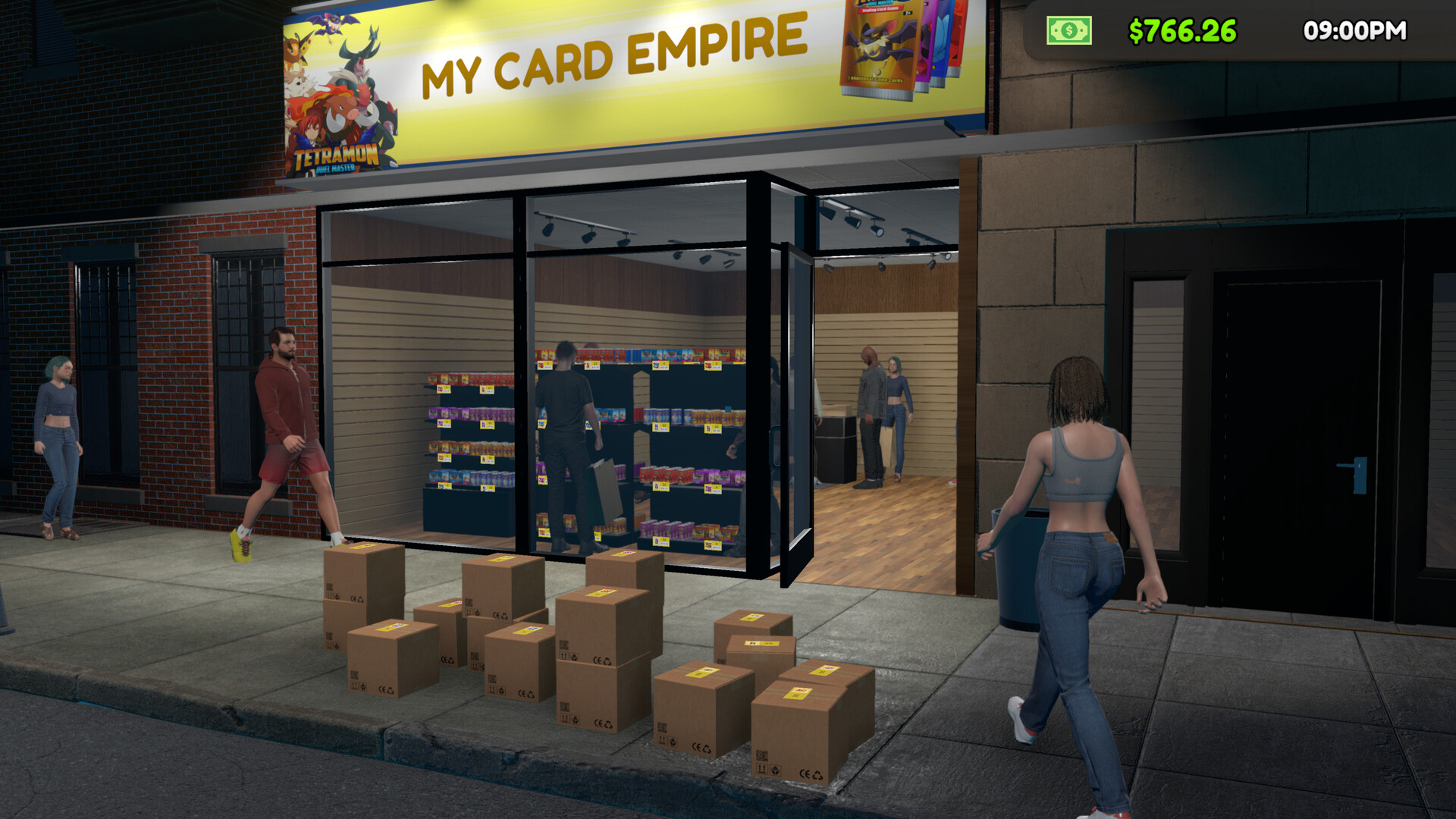
TCG Card Shop Simulator: Prologue is a limited, free‑to‑play simulation that lets you run a local card‑game shop on Windows. You can sell booster packs and card boxes, arrange shelves, host matches, and open packs to collect common cards.
The game focuses on core shop‑management loops and a single‑player experience. A full version is advertised for later, promising more items, shelves, and rare cards.
01 / THE GUIDE
Shop Management
You earn money by selling card booster packs and card boxes, then spend that money on upgrades. The Prologue version limits the selection of items and shelves, but the buy‑sell‑upgrade cycle remains the same.
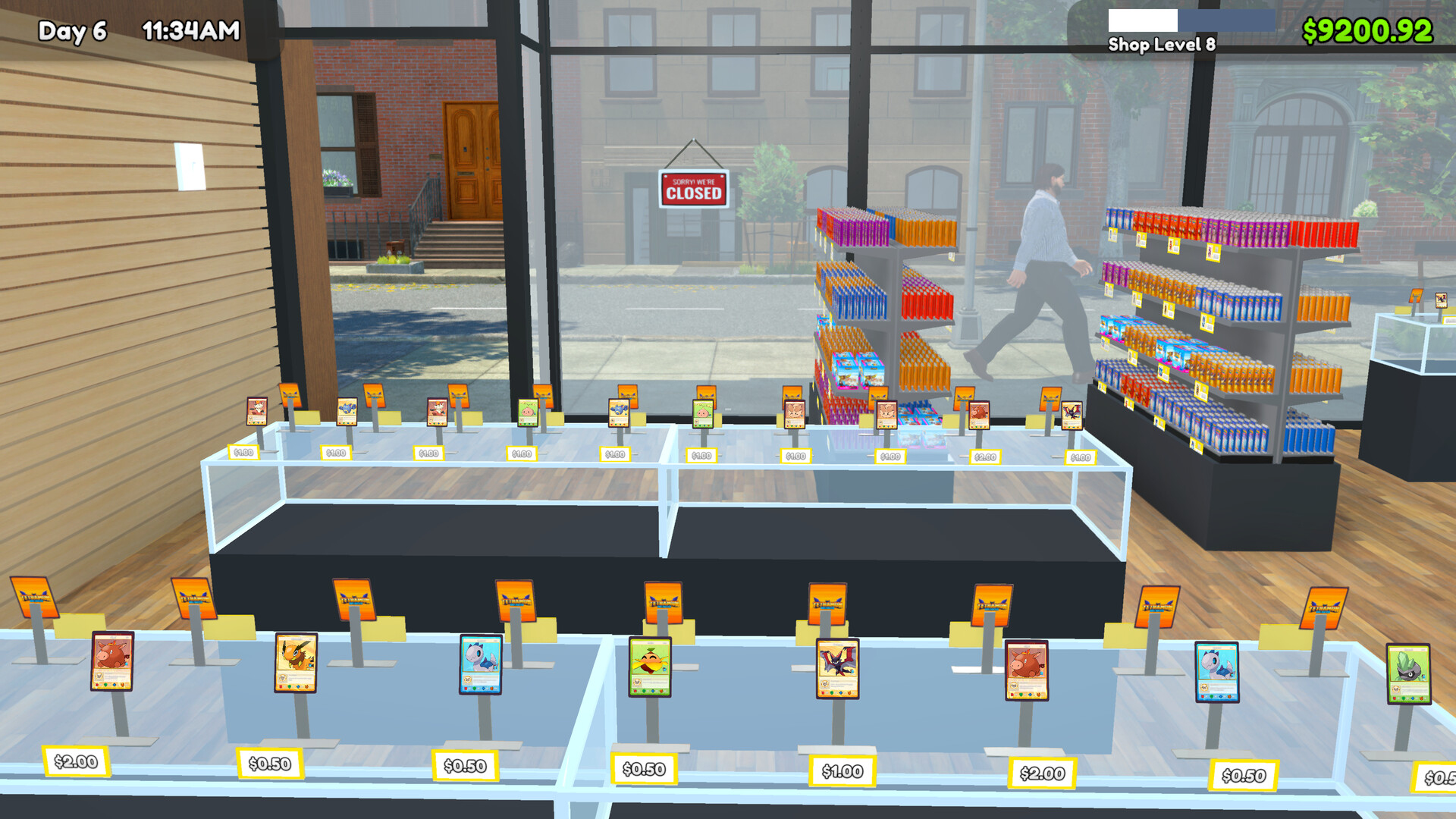
Arranging shelves, tables, and card packs influences how easily customers can find what they need. A clear layout helps keep the shopping experience smooth and easy, as described in the official description.
- Group similar products together to reduce the distance customers travel between items.
- Check earnings after each sale and consider reinvesting early to unlock upgrades.
02 / THE GUIDE
Hosting Games
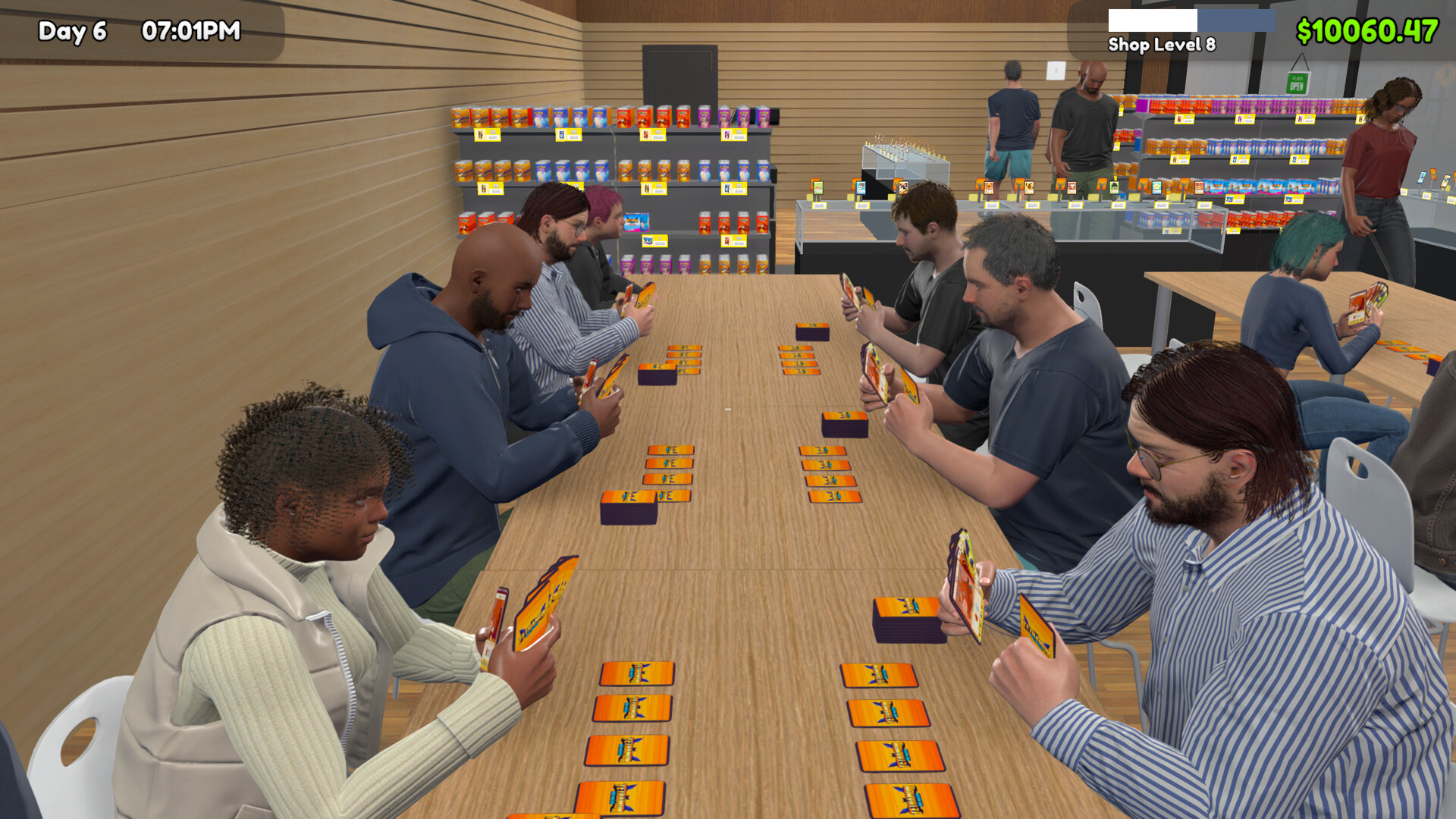
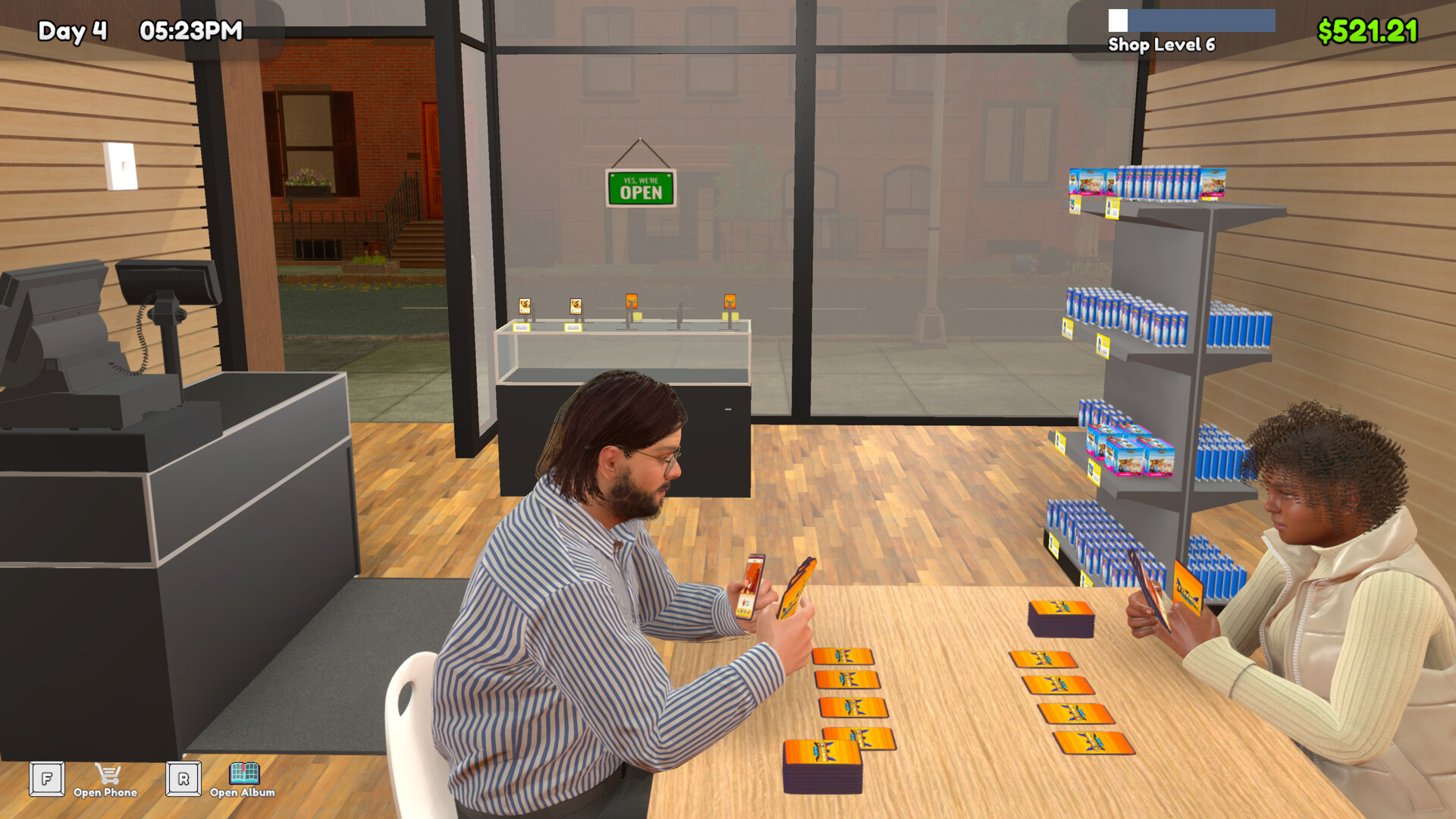
You set a card‑game format and an entry fee, then invite players to compete in your shop. The fee you choose determines the amount of money collected per match.
The description notes that keeping the store clean and hygienic is important; if the shop becomes dirty, players might leave.
- Adjust the entry fee based on how many players you expect; higher fees can increase revenue per match.
- Maintain a tidy shop by regularly clearing items from the floor, as cleanliness influences player willingness to stay.
03 / THE GUIDE
Card Collection
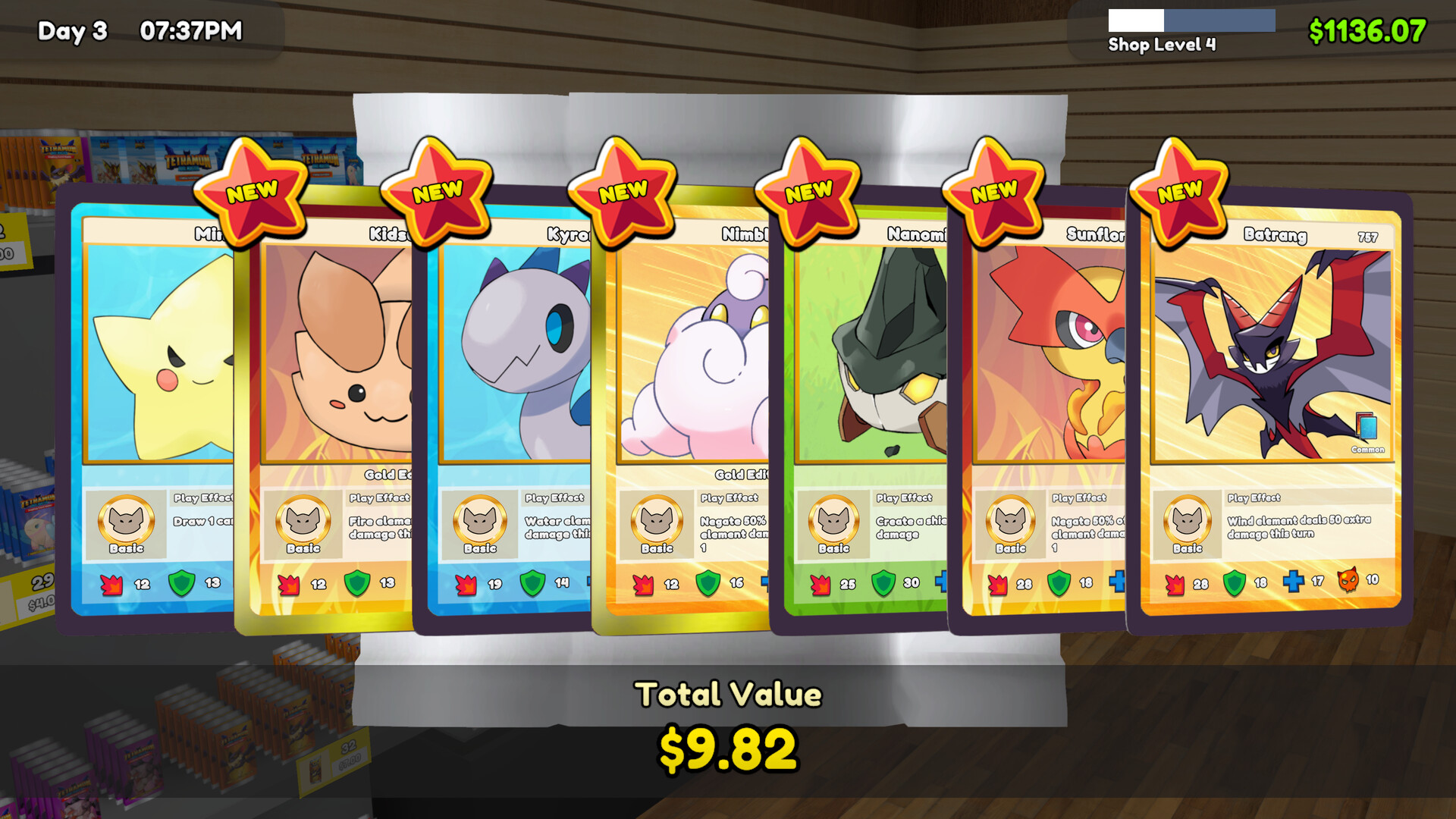
Opening booster packs lets you see the cards inside. In the Prologue only common cards appear, giving you a limited pool to collect.
Since rare cards are not available, you can choose to sell commons for profit or keep them to complete a personal collection, as the description suggests.
- Track which commons you already own to avoid unnecessary duplicates.
- Consider selling excess commons early to fund shop upgrades.
04 / THE GUIDE
Ordering Stock
You can order booster packs and card boxes by phone; once ordered, items are delivered directly to your shop for display or sale.
Keeping a steady supply helps keep your shelves stocked for customers.
- Start with small orders of each item to gauge demand before buying larger quantities.
- Monitor delivery timing so you never run out of popular packs.
05 / THE GUIDE
Prologue Limitations
The Prologue includes only a subset of items, shelves, and card rarities, focusing the experience on core shop‑running mechanics.
A wishlist for the full game is mentioned, promising a complete card‑shop and collecting experience with more items and rare cards.
- Use the limited item pool to experiment with different shop layouts without overwhelming choices.
- Note which upgrades you would like once the full version becomes available.
COMMUNITY
Player discussion