 GameWiki
GET YOUR BEARINGS
About TBH: Task Bar Hero
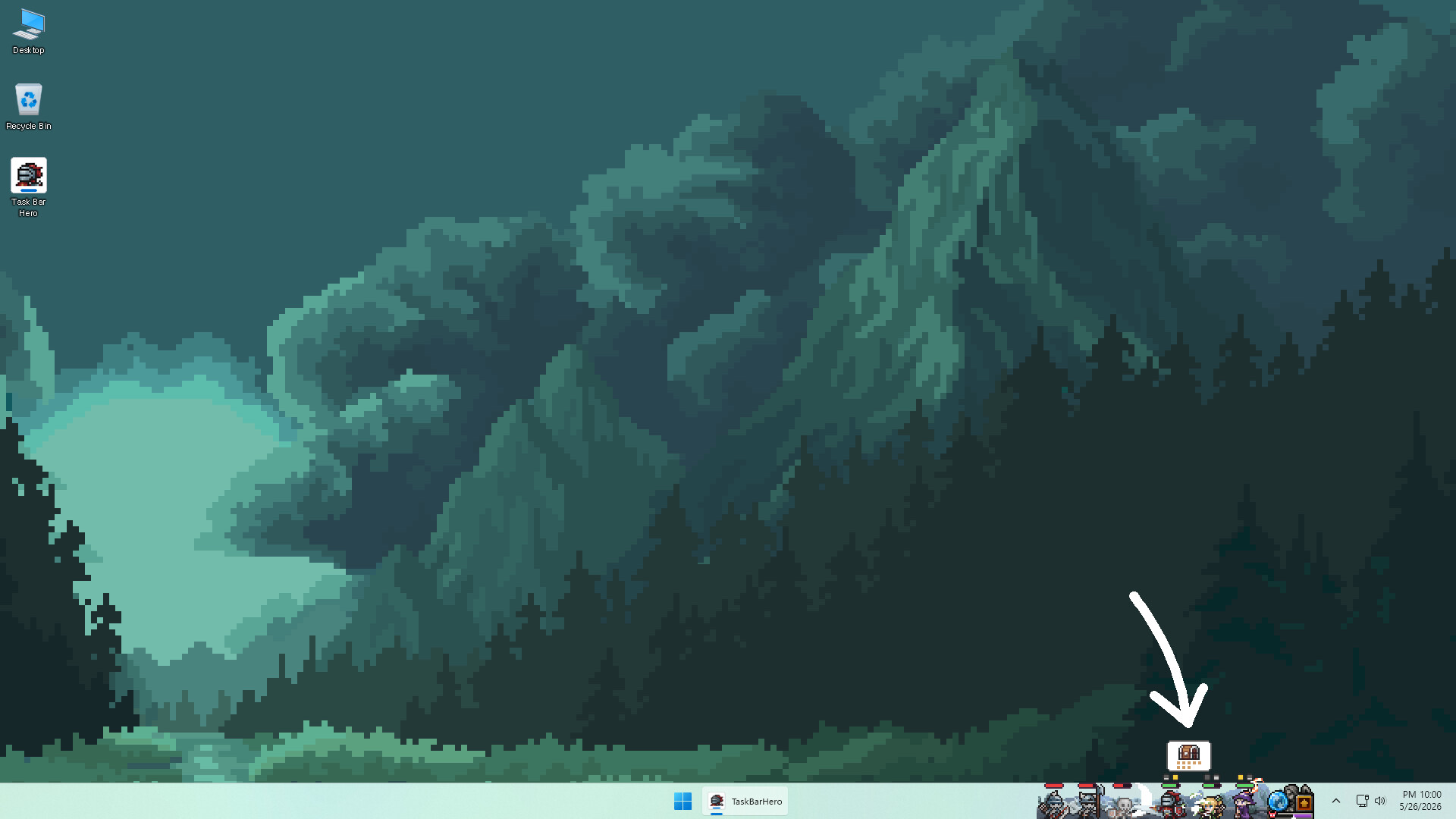
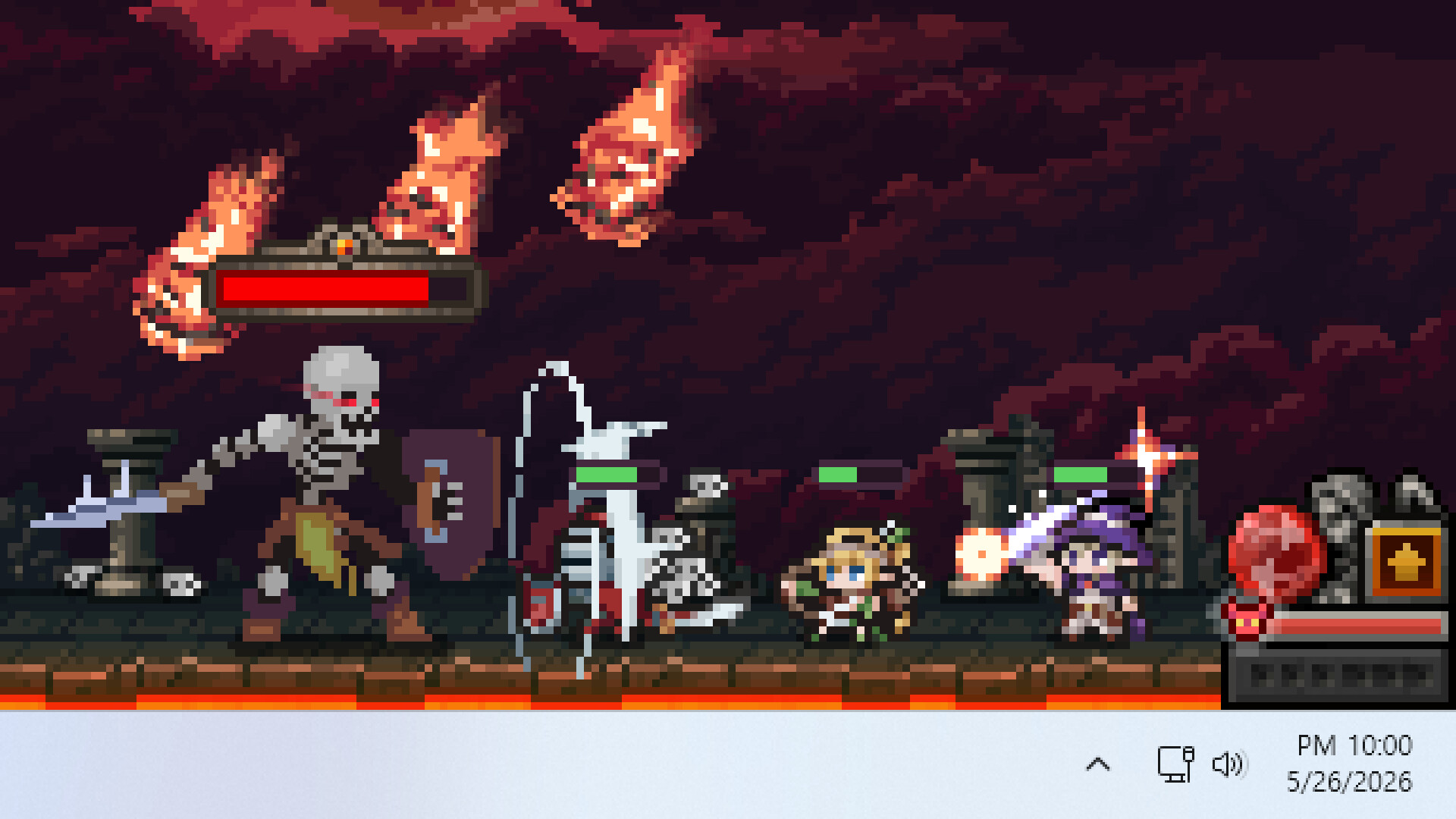
TBH: Task Bar Hero delivers a full hack‑and‑slash RPG experience inside a tiny window that lives on your taskbar. Your pixel heroes automatically gather loot and grow stronger, letting you play while you work. The game offers three Acts, four difficulty tiers, and a wide variety of monsters to defeat.
With over 500 items, 50 monster types, and a simple mouse‑only control scheme, the title runs lightly alongside other programs. Achievements, Steam Cloud, and market‑tradeable gear add depth for players who enjoy casual, idle progression.
01 / THE GUIDE
Gameplay
The core loop is an idle hack‑and‑slash where heroes fight waves of monsters automatically. Players can watch progress while away, and the game continues to collect loot and level up characters without timed input.
Controls are simple and mouse‑only, making it easy to start a session for any length of time. The design keeps the window small so it can sit beside other applications without hindering productivity.
- Let the game run while you focus on other tasks to maximize idle gains.
- Check the monster wave count regularly to adjust difficulty before starting a new act.
02 / THE GUIDE
Progression
Players advance through three Acts and four difficulty tiers, each populated with diverse monster types. Leveling up characters and gear improves combat effectiveness and unlocks new challenges.
Achievements track milestones such as defeating monsters and collecting rare items, providing goals beyond the automatic progression system.
- Focus on completing lower difficulty tiers first to build a solid foundation.
- Aim for achievement milestones to guide your build development.

03 / THE GUIDE
Items
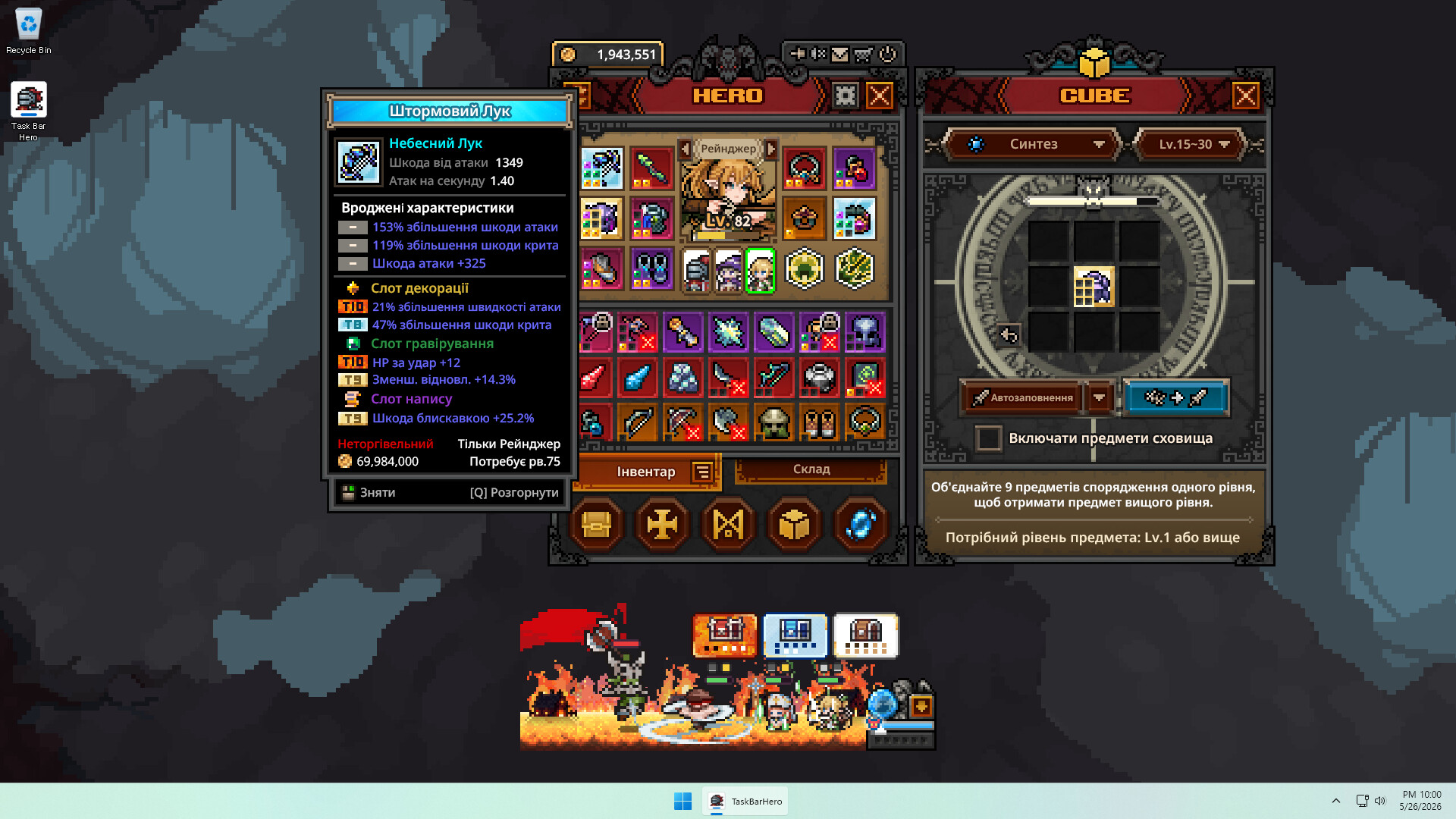
The game features over 500 unique items with a rarity ladder ranging from Common to Cosmic. Players can mix classes, items, and skills to craft personalized builds.
The Cube System lets you add and customize stats on items, while all items are freely tradeable on the Steam Market, encouraging a player‑driven economy.
- Use the Cube System to fine‑tune stats for your preferred playstyle.
- Trade surplus items on the Steam Market to acquire rarer gear.
04 / THE GUIDE
Achievements
More than 50 unlockable achievements reward players for reaching specific goals, such as defeating monster types or acquiring high‑rarity loot. These serve as optional objectives for completionists.
Achievements sync with Steam Cloud, preserving progress across installations and allowing family sharing without loss of data.
- Review the achievement list to prioritize tasks that match your current build.
- Enable Steam Cloud to keep achievement progress when switching devices.
05 / THE GUIDE
Technical Details
TBH runs on Windows and is designed to be lightweight, allowing it to stay active alongside other programs. Custom volume controls and a mouse‑only option give players flexibility in how they interact with the game.
Family Sharing and Steam Cloud support ensure that progress and settings are retained across accounts and installations.
- Adjust the custom volume controls to keep the game audible without disrupting work.
- Use the mouse‑only option if you prefer a hands‑free experience while multitasking.

COMMUNITY
Player discussion