 GameWiki
GET YOUR BEARINGS
About Tavern Keeper 🍻
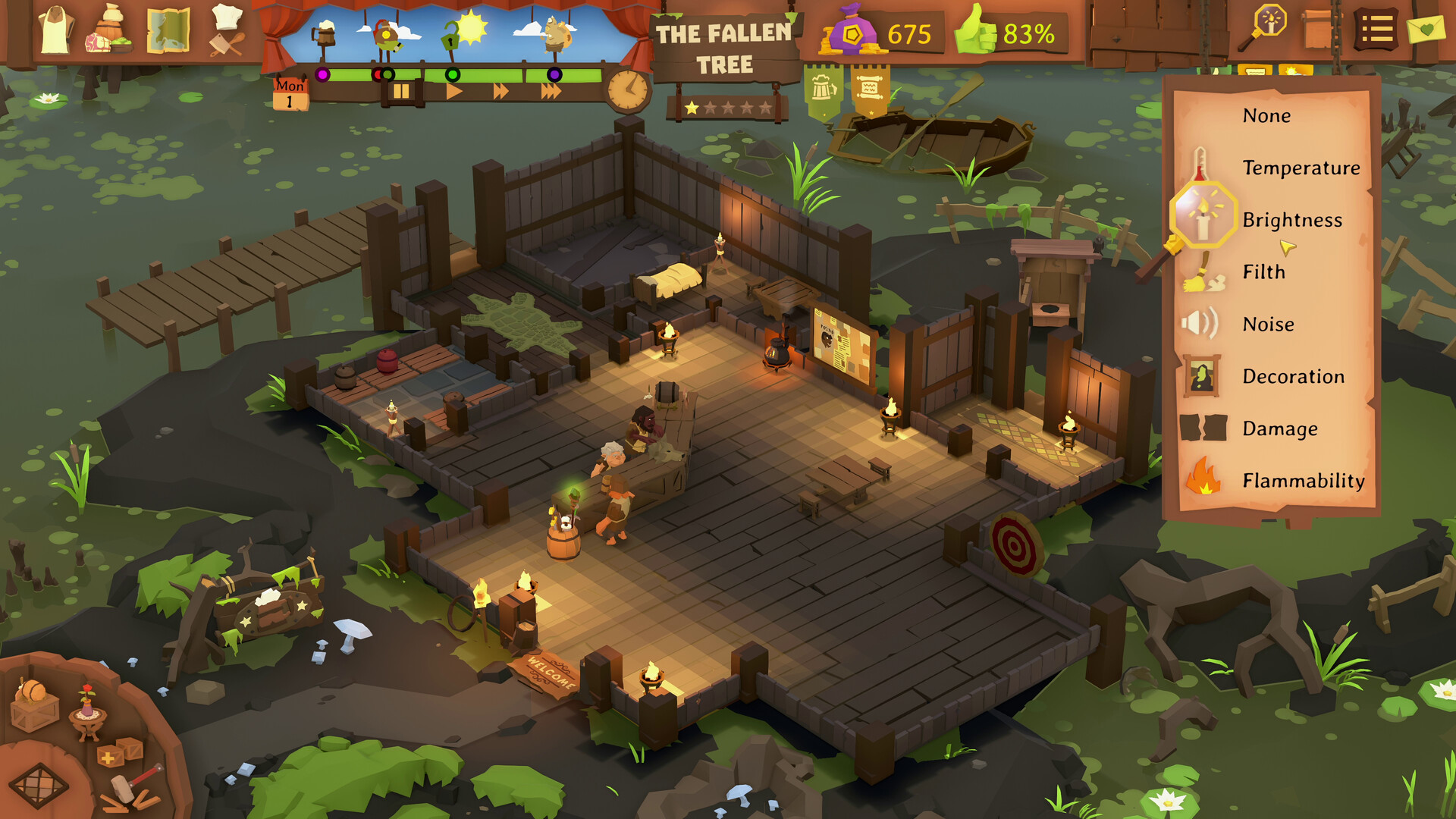
Tavern Keeper invites you to build and run a tavern of your own design, from a cozy neighbourhood taproom to a high‑profit gold‑minting operation. From the first floorboard you can hire staff, stock the larder and shape every corner of the establishment. The core loop challenges you to balance these managerial duties while reacting to a suite of environmental factors – dirt, heat, noise, flammability and sickness – that can combine in surprising ways. A single spark from a broken lantern landing on a dirty patch can ignite a fire, while ill or sleepy employees may leave orders unattended, forcing quick, consequential decisions.
Beyond daily management, the game offers an expansive narrative campaign that carries you across a vibrant fantasy world populated by immortal elementals, philosophical halflings and a wildly inventive orc. Each new location introduces fresh story beats and quests, all fully narrated by Steven Pacey, providing hundreds of bite‑sized tales where your choices shape outcomes. You can play the campaign in single‑player mode with adjustable difficulty and storyteller settings, or switch to Freeplay for custom challenges that let you test specific strategies.
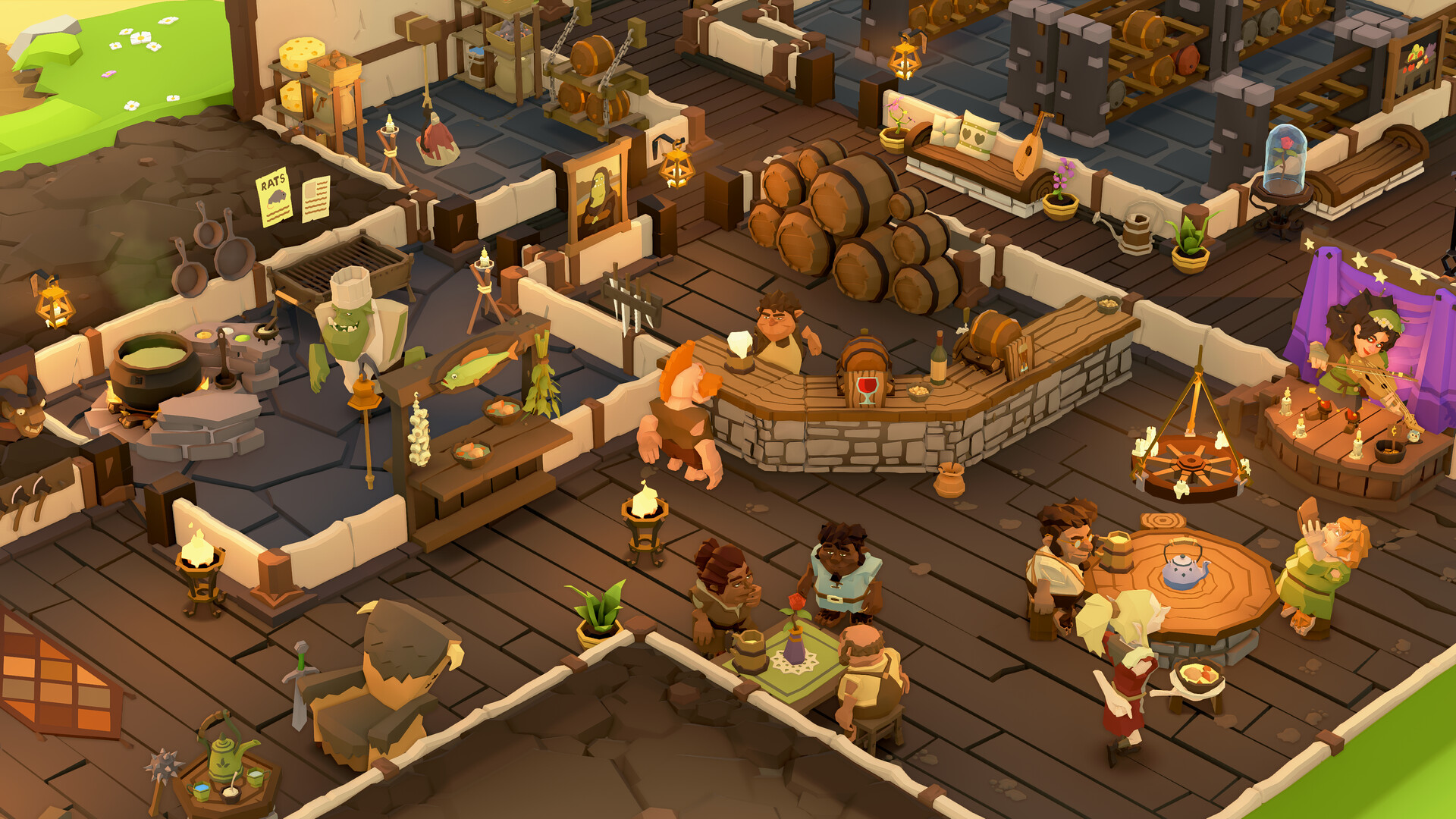
Design Mode grants unrestricted creative freedom: you may place thousands of items, arrange reading nooks, bustling bars or any layout you envision. The accompanying Item Workshop lets you combine pieces, add magical effects and share your creations with the community, extending the sandbox potential. Accessibility is a priority, with full controller support, adjustable text size, subtitle options, color alternatives, camera comfort settings and custom volume controls. Quality‑of‑life features such as Save Anytime, Playable without Timed Input and Steam Cloud ensure a smooth experience on Windows. Whether you prefer a relaxed, decorative build or a high‑pressure management test, Tavern Keeper supplies the tools to play the game your way.
01 / THE GUIDE
Running the Tavern
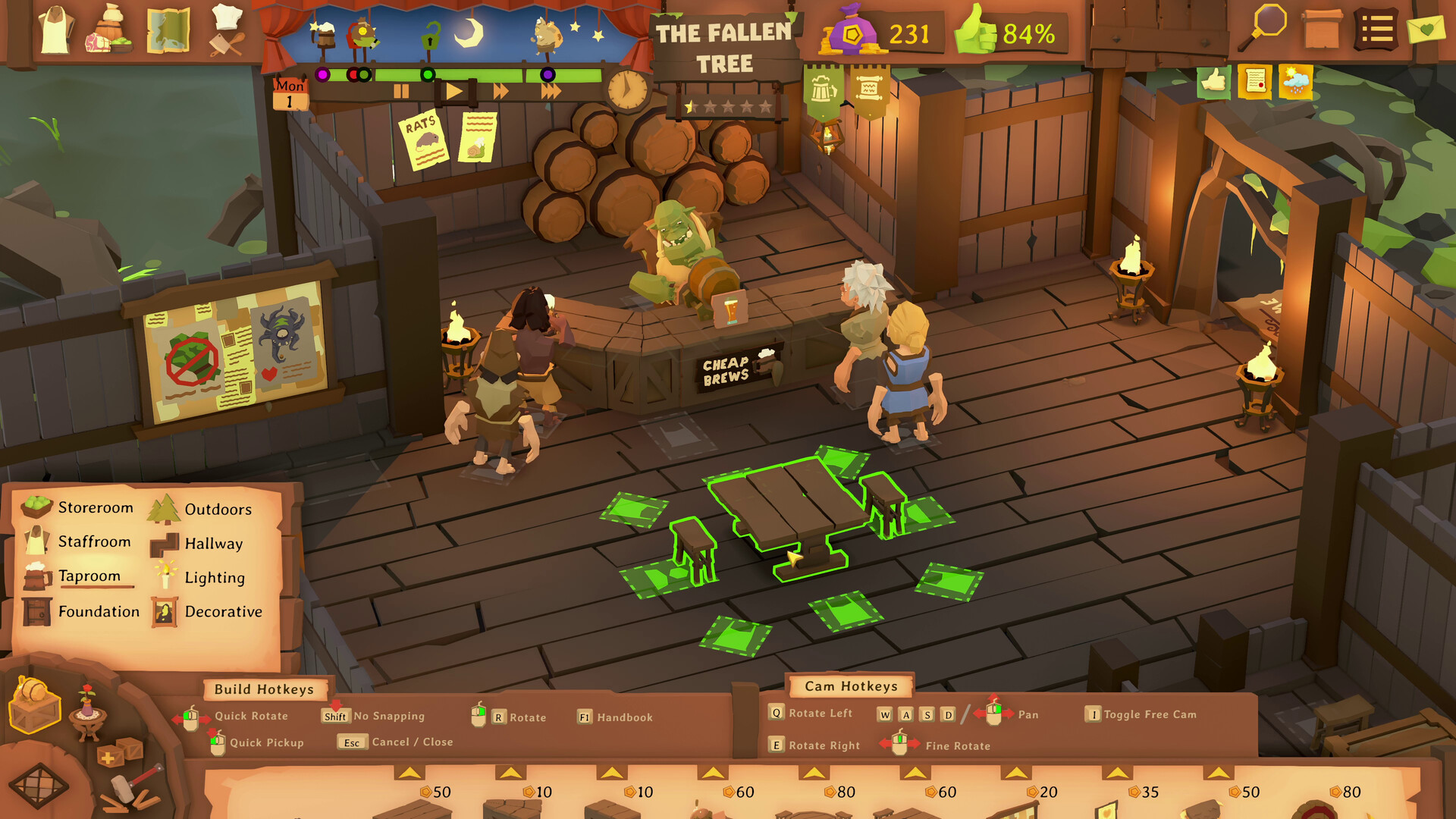
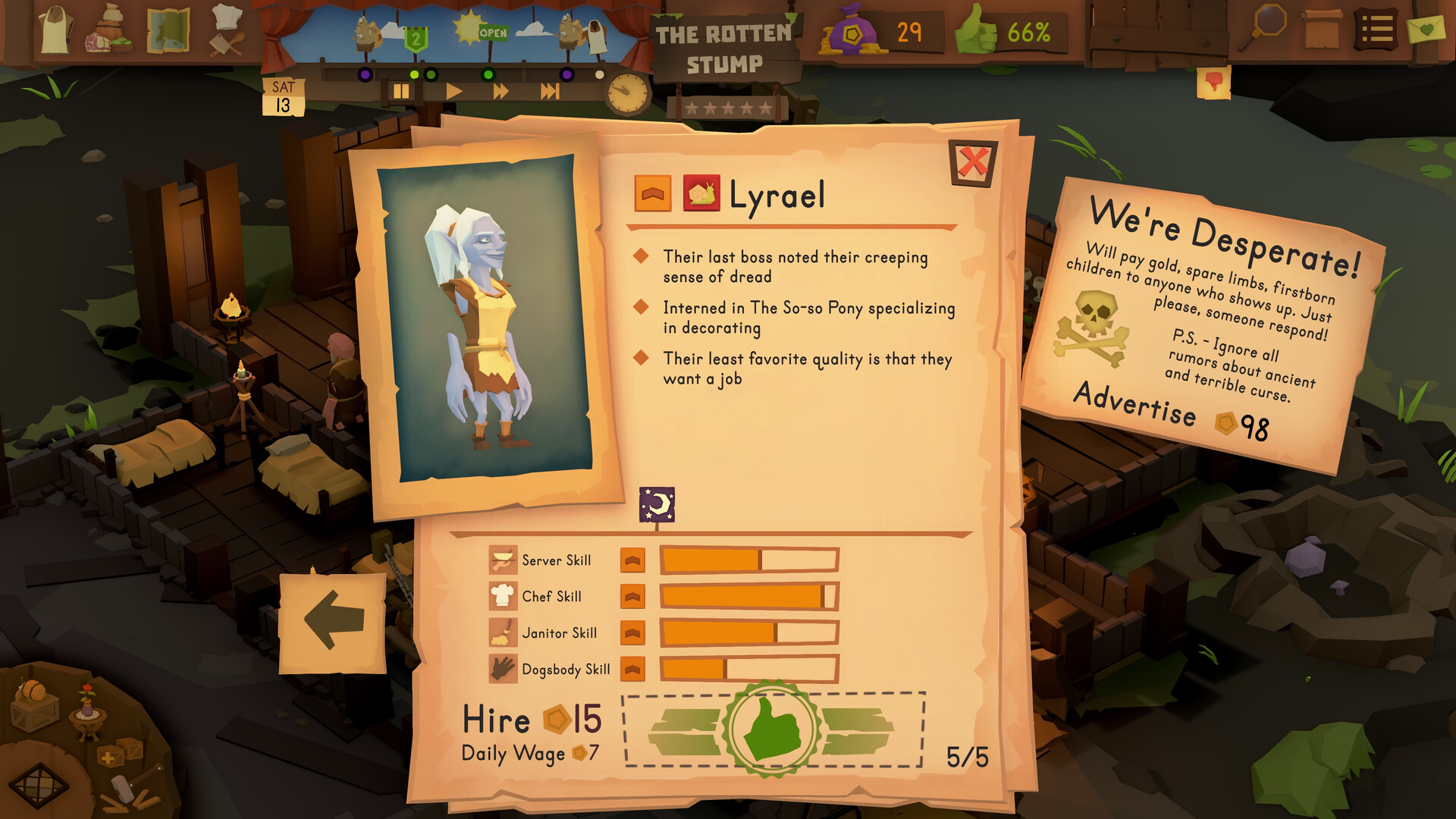
You design the layout, hire staff and manage resources such as larder stock while keeping customers satisfied. Choices about layout and staffing directly affect daily operations.
Unexpected events like sick staff or fires can arise, requiring you to adapt your strategy to keep the business afloat.
- Observe how staff health levels correlate with order completion rates.
- Track the frequency of emergency events to identify patterns in your management approach.
02 / THE GUIDE
Intertwined Chaos Systems
Dirt, heat, noise, flammability and sickness interact to create emergent situations. A broken lantern can spark a fire if it lands on dirty ground without anyone nearby.
These systems generate unpredictable challenges, forcing you to adjust strategies as conditions evolve.
- Monitor the displayed environmental stats to anticipate potential issues.
- Note how changes in one factor, such as heat, influence other outcomes like fire risk.
03 / THE GUIDE
Expansive Narrative Campaign
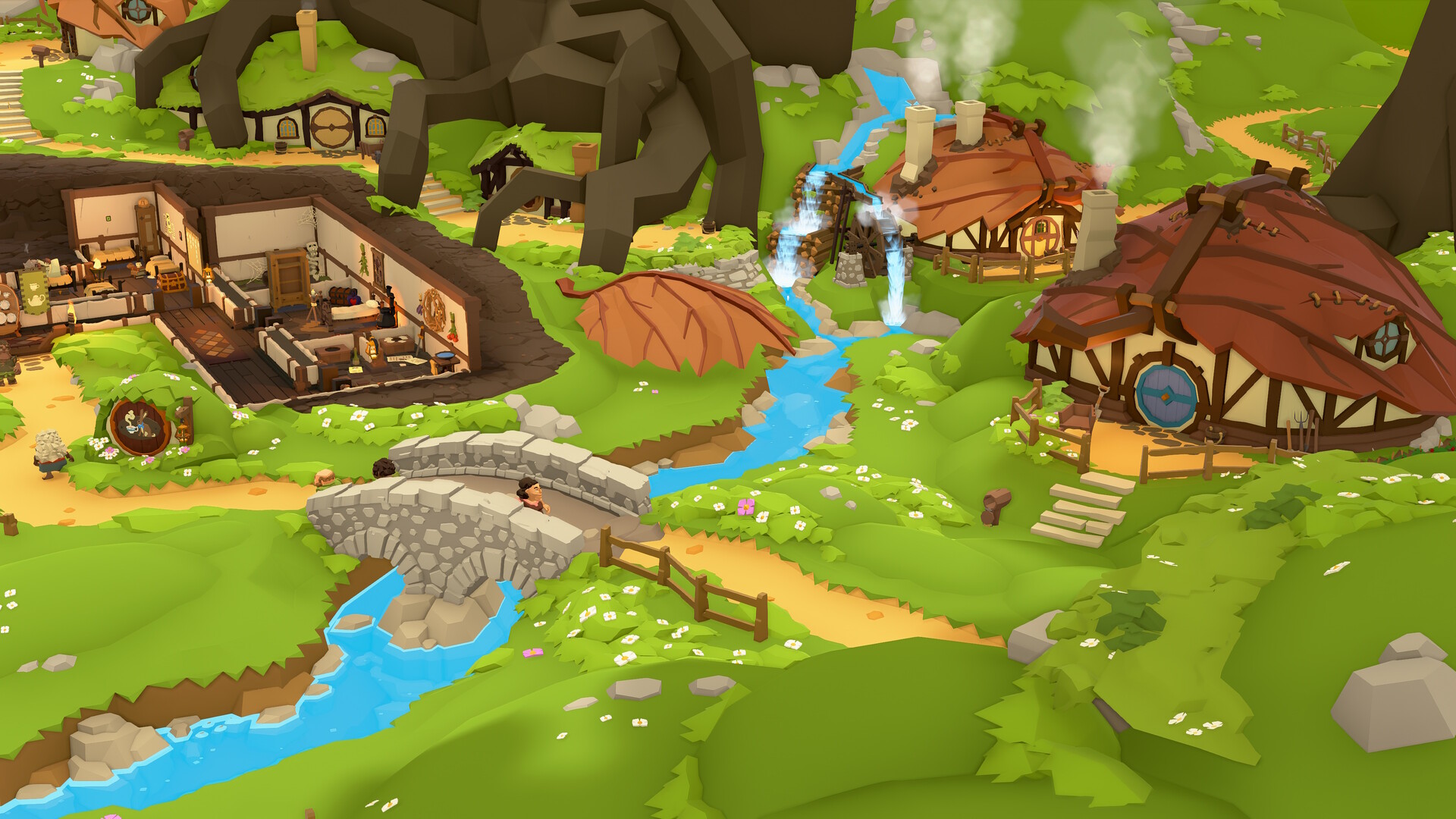
Travel to new locations across a fantasy world, each bringing fresh challenges and stories. You encounter immortal elementals, halfling philosophers and a crazed orc inventor.
The fully‑narrated storybook, voiced by Steven Pacey, offers hundreds of bite‑sized tales where every choice can change outcomes.
- Explore dialogue options to uncover hidden quests.
- Save before major decisions to compare how different choices affect later events.
04 / THE GUIDE
Design Mode & Item Workshop
Design Mode gives complete creative freedom to place thousands of items, shaping taprooms, reading corners or any layout you imagine.
The Item Workshop lets you craft unique furnishings by combining pieces and adding magical effects, and you can share creations with the community.
- Start with a rough floor plan before adding decorative items.
- Experiment with magical effects to see how they alter both appearance and function.
05 / THE GUIDE
Accessibility & Platform Support
The game runs on Windows and includes full controller support, adjustable text size, subtitle options and custom volume controls. Features like Camera Comfort and Color Alternatives improve visual comfort.
Additional quality‑of‑life options include Save Anytime, Playable without Timed Input and Adjustable Difficulty.
- Enable subtitle options for clearer narration of story events.
- Adjust text size and color alternatives to suit your visual preferences.
COMMUNITY
Player discussion