 GameWiki
GET YOUR BEARINGS
About Tasty Planet: Back for Seconds
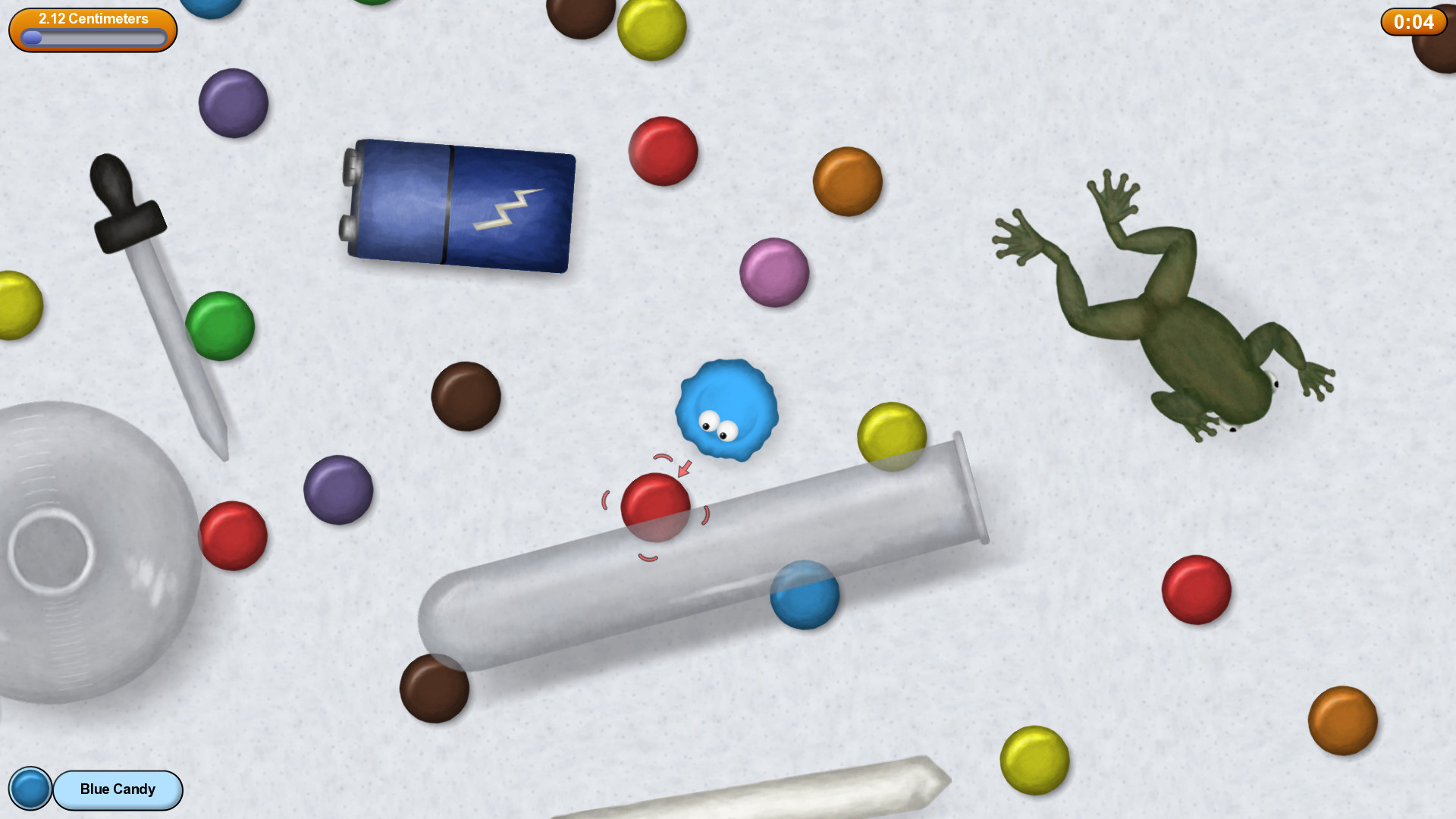
Tasty Planet: Back for Seconds puts you in control of a tiny ball of grey goo that devours anything smaller than itself. Eating makes the goo grow, eventually allowing it to consume objects the size of a planet.
The game features almost 50 story levels, a similar number of bonus levels, and a two‑player cooperative mode. Keyboard and mouse work everywhere, while specific controllers are supported on Windows and Mac.
01 / THE GUIDE
Core Mechanics
The goo can eat any object that is smaller than its current size, gaining mass each time it consumes something. This simple rule creates a loop of eating, growing, and reaching new, larger targets.
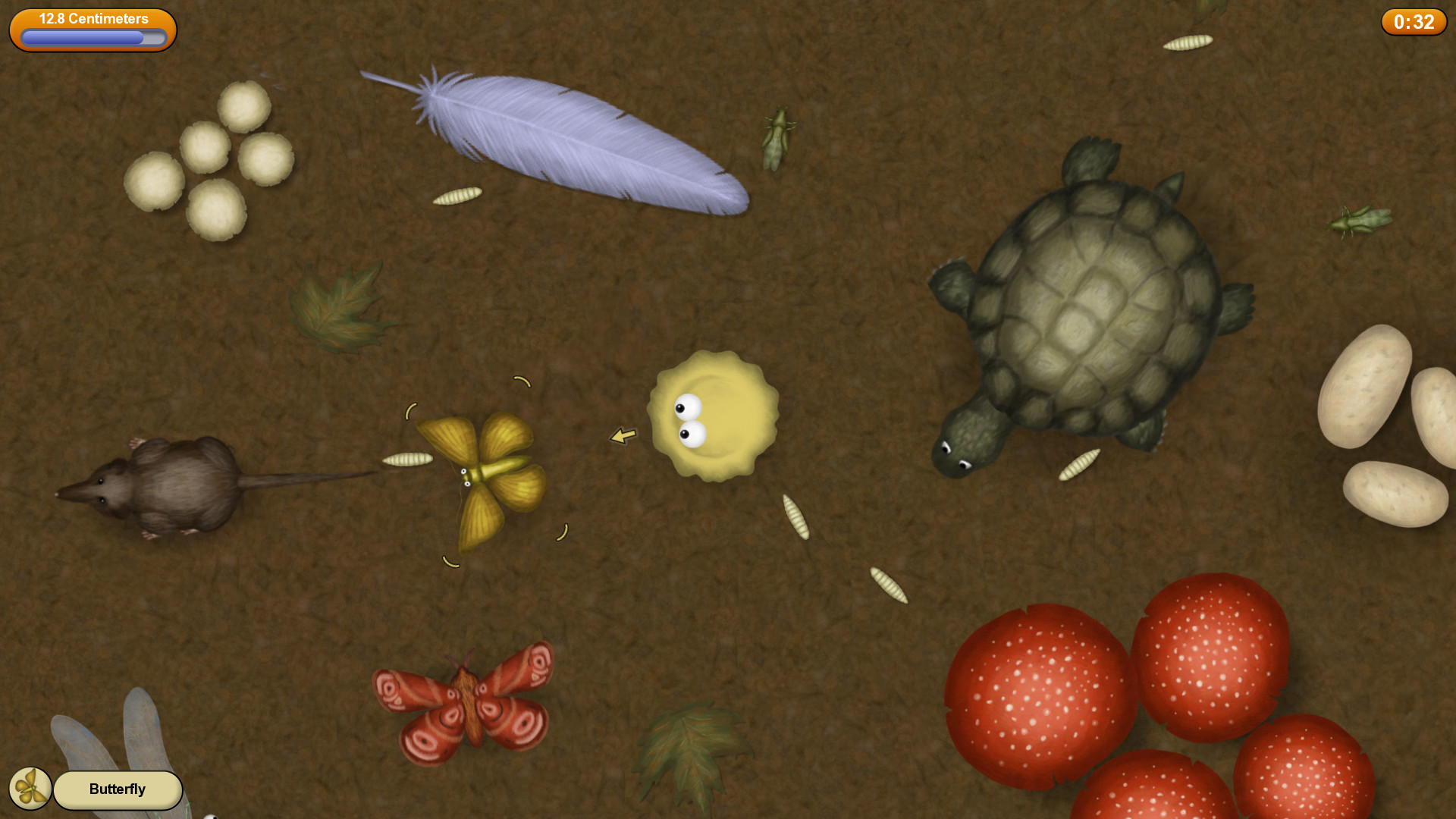
Levels are designed so the size range can expand dramatically; a single stage may start with the goo the size of an amoeba and end with it the size of a galaxy, letting players experience massive scale changes.
- Identify the smallest eatable items first to start growth quickly.
- Watch how the goo’s size changes to know when larger objects become reachable.
02 / THE GUIDE
Time‑Travel Eras
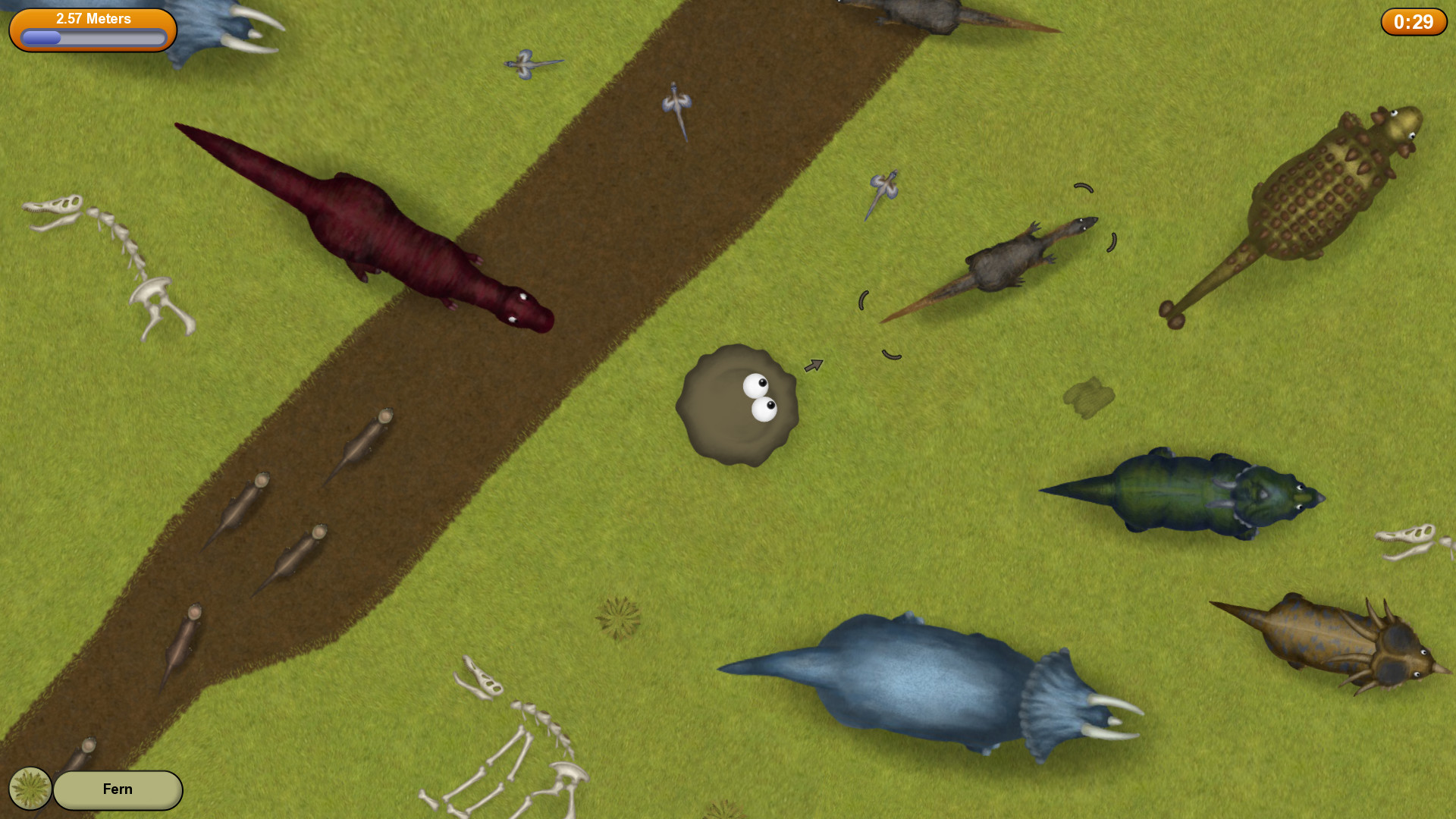
The story sends the goo through six distinct periods: modern, Late Cretaceous, Ancient Egypt, Ancient Rome, Feudal Japan, and a distant future. Each era supplies its own themed objects for the goo to consume.
The time‑travel premise begins when the goo eats a time machine, which explains why the environments shift so dramatically from dinosaurs to flying saucers.
- Notice the visual style of each era to anticipate the types of objects present.
- Group similar objects together to clear them efficiently.
03 / THE GUIDE
Levels and Bonus Content
The main story mode contains almost 50 levels, each built around the objects of its era. Completing the story unlocks nearly 50 bonus levels that add new layouts and tougher versions of earlier stages.
Bonus levels do not change the core eating mechanic but provide additional challenges, letting players test how quickly they can grow under stricter conditions.
- Treat bonus stages as skill tests rather than required content.
- Re‑play earlier levels after unlocking bonuses to compare difficulty.
04 / THE GUIDE
Co‑op Play
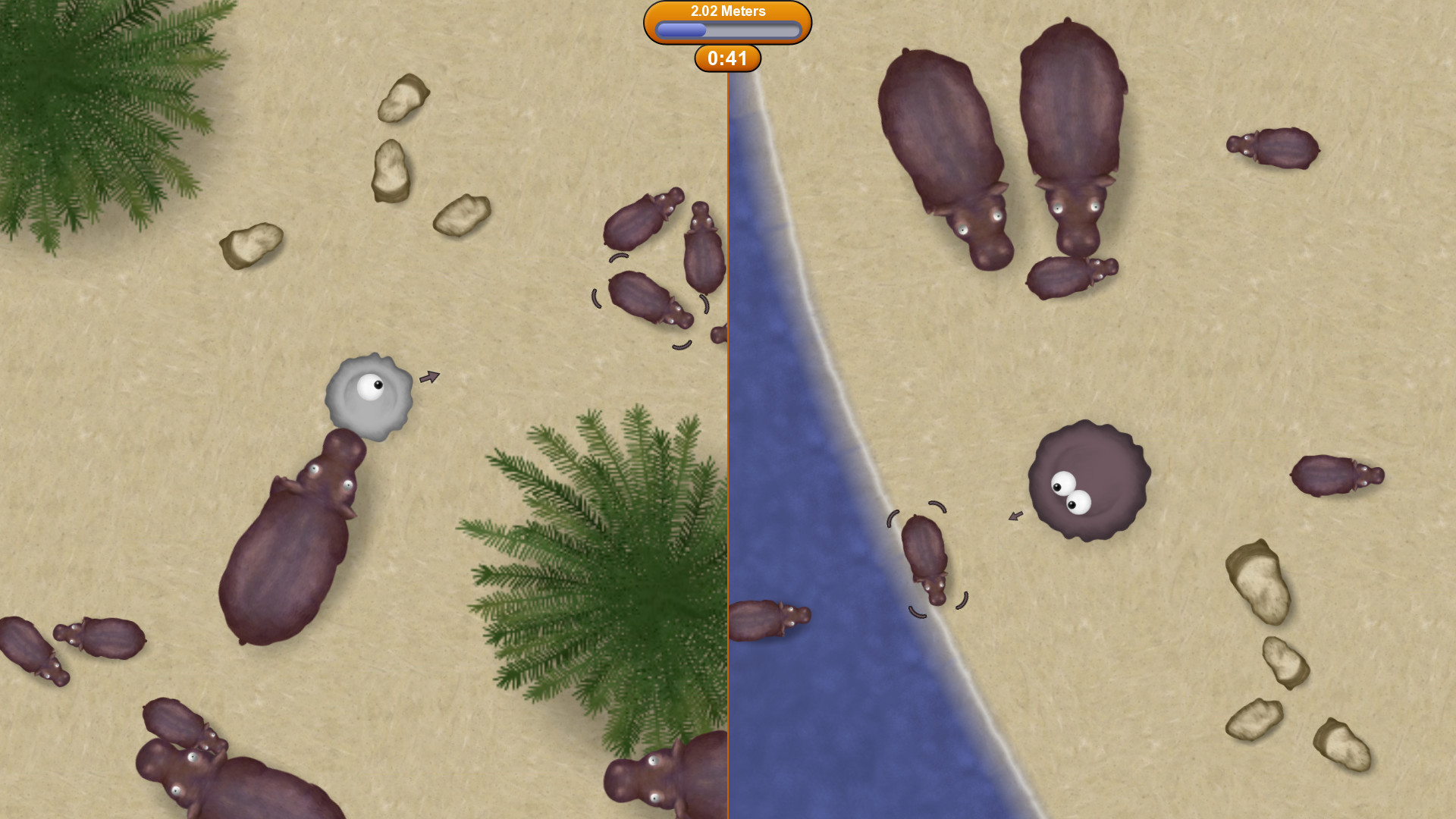
A complete two‑player cooperative mode lets a friend join the goo‑eating adventure on the same screen. Both players control their own goo and progress through the same levels as in single‑player.
On Windows, both controllers must be Xbox 360 or Xbox One; on Mac, PS3 or PS4 controllers are supported. This requirement ensures both players have compatible input devices.
- Coordinate growth so neither player falls far behind.
- Adjust screen split to keep both goos visible.
05 / THE GUIDE
Controller Support
Keyboard and mouse controls are available in every mode. Most controllers work for single‑player on Windows, giving players flexibility in how they play.
For two‑player co‑op, the game requires specific controller models: Xbox 360/One on Windows and PS3/PS4 on Mac. This partial support defines which devices are usable in each scenario.
- Test your controller in single‑player before starting co‑op.
- If a controller isn’t recognized, verify it matches the listed compatible model.

COMMUNITY
Player discussion