 GameWiki
GET YOUR BEARINGS
About Tasty Chef
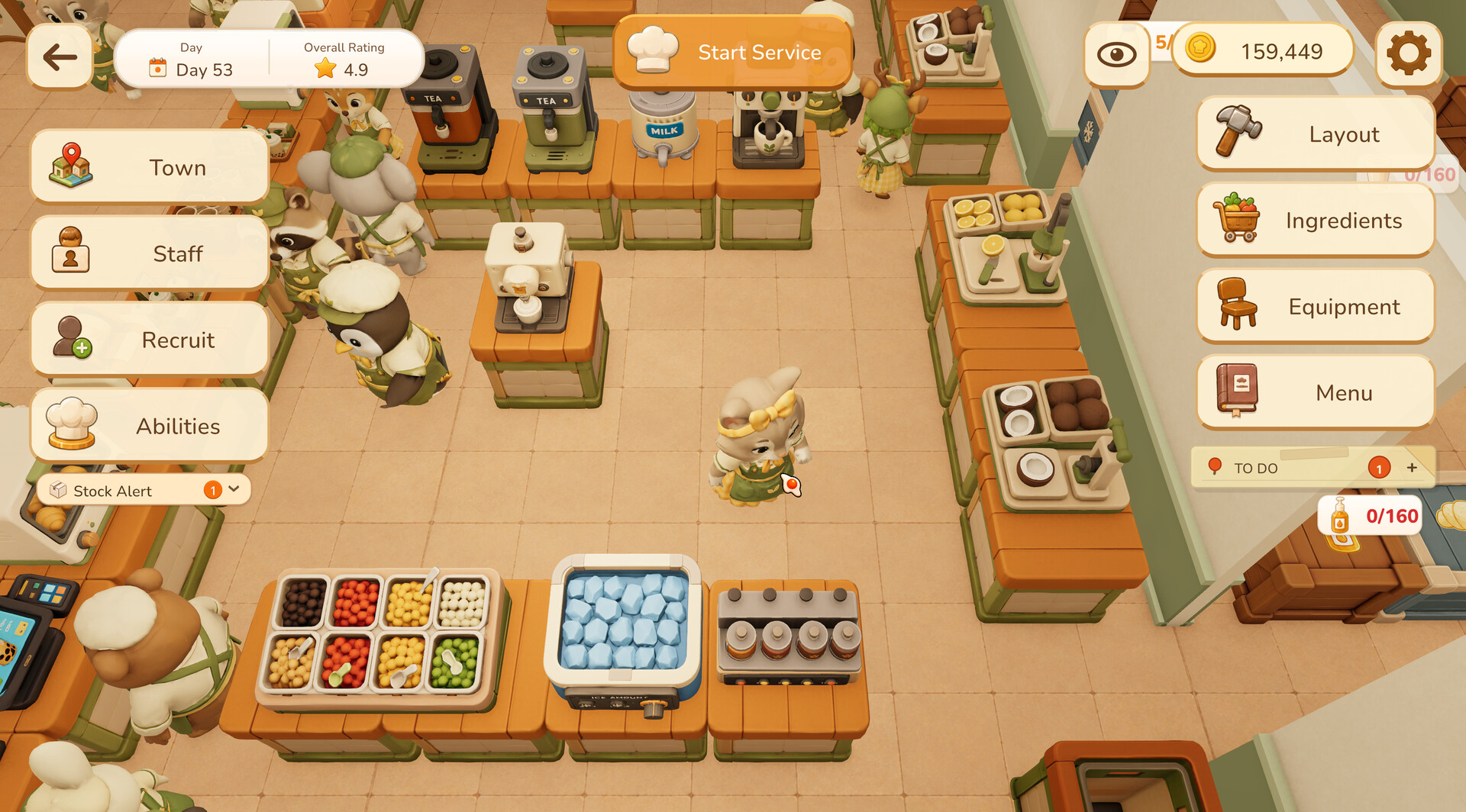
Tasty Chef puts you in charge of every aspect of a restaurant, from laying out workstations to cooking each dish step‑by‑step. You can expand the space, place equipment, manage storage and keep orders moving so the kitchen never stalls.
The game launches with a bubble‑tea shop and a sushi restaurant, each with its own recipes and workflow, and supports solo play, NPC staff or cooperative multiplayer. Bright 2.5D visuals, adjustable difficulty and partial controller support round out a relaxed yet deep simulation experience.
01 / THE GUIDE
Restaurant Building
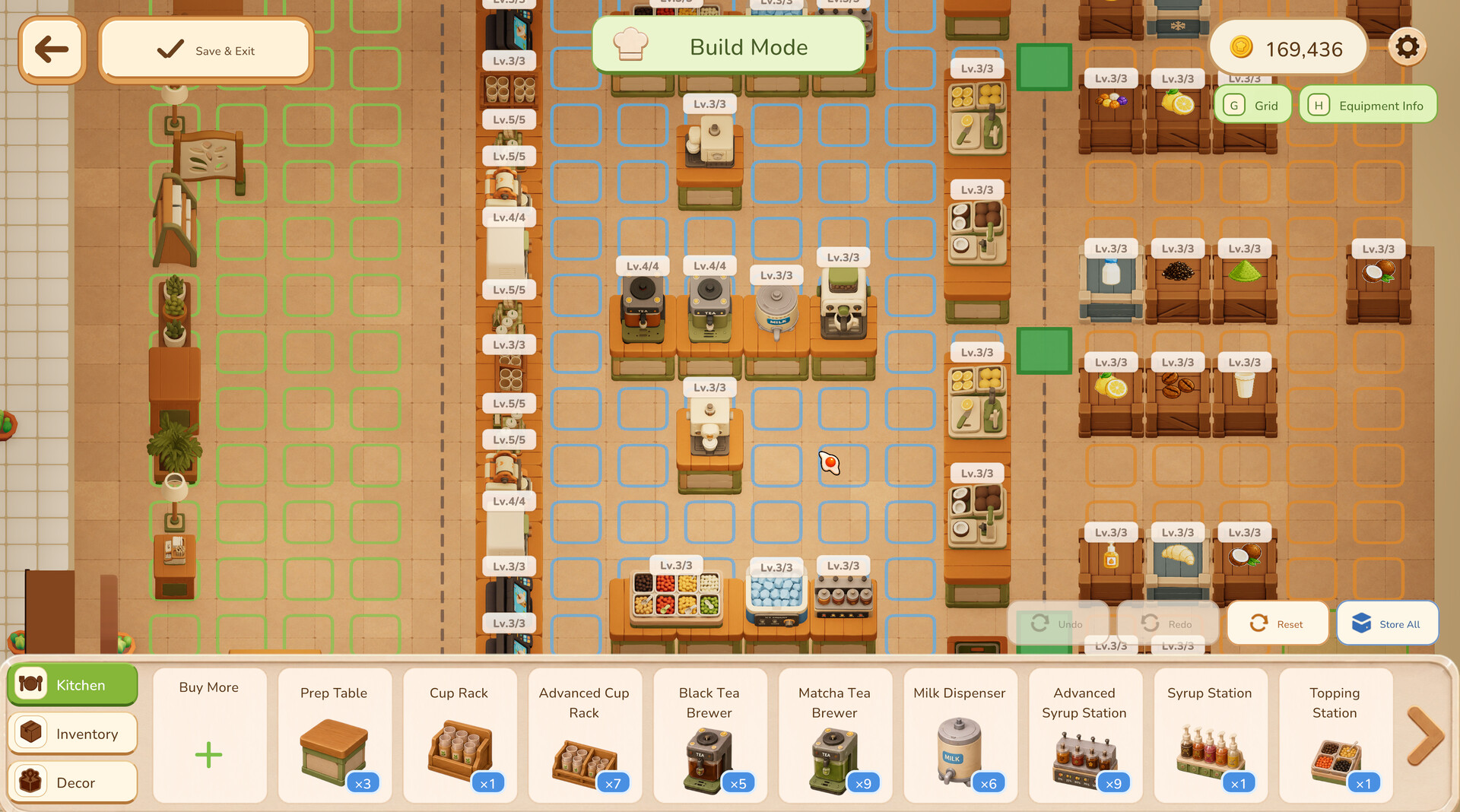
Design your kitchen layout by freely placing cooking equipment, storage units and workstations. Expanding the space lets you improve kitchen flow and accommodate more customers.
Every element you add influences how efficiently orders are processed, so arranging stations to match preparation steps can reduce bottlenecks during rush hour.
- Start with a clear path between ingredient storage and cooking stations.
- Group similar equipment together to minimize movement.
02 / THE GUIDE
Menu Design
Unlock new recipes and choose which dishes to serve each day, disabling any you don’t want to make. Each item has a unique preparation process that you must follow.
Customizing flavors lets you match the menu to your restaurant’s style, and changing the daily selection directly affects what customers order.
- Rotate dishes to keep the menu fresh and test different flavor combos.
- Disable complex recipes until you have enough staff to handle them.
03 / THE GUIDE
Staff Management
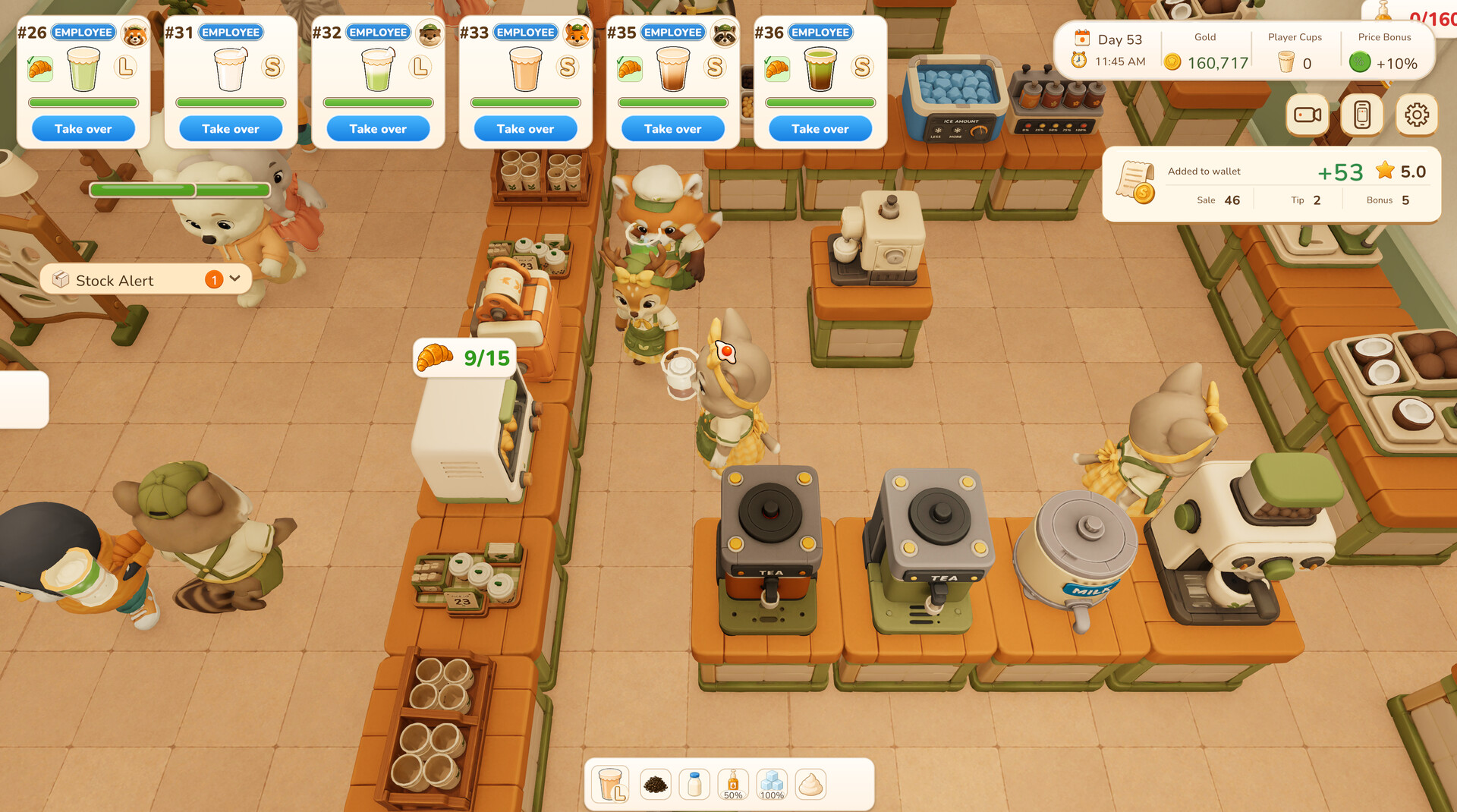
Hire NPC employees to take orders, prep ingredients, cook, serve and restock supplies. A reliable team can run the restaurant while you focus on expansion.
During rush hour you can still jump into the kitchen yourself, supplementing staff effort when needed.
- Assign employees to tasks that match their strengths for smoother operation.
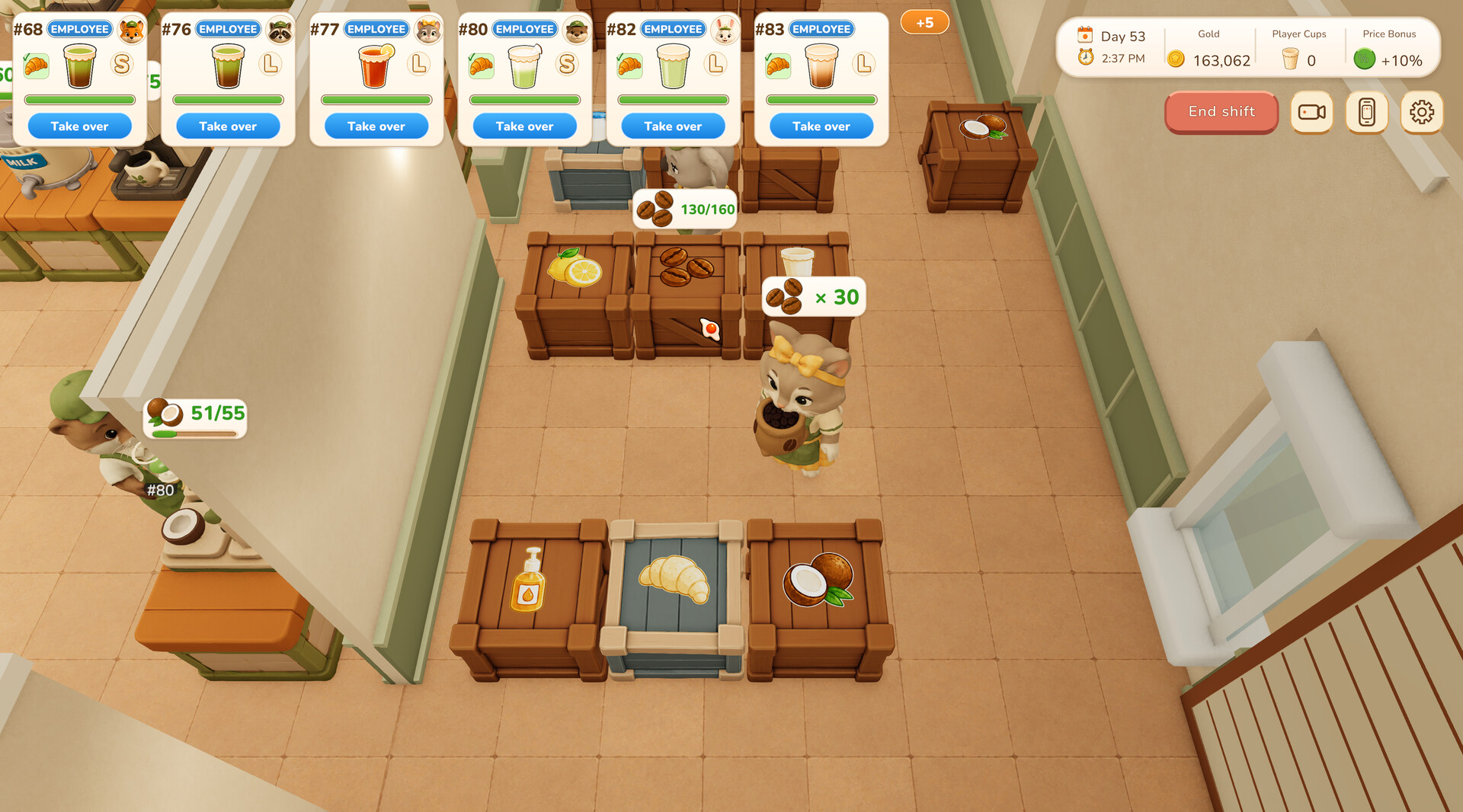
- Keep an eye on restocking to avoid ingredient shortages.
04 / THE GUIDE
Restaurant Types
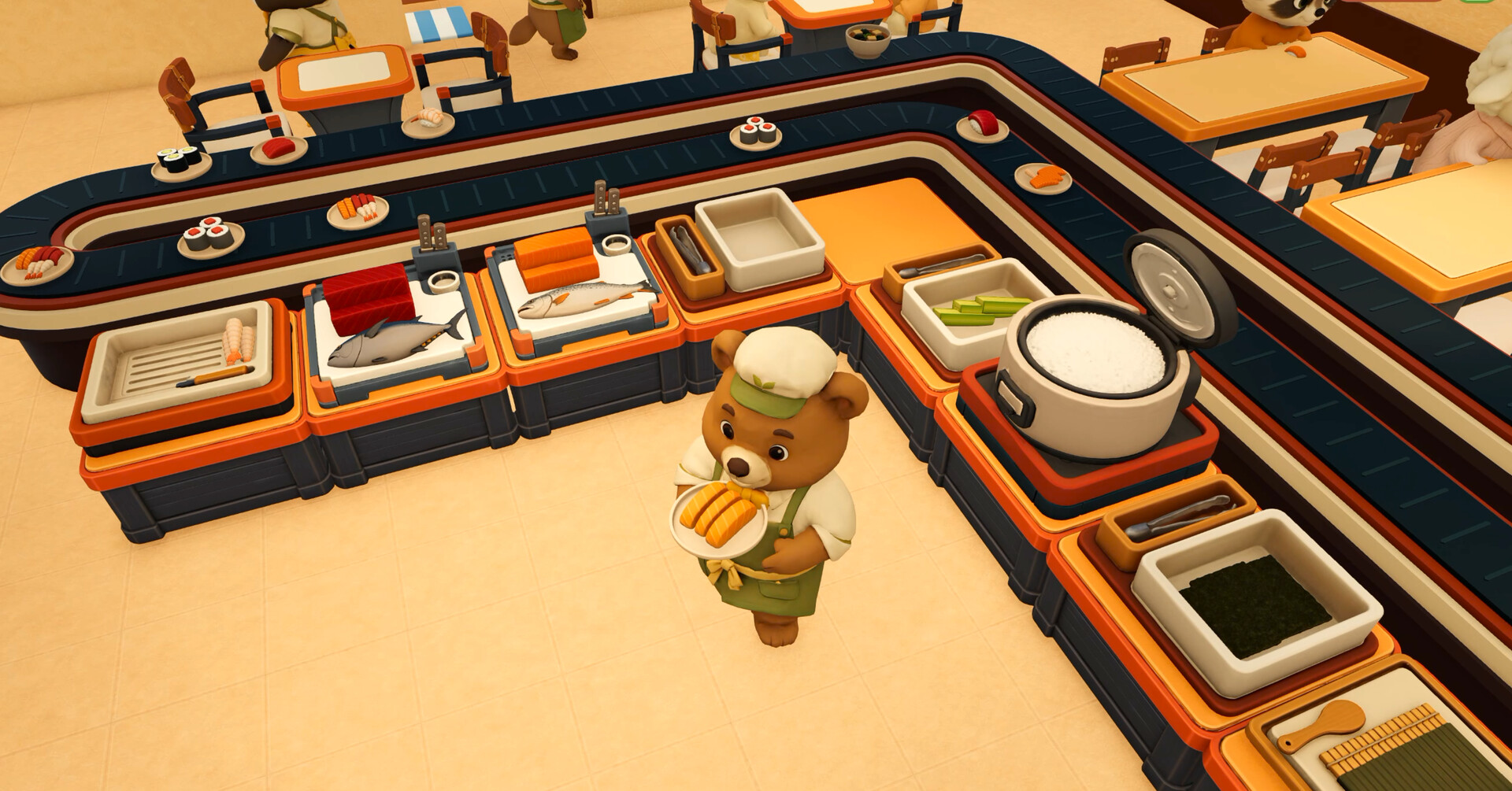
The launch version includes a bubble‑tea shop focused on drink preparation and a sushi restaurant with conveyor‑belt mechanics. Each type brings its own equipment and workflow challenges.
A bakery is planned for a future update, expanding the variety of cooking systems you can master.
- Experiment with the conveyor belt layout in the sushi restaurant for smoother service.
- Use the bubble‑tea shop to practice flavor customization before tackling sushi.
05 / THE GUIDE
Multiplayer Co‑op
Play with friends locally or online, dividing tasks such as cooking, serving and restocking. Cooperative play lets each player focus on a specific area of the restaurant.
You can also rely solely on NPC staff for a single‑player experience, giving you flexibility in how you manage the business.
- Assign each player a clear role to avoid overlapping actions.
- Communicate when switching tasks to keep the workflow steady.
COMMUNITY
Player discussion