 GameWiki
GET YOUR BEARINGS
About TaleSpire
TaleSpire lets groups play pen‑and‑paper RPGs together online, merging the tactile feel of miniatures with a digital world. Players can control heroes or creatures, manage stats, roll dice on the board and use emotes while the GM builds maps, sets shots and adds soundscapes. The platform works on any square‑grid system and is not bound to a single ruleset. Currently in Early Access, it runs on Windows and macOS and supports multiplayer co‑op sessions.
01 / THE GUIDE
Building Mode
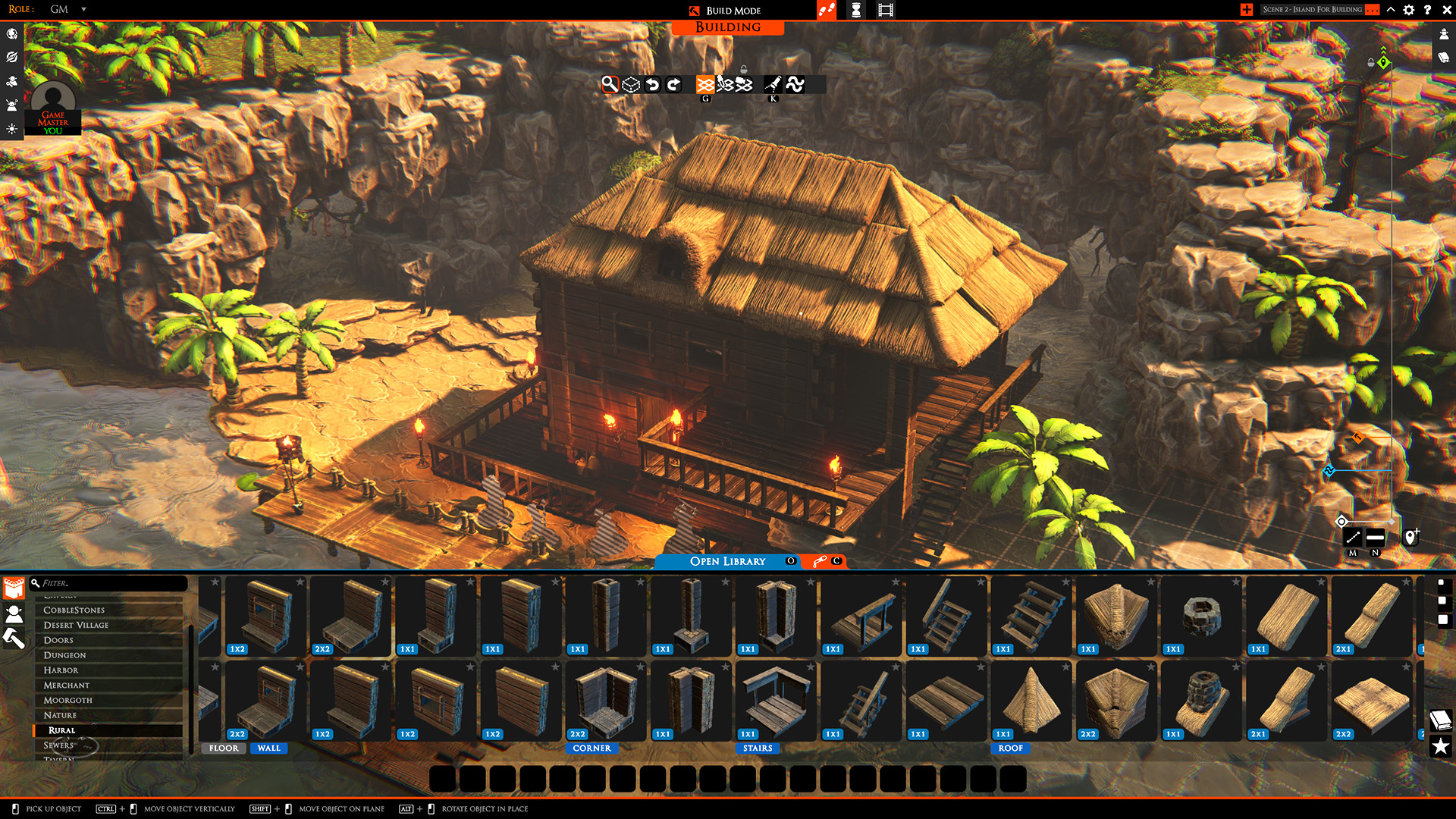
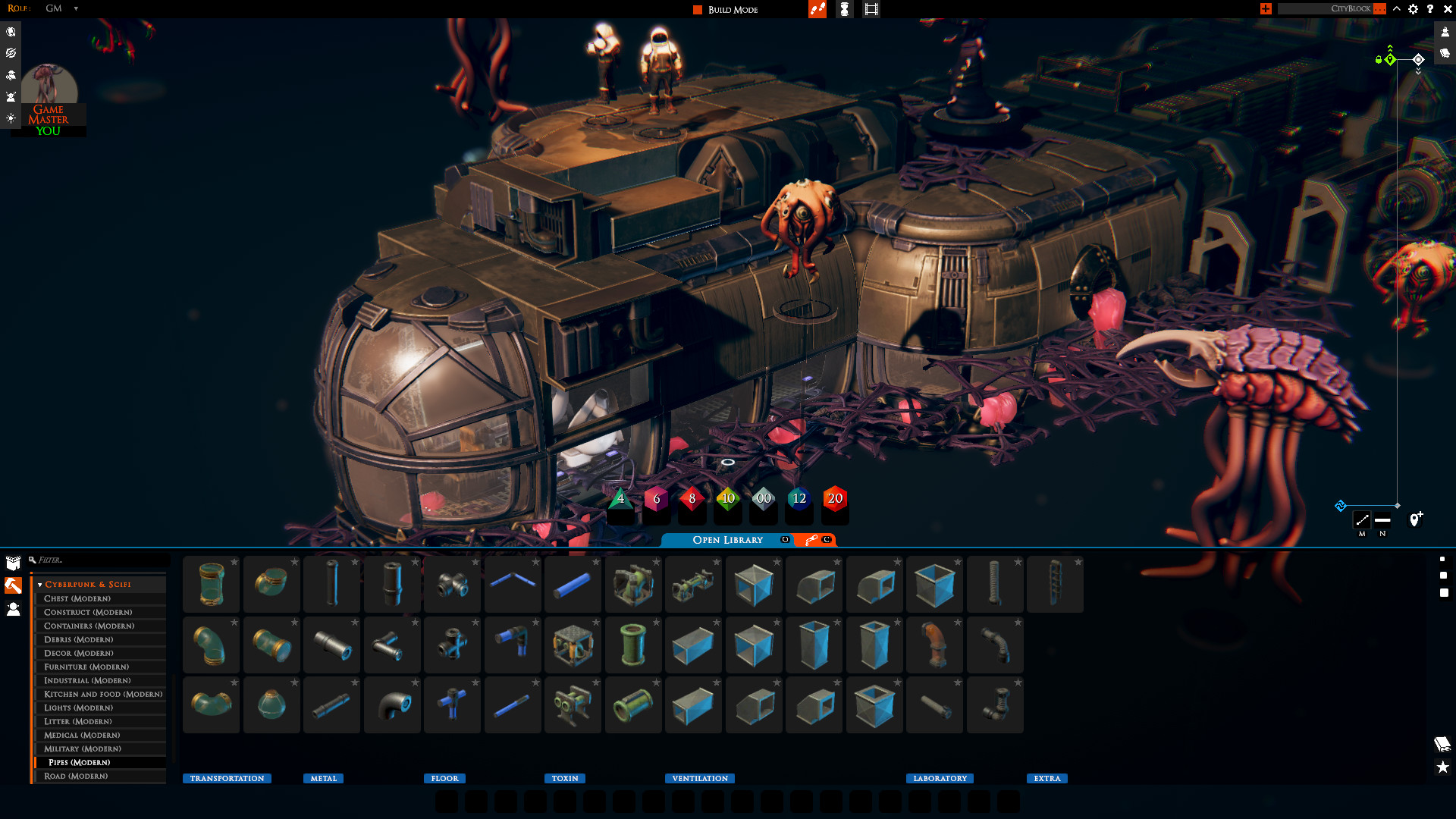
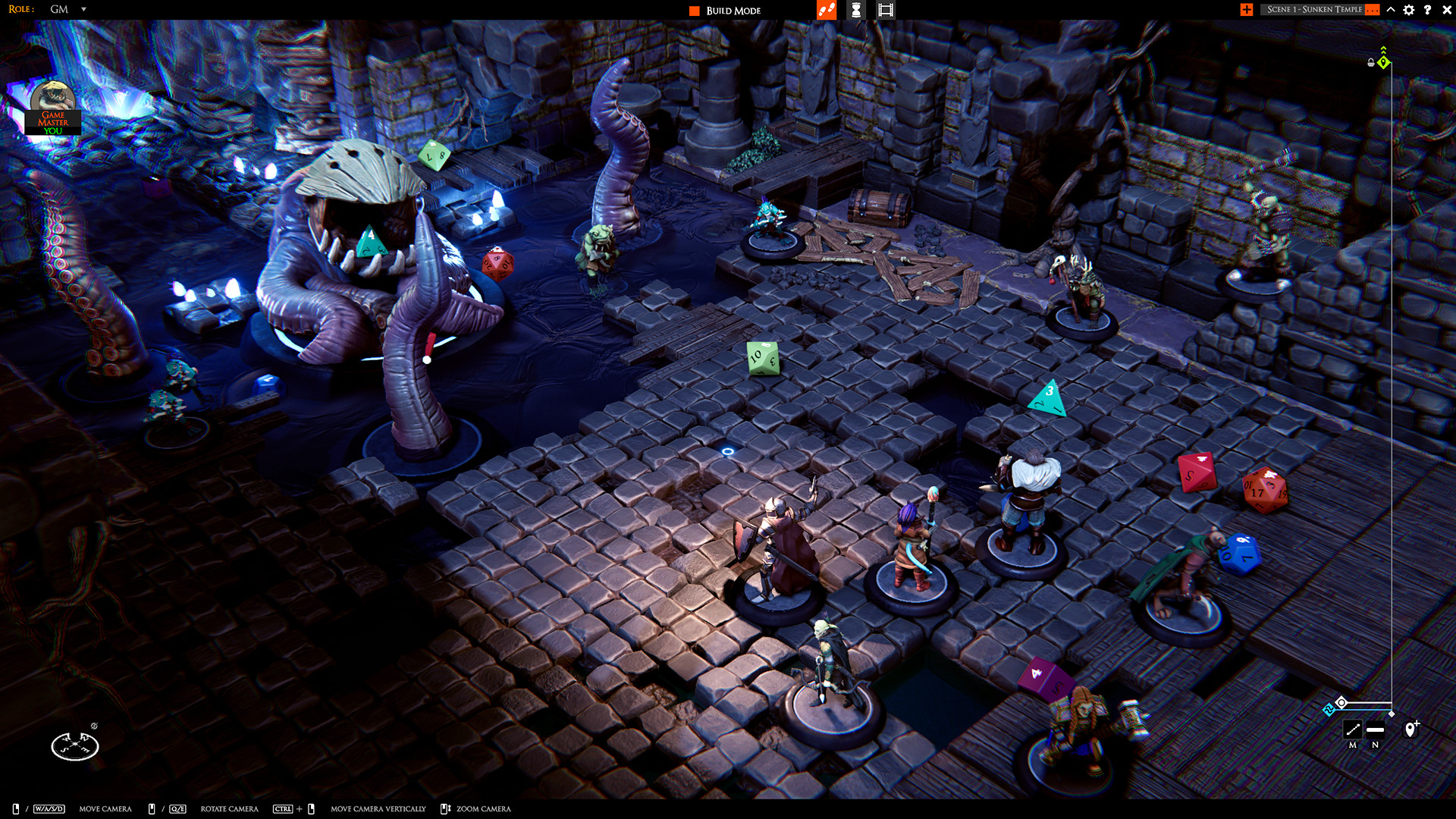
Worlds can be constructed on the fly; walls can be destroyed, gold can be rained down, and any GM can enter building mode without pausing play. Changes appear instantly for all participants on the synchronized board.
The system lets multiple GMs edit the environment simultaneously, letting the story evolve without interruption.
- Use building mode to react to player actions for dynamic storytelling.
- Keep a backup of key map sections in case you need to revert changes.
02 / THE GUIDE
Asset Library
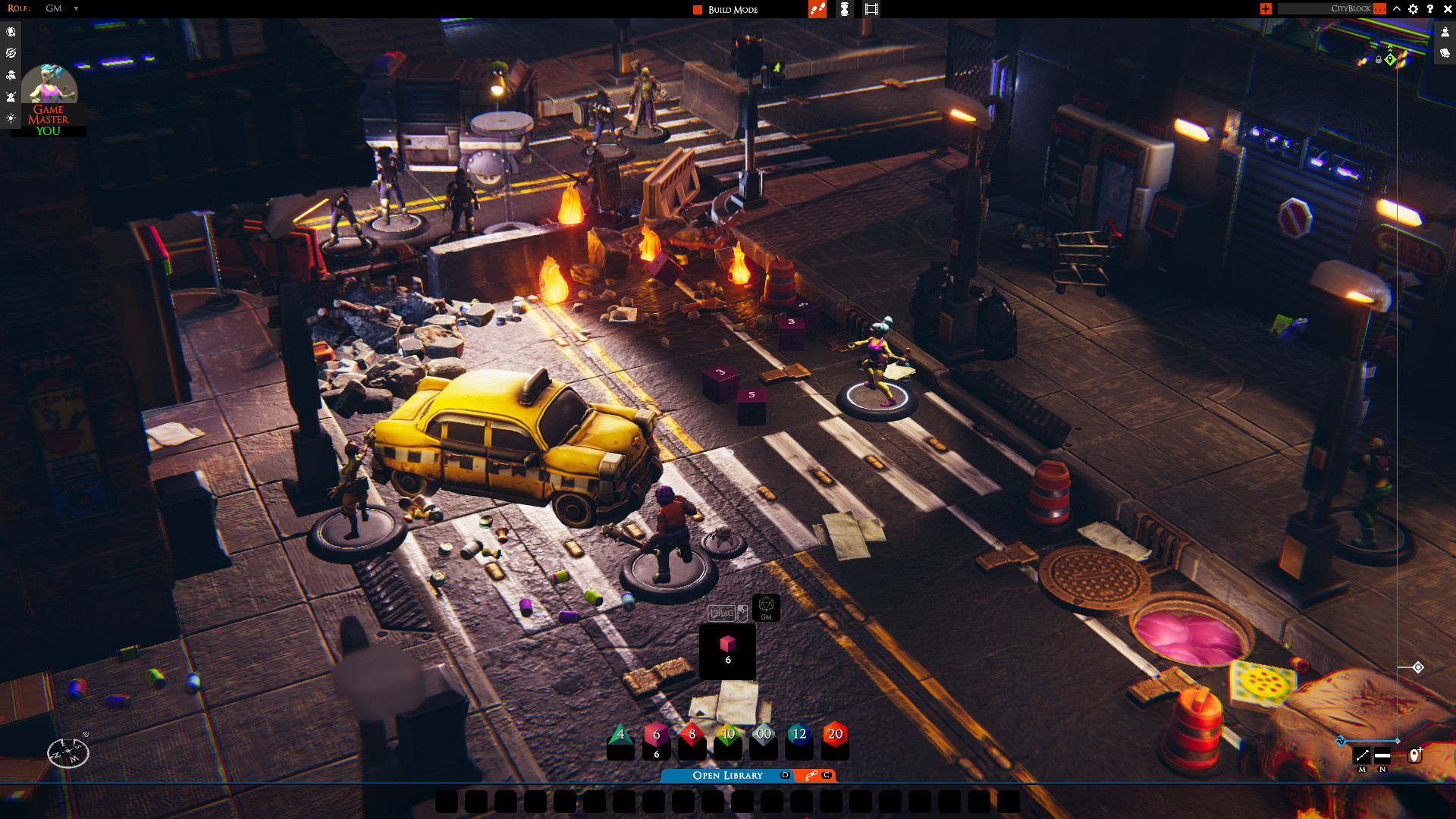
TaleSpire offers a library of 280 miniatures, 2,100 tiles and props, and 60 audio tracks, with new asset packs released each month. These pieces let creators flesh out scenes with visual and auditory detail.
The library is expandable, allowing users to continually refresh their maps with fresh content.
- Mix and match assets from different packs for unique environments.
- Check monthly updates for new thematic pieces that fit your campaign.
03 / THE GUIDE
Dice and Emotes
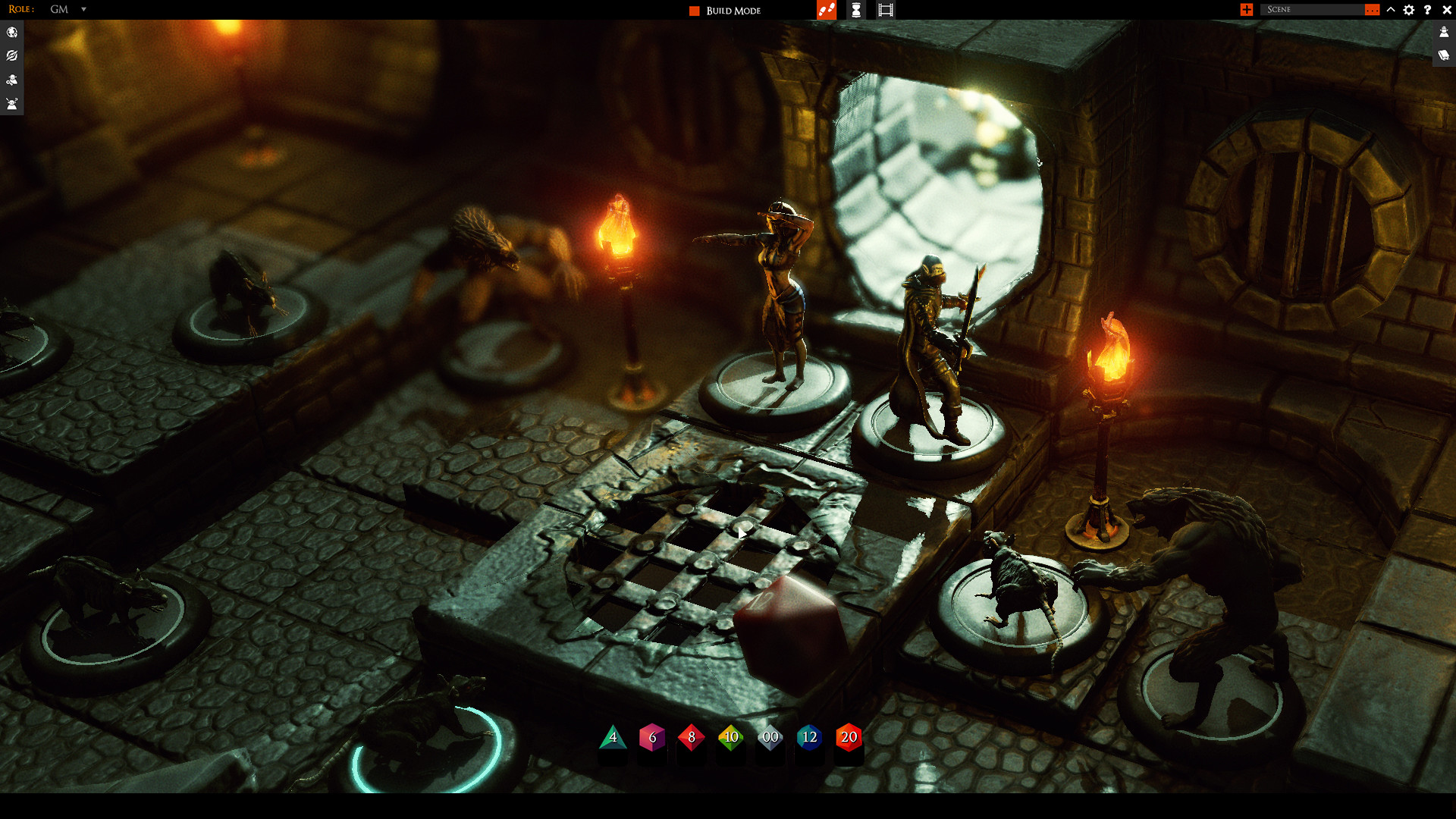
Players roll dice directly on the board and can express actions through a growing emote system. Beautiful dice, rulers and area markers are provided to support gameplay.
These tools help convey outcomes and character feelings without leaving the virtual tabletop.
- Use area markers to clarify spell ranges or attack zones.
- Select emotes that match your character’s personality for richer role‑play.
04 / THE GUIDE
Sharing Boards
Boards can be shared with friends or the broader community via sites like TalesBazaar or TalesTavern. Sections of a board, called slabs, can be copied as text and later pasted back to recreate them.
This makes it easy to distribute custom maps or reuse favorite setups.
- Export popular slabs to share with other GMs.
- Keep a library of text‑based slabs for quick map assembly.
05 / THE GUIDE
Platform Support
TaleSpire runs on Windows and macOS, offering multiplayer co‑op and online play. It is currently in Early Access, meaning the developers continue to add features based on community feedback.
Family Sharing is listed among its features, allowing multiple accounts to access the game on a single purchase.
- Verify your OS version meets the minimum requirements before installing.
- Join the Discord community for early‑access news and support.
COMMUNITY
Player discussion