 GameWiki
GET YOUR BEARINGS
About Tales of Vesperia: Definitive Edition
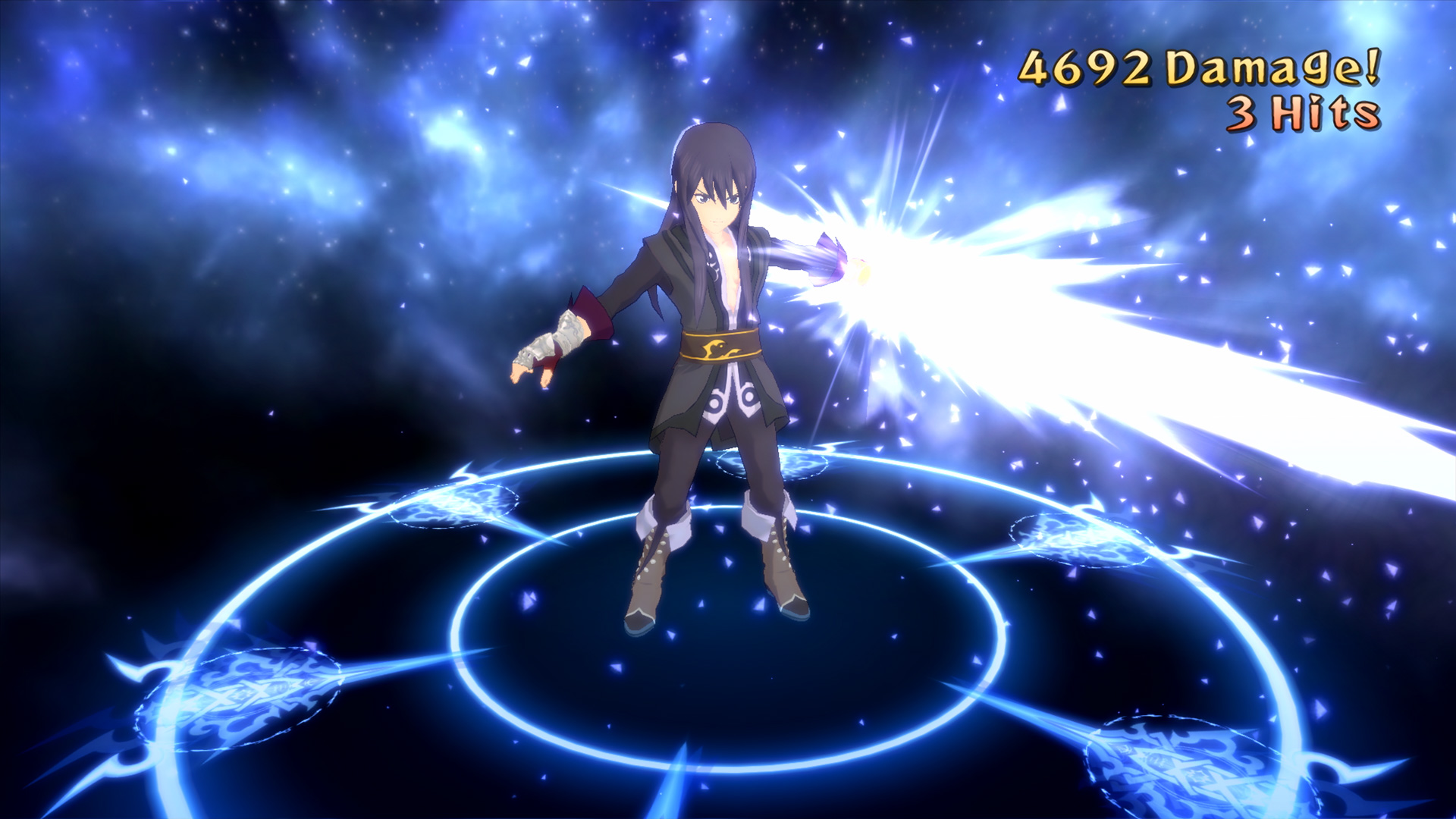
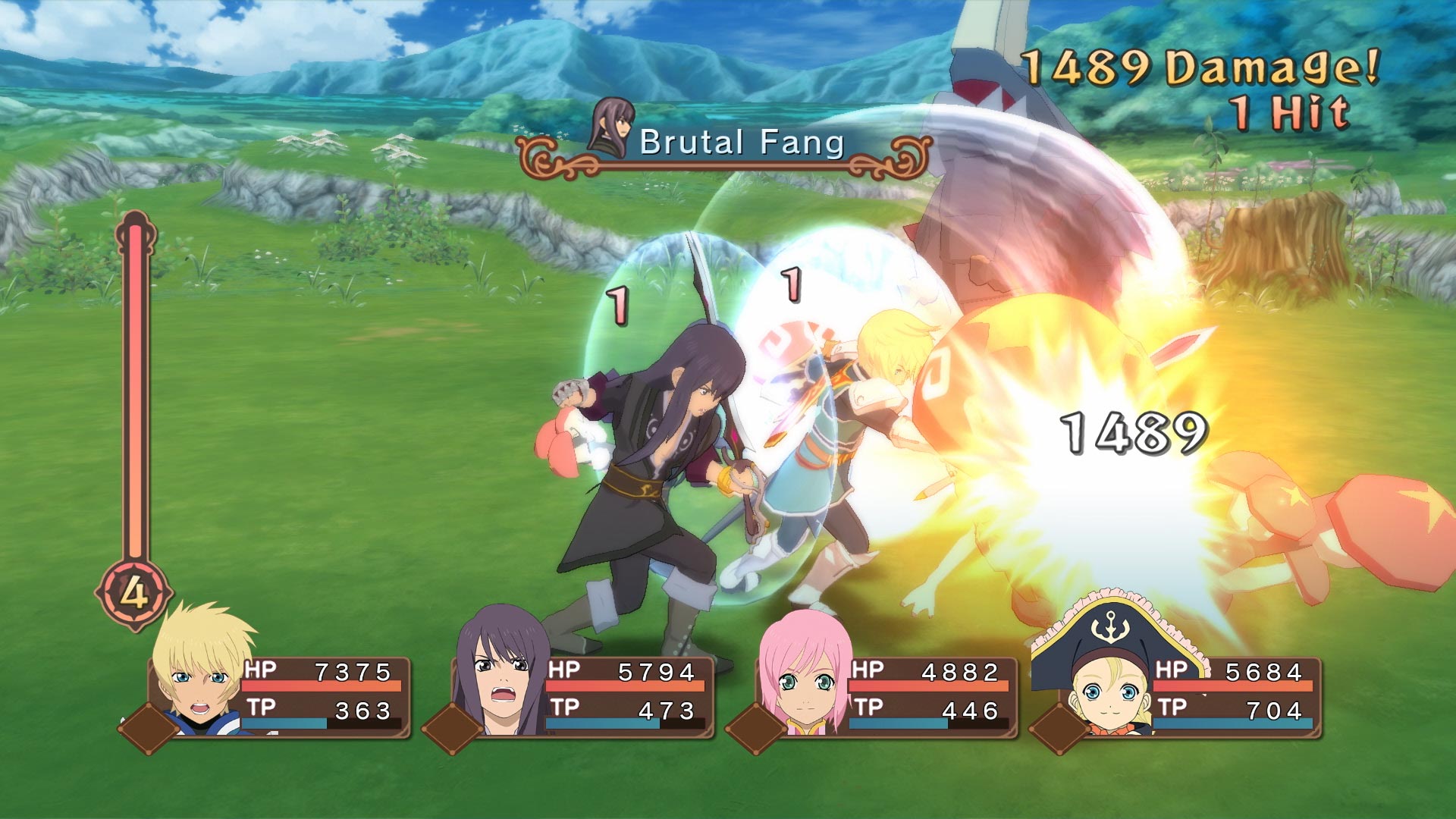
Tales of Vesperia: Definitive Edition celebrates the 10th anniversary of the RPG with full‑HD graphics and new music tracks. The story follows a civilization that relies on the ancient blastia technology while an Empire controls it, creating a power struggle that drives the adventure.
The edition adds two additional playable characters—Patty Fleur, a cheerful pirate searching for treasure and memories, and Flynn Scifo, Yuri’s Imperial Knight friend—plus new mini‑games, bosses, and unreleased costume DLC. It supports single‑player, co‑op, and split‑screen PvP on Windows.
01 / THE GUIDE
Story premise
The narrative centers on a civilization dependent on the blastia, an ancient technology, and the Empire that monopolises it. This conflict forms the backdrop for the characters’ journey.
Two friends travel separate paths, and their fates intertwine as the power struggle threatens the existence of all.
- Read dialogue that explains the role of blastia.
- Note how the two protagonists’ routes converge.
02 / THE GUIDE
New playable characters
Patty Fleur is described as a cheerful and tough young pirate girl who seeks treasure, adventure, and forgotten memories. Her presence adds a new perspective to the party.
Flynn Scifo is identified as Yuri’s best friend and an Imperial Knight, joining the journey alongside the existing cast.
- Observe each character’s introductory dialogue.
- Check for any costume DLC that matches their design.
03 / THE GUIDE
Visual and audio updates
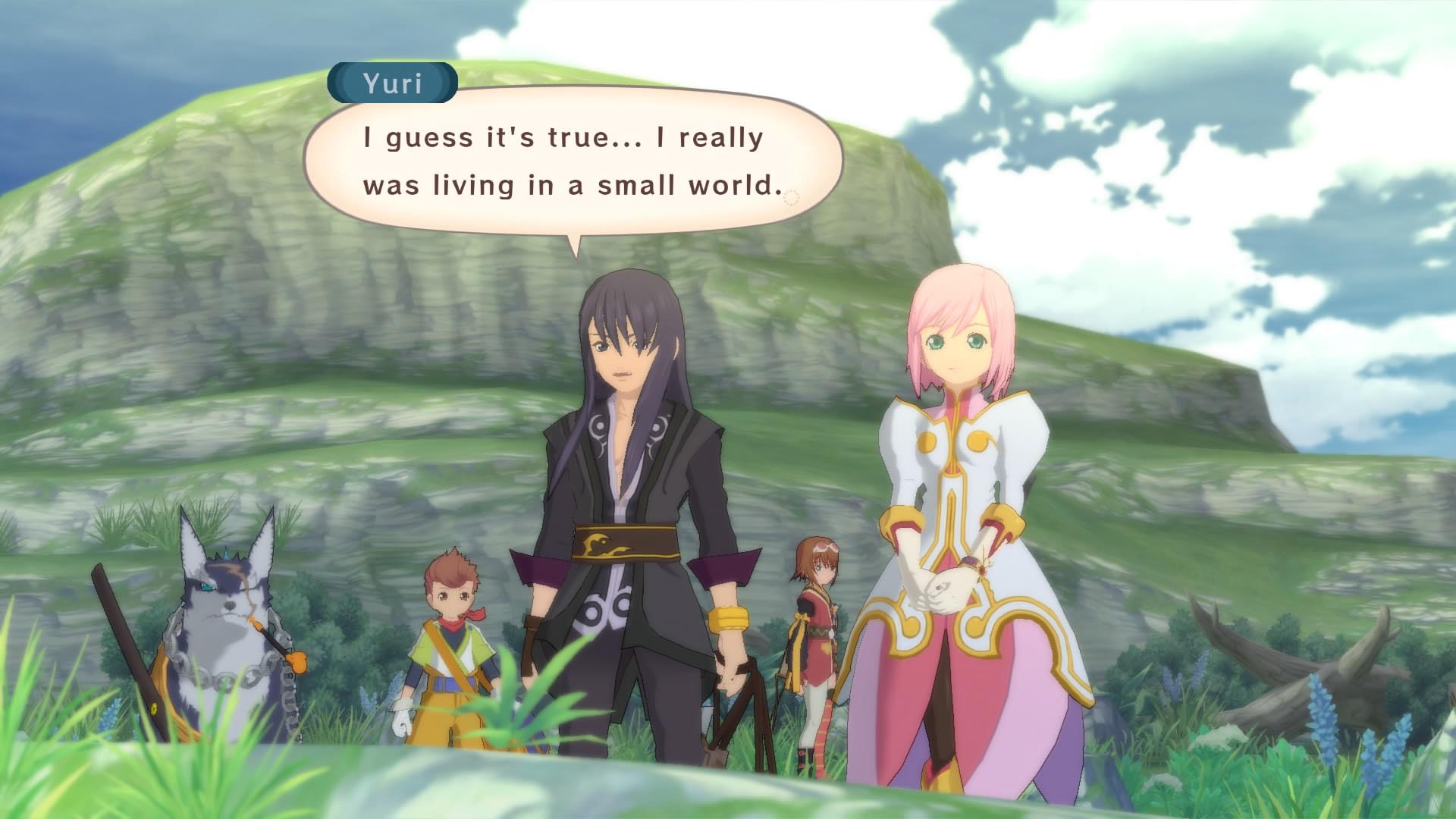
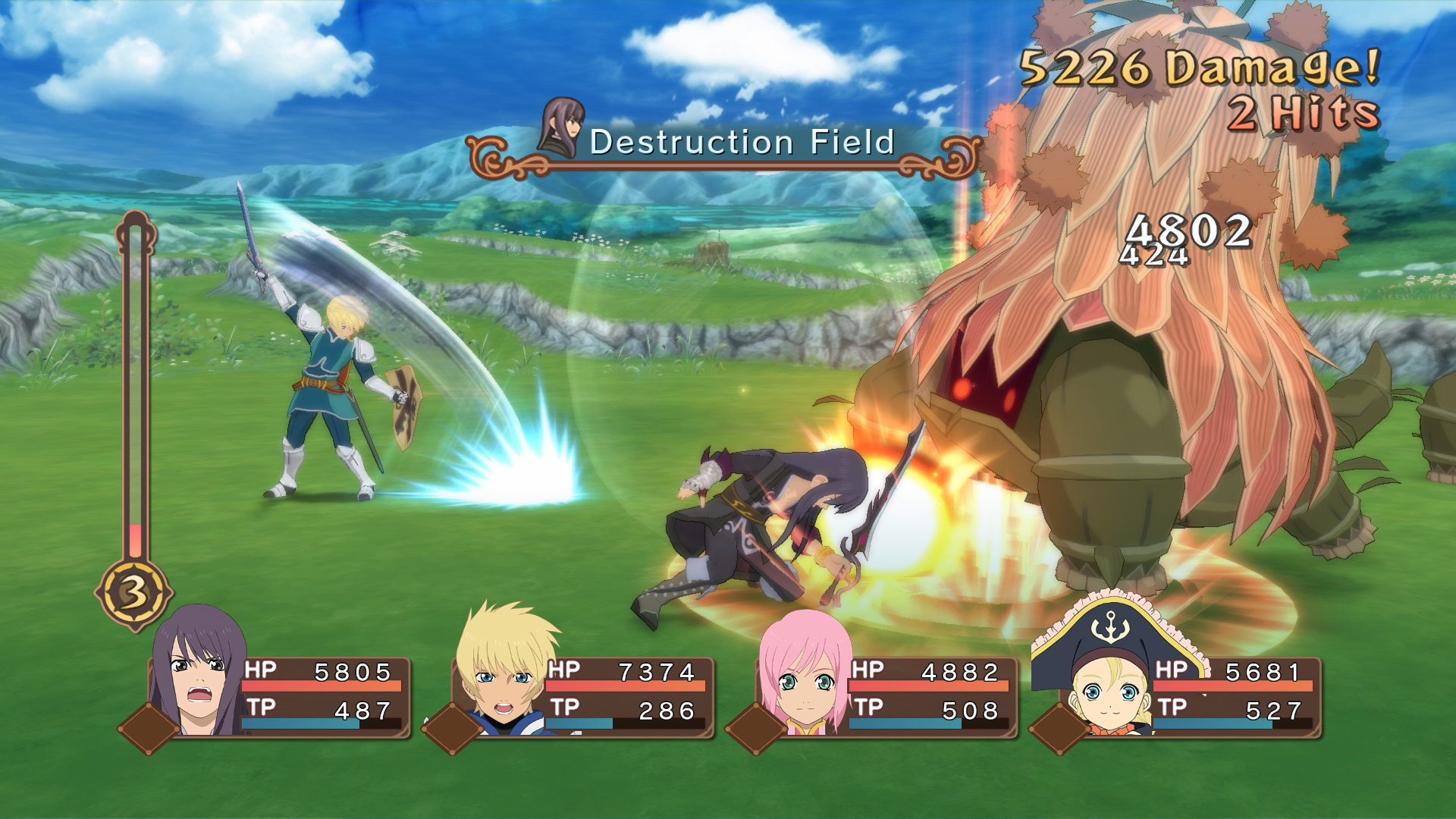
The Definitive Edition upgrades the game to full HD graphics, providing sharper character models and environments compared with the original release.
Brand‑new music tracks accompany the visual upgrade, adding fresh audio content alongside the existing soundtrack.
- Adjust display settings for performance if needed.
- Listen for new tracks during key story moments.
04 / THE GUIDE
Multiplayer modes
The game lists single‑player, multi‑player, PvP, shared/split‑screen PvP, co‑op, and shared/split‑screen co‑op as supported modes, allowing local or online interaction.
Steam achievements and leaderboards are also listed, providing tracking for progress in these modes.
- Try split‑screen co‑op for a couch experience.
- Check leaderboards after PvP matches.
05 / THE GUIDE
Platform features
DualShock controller support and partial controller support are noted, giving players multiple input options on Windows.
Remote Play on phone, tablet, TV, and Remote Play Together are listed, as are Steam Cloud and Family Sharing for save management.
- Enable Remote Play Together for easy online co‑op.
- Use Steam Cloud to keep saves synced.
COMMUNITY
Player discussion