 GameWiki
GET YOUR BEARINGS
About Tabletop Simulator
Tabletop Simulator is a sandbox that lets you build, import, and script any tabletop experience. It runs on Windows, macOS, and Linux and integrates fully with the Steam Workshop for sharing creations. The base install ships with fifteen classic games such as Chess, Poker, and Mahjong.
Up to ten players can join a single session, using voice or text chat and built‑in admin tools to manage permissions. The platform supports local Hotseat play, online co‑op, PvP, and Remote Play Together, making it suitable for casual gatherings or larger RPG groups.
01 / THE GUIDE
Creating Your Own Games
The editor lets you import images, custom boards, decks, and 3D models, then arrange them with physics‑based objects. You can also attach Lua scripts to automate rules, allowing rapid prototyping of new mechanics without leaving the application.
All creations may be uploaded to the Steam Workshop or shared privately with friends. Because the system is fully sandboxed, you can flip tables, shake pieces, or throw objects just as you would in a physical game, giving you full freedom to experiment.
- Start with a simple board and add one scripted rule at a time to keep debugging manageable.
- Browse the Workshop for similar projects to reuse assets or script snippets.
02 / THE GUIDE
Built‑In Classic Games
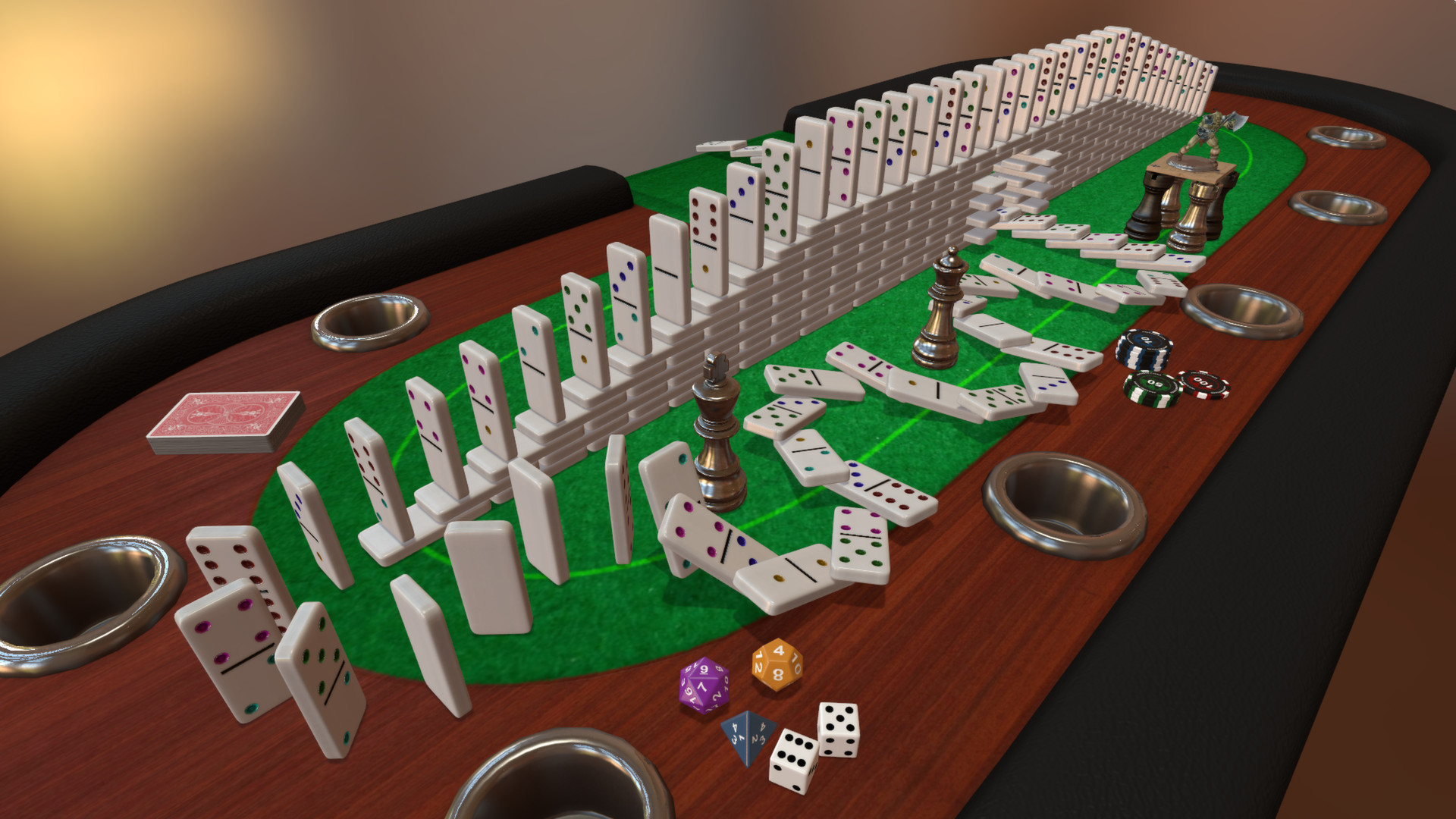
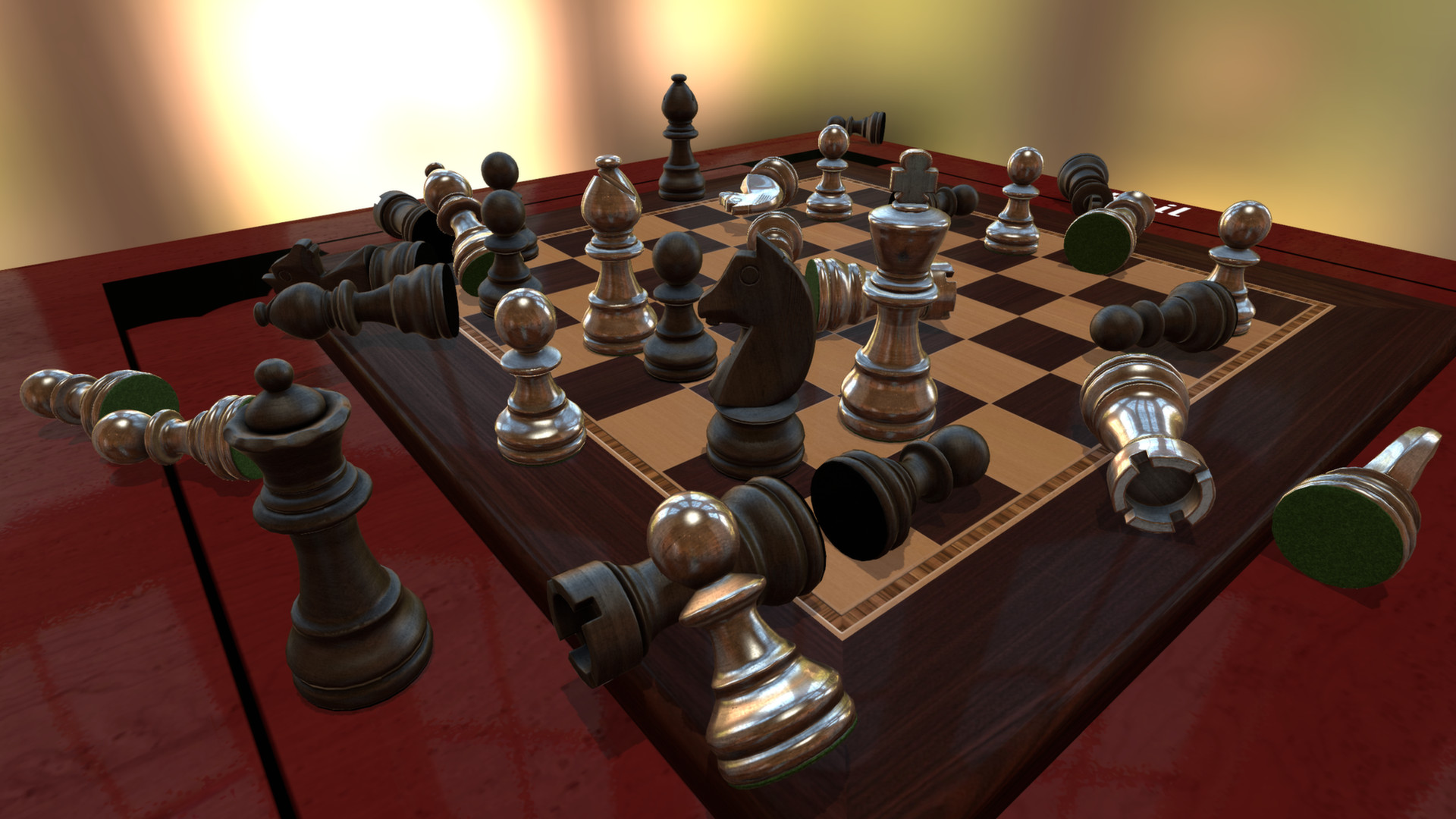
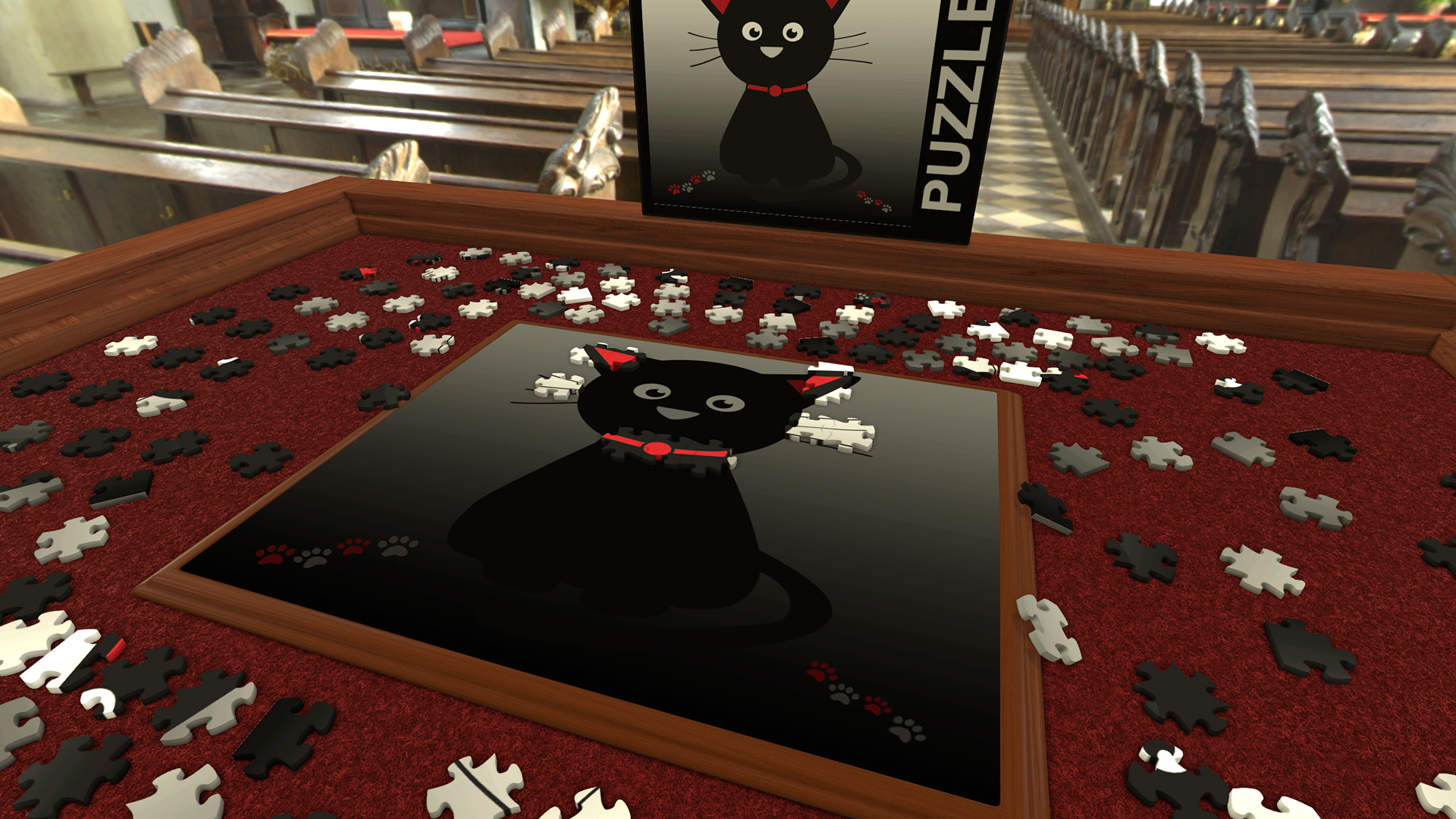
The base game includes fifteen classics such as Chess, Poker, Jigsaw Puzzles, Dominóes, and Mahjong. These titles are ready to play immediately and require no additional downloads, providing a quick start for any tabletop session.
Beyond the core set, the Steam Workshop hosts thousands of community‑created versions, expanding the library with themed decks, custom boards, and rule variations that can be launched directly from the main menu.
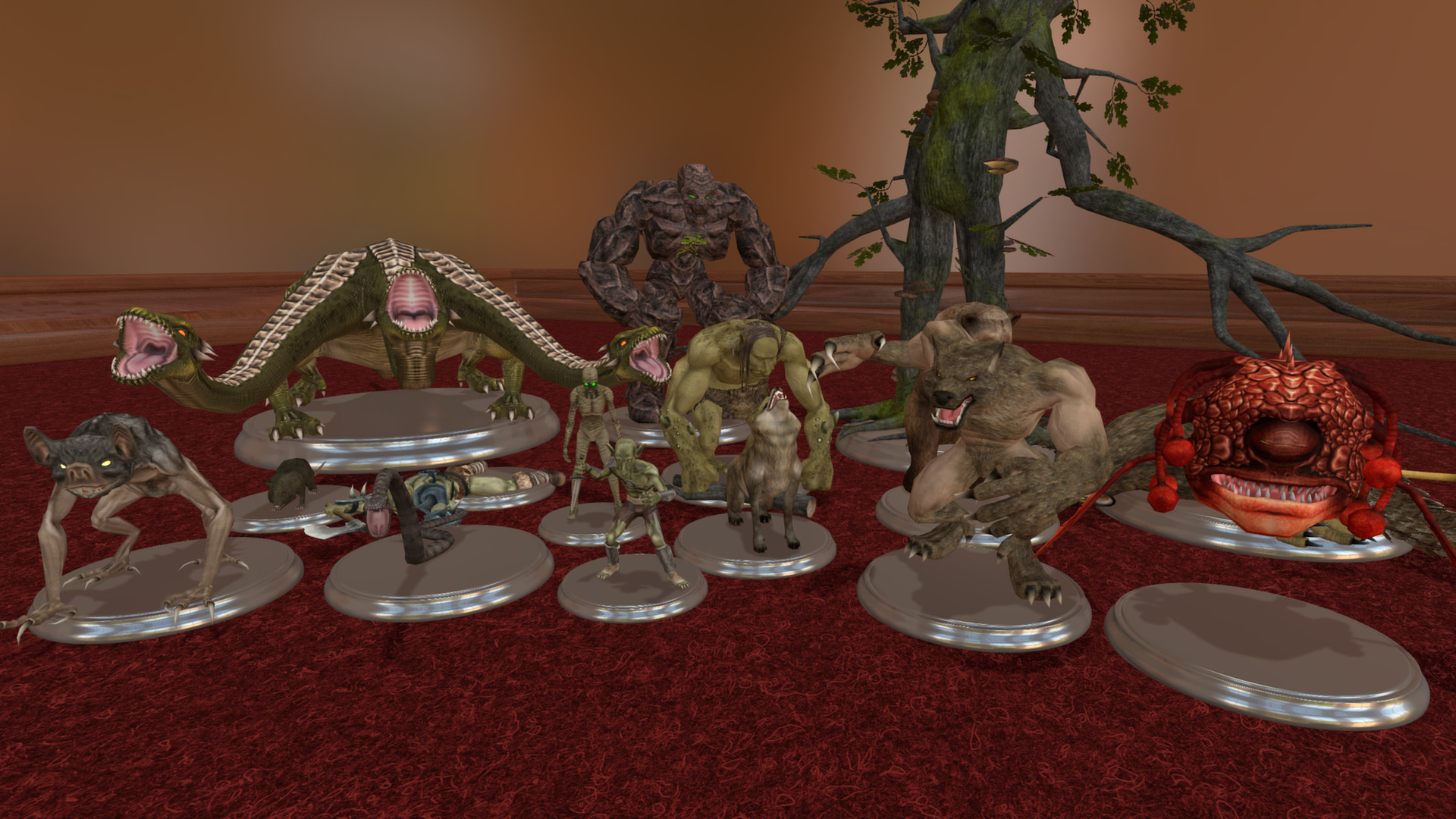
- Try the included RP G Kit for a quick start to tabletop role‑playing sessions.
- Explore the Workshop’s “Most Popular” tab to discover well‑polished community classics.
03 / THE GUIDE
Multiplayer and Co‑op
Up to ten players can join a single table, either locally via Hotseat or online through Steam’s Remote Play Together. The platform supports shared/split‑screen co‑op, PvP, and online co‑op modes, with built‑in voice and text chat for coordination.
Admins have tools to enable or disable player permissions, helping to prevent griefing in public games. Family Sharing also lets multiple accounts access the same library copy, so friends can join without each purchasing the game.
- Use the admin panel to mute disruptive players without ending the session.
- Create a private lobby and share the invite link to keep the group focused.
04 / THE GUIDE
Physics and Object Interaction
Objects obey multilayer physics: they collide, roll, and can be picked up, rotated, shaken, or thrown. This mimics real‑world handling, letting you manipulate cards, dice, and miniatures as you would on a physical table.
The engine also supports 360° panoramic backgrounds that change lighting and atmosphere, which can be useful for RPG scenes or thematic board setups.
- Adjust physics settings in the options menu if objects feel too heavy or light for your game.
- Use the “Rotate” and “Shake” controls to reposition pieces when precise placement is needed.
05 / THE GUIDE
Modding and Lua Scripting
Lua scripting is built into the engine, allowing you to automate game logic, create custom UI elements, and trigger events. Scripts can be attached to any object, from decks to dice, giving fine‑grained control over gameplay.
Full Steam Workshop support means you can publish scripted mods for others to download, ensuring that complex rule sets are shared and maintained by the community.
- Start with the sample scripts provided in the tutorial folder to learn basic functions.
- Keep scripts modular; separate rule enforcement from visual effects for easier updates.
COMMUNITY
Player discussion