 GameWiki
GET YOUR BEARINGS
About Tabletop Game Shop Simulator
Tabletop Game Shop Simulator lets you run a tabletop‑gaming store, handling pricing, furniture layout, and inventory. You can stock minis, paints, dice, mystery packs and other hobby items while hiring staff to share the workload.
Beyond selling, you can open mystery packs, assemble and paint miniatures, and challenge customers in tabletop duels. Profits let you buy new product boxes, decorations, and attract VIP visitors, shaping a personalized shop.
01 / THE GUIDE
Shop Management
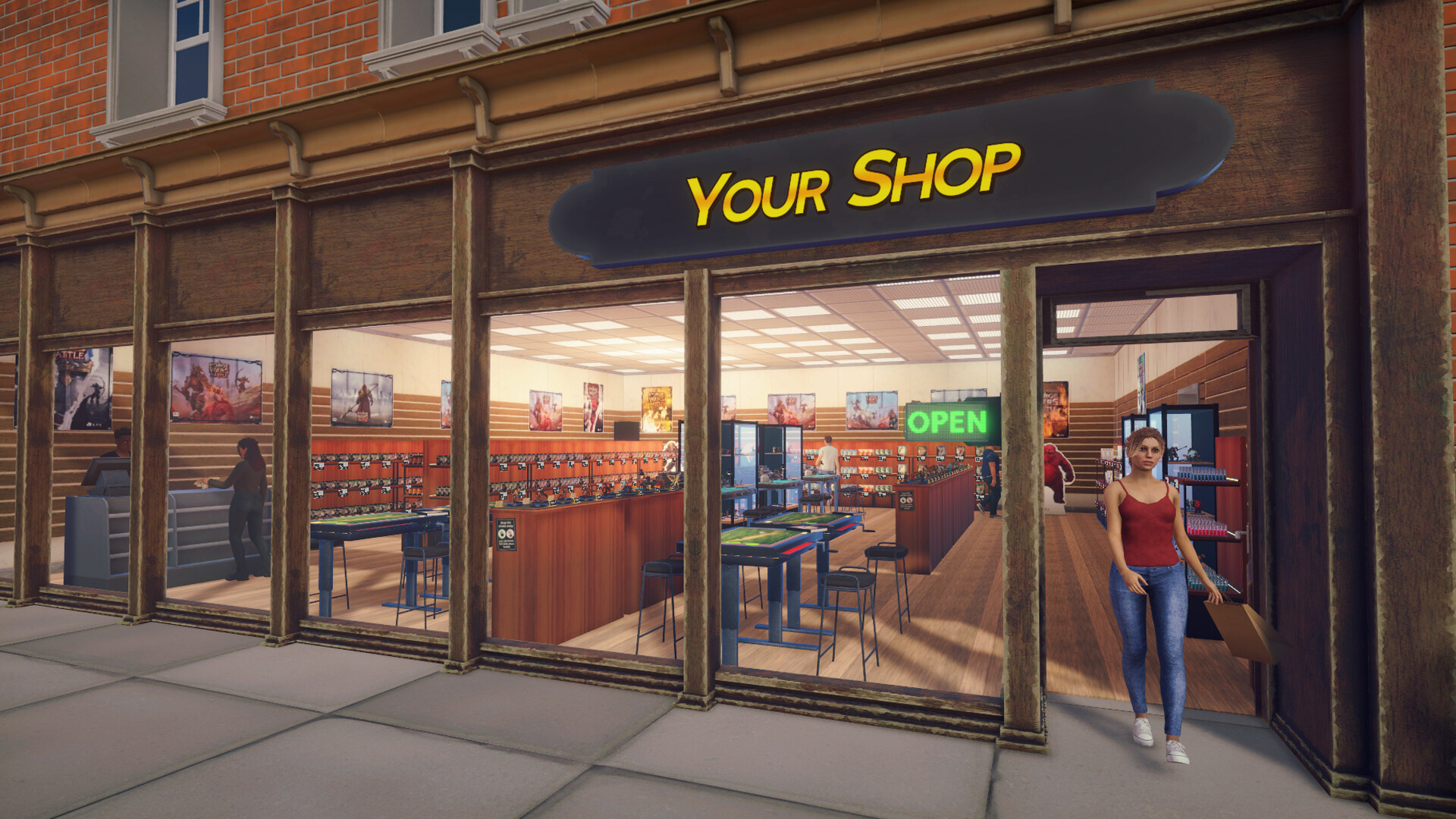
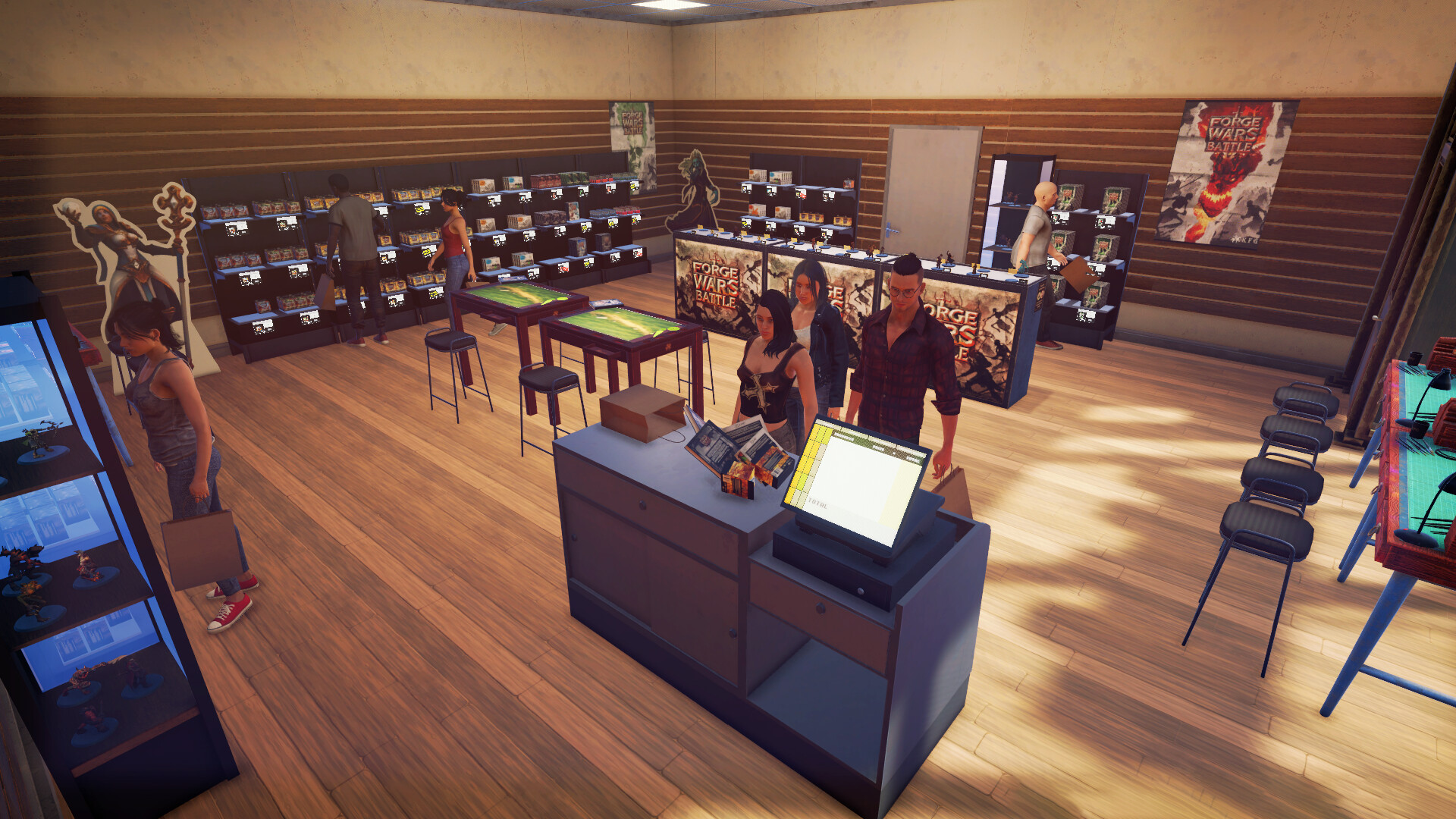
The core loop involves setting prices, moving furniture, and choosing which minis, paints, dice and mystery packs to display. These decisions directly affect the shop’s appearance and what customers see when they enter.
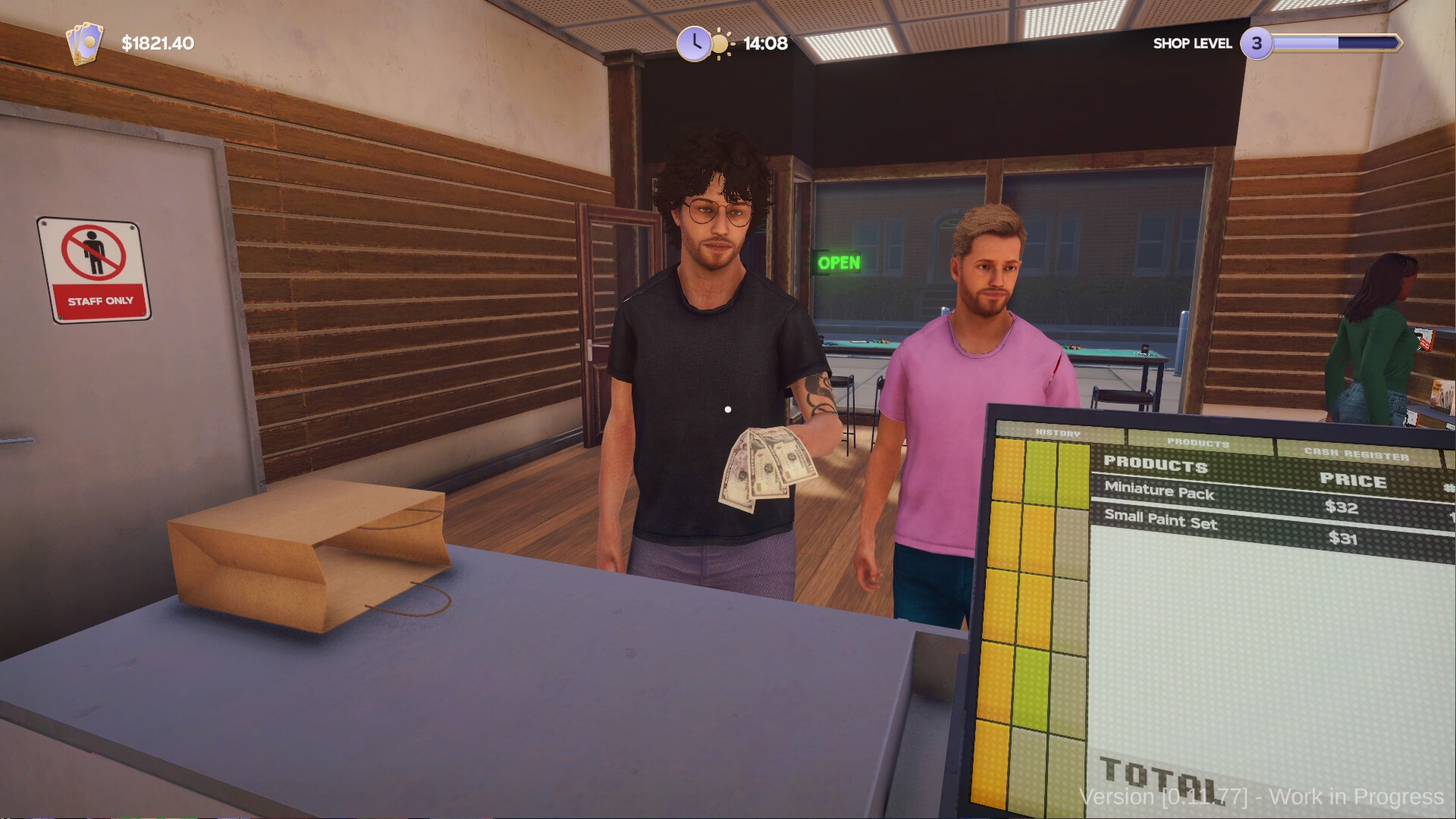
Hiring staff such as cashiers, restockers, and painters reduces the tasks you must perform yourself, allowing you to focus on other aspects like inventory or challenges.
- Experiment with different price points for a single item and observe sales changes.
- Consider placing high‑traffic goods near the entrance to increase visibility.
02 / THE GUIDE
Collect, Build & Paint
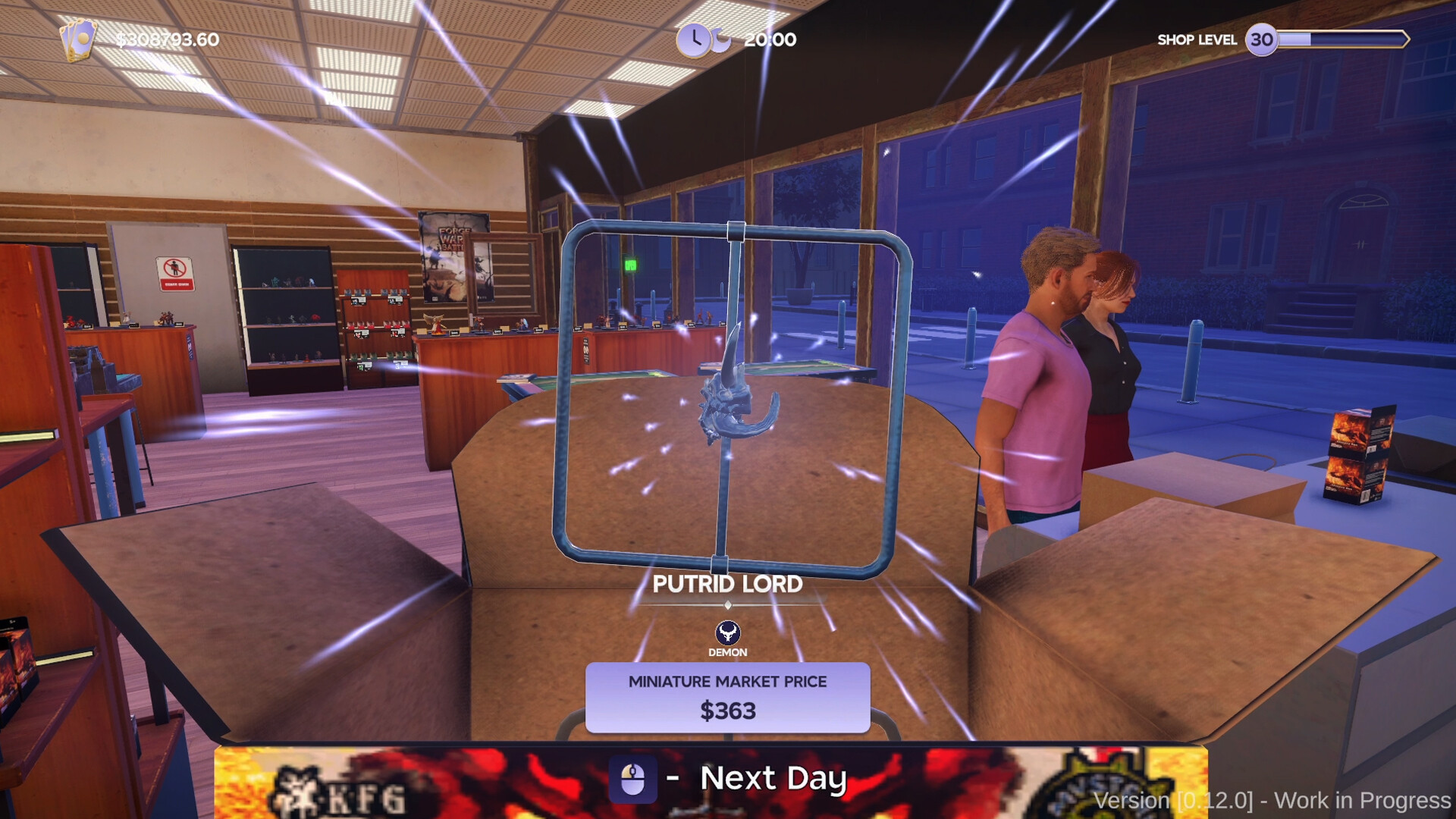
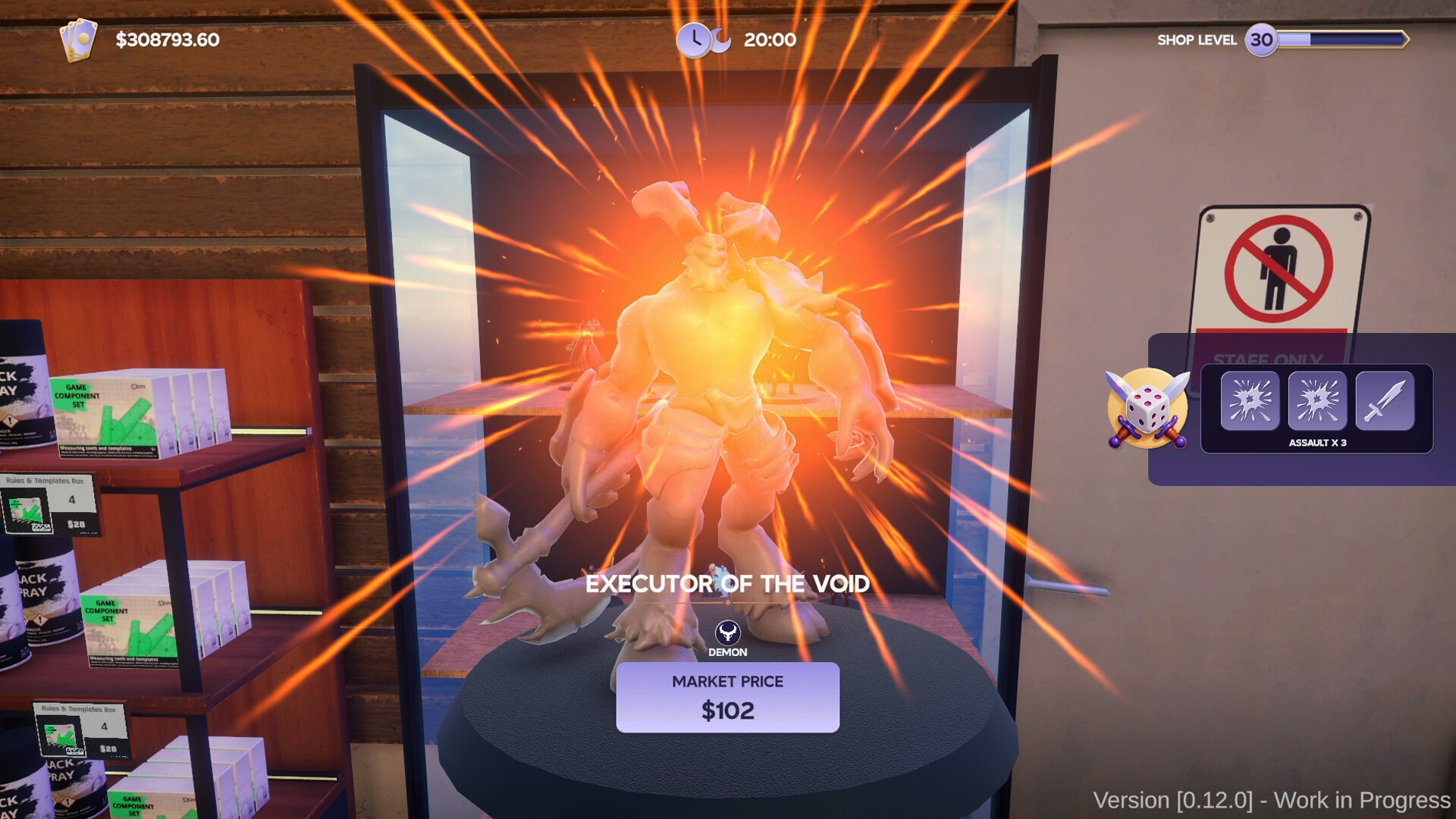
Opening mystery packs reveals rare miniature parts that you can glue together. Once assembled, the model is ready for further work such as painting.
Painted minis can be sold for profit or kept in a private stash, giving you a personal collection alongside the shop’s inventory.
- Balance selling and hoarding to keep cash flow steady.
- Use painted minis as display pieces to draw customer interest.
03 / THE GUIDE
Throw Down with Customers
Customers can challenge you with their own miniatures and strategies. Bringing your best minis and tactics to the table lets you compete for glory and prizes.
Winning a duel grants glory, prizes, and bragging rights for your shop, so bring your best minis and strategies to the table.
- Review opponent strategies before a duel to improve chances.
- Select your strongest painted minis as representatives in challenges.
04 / THE GUIDE
Grow the Business
Profits let you purchase new miniature boxes, board games, decorations and other items that can attract VIP nerds to your store.
Expanding the product range and improving the shop’s appearance helps increase foot traffic and future earnings.
- Reinvest early profits into décor that matches your shop’s theme.
- Introduce new product lines gradually to gauge customer interest.
05 / THE GUIDE
Platform & Feature Support
The game runs on Windows and offers single‑player mode, Steam achievements, adjustable difficulty, save‑anytime, stereo sound and partial controller support.
Family Sharing is also listed among the game's supported features.
- Adjust difficulty to match your preferred pacing.
- Use the save‑anytime feature before making major shop changes.
COMMUNITY
Player discussion