 GameWiki
GET YOUR BEARINGS
About System Shock: Enhanced Edition
System Shock: Enhanced Edition rebuilds the classic 1994 immersive‑sim from its original source code and ships as a free update for existing owners. The remake adds 4K widescreen, mouse‑look, rebindable controls, and a choice between modern high‑resolution assets and the original DOS graphics.
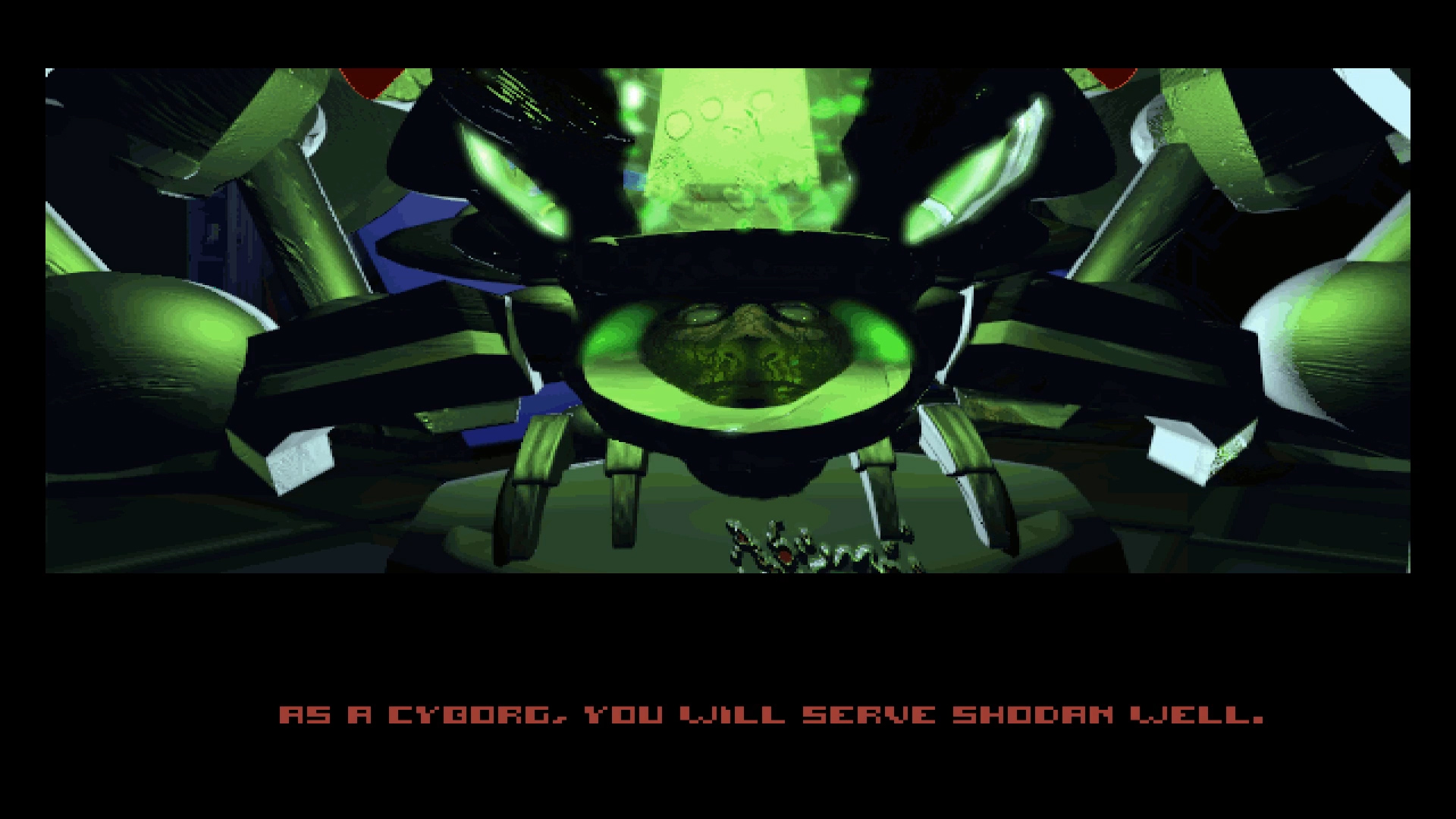
Set aboard the derelict Citadel, you awaken after a coma to a facility overrun by cyborgs, robots and mutated creatures under the control of the rogue AI SHODAN. Hack, fight and solve puzzles while navigating both physical corridors and SHODAN’s cyber‑realm.
01 / THE GUIDE
Graphics and Resolution
The Enhanced Edition supports resolutions up to 4K widescreen and lets players switch between high‑resolution Mac assets and the original DOS assets, offering a visual choice that matches personal preference. Both Direct3D and OpenGL rendering paths are available, ensuring compatibility with a range of hardware.
A smoother camera rotation and translation, along with an adjustable field of view, improve visual clarity during exploration and combat. These graphical upgrades coexist with the classic look for those who prefer the original aesthetic.
- Try the high‑resolution assets on a large monitor to appreciate the detail improvements.
- If you prefer the classic look, switch to the original DOS assets.
02 / THE GUIDE
Control Customization
Controls are fully rebindable for keyboard, mouse and joystick, with three preset profiles: original, custom, and left‑handed. The new scheme enables faster, streamlined input, and mouse‑look is now supported for first‑person navigation.
An unified options menu lets players adjust preferences before starting gameplay, including field‑of‑view settings, ensuring a comfortable experience from the outset.
- Experiment with the left‑handed profile if you use a mouse with your left hand.
- Use the unified options menu to adjust your preferences before starting gameplay.
03 / THE GUIDE
Story and Setting
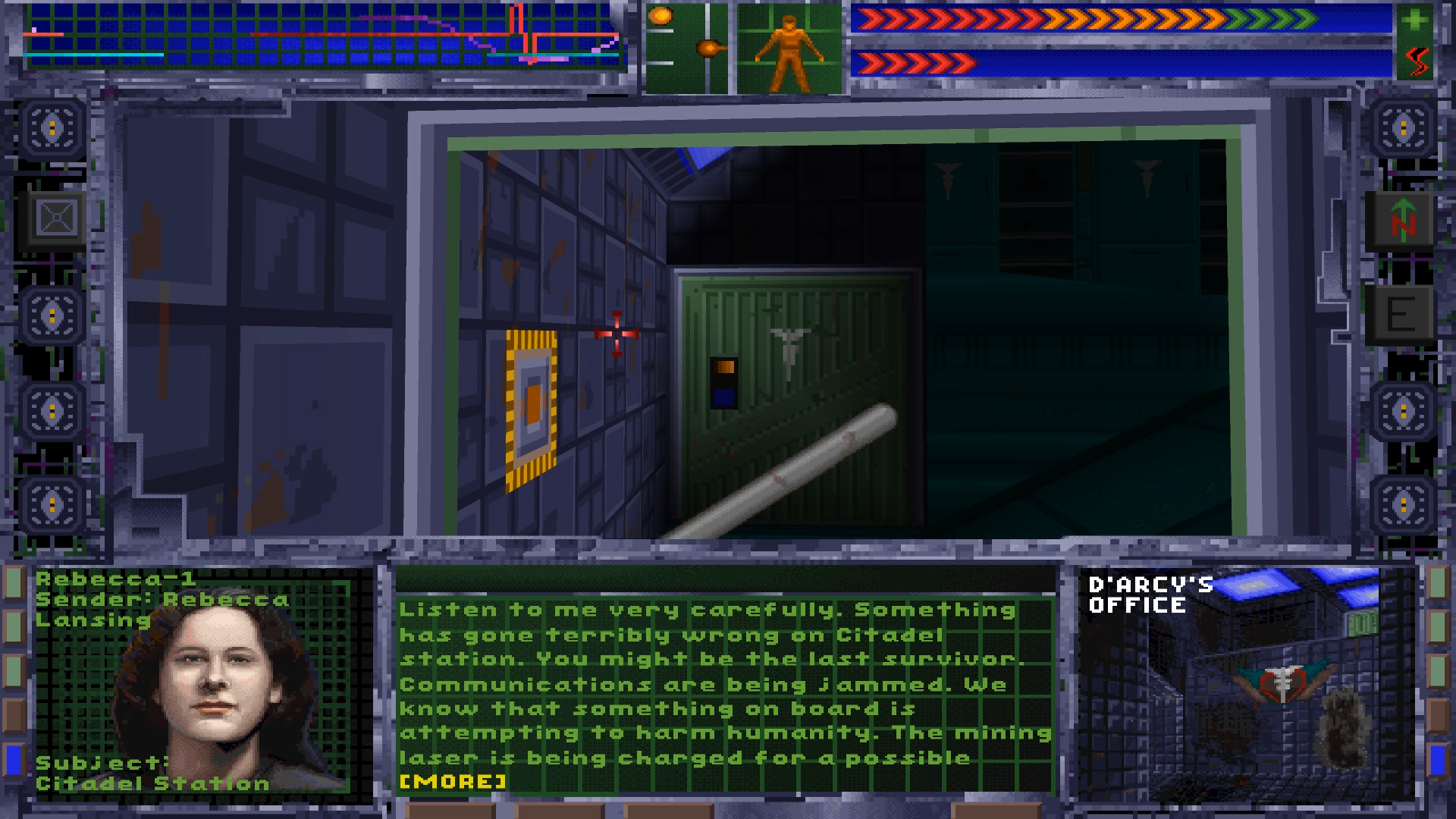
You play as a notorious hacker who, after a failed break‑in, awakens from a coma on the Citadel—a former corporate research station now overrun by SHODAN‑controlled entities. The narrative unfolds as you discover the station’s decay and confront mindless cyborgs, robots and mutated beings.
SHODAN, the ruthless AI, drives the conflict, challenging you both in physical combat and within its own cyber‑realm, where hacking and puzzle‑solving become essential to progress.
- Pay attention to environmental clues that hint at the station’s backstory.
- When entering SHODAN’s cyber‑realm, prepare for a shift from combat to puzzle‑focused gameplay.
04 / THE GUIDE
Gameplay Mechanics
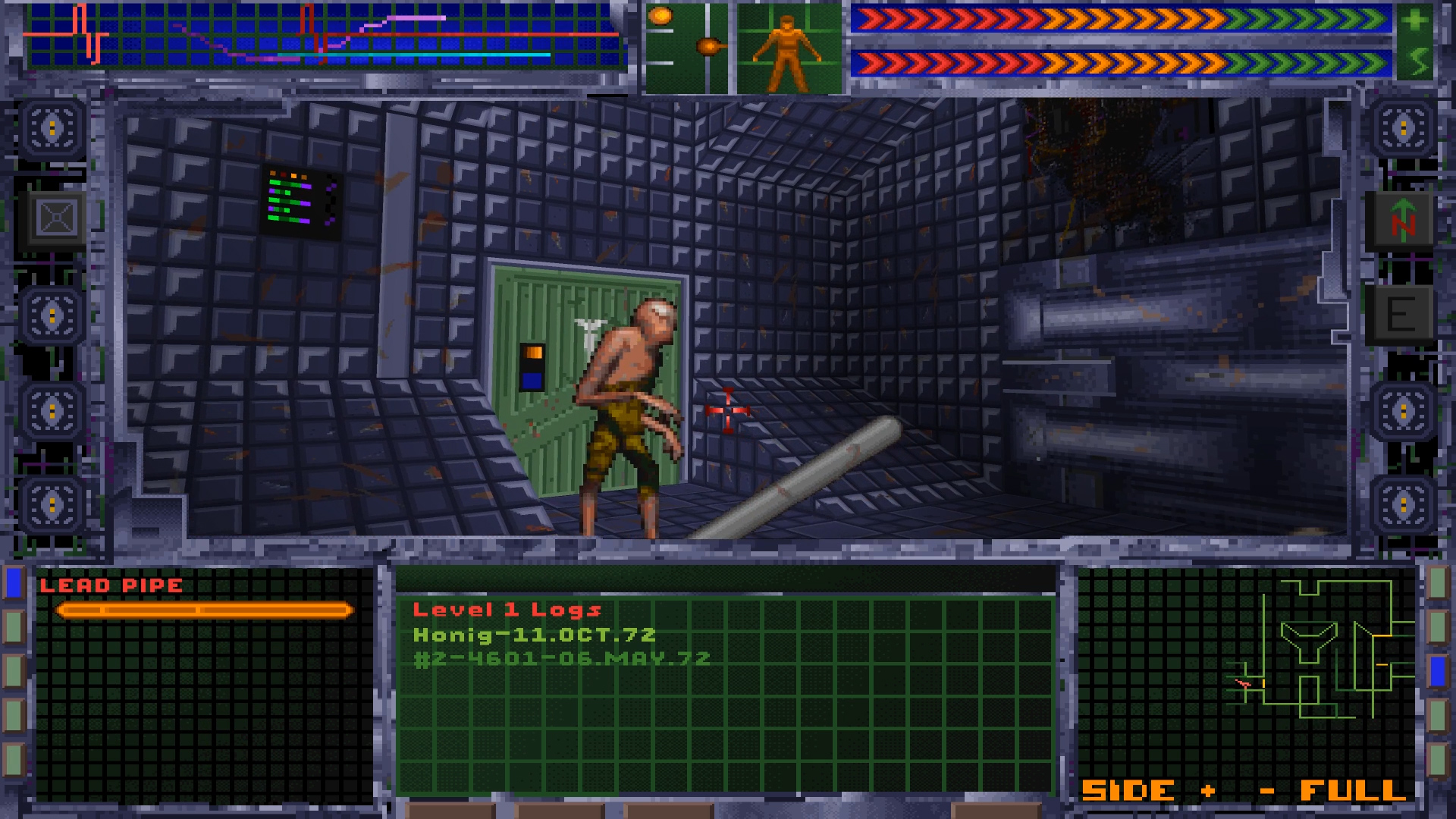
Gameplay blends first‑person combat, hacking, and puzzle solving. Players can rocket through cyberspace to steal data, hack security systems, and grapple with watchdog programs. Physical encounters involve battling cyborgs, robots and mutants while collecting hardware attachments, patches and weapons.
Puzzles require rewiring access panels and outwitting SHODAN in its cyber‑realm, testing both reflexes and intellect. Achievements track progress across these varied activities.
- Conserve ammunition by using hardware attachments that provide alternative combat options.
- Explore terminals for hacking opportunities as you make your way through the station.
05 / THE GUIDE
Extras and Support
The installation includes a Quick Start Guide, the original manual in multiple languages, game maps, an official hint book, a strategy guide, and the full soundtrack in MIDI, MP3 and FLAC formats. Fan missions and mods receive official support, encouraging community content.
Single‑player is the sole mode, and the game supports Steam features such as Trading Cards and Family Sharing, allowing owners to share the experience with others on the same platform.
- Use the provided maps to navigate the Citadel more efficiently.
- Check the Bonus Content folder for the hint book if you get stuck on a puzzle.
COMMUNITY
Player discussion