 GameWiki
GET YOUR BEARINGS
About SYNTHETIK 2
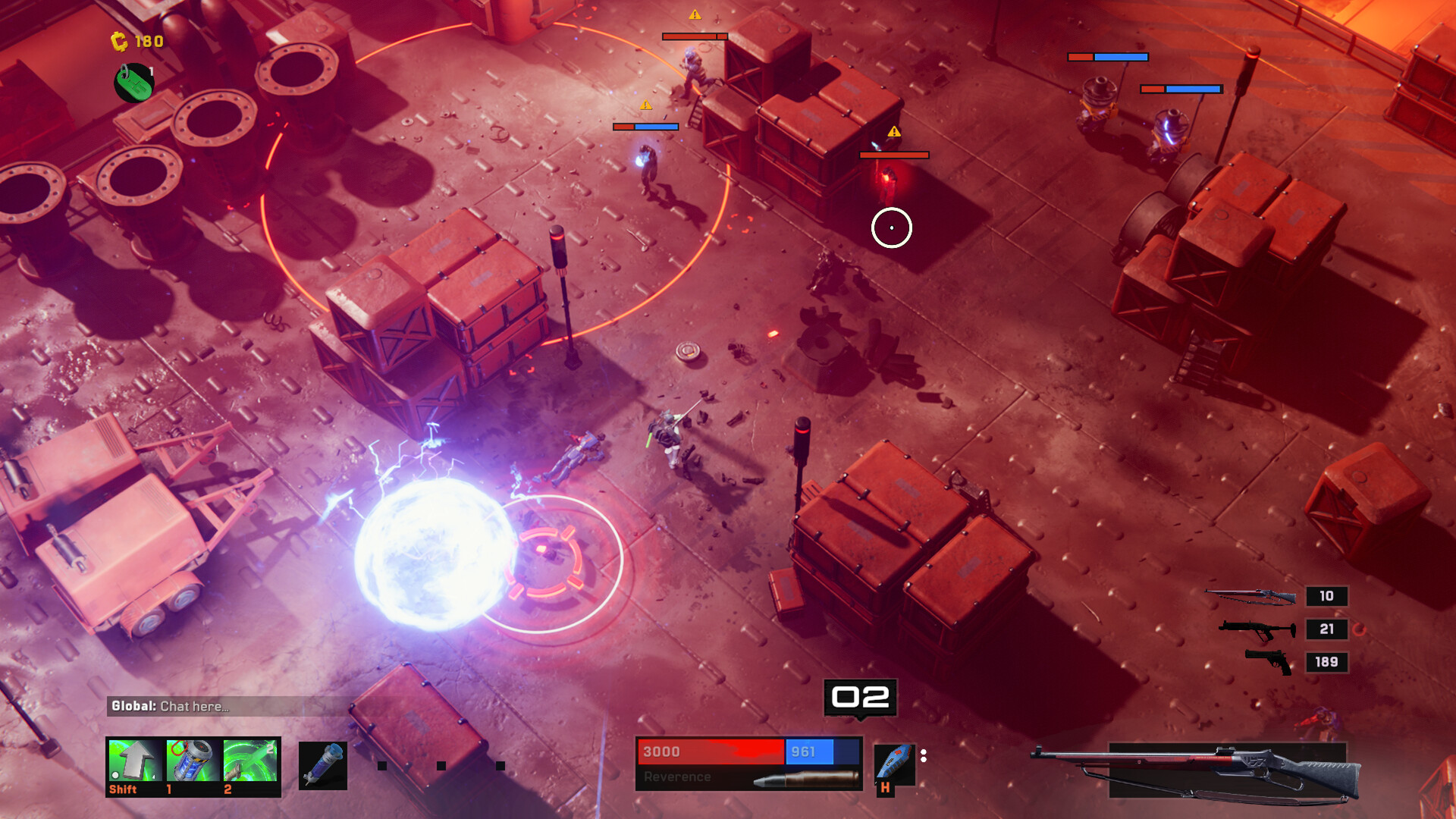
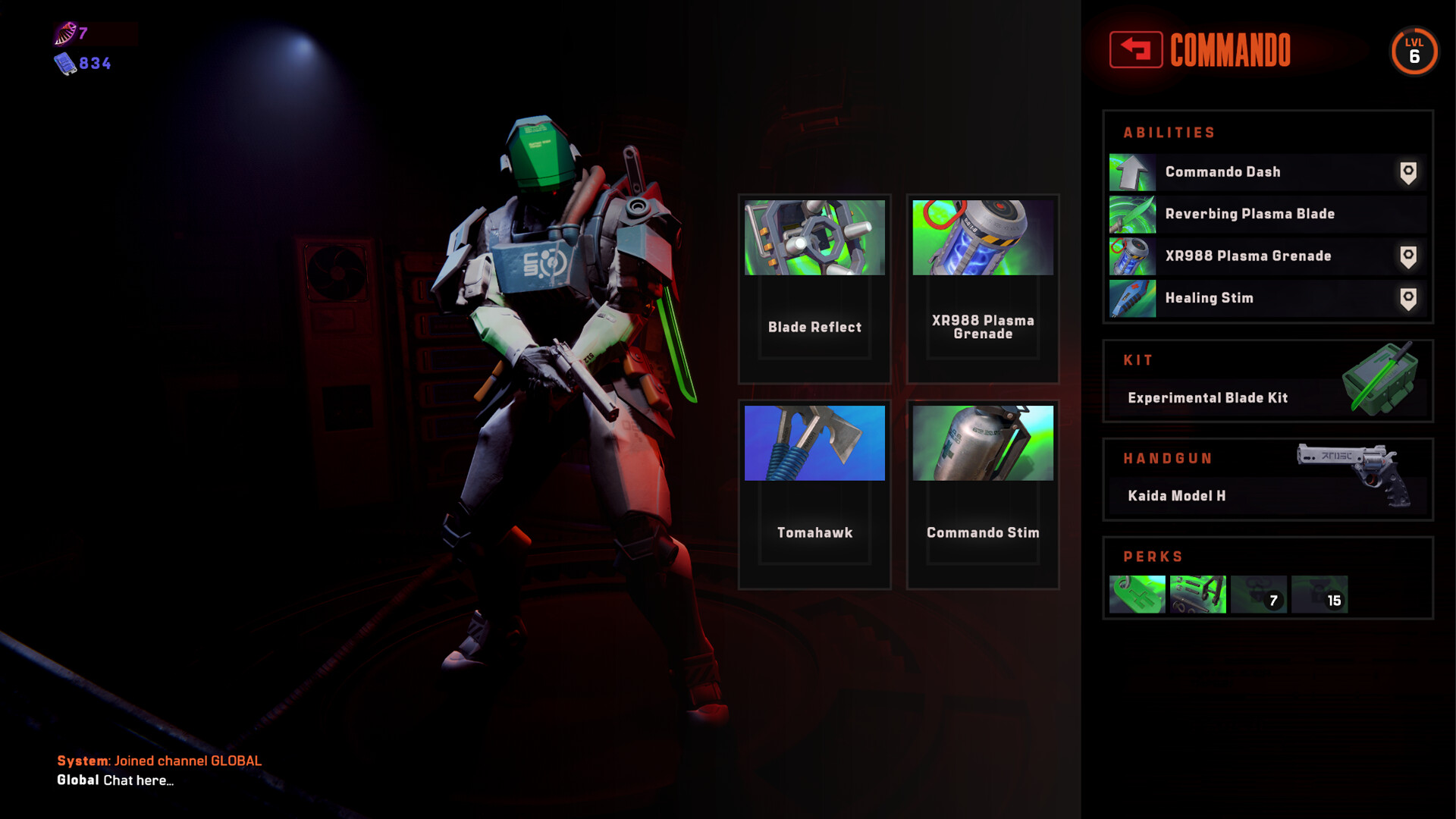
SYNTHETIK 2 puts players in a top‑down fight where humanity’s defiance meets the Machine Legion. Choose from ten android prototype classes, each with its own combat feel, and engage enemies using a manual reload system and precise headshots.
The game offers solo play and 2‑4 player online co‑op, more than 120 weapons with deep attachment and upgrade paths, and the UniversEdit framework that lets players create and share new items, abilities, and classes.
01 / THE GUIDE
Co‑op Mayhem
SYNTHETIK 2 supports solo missions and online co‑op for up to four players. You can fight solo or in 2-4 player co-op, leveling your android classes and experimenting with builds across runs.
In co‑op each player can level their chosen android class and unlock new load‑outs, encouraging experimentation while coordinating attacks against the Machine Legion’s varied enemy factions.
- Try pairing a fast‑moving class with a slower, high‑damage class to cover both mobility and firepower.
- Discuss weapon choices before starting a session to avoid duplicate load‑outs and broaden class coverage.
02 / THE GUIDE
Gunplay and Reload Mechanics
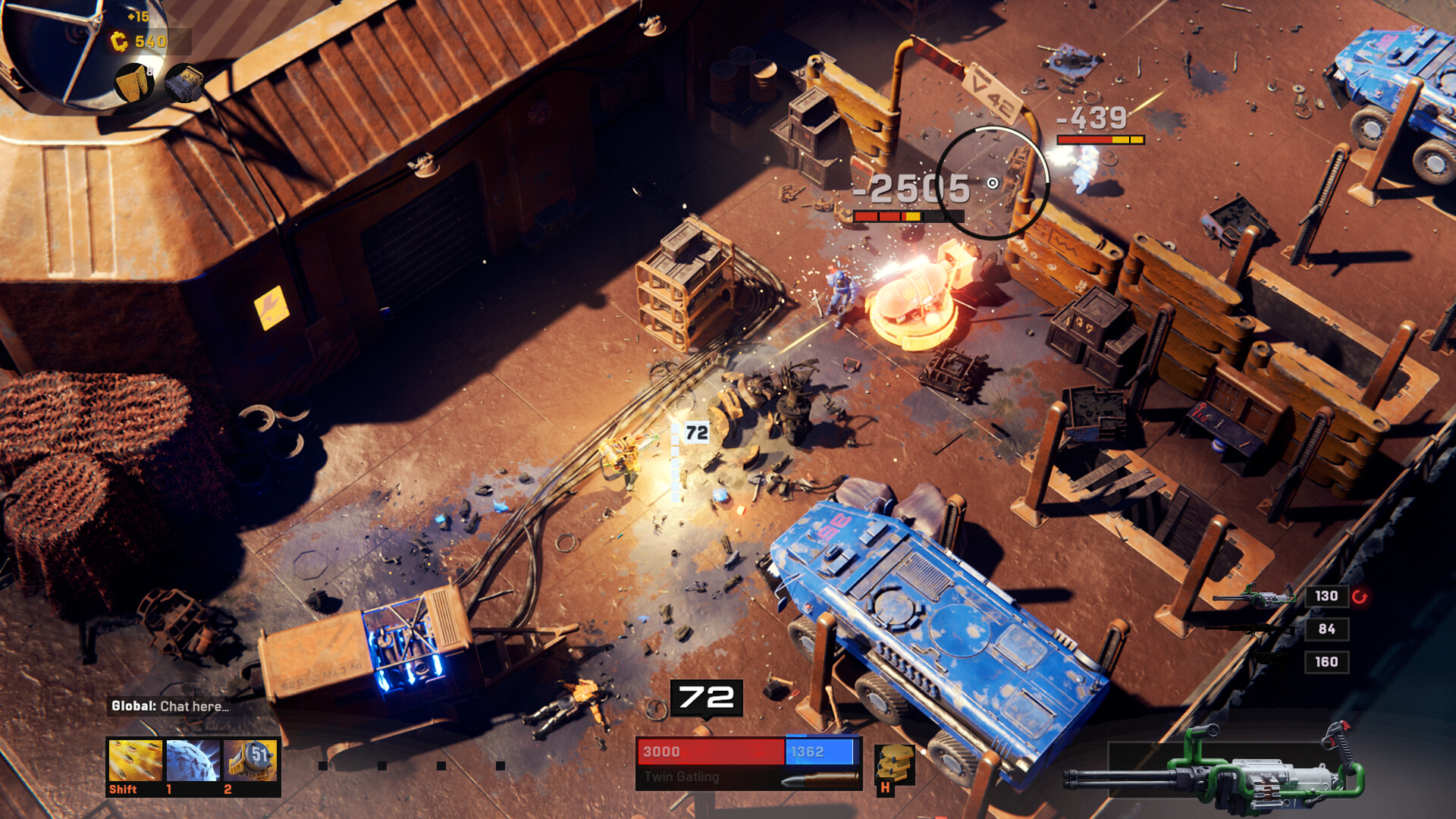
Combat uses a manual reload system that rewards timing; the description highlights single‑shell reloads and dual‑wield options as part of the deeper gunplay loop.
Weapons can jam or overheat, adding a tactical consideration that players must manage during encounters, as noted in the official features.
- Practice single‑shell reloads in low‑risk areas to build consistent timing.
- When a weapon jams, switch to a secondary weapon to maintain pressure while the jam resolves.
03 / THE GUIDE
Faction Arsenals
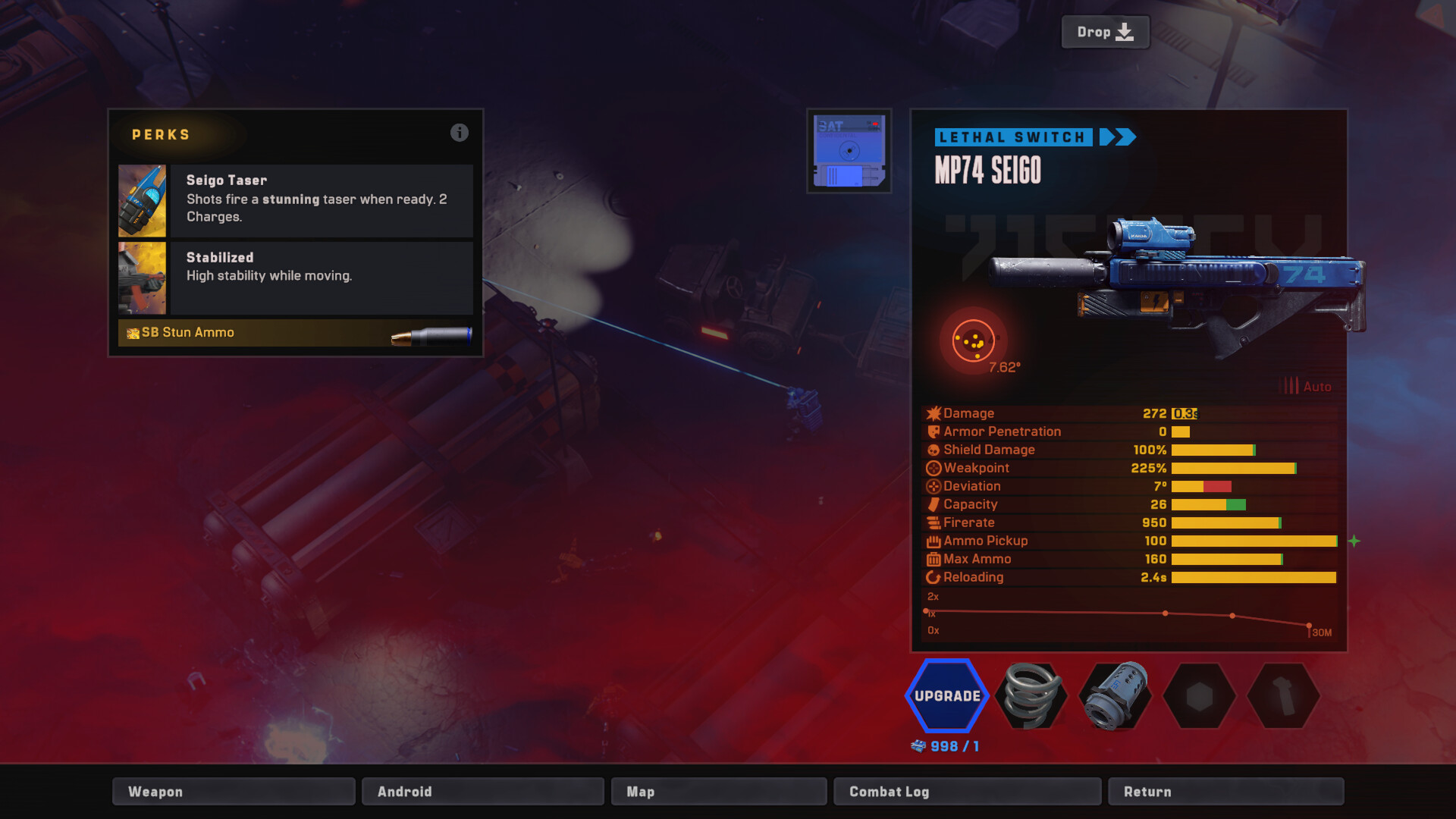
Each weapon belongs to a specific faction, and the game provides multiple variants for a single weapon base. Each weapon faction has its own set of unique variants, encouraging players to explore the different arsenals.
The presence of faction‑defined variants lets players tailor load‑outs to the strengths and weaknesses of the enemy groups they face, as the description notes.
- Compare the stats of faction variants side‑by‑side before committing to a load‑out.
- Mix weapons from different factions to balance complementary strengths.
04 / THE GUIDE
UniversEdit Modding Framework
UniversEdit is an in‑game toolset that enables players to create and share new items, abilities, weapons, and even whole classes, expanding the game beyond its base content.
Mods can be created and shared within the game, fostering a community‑driven ecosystem.
- Start with simple weapon tweaks before attempting full class creation.
- Test your mod in a private session to verify stability before sharing.
05 / THE GUIDE
Destruction and Physics
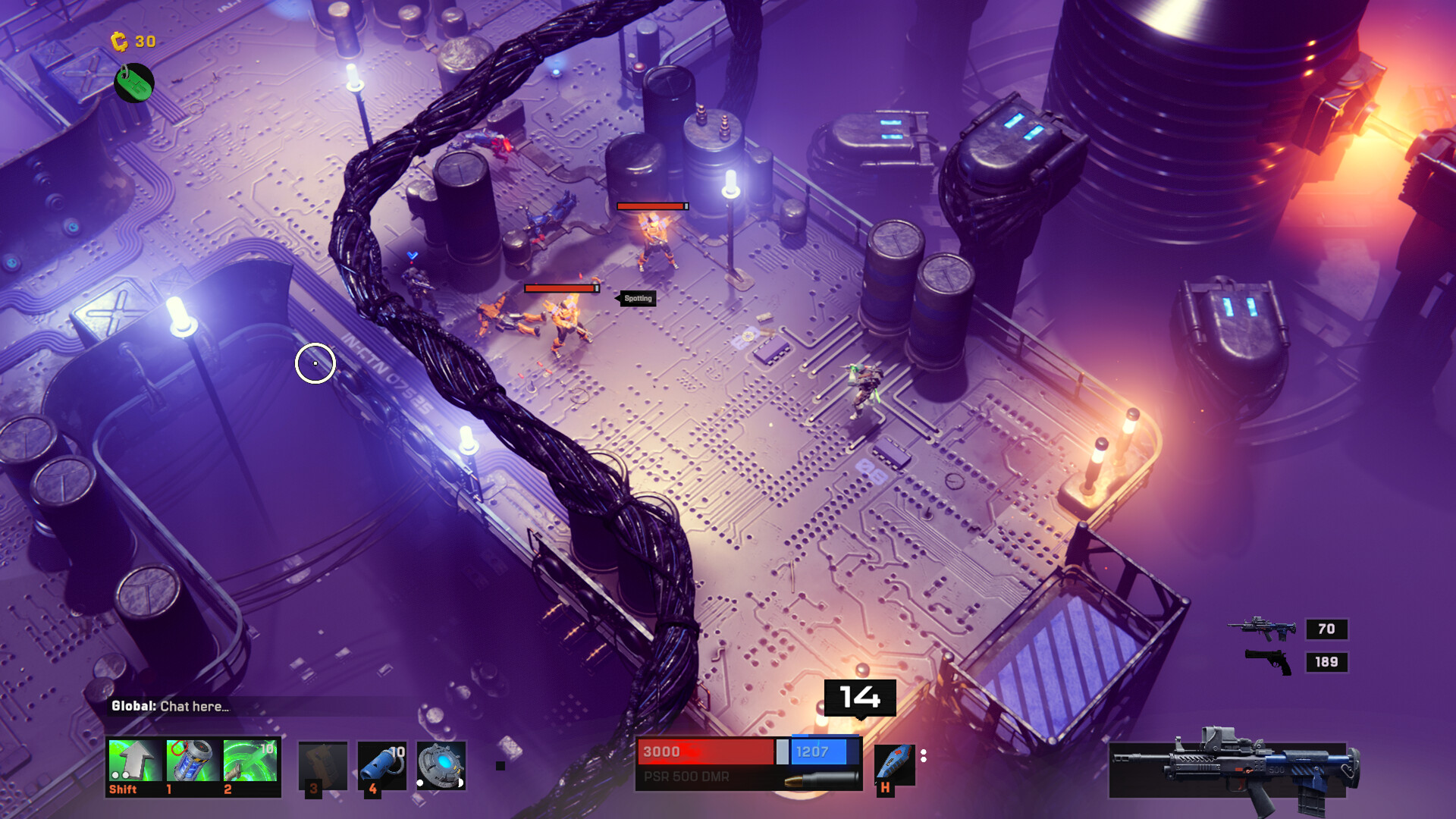
The sequel adds full 3D environments with physics‑based destruction, letting objects be broken and interacted with during combat, which creates tactical options such as using debris for cover.
Destructible elements appear across varied maps, and the physics engine ensures each interaction feels responsive, enhancing the sense of chaotic mayhem.
- Use explosive weapons near breakable structures to create temporary barriers.
- Observe how physics‑based objects react to gunfire to find advantageous positions.
COMMUNITY
Player discussion