 GameWiki
GET YOUR BEARINGS
About Sword of the Sea
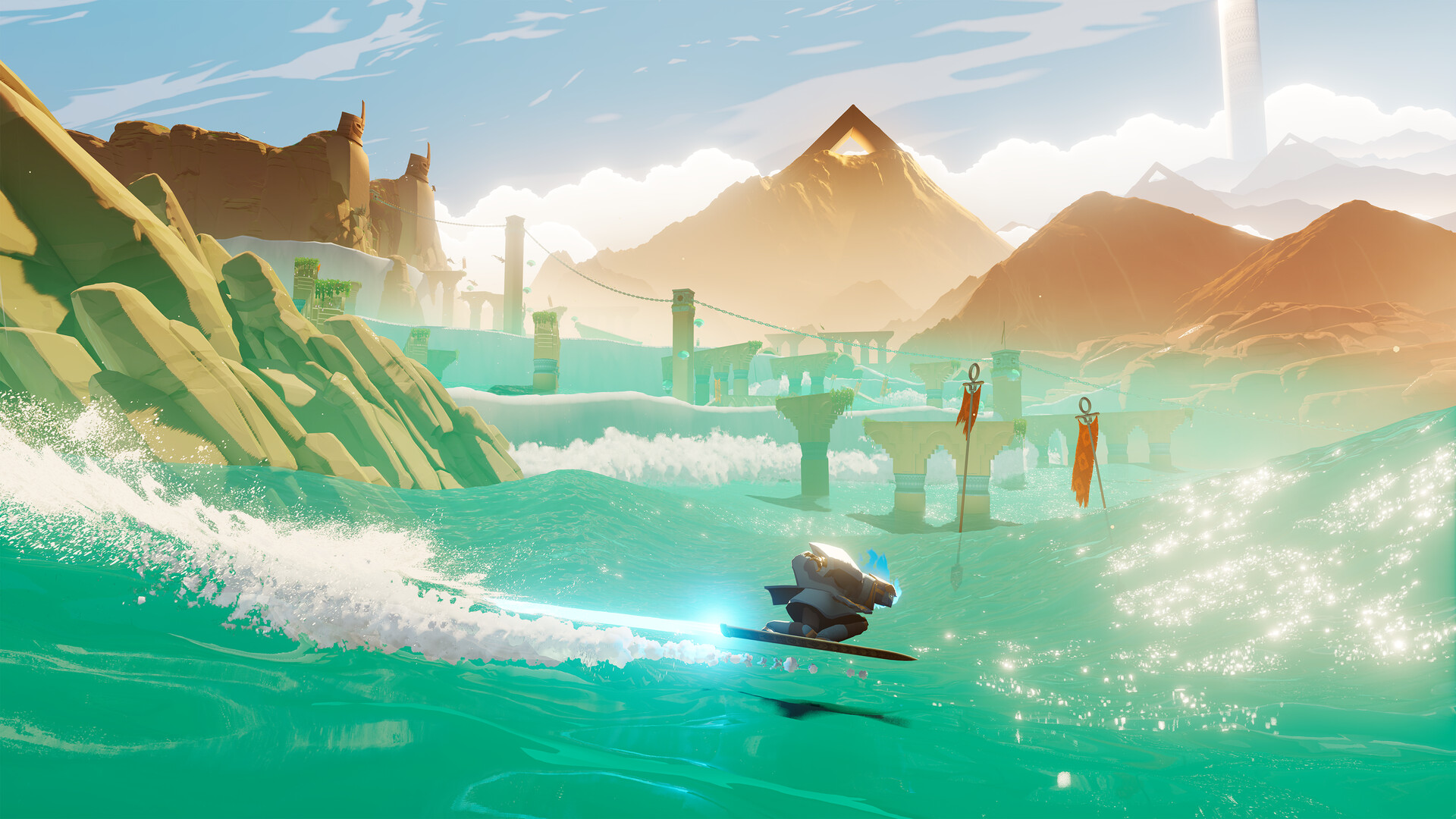
Surf across ever‑shifting dunes and glistening waters in an atmospheric adventure that blends high‑speed Hoversword movement with the flow of skateboarding, snowboarding and surfing. As the resurrected Wraith you chase a lost ocean, carving through massive waves, half‑pipes and wall rides while uncovering a buried sea.
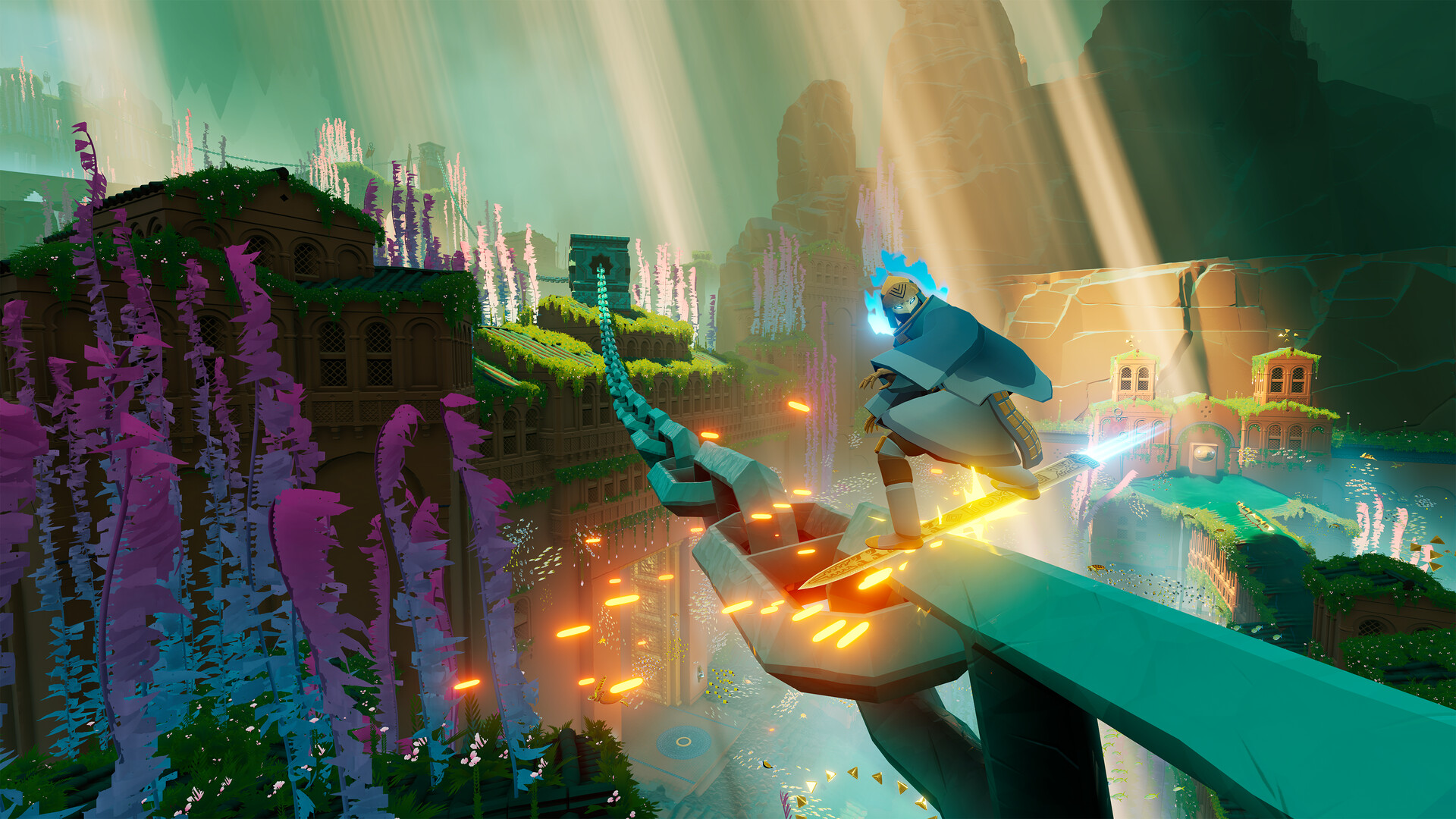
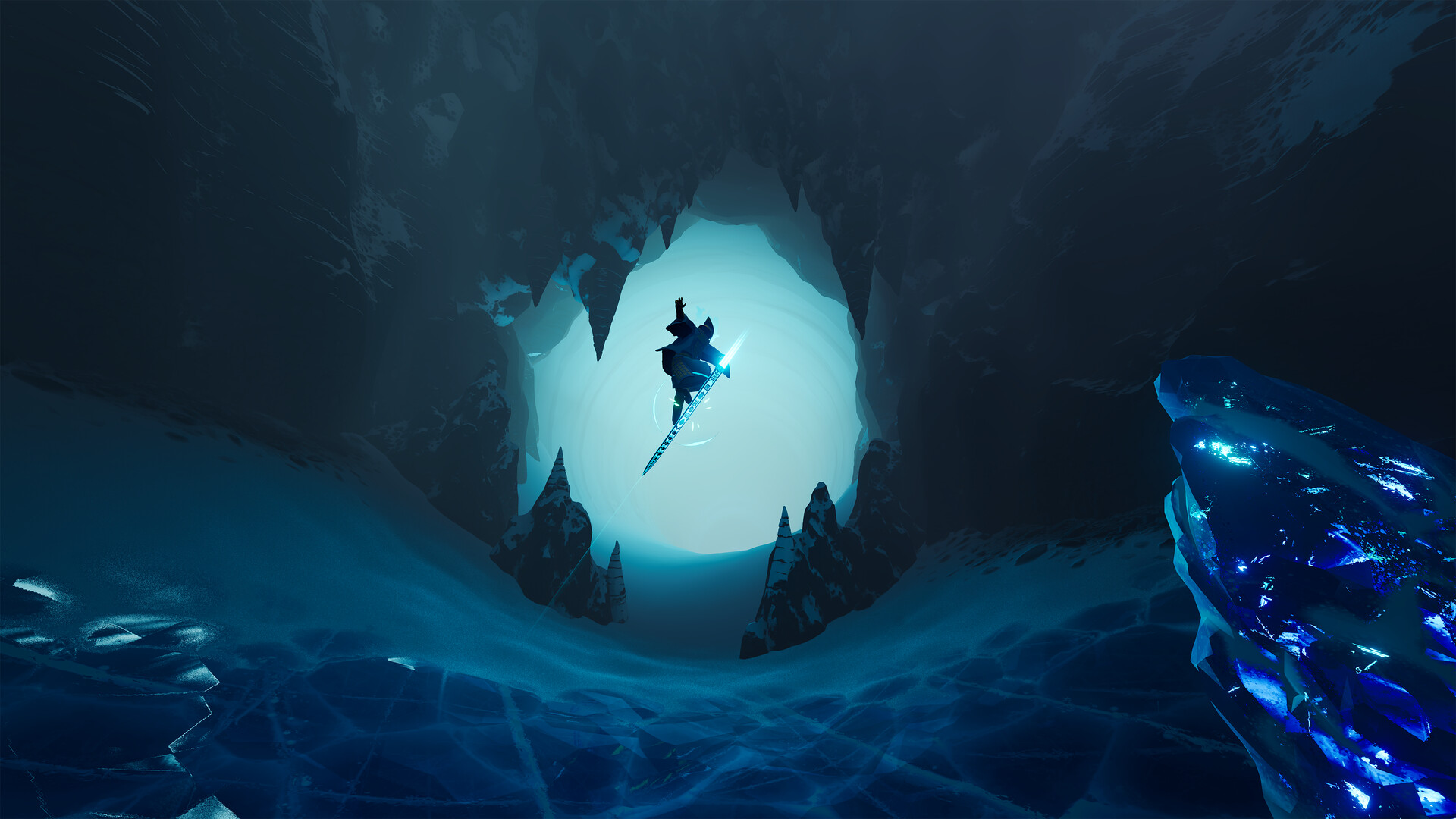
The world is rendered in detailed, undulating environments—from sandy deserts to glacial peaks—filled with hidden ruins and secret passages. Giant Squid’s artistic direction and Austin Wintory’s Grammy‑winning score create a meditative journey where each trick and glide restores life to the landscape.
01 / THE GUIDE
Hoversword Movement
The Hoversword moves like a snowboard, skateboard and surfboard combined, letting you build momentum for top speed and big air off wave crests. Pulling off flips, spins and grabs feels fluid as you shred half‑pipes, ramps and wall rides.
Momentum is essential; the faster you go, the higher you can launch. The movement system balances exhilarating action with a calm, meditative rhythm that encourages players to flow with the environment.
- Experiment with different angles when approaching a wave to discover the most natural launch.
- Observe how the Hoversword reacts on sand versus water to adjust your carving technique.
02 / THE GUIDE
World Design
The game’s world is a constantly moving sea of dunes, with massive tides and tiny ripples rendered in great detail. Environments shift from sandy deserts to glacial mountains, each filled with secrets and hidden areas.
Landforms act as natural surfable terrain; waves rise and fall, creating dynamic routes. Exploring these varied landscapes reveals the remnants of a lost culture and the path toward restoring the ocean.
- Take time to explore quieter sections; they often hide visual clues to the lost sea.
- Watch how the terrain changes after a big trick to spot new pathways.
03 / THE GUIDE
Spiritual Journey
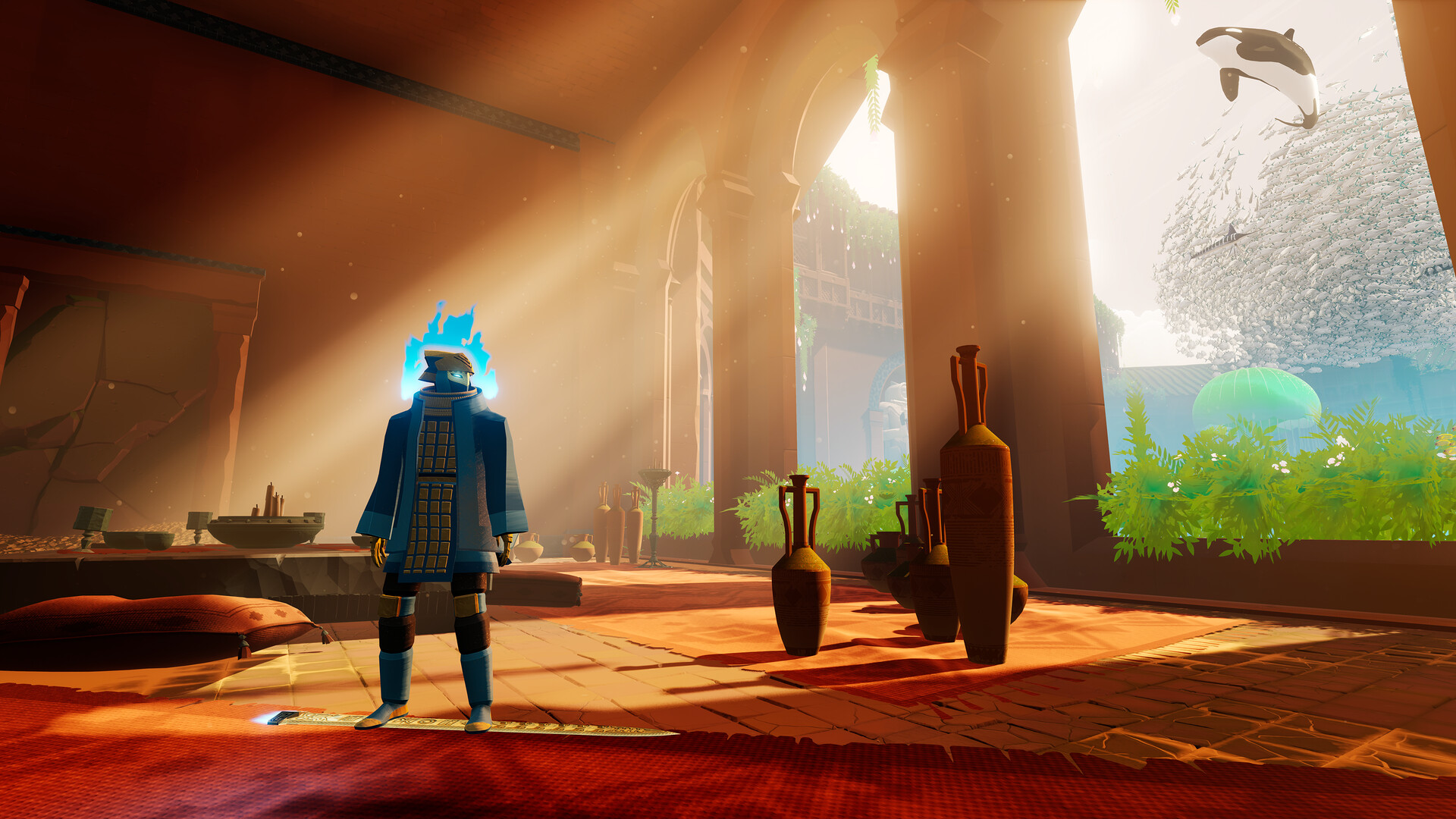
You play as the Wraith, resurrected in a desolate Necropolis, on a quest to unveil an ancient sea buried beneath the land. By surfing and uncovering hidden tombs, you transform dunes into emerald waters and watch magical sealife return.
The narrative ties the act of surfing to a spiritual restoration, with darkness hinted beneath the waves, adding a subtle tension to the otherwise serene exploration.
- Notice the visual shift when dunes turn to water; it signals progress in the story.
- Listen for changes in the music as you approach areas tied to the ancient sea.
04 / THE GUIDE
Audio‑Visual Art
Giant Squid’s creative director Matt Nava provides the visual style, while Grammy‑winning composer Austin Wintory supplies the soundtrack. The combination delivers a strikingly beautiful aesthetic and an immersive musical backdrop.
The art direction emphasizes fluidity and color, reinforcing the meditative feel of surfing, while the music underscores both calm moments and high‑speed sections.
- Adjust volume controls to balance ambient sounds with the music for a deeper immersion.
- Observe how lighting changes during high‑speed sections; it enhances the sense of motion.
05 / THE GUIDE
Platform Features
Sword of the Sea runs on Windows with full controller support, including DualSense features, and offers Steam Cloud saves, Remote Play on TV, and Family Sharing. The game also includes custom volume controls and a camera comfort option.
These features provide flexibility for different play environments, allowing you to surf on a TV via Remote Play or continue progress across devices through Steam Cloud.
- Enable the camera comfort option if you prefer a steadier view while performing tricks.
- Use Remote Play on TV to experience the game on a larger screen for a more cinematic feel.

COMMUNITY
Player discussion