 GameWiki
GET YOUR BEARINGS
About Sven Co-op
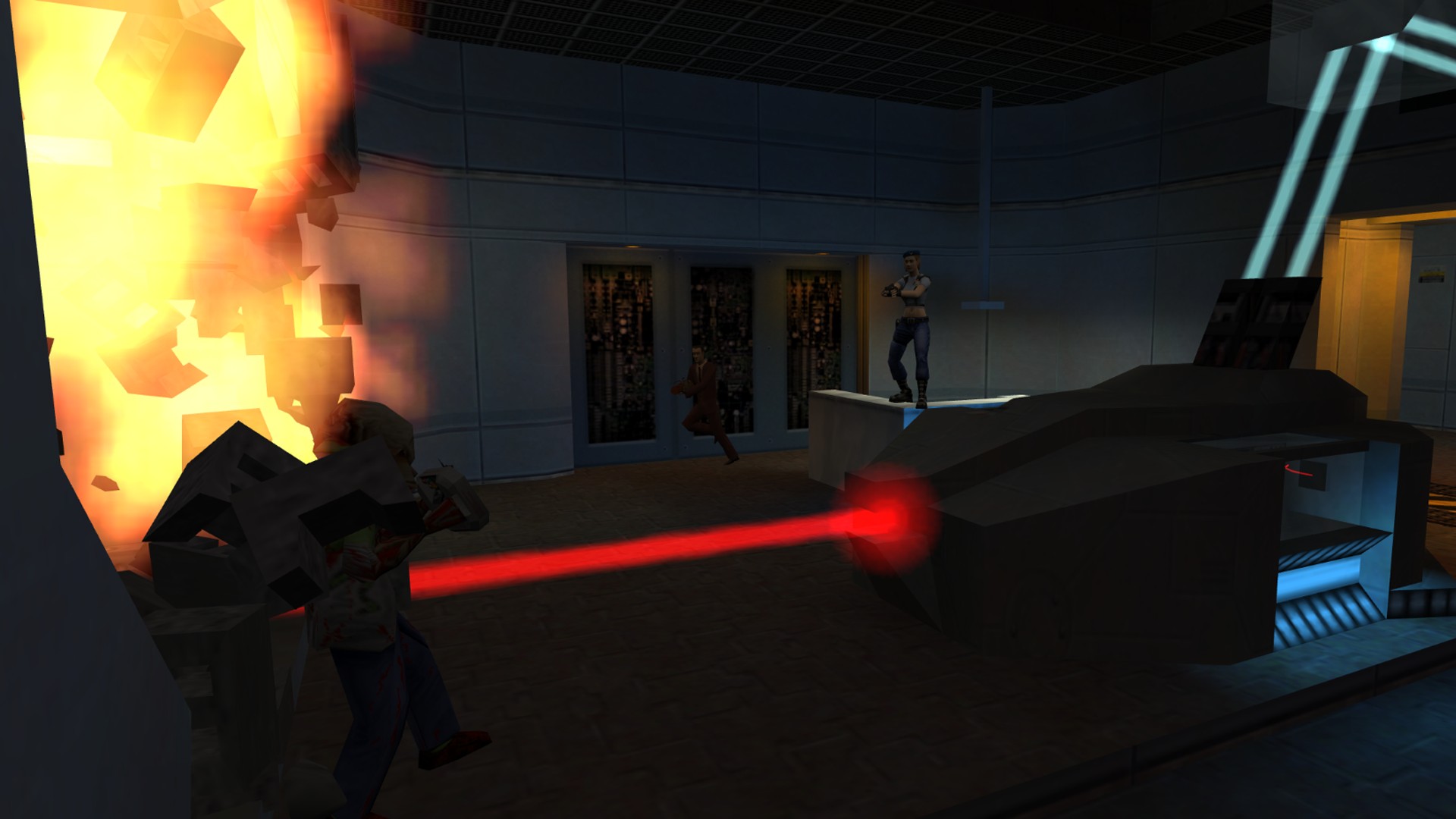
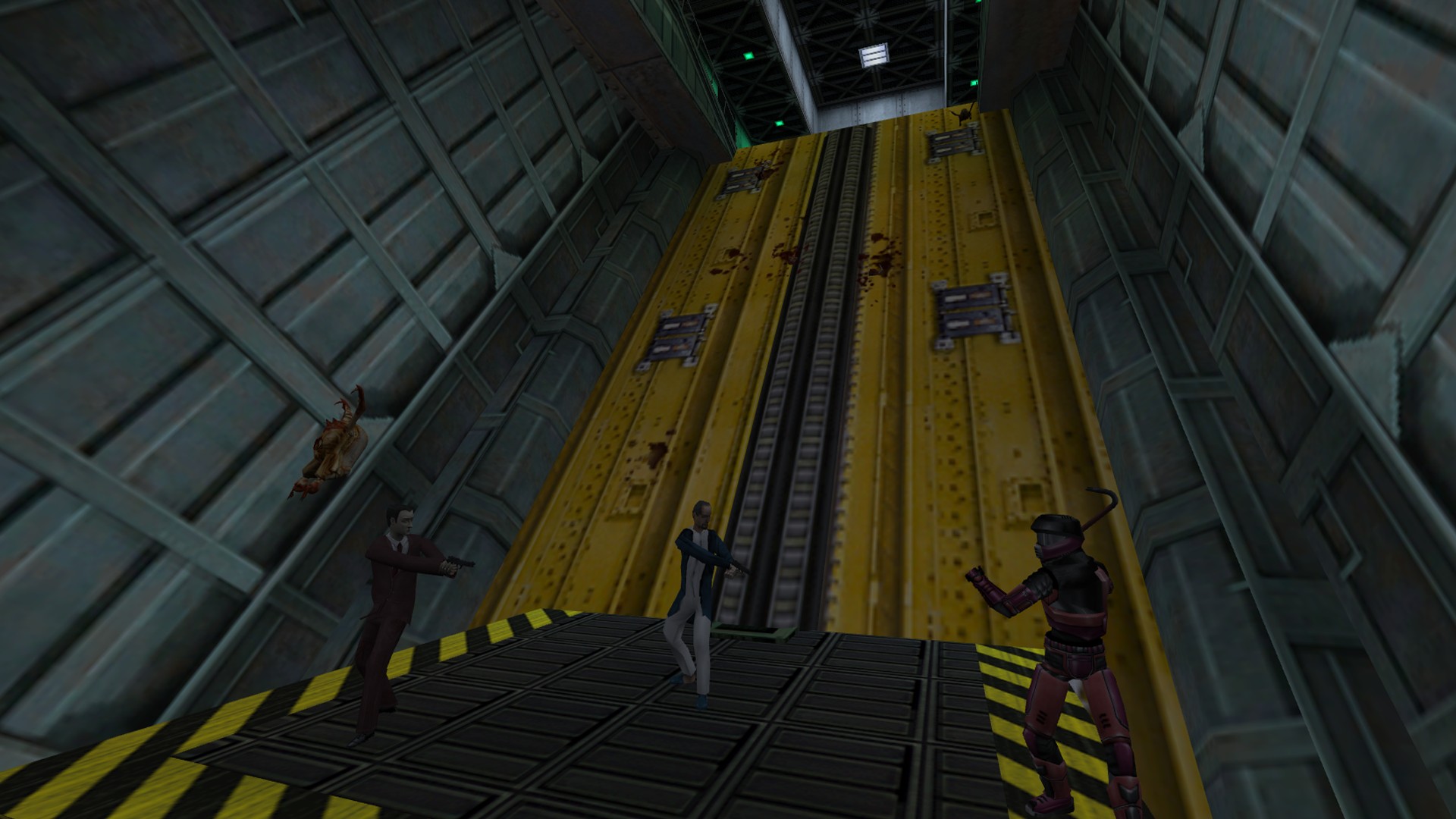
Sven Co‑op is a free‑to‑play action title built on Valve’s Half‑Life engine. Players join together to battle computer‑controlled foes and solve puzzles, using many of the same weapons and monsters familiar from the original game. The game is organized into separate missions, often spanning several maps. While a scoring system exists, the primary aim of each mission is to reach its endpoint or complete its stated objective.
The difficulty is raised to suit cooperative play, encouraging teamwork and communication. Sven Co‑op runs on Windows and Linux, and supports online, LAN, and partial controller multiplayer, with Steam Cloud and Valve Anti‑Cheat providing additional online features.
01 / THE GUIDE
Co‑operative Gameplay
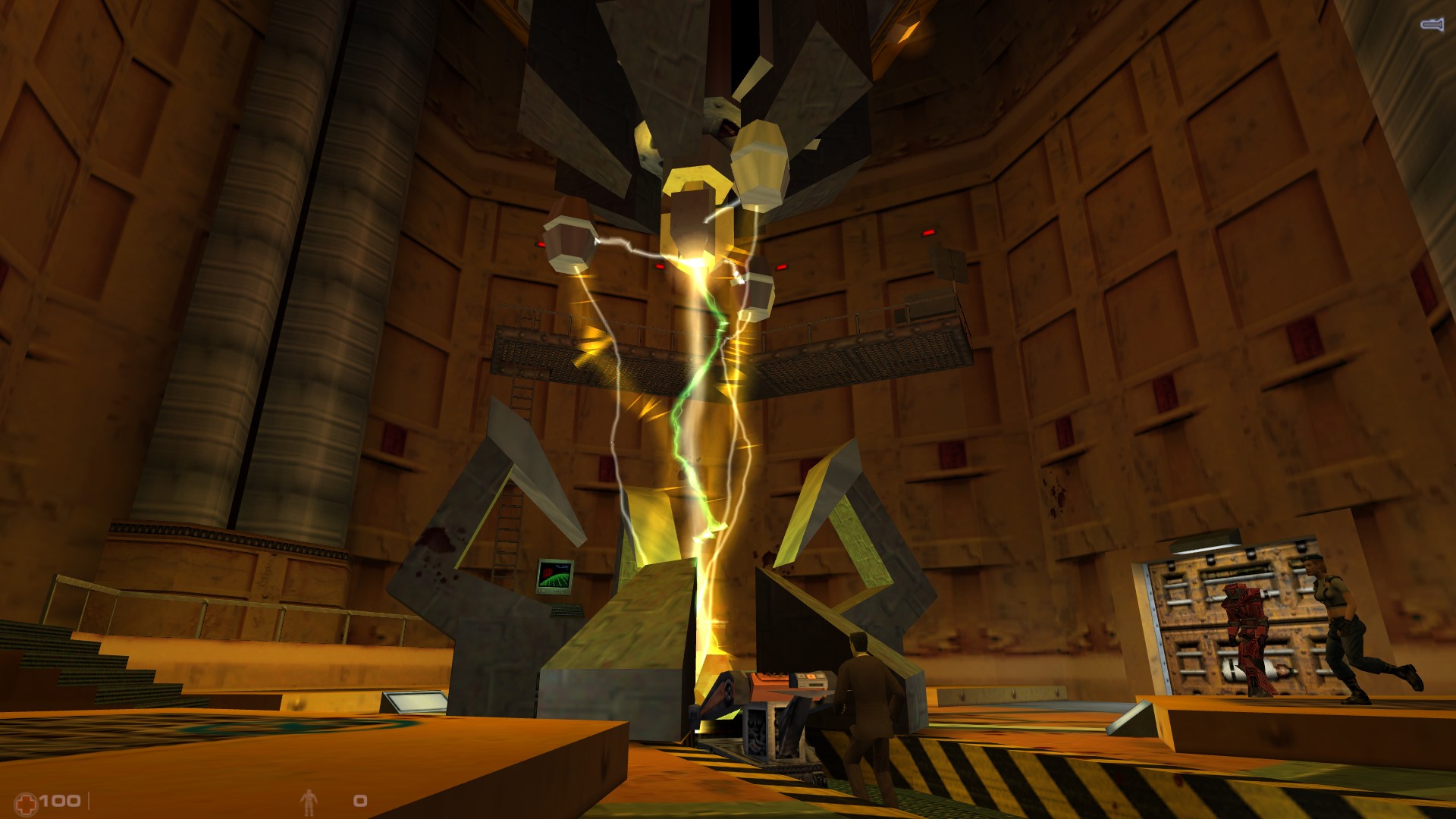
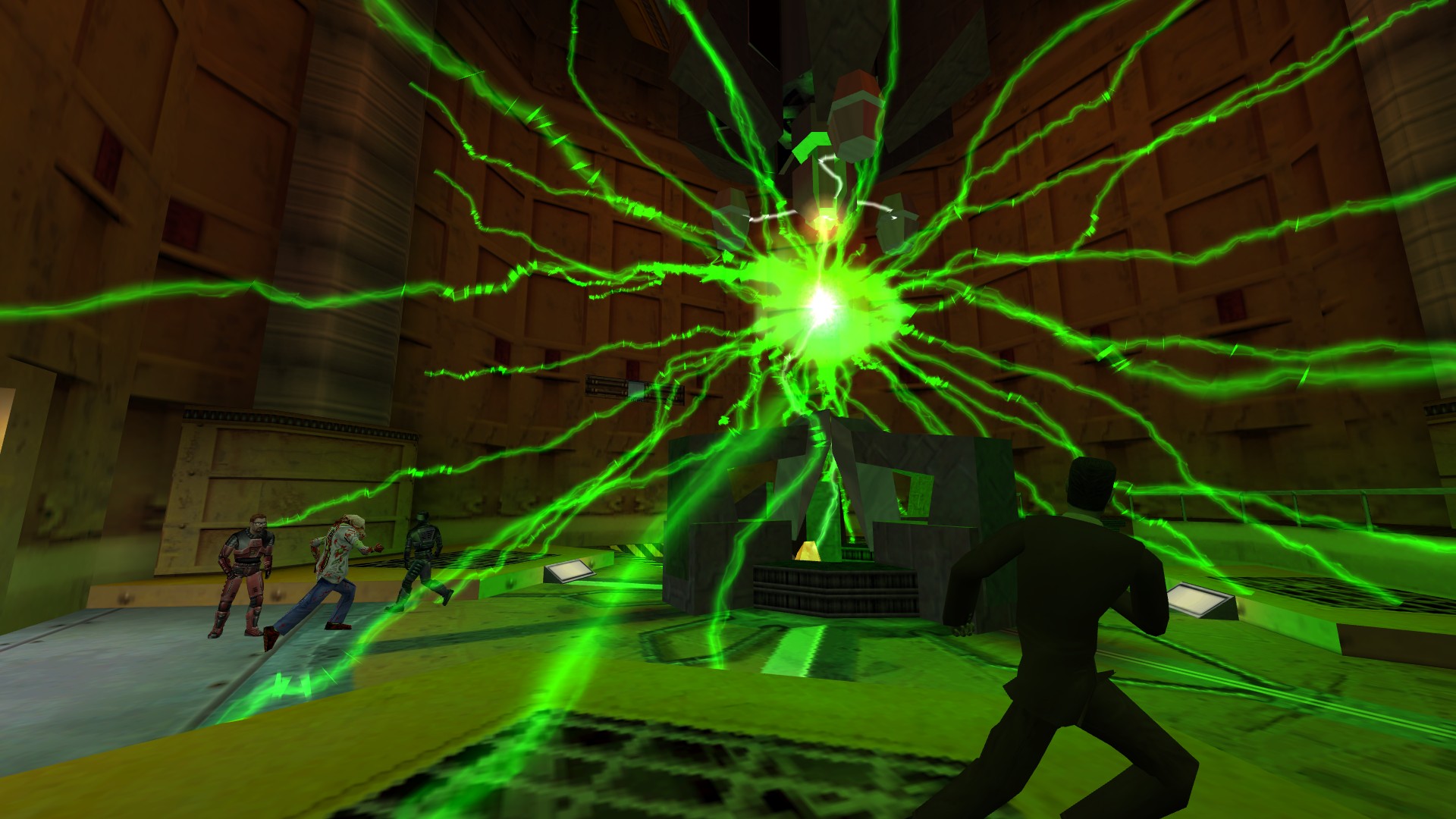
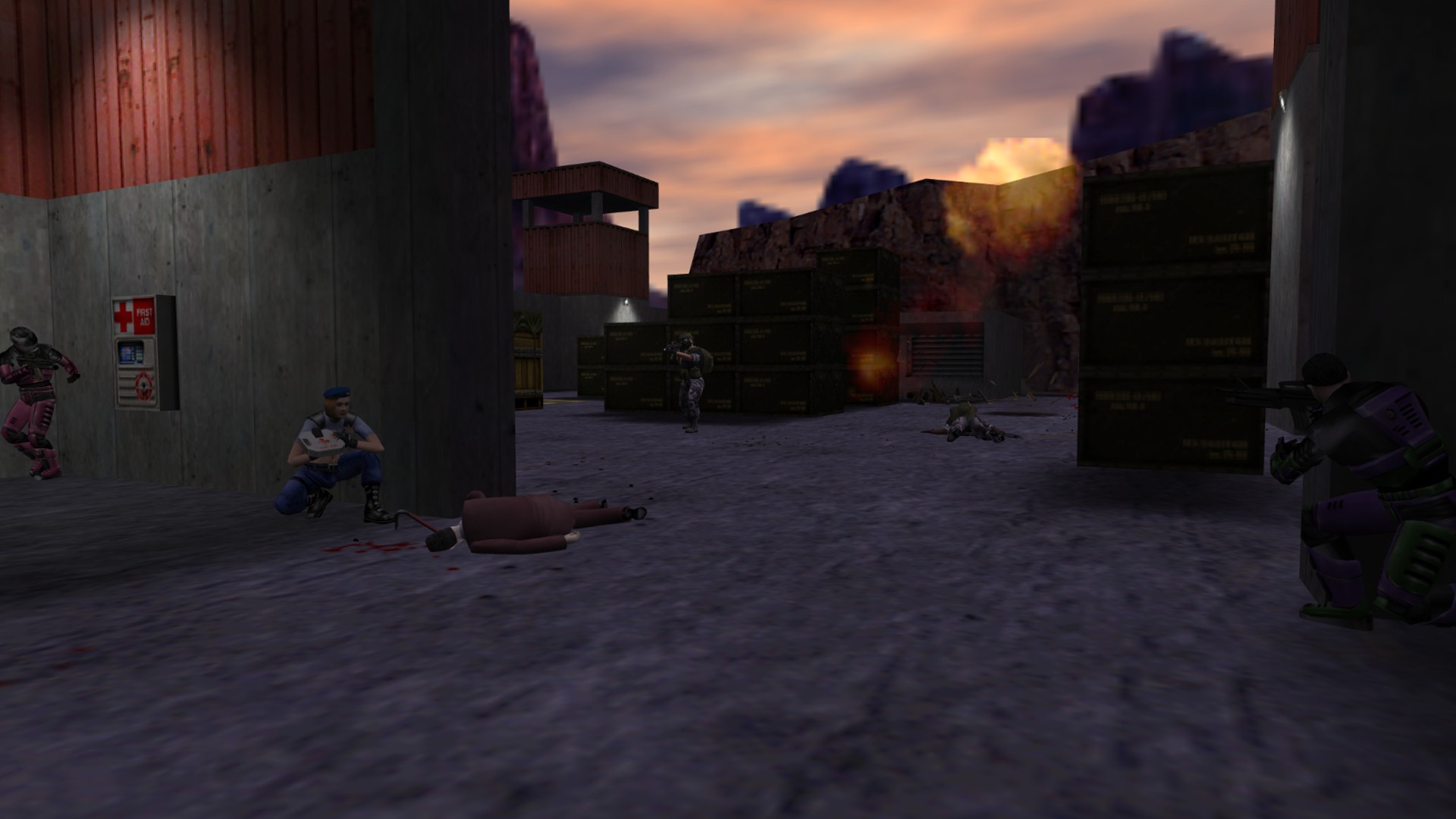
In Sven Co‑op, participants must work together against AI enemies, combining firepower and problem‑solving to progress. The design expects multiple players to coordinate attacks and share resources. Teamwork is emphasized because the difficulty is increased compared with solo play, making coordinated effort essential for overcoming tougher enemy placements and puzzles.
The game’s cooperative focus means that each player’s actions can affect the group’s success, such as opening doors or activating switches that require multiple participants. Understanding how each role contributes helps the team move forward efficiently.
- Discuss weapon roles before entering a new area.
- Assign puzzle responsibilities to avoid repeated attempts.
02 / THE GUIDE
Mission Structure
Levels are presented as distinct missions, each generally independent from the others. Some missions extend across several maps, forming a series that can be tackled sequentially. Each mission presents a clear endpoint or specific objective, and completing that goal ends the level regardless of the score achieved.
Because missions are separate, progress in one does not affect another, allowing players to choose which series to attempt. The optional scoring element adds a layer of competition without influencing mission completion.
- Read the mission brief to identify the required objective.
- Treat each map as a self‑contained challenge within a larger series.
03 / THE GUIDE
Difficulty Scaling for Teams
Although the game shares weapons and monsters with Half‑Life, its difficulty has been increased to suit cooperative play. Enemy numbers and placements are adjusted to challenge multiple players. This scaling means that solo attempts may feel harder than in the original, while coordinated groups can manage the heightened threats more comfortably.
The increased difficulty does not require a score to win; it simply raises the challenge level. Players can observe how enemy behavior changes when more teammates are present, informing tactical choices.
- Experiment with different tactics when playing solo versus with a full team.
- Observe enemy spawn patterns to anticipate tougher sections.
04 / THE GUIDE
Platform Availability
Sven Co‑op runs on Windows and Linux operating systems, providing access to a broad PC audience. macOS is not listed as a supported platform. Online play is available on both listed operating systems, assuming they meet the other technical requirements.
Because the game is available on two major desktop platforms, players can choose the environment that best fits their hardware. No additional platform‑specific features are documented beyond OS support.
- Verify your operating system before installing.
- Ensure your network settings allow online connections on the chosen OS.
05 / THE GUIDE
Online Features and Safety
Sven Co‑op includes online co‑op, LAN co‑op, and partial controller support, allowing flexible multiplayer setups. Steam Cloud is enabled, and the game uses Valve Anti‑Cheat to maintain fair play. Family Sharing is also supported, letting multiple Steam accounts access the game under a single purchase, which can simplify group play among friends or relatives.
These online features operate independently of the core gameplay; they provide convenience and security without altering mission design. No additional rewards or modes are tied to these services.
- Enable Steam Cloud to keep progress synced across devices.
- Rely on Valve Anti‑Cheat for a cleaner multiplayer environment.
COMMUNITY
Player discussion