 GameWiki
GET YOUR BEARINGS
About Suspicious Downpour
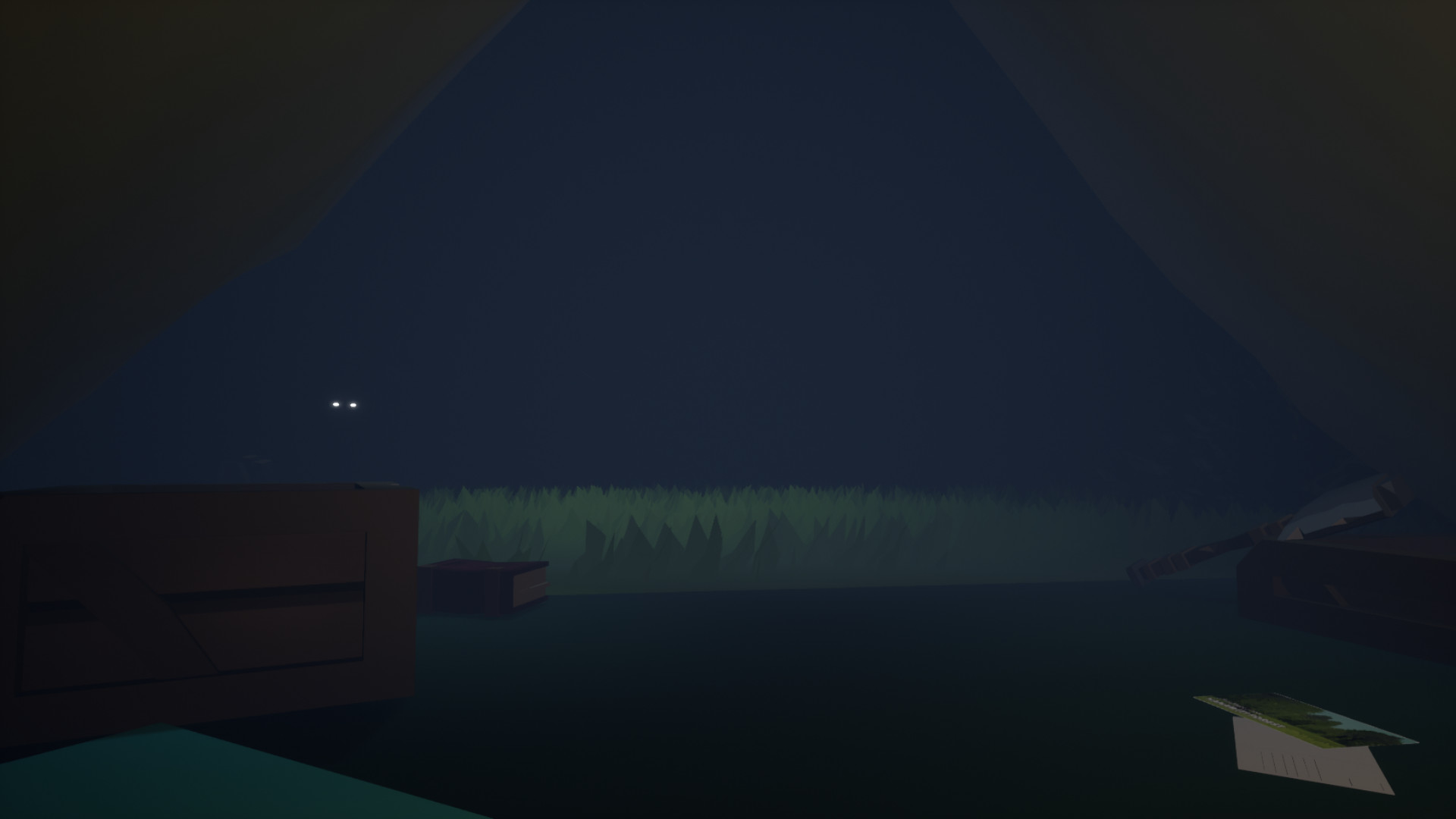
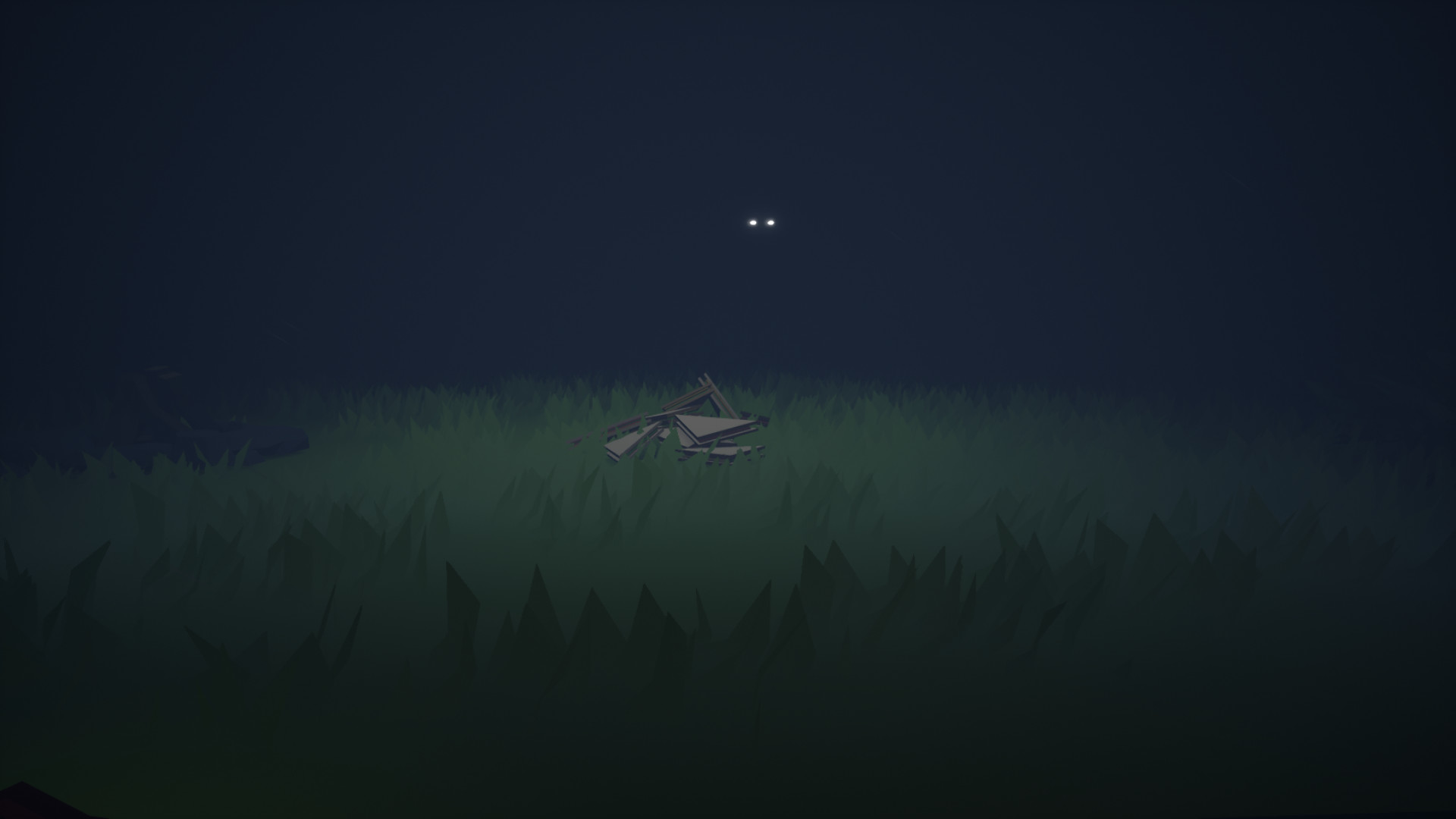
Suspicious Downpour is a brief single‑player comedy‑horror adventure set in the Hanawiti forest, where a camper must endure a sudden storm while staying inside a tent. The game mixes light‑hearted warnings with an eerie ambience, inviting players to listen to rain and watch for unseen presence.
Developed in a 48‑hour jam for the 2021 Aotearoa Game Jam, the title runs on Windows via Steam, includes achievements and Family Sharing, and can be completed in under thirty minutes, though the developers note it can be replayed for atmosphere.
01 / THE GUIDE
Story and Setting
The player arrives at Hanawiti forest, described as a popular spot for adventurous backpackers, and is prompted to pitch a tent for the night. The narrative warns about a character named Mr. Wilson and advises against feeding wildlife or packing meat.
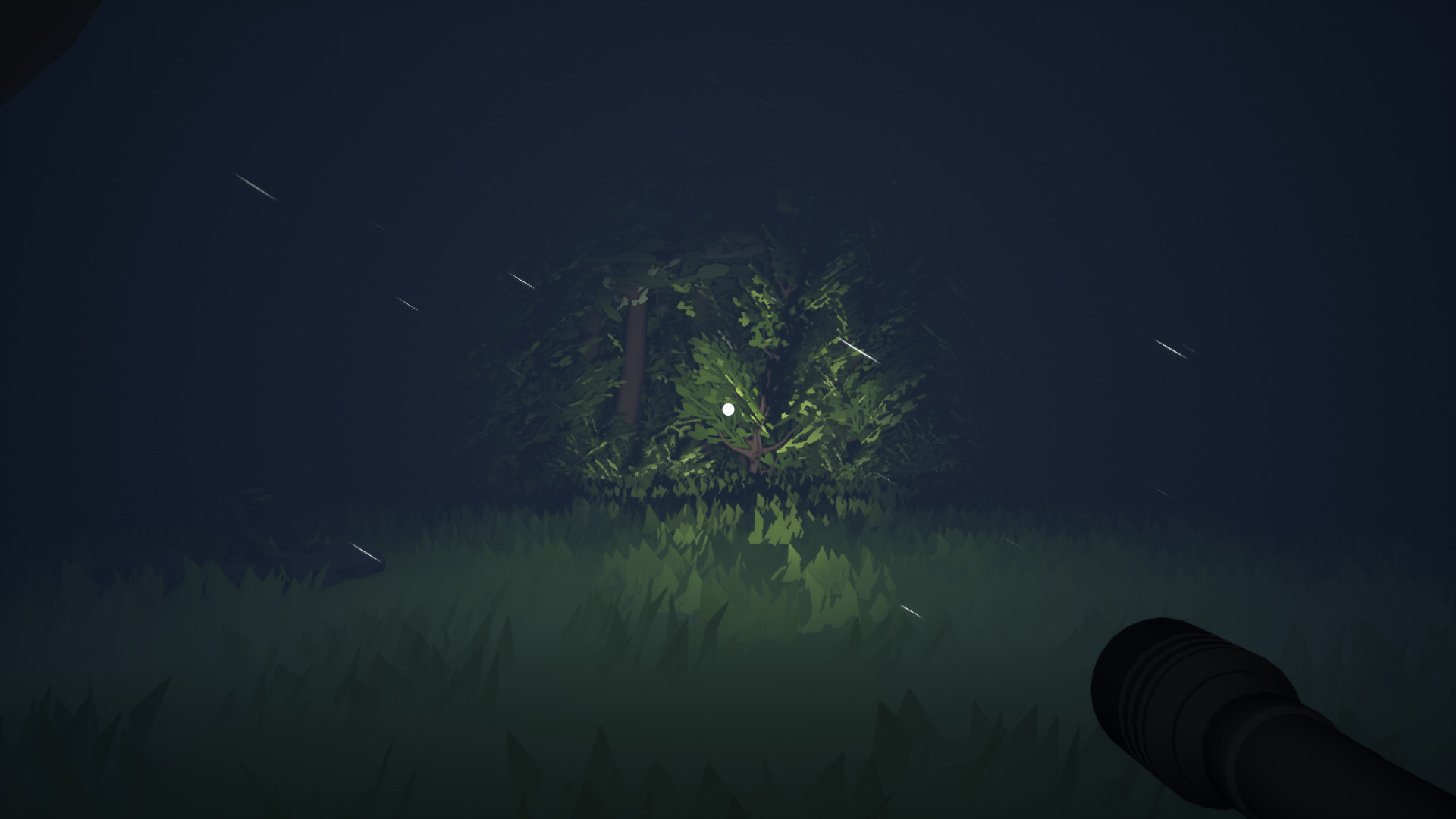
The environment is portrayed as lush and beautiful, with rain creating a calm yet potentially unsettling backdrop. This combination suggests the woods may hold unseen elements beyond the immediate campsite.
- Notice the specific warnings about wildlife when considering in‑game actions.
- Listen for changes in the rain ambience that might signal narrative shifts.
02 / THE GUIDE
Gameplay Length
The game was created during a 48‑hour jam, resulting in a playtime that can be finished in less than thirty minutes. This short duration reflects the focused design and rapid development cycle.
Although the story is not built for multiple distinct outcomes, the developers state that players may replay the experience for ambience and immersion, offering a repeatable session despite its brevity.
- Allocate a single short session to experience the full narrative without interruption.
- Consider a second run to notice ambient details you may have missed the first time.
03 / THE GUIDE
Keyboard Puzzle Mechanics
Interaction relies on the keyboard as a puzzle mechanic, and the design intentionally prevents free walking. Players must solve input challenges while remaining inside the tent.
Because movement is restricted, the focus shifts to interpreting on‑screen prompts and experimenting with key sequences, aligning with the jam‑origin constraints of limited scope.
- Observe any on‑screen instructions that indicate which keys to press.
- Try different key combinations methodically to discover puzzle solutions.
04 / THE GUIDE
Audio and Atmosphere
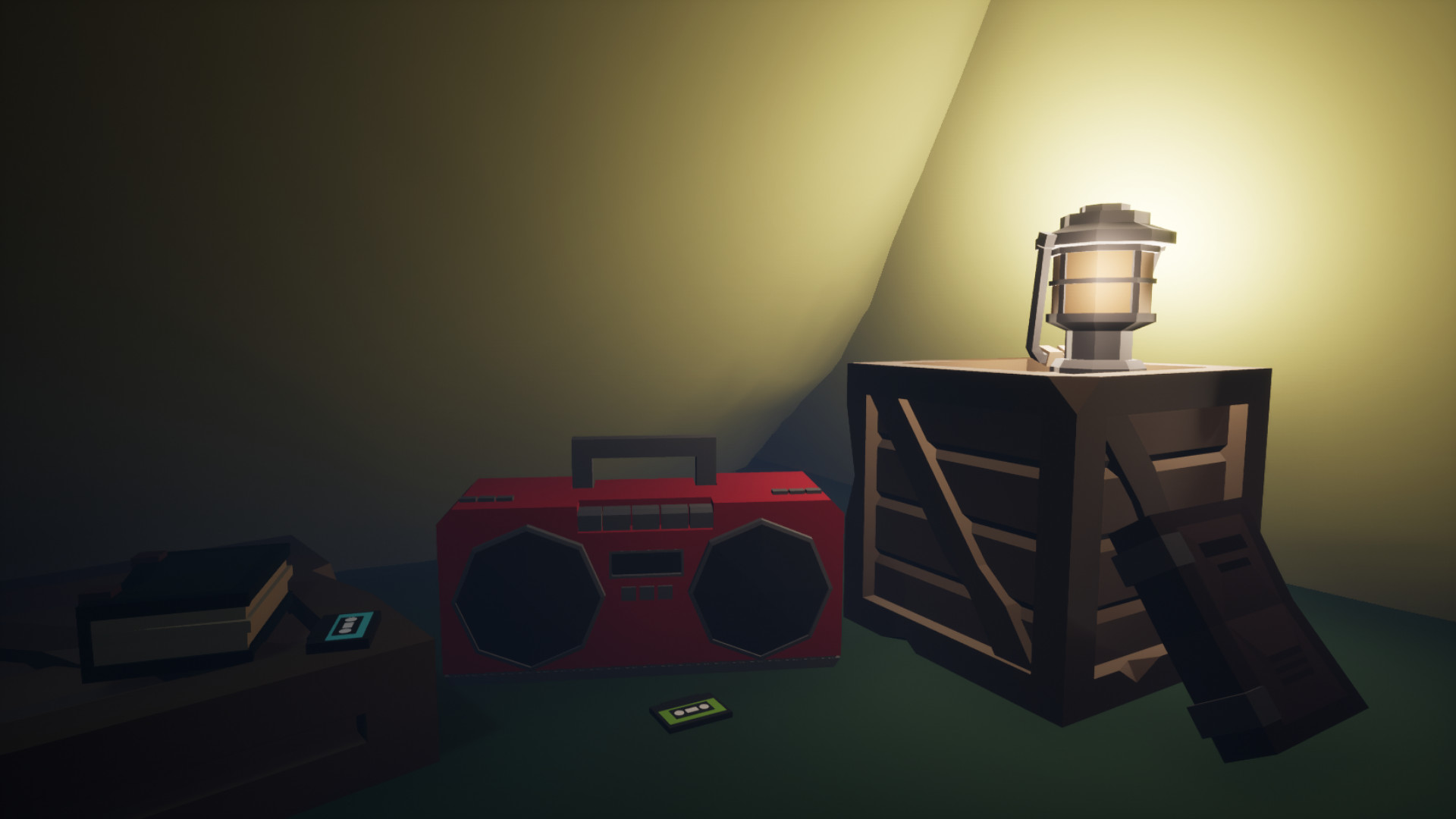
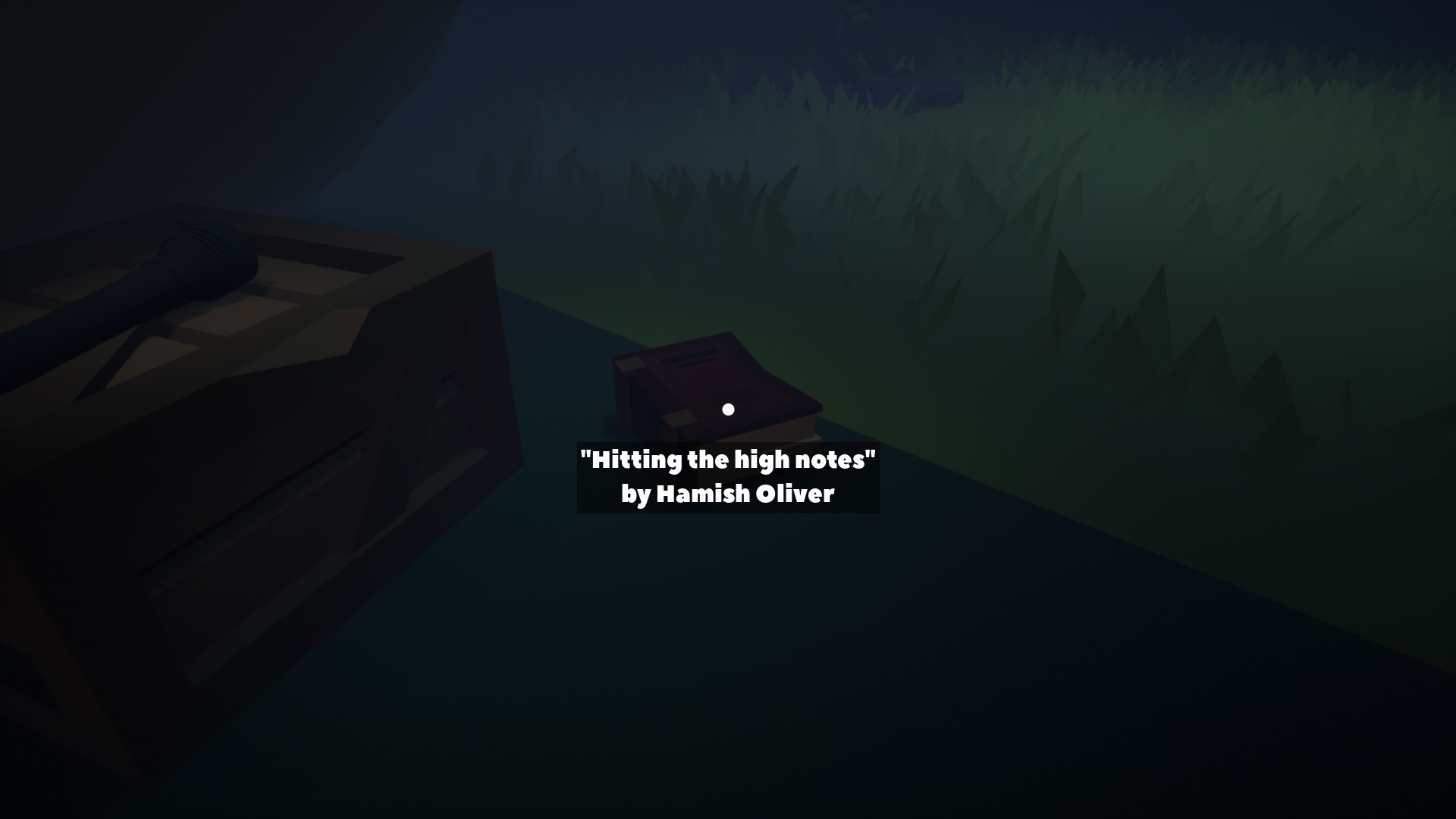
Players sit in their tent with a flashlight while rain sounds hit the canvas, creating a calm yet eerie backdrop. The soundtrack, composed by Hamish Oliver, reinforces the comedic horror tone.
The combination of rain ambience and subtle music contributes to immersion, making the short experience feel richer despite its limited length.
- Use headphones to capture the full detail of rain and music.
- Pay attention to any shifts in the soundtrack that accompany tense moments.
05 / THE GUIDE
Steam Features
Suspicious Downpour includes Steam achievements, allowing players to earn recognitions for completing specific actions. The game also supports Family Sharing, enabling multiple accounts to access the title from a single purchase.
These features are optional and do not alter core gameplay, offering additional goals and broader accessibility for households.
- Check the achievement list after completing the game to see which milestones are tracked.
- Enable Family Sharing if you wish to let other household members play without buying a separate copy.
COMMUNITY
Player discussion