 GameWiki
GET YOUR BEARINGS
About Surgeon Simulator
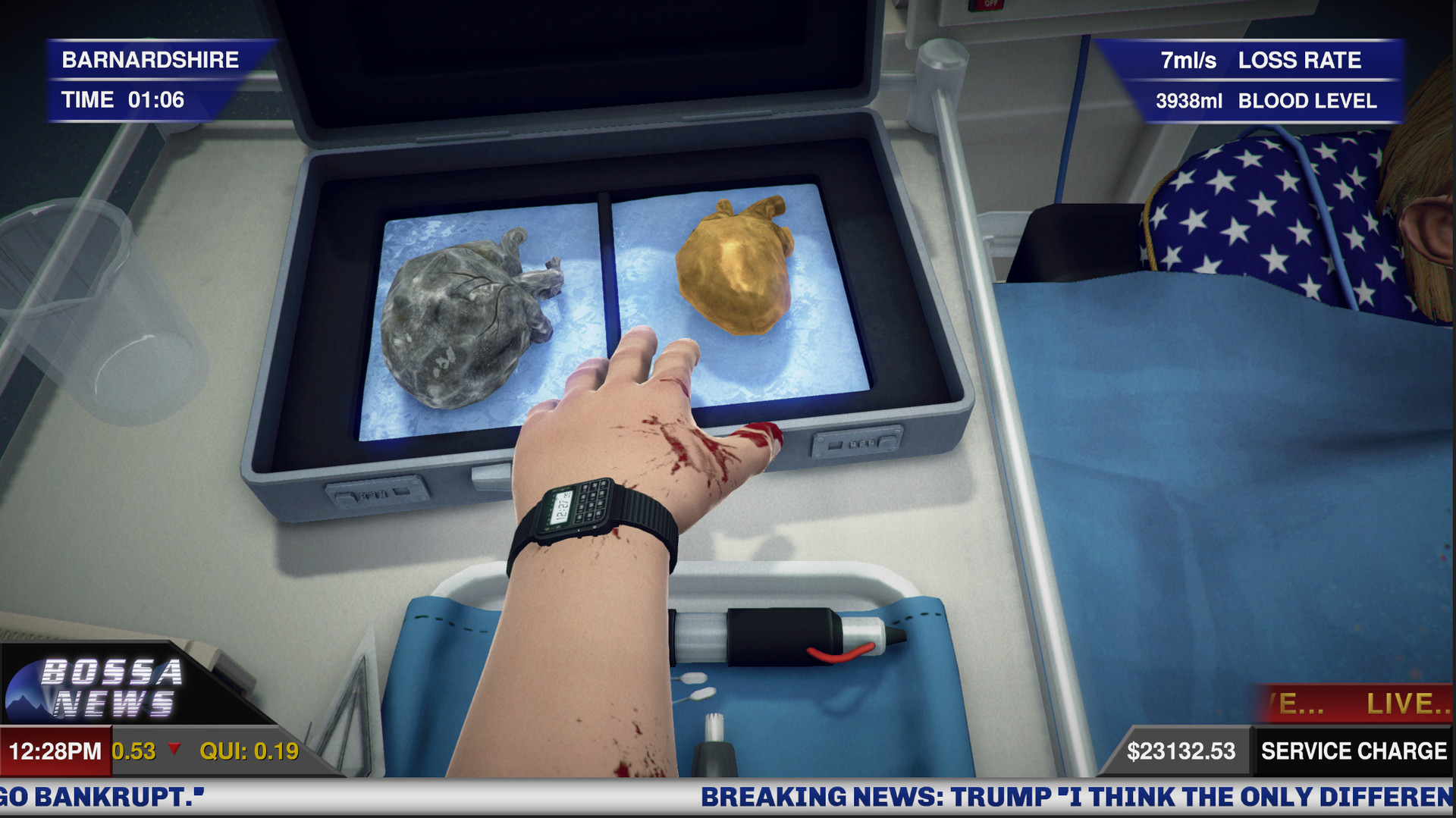
Surgeon Simulator drops you into the chaotic role of Nigel Burke, a would‑be surgeon who skips medical school entirely. The game mixes dark humour with exaggerated surgery, letting you perform absurd operations on a wildly varied roster of patients, from video‑game characters to a former U.S. president.
The 2017 A&E expansion adds stickier graphics, new procedures, fresh environments, and a heart‑pumping soundtrack. It remains a single‑player experience available on Windows, macOS, and Linux, and integrates standard Steam features such as Achievements, Trading Cards, Cloud saves, and Family Sharing.
01 / THE GUIDE
Control Scheme
Each finger is mapped to a separate keyboard button, creating a deliberately difficult control layout. This forces players to coordinate each hand independently, turning even simple actions into a timing‑focused challenge.
The same finger‑by‑finger mapping is used on all supported platforms, so the experience does not change whether you play on Windows, macOS, or Linux.
- Spend a few minutes experimenting with each finger’s key to build muscle memory.
- Start with low‑risk procedures to get a feel for the coordination required.
02 / THE GUIDE
Patient Roster
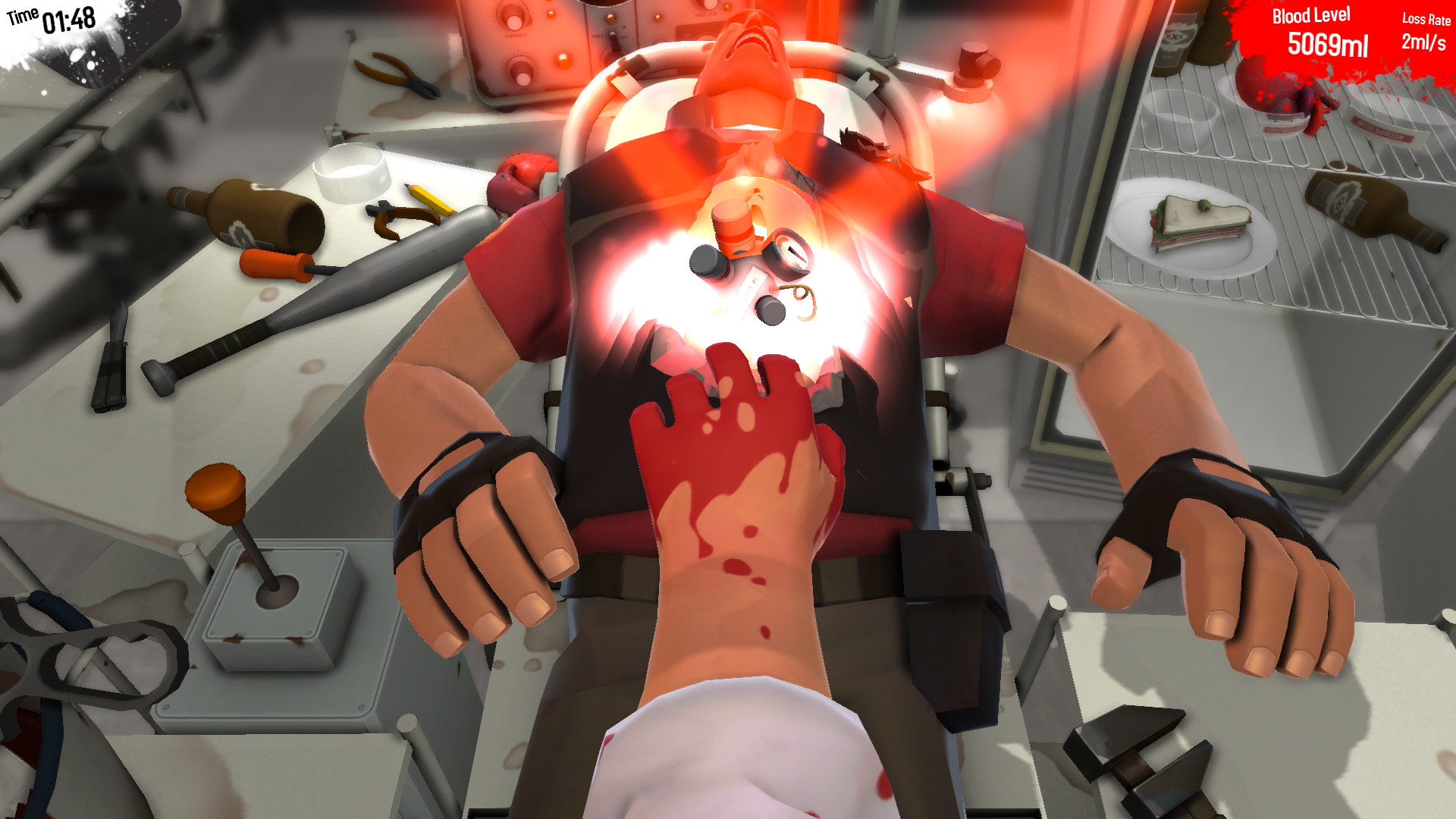
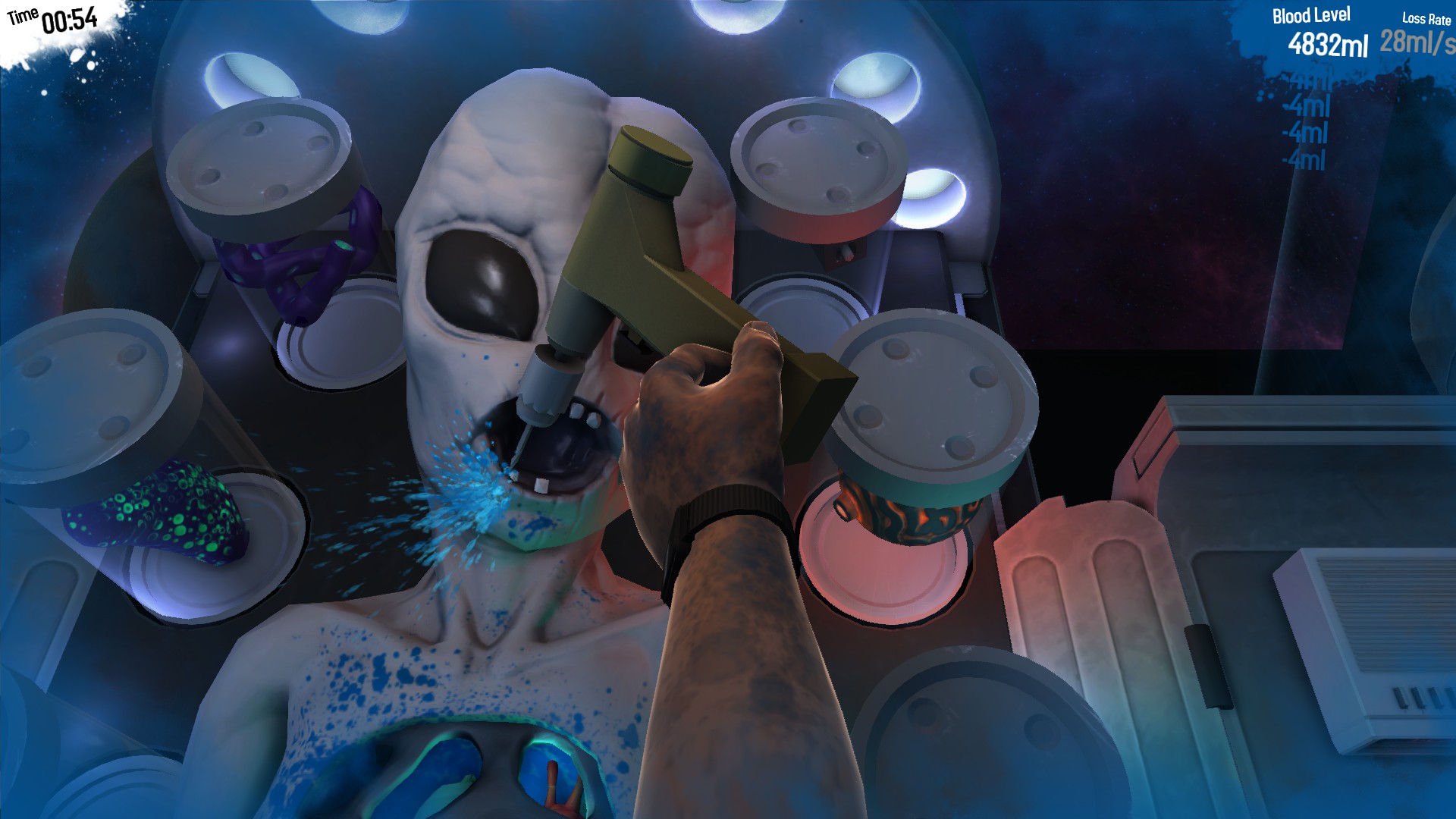
Players operate on a range of characters, including The Heavy from Team Fortress 2, an alien with a unique anatomy, and the 45th President of the United States, Donald J. Trump. These patients provide a comedic contrast to the serious tone of surgery.
Each patient’s anatomy differs, requiring the player to adapt tool use and incision strategy to match the specific quirks presented by the character.
- Observe the patient’s silhouette before cutting to anticipate unusual body parts.
- Adjust tool selection based on the visible anatomy of each character.
03 / THE GUIDE
Surgical Environments
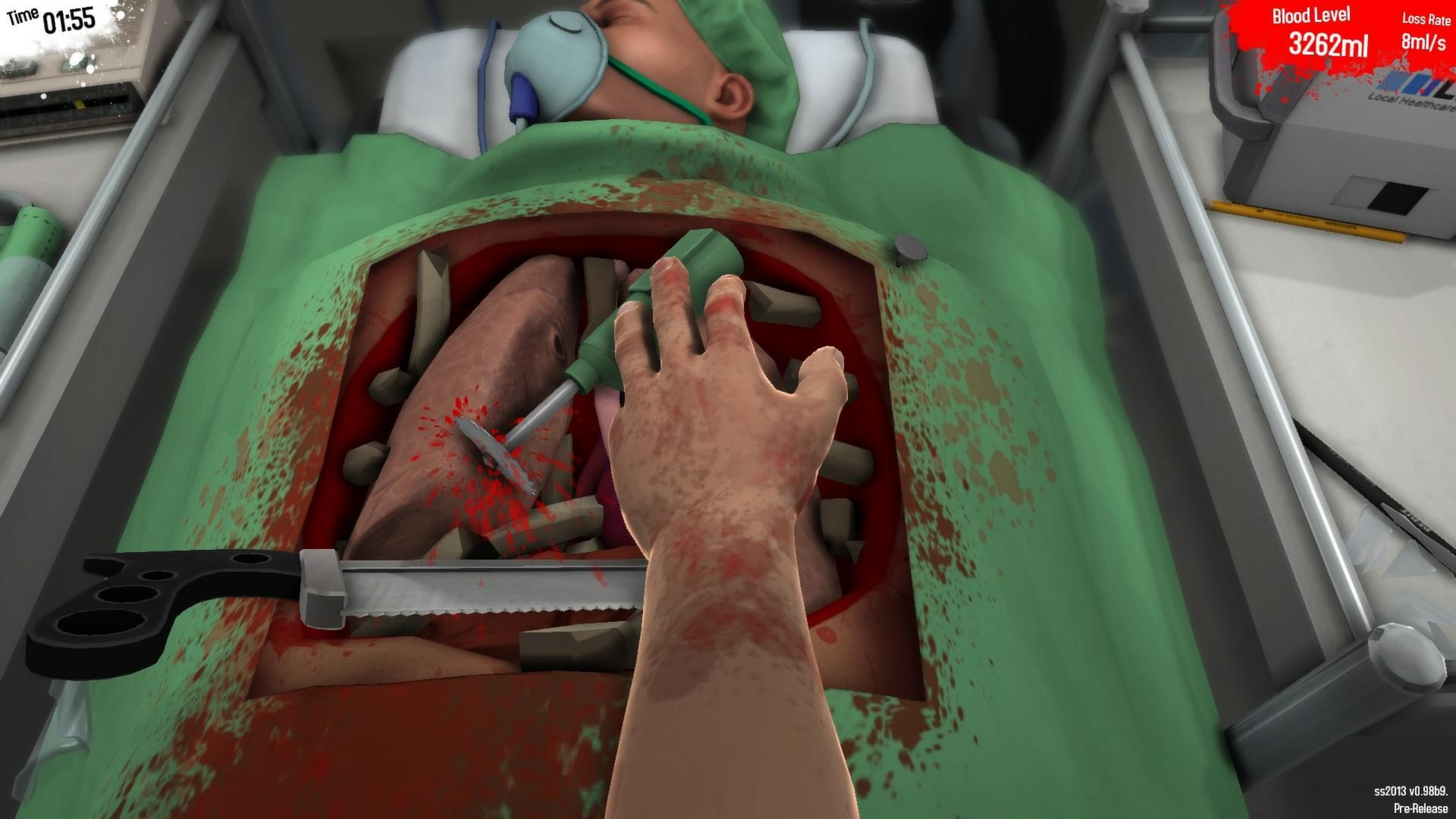
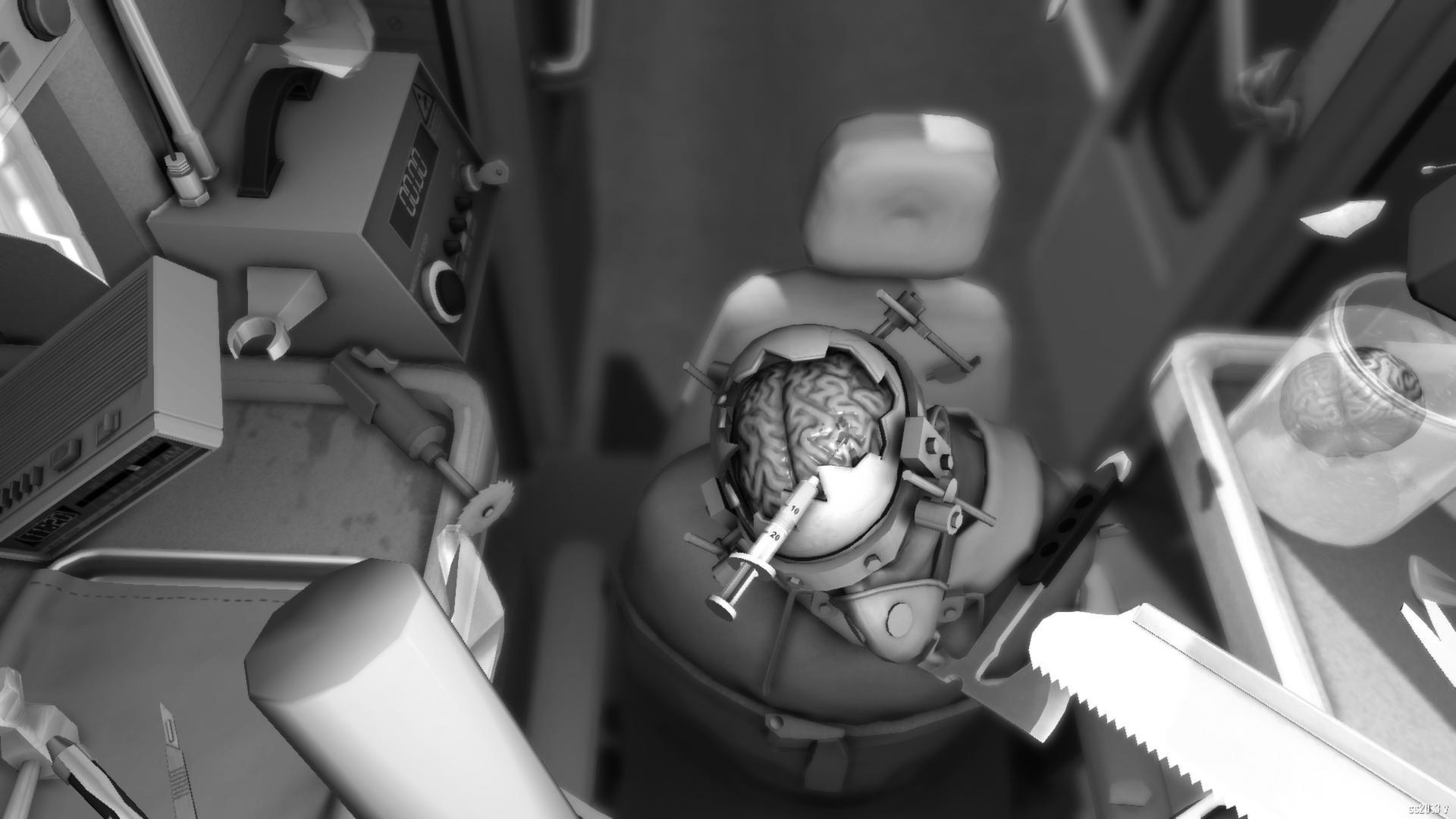
The core game features a traditional operating theatre, a high‑pressure corridor, and the back of a high‑speed ambulance, each adding its own spatial constraints and urgency to the procedure.
The A&E expansion introduces additional settings with stickier graphics, expanding the variety of backdrops where surgeries can unfold.
- Take note of moving elements in the ambulance level that can affect precision.
- Plan instrument placement early to accommodate tight spaces in corridor scenes.
04 / THE GUIDE
A&E Expansion Pack
Released in 2017, the A&E expansion adds slicker, stickier graphics, new procedures, all‑new environments, and a heart‑pumping soundtrack that matches the frantic gameplay.
While the control scheme remains unchanged, the expansion provides fresh visual polish and additional content that builds on the original’s chaotic charm.
- Explore the new procedures to discover different tool combinations.
- Listen to the soundtrack for cues on pacing during intense moments.
05 / THE GUIDE
Platform Support
Surgeon Simulator runs on Windows, macOS, and Linux, offering broad accessibility for PC gamers. All platform versions share identical content, controls, and Steam integration.
Steam features such as Achievements, Trading Cards, Cloud saves, and Family Sharing are supported, allowing progress to sync across devices and enabling friends to try the game via sharing.
- Enable Steam Cloud to keep your progress synchronized between computers.
- Use Family Sharing to let another user play without purchasing a separate copy.
COMMUNITY
Player discussion