 GameWiki

GET YOUR BEARINGS
About Supermarket Simulator
Supermarket Simulator is a first‑person, chill simulation that lets you run every aspect of a grocery store. You design the layout, stock shelves, set prices and handle checkout, all in real time. The game blends efficiency planning with visual customization, letting you personalize floors, walls and signage.
You can also manage online orders, deliver packages yourself and protect the shop with cameras or guards. Up to four friends can join in cooperative mode, sharing tasks like stocking, cleaning and driving delivery trucks to grow the business together.
01 / THE GUIDE
Store Design
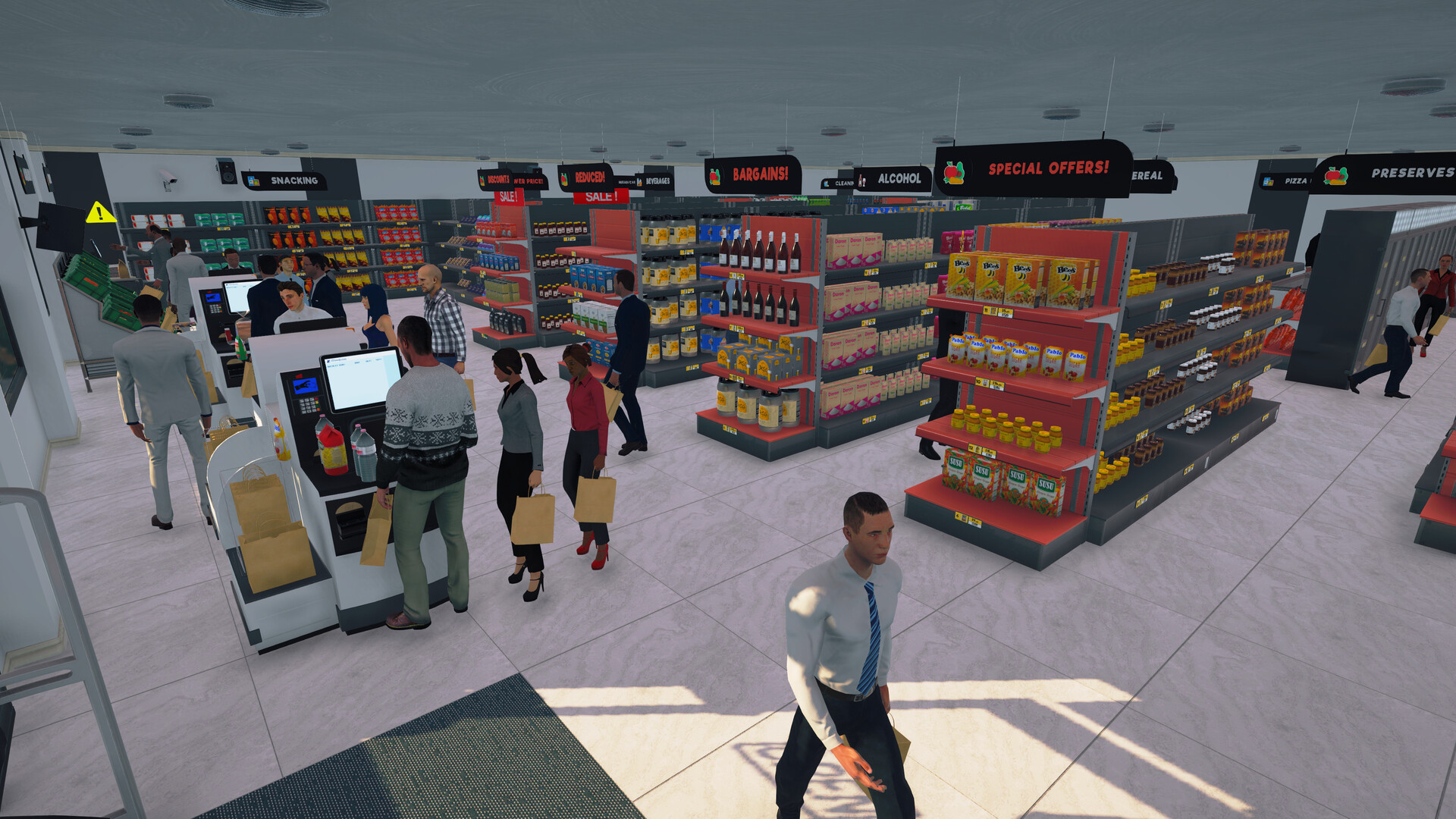
The game lets you arrange aisles, place shelves, fridges and freezers, and choose where each product appears. You can also customize floors, paint walls and add category signs to give the shop a unique look.
Design choices affect how smoothly customers move through the store, influencing their satisfaction and your overall efficiency.
- Start with wide aisles to reduce bottlenecks.
- Use contrasting floor colors to highlight key sections.
02 / THE GUIDE
Stock Management
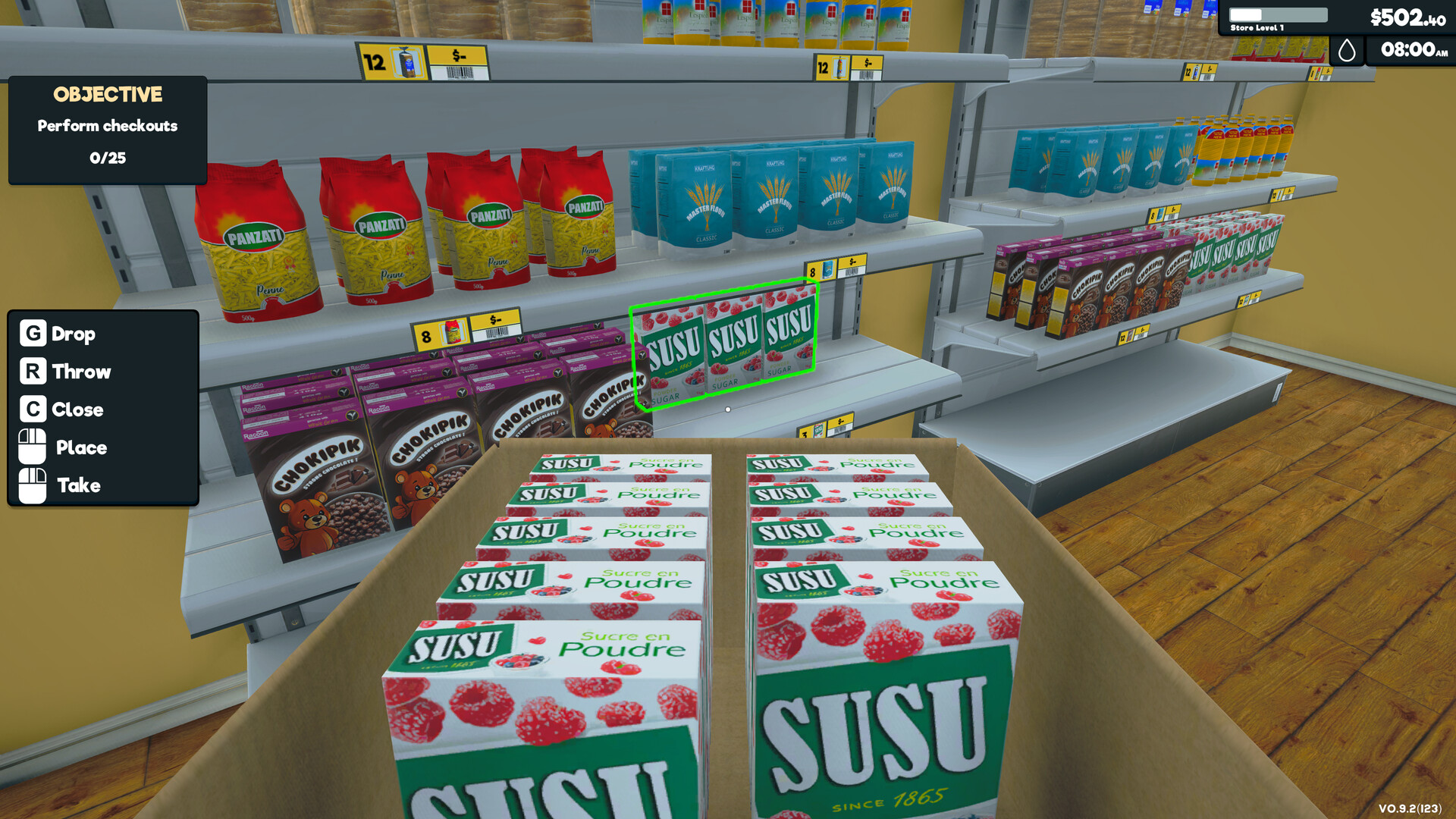
Using an in‑game computer you order stock, then unpack goods, store them and place items on shelves, fridges or freezers. Prices can be adjusted to match market dips and best‑selling levels.
Balancing purchase costs with selling prices is essential for profit while keeping customers happy.
- Monitor price changes and restock when prices dip.
- Keep a reserve of fast‑selling items to avoid empty shelves.
03 / THE GUIDE
Customer Interaction
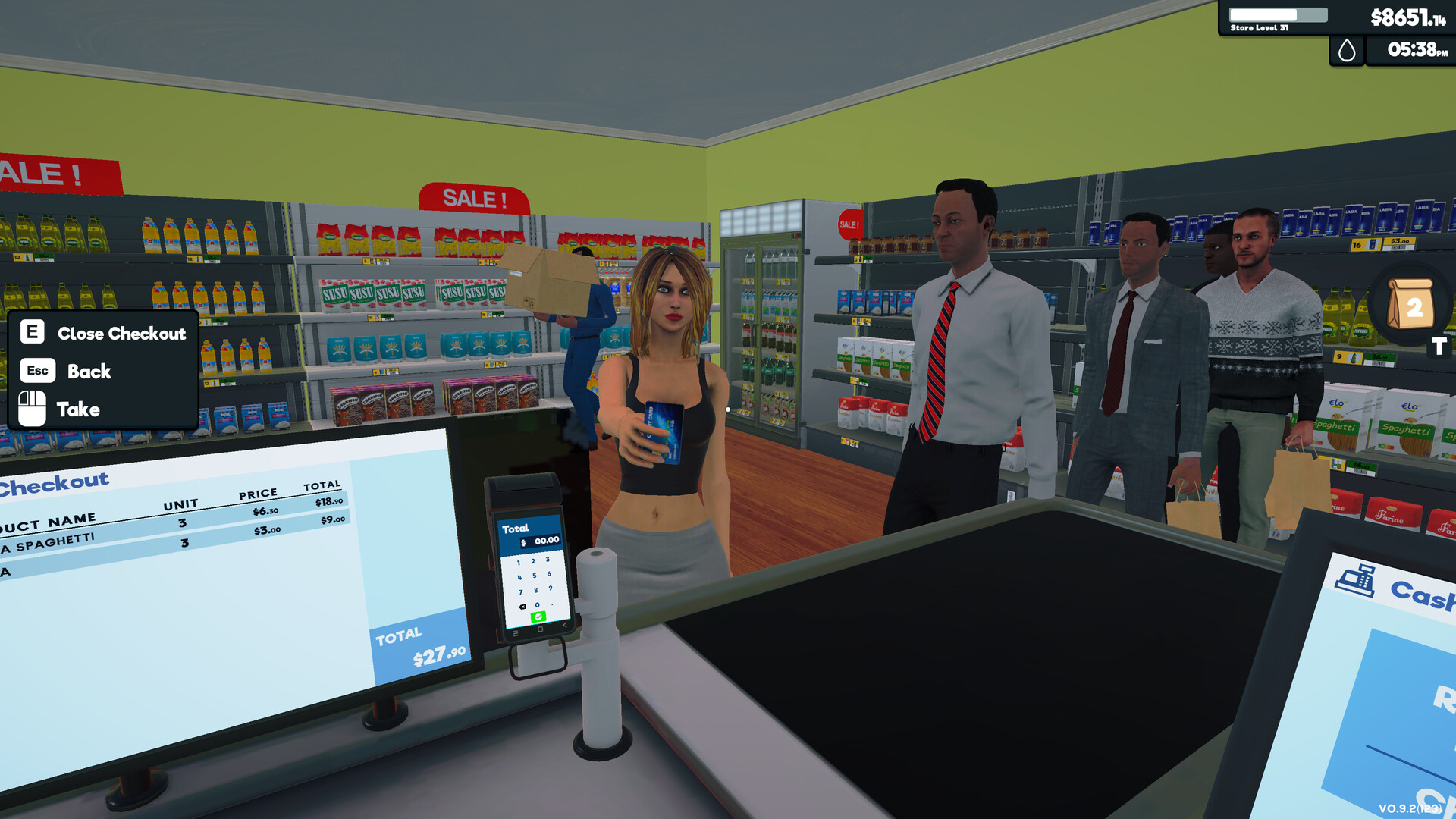
Customers check out by scanning items and paying with cash or credit cards. Their satisfaction depends on quick service and a tidy environment.
Cleaning floors, taking out trash and polishing windows helps maintain a pleasant shopping experience.
- Prioritize checkout speed during peak times.
- Regularly clean high‑traffic areas to prevent complaints.
04 / THE GUIDE
Online Orders & Delivery
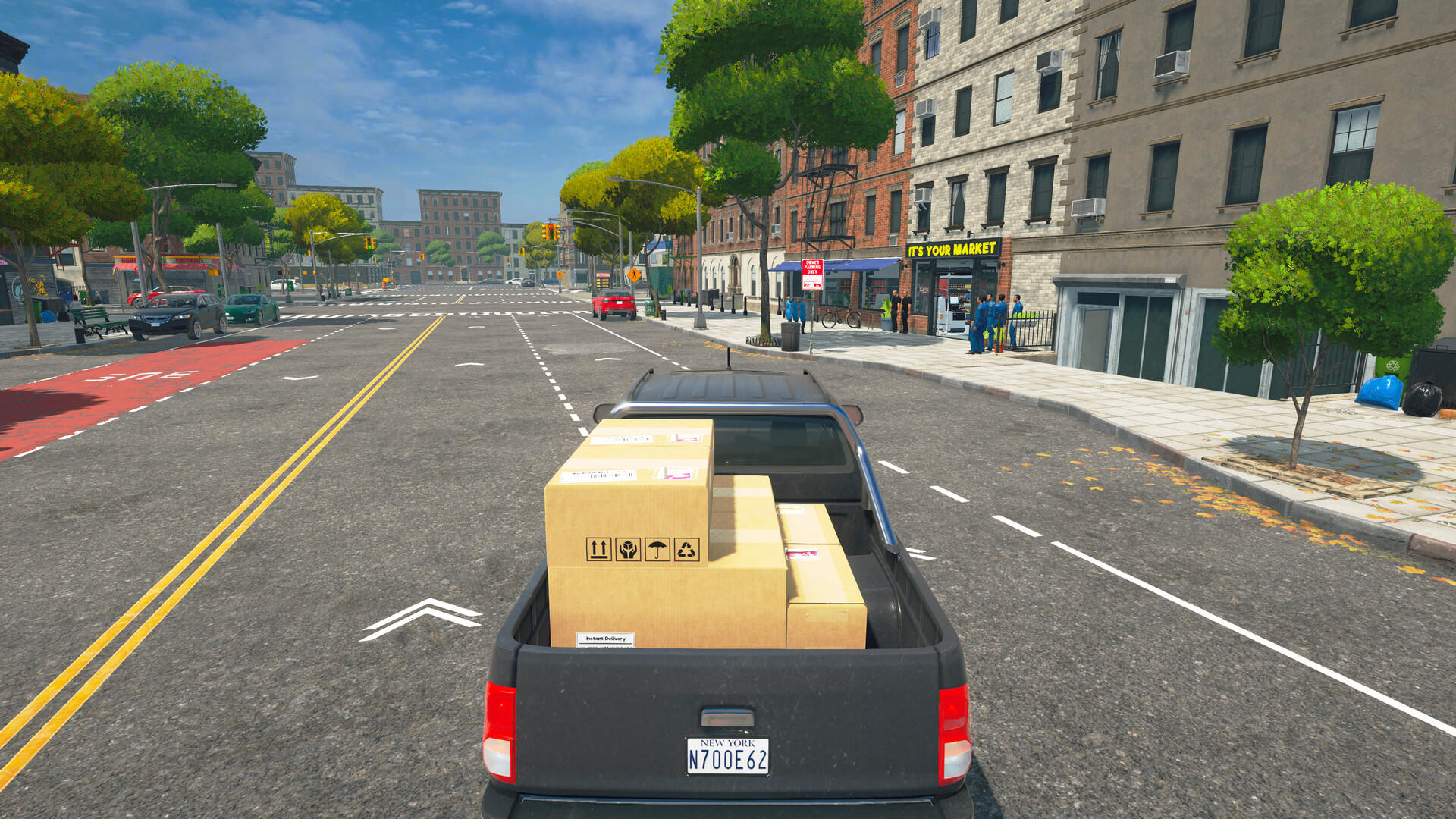
Not all shoppers visit in person; you receive online orders, pack them and deliver yourself, avoiding extra delivery fees. Visiting local markets can also uncover better deals for stock.
Managing both in‑store and online demand adds a layer of logistical challenge.
- Schedule deliveries during off‑peak hours to free up staff.
- Check local market prices before restocking.
05 / THE GUIDE
Multiplayer Cooperation
Up to four friends can join in real‑time co‑op, sharing duties such as stocking shelves, serving customers, handling deliveries and cleaning. Teamwork speeds up store growth.
Co‑op is supported online and works with full controller input.
- Assign each player a specific role to avoid overlap.
- Communicate price changes quickly to keep the team aligned.

COMMUNITY
Player discussion