 GameWiki
GET YOUR BEARINGS
About Supermarket Simulator: Prologue
Supermarket Simulator: Prologue lets you jump straight into running a supermarket without the long wait of the full game. You can design the store layout, place aisles, and arrange products for both efficiency and visual appeal.
The Prologue also covers core management tasks such as ordering stock, unpacking deliveries, handling barcodes, and processing cash or credit transactions. All of these activities aim to keep customers satisfied while you balance profit and any external pressures.
01 / THE GUIDE
Store Design
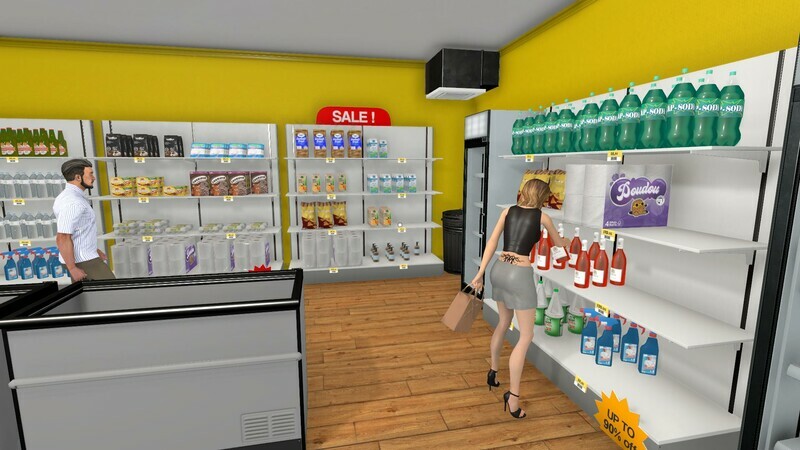
In the Prologue you arrange where products appear, deciding the placement of shelves, fridges, and freezers. This layout influences how smoothly customers move through the aisles.
A well‑planned design can improve both aesthetic appeal and operational efficiency, helping you manage the flow of shoppers and reduce bottlenecks at checkout.
- Try grouping similar items together to make it easier for customers to find what they need.
- Consider leaving clear pathways between aisles to prevent crowding.
02 / THE GUIDE
Stock Management
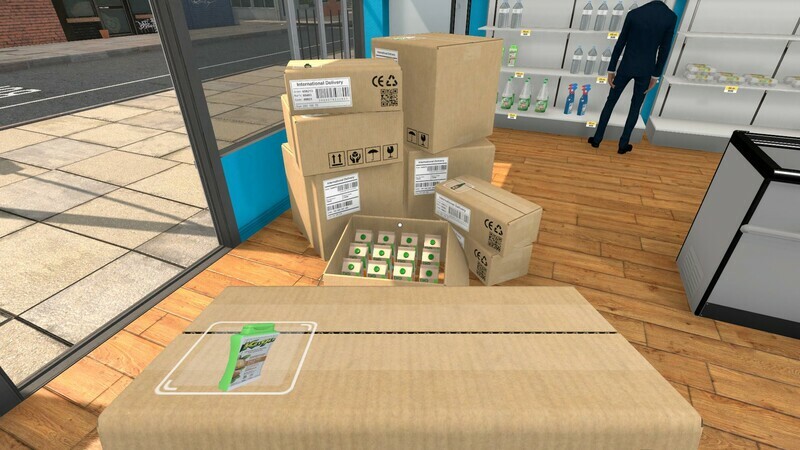
You order stock using an in‑game computer and must anticipate the timing of deliveries. Once goods arrive, you unpack them and store them before placing them on display.
Keeping shelves stocked while avoiding over‑stock helps maintain a smooth shopping experience and supports your profit goals.
- Monitor delivery times so you can restock before shelves run empty.
- Organize the storage room to speed up the unpacking process.
03 / THE GUIDE
Pricing Strategy
The game lets you buy products when prices dip and set selling prices. You must balance low prices that please customers with higher prices that increase profit.
Finding the right price point is key to keeping shoppers happy while ensuring the supermarket remains financially viable.
- Watch for price drops and purchase in bulk when possible.
- Test different price points to see how they affect customer satisfaction.
04 / THE GUIDE
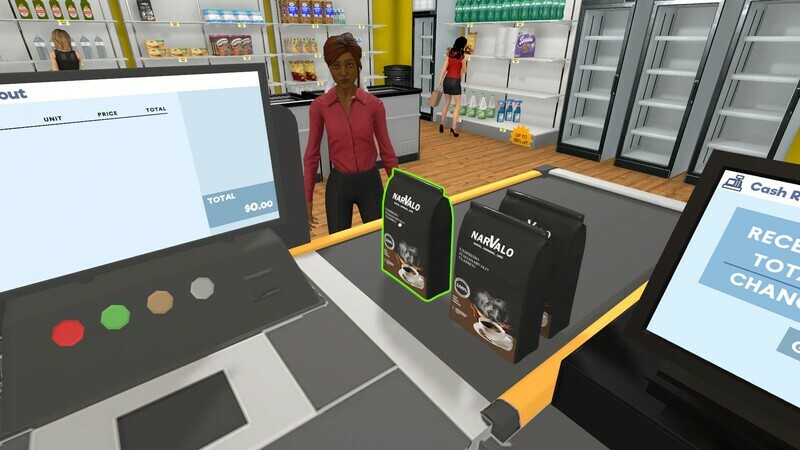
Checkout Process
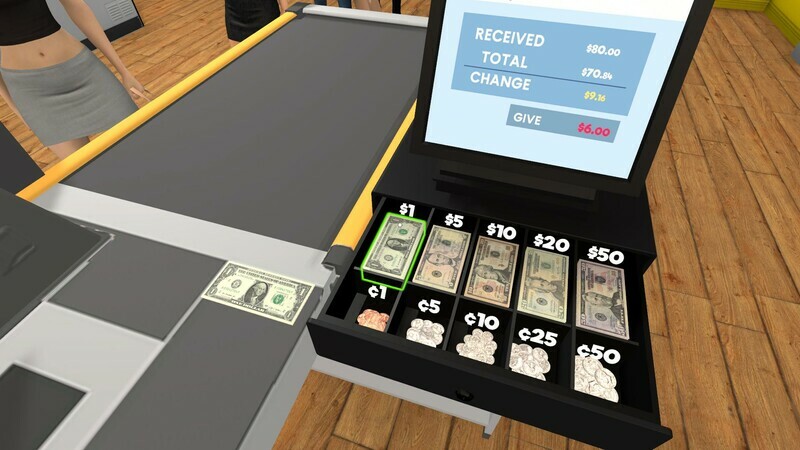
During checkout you read product barcodes and handle cash or credit card transactions. Efficient processing helps customers leave satisfied and reduces queue times.
Accurate scanning and swift payment handling are essential for a positive end‑to‑end shopping experience.
- Double‑check barcodes to avoid scanning errors.
- Stay organized at the register to speed up cash and card handling.
05 / THE GUIDE
Progression and Motivation
The Prologue hints at larger goals, such as transforming a modest shop into a retail powerhouse while meeting customer and external expectations. It encourages you to wish‑list the full game for deeper decisions.
These prompts motivate continued play and suggest that each choice in the Prologue contributes to a larger simulation in the full version.
- Use the Prologue as a sandbox to experiment with store layouts.
- Consider how each decision might scale in the full game.

COMMUNITY
Player discussion