 GameWiki
GET YOUR BEARINGS
About Super Technos World: River City & Technos Arcade Classics
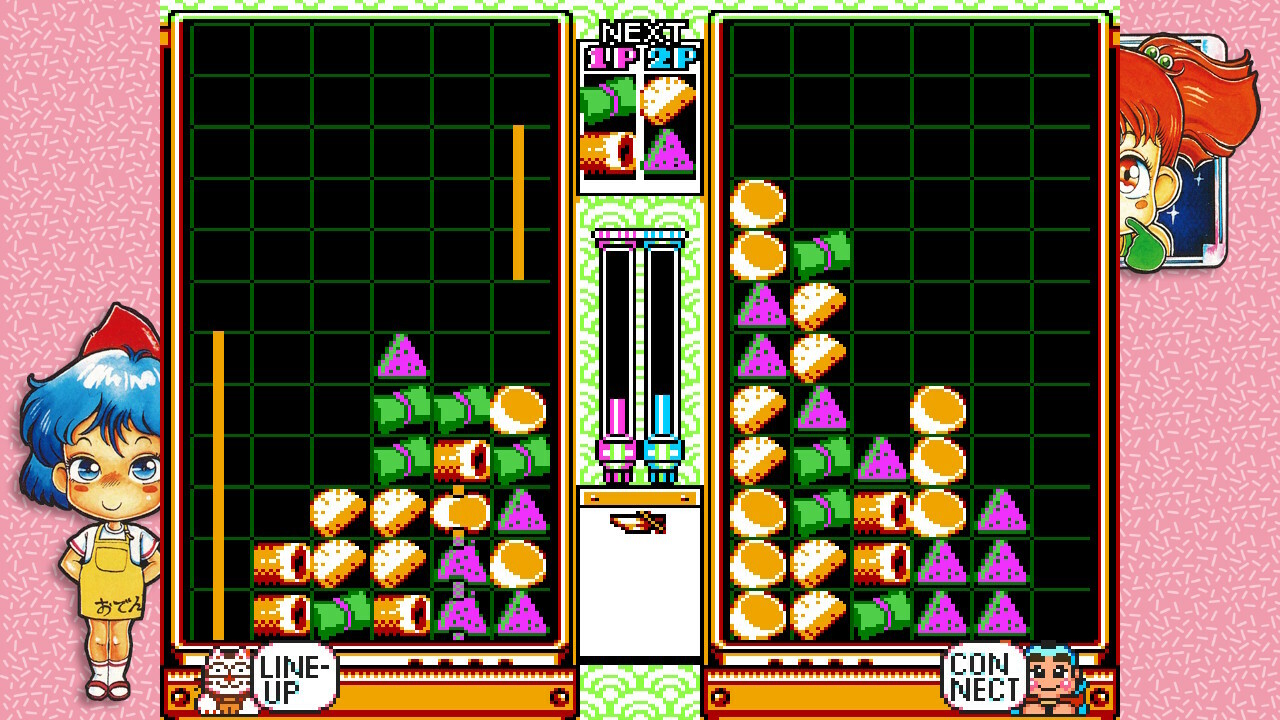
Super Technos World: River City & Technos Arcade Classics bundles twelve Technos Japan titles, ranging from classic beat‑em‑ups to party, sports, and RPG experiences. The collection includes rare entries such as the original River City Renegade, Kunio’s Oden, and Super Dodge Ball, giving fans access to historically hard‑to‑find games.
Modern conveniences accompany the retro lineup: a “Suspend Save” system lets you store any moment, online multiplayer connects distant friends, and Steam features like achievements, Cloud saves, Remote Play Together, and Family Sharing smooth the overall experience on Windows PCs.
01 / THE GUIDE
Game Collection Overview
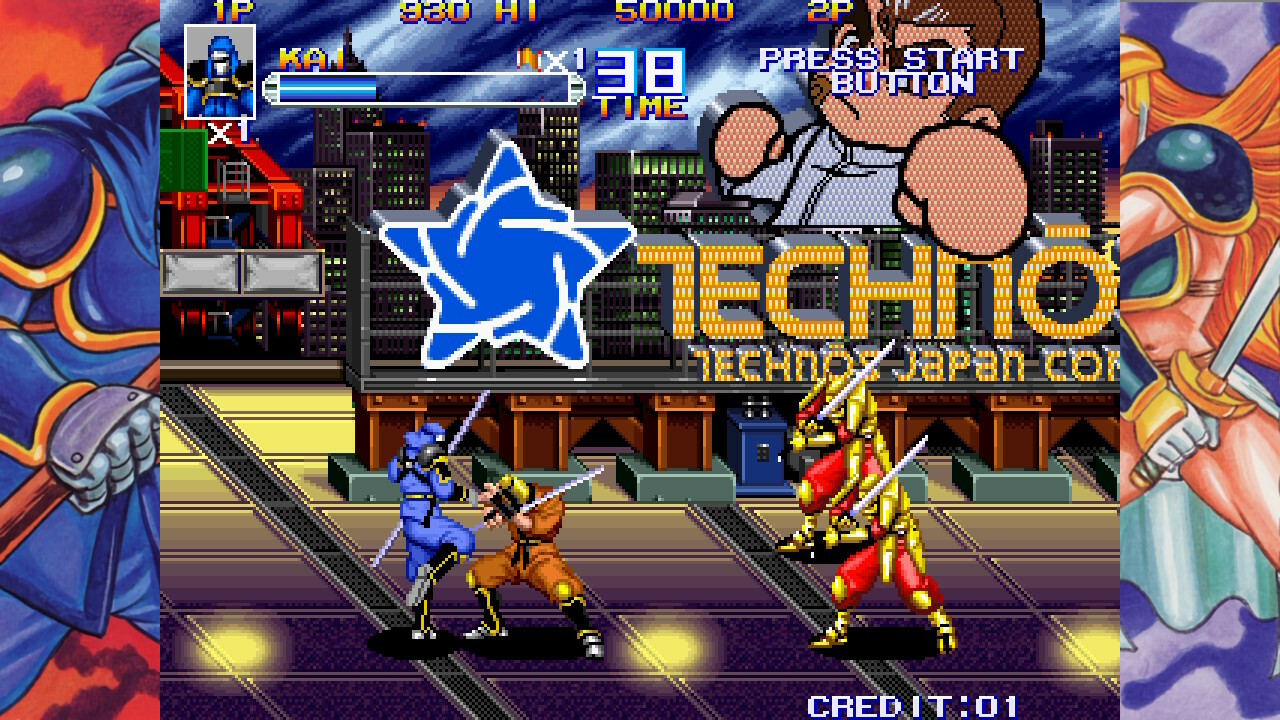
The pack contains twelve distinct titles, covering action, RPG, and sports genres. Notable games include River City Renegade, Kunio's Dodgeball Time, C'mon Guys! Downtown River City Baseball Story, and the arcade version of THE COMBATRIBES.
Several entries are described as rare or previously unported, for example the original River City Renegade, Kunio’s Oden, and the hyper‑rare Super Dodge Ball, providing access to historically limited releases.
- Group games by genre to plan sessions that match your mood.
- Check each title’s description for any noted rarity before starting.
02 / THE GUIDE
Suspend Save Feature
A new “Suspend Save” option allows you to pause any game and store the exact state at any moment, then resume later without losing progress. This capability is one of the collection’s new convenience features.
The feature also addresses previously reported progression blockers, ensuring that no unintended obstacles stop completion of any game in the collection.
- Activate Suspend Save before a long break to keep your exact spot.
- Test the feature in a short level to confirm it restores correctly.
03 / THE GUIDE
Multiplayer Modes
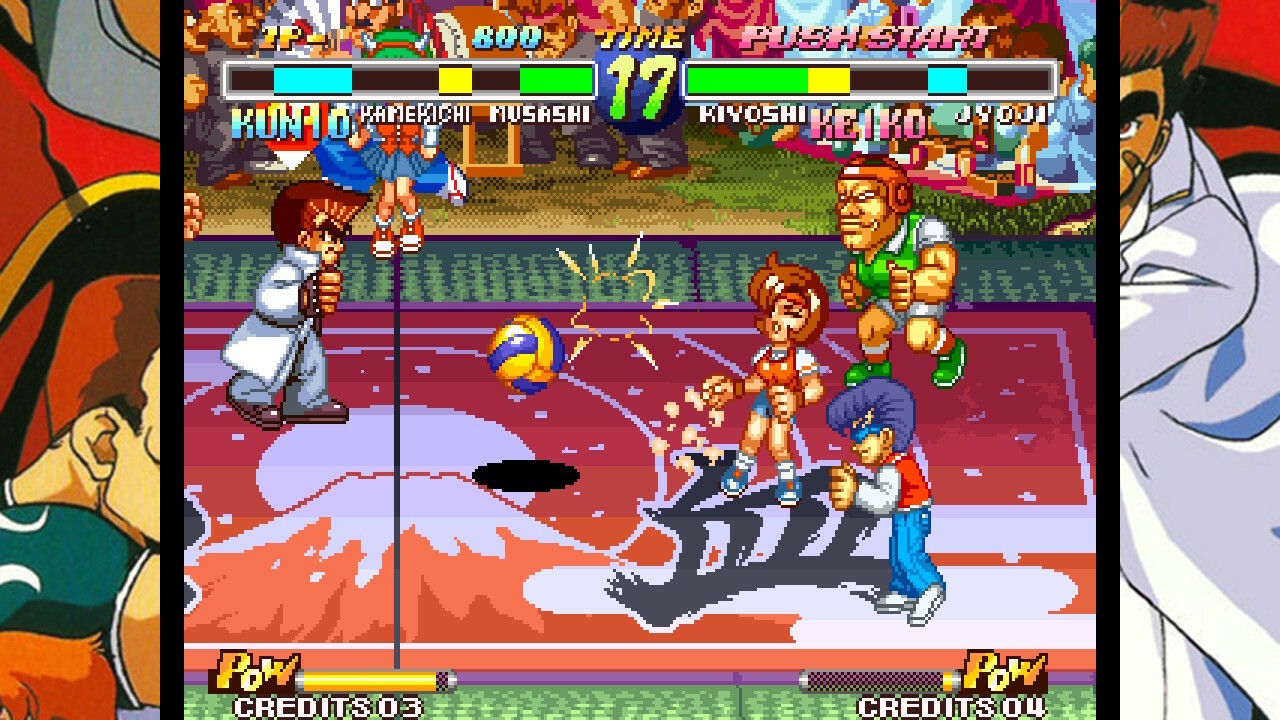
The collection supports local and online multiplayer, including PvP, co‑op, and split‑screen variations. Players can team up or compete via Steam’s Remote Play Together or online matchmaking.
Supported modes cover shared/split screen as well as online connections, allowing friends to join regardless of physical proximity.
- Try split‑screen co‑op for a classic arcade feel.
- Experiment with online PvP to gauge latency handling.
04 / THE GUIDE
Full Controller Support
The collection lists “Full controller support,” meaning a gamepad can be used for both single‑player and multiplayer sessions.
Controller compatibility is provided alongside standard input options, giving players flexibility in how they interact with each title.
- Verify controller detection in Steam before launching a game.
- Switch between controller and other input to see which feels more natural for each title.
05 / THE GUIDE
Steam Cloud, Achievements & Remote Play
Steam Cloud saves progress across devices, while built‑in achievements track milestones for each game. Remote Play Together lets a host stream gameplay to a friend who can join with their own input device.
Family Sharing is also listed, allowing multiple accounts to access the collection under a single purchase.
- Enable Cloud sync before switching PCs to avoid lost saves.
- Review the achievement list to set personal completion goals.
COMMUNITY
Player discussion