 GameWiki
GET YOUR BEARINGS
About Super Shout Showdown
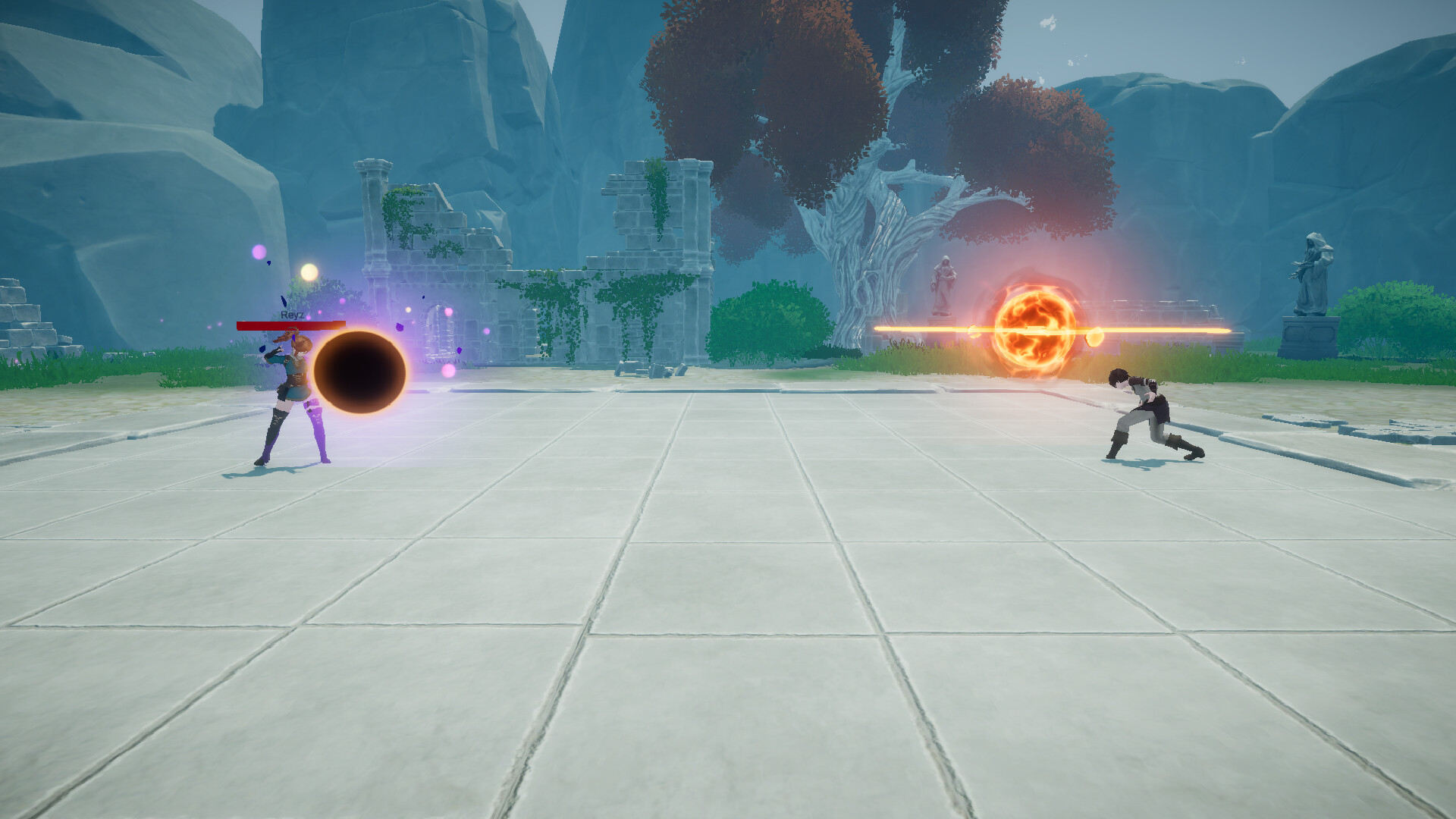
Super Shout Showdown lets players wield more than a hundred distinct spells, ranging from fire blasts to darkness blinds. You can mix and match chants to shape a personal fighting style, whether you prefer anime flair or pure nonsense. The game supports voice, typing, and timing‑based casting, and offers solo play, PvP duels, team battles, and free‑for‑all matches for up to sixteen participants. Avatars can be created in VRoid or chosen from VRoid Hub, then dropped into the arena.
01 / THE GUIDE
Spell Variety
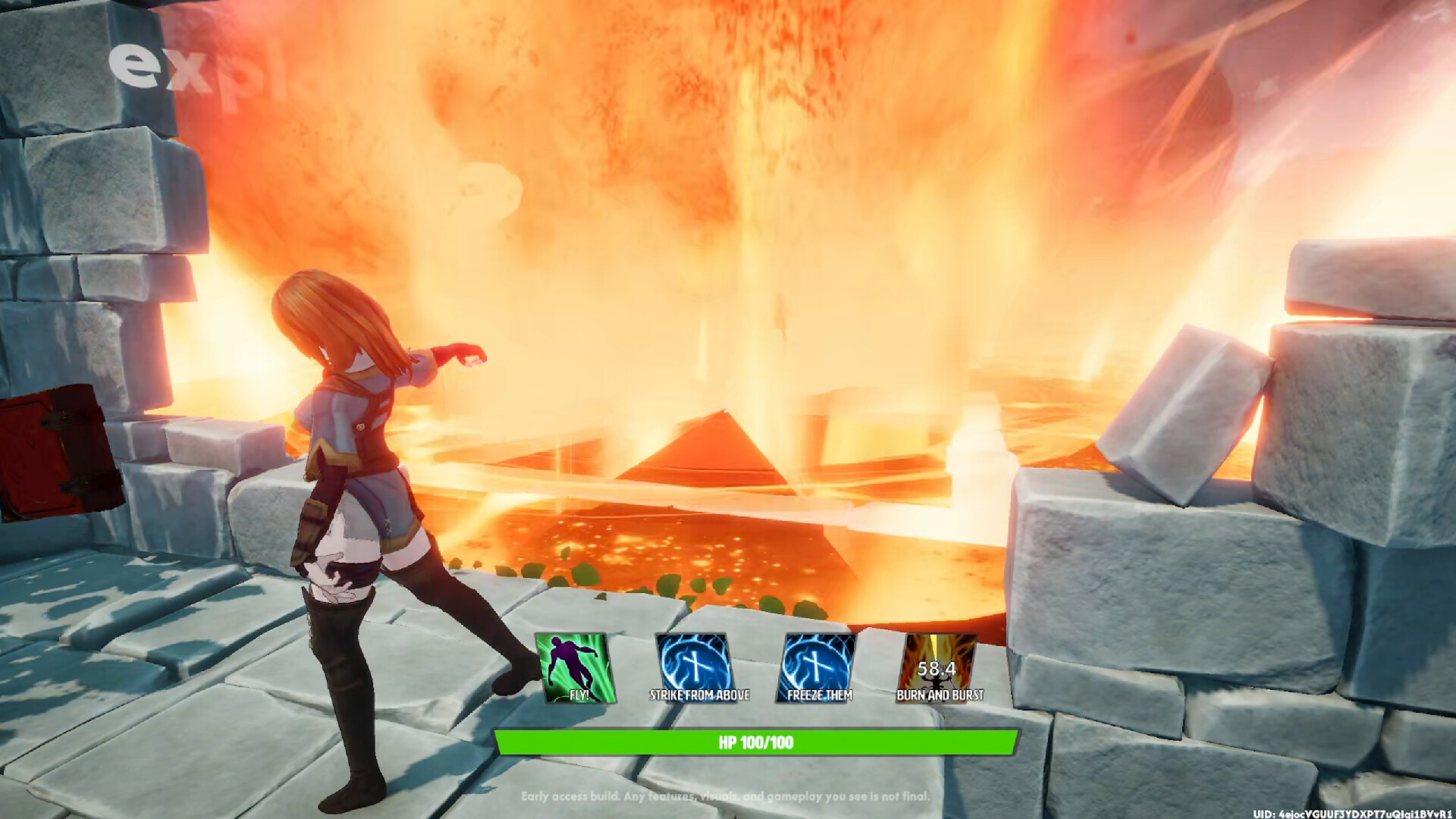
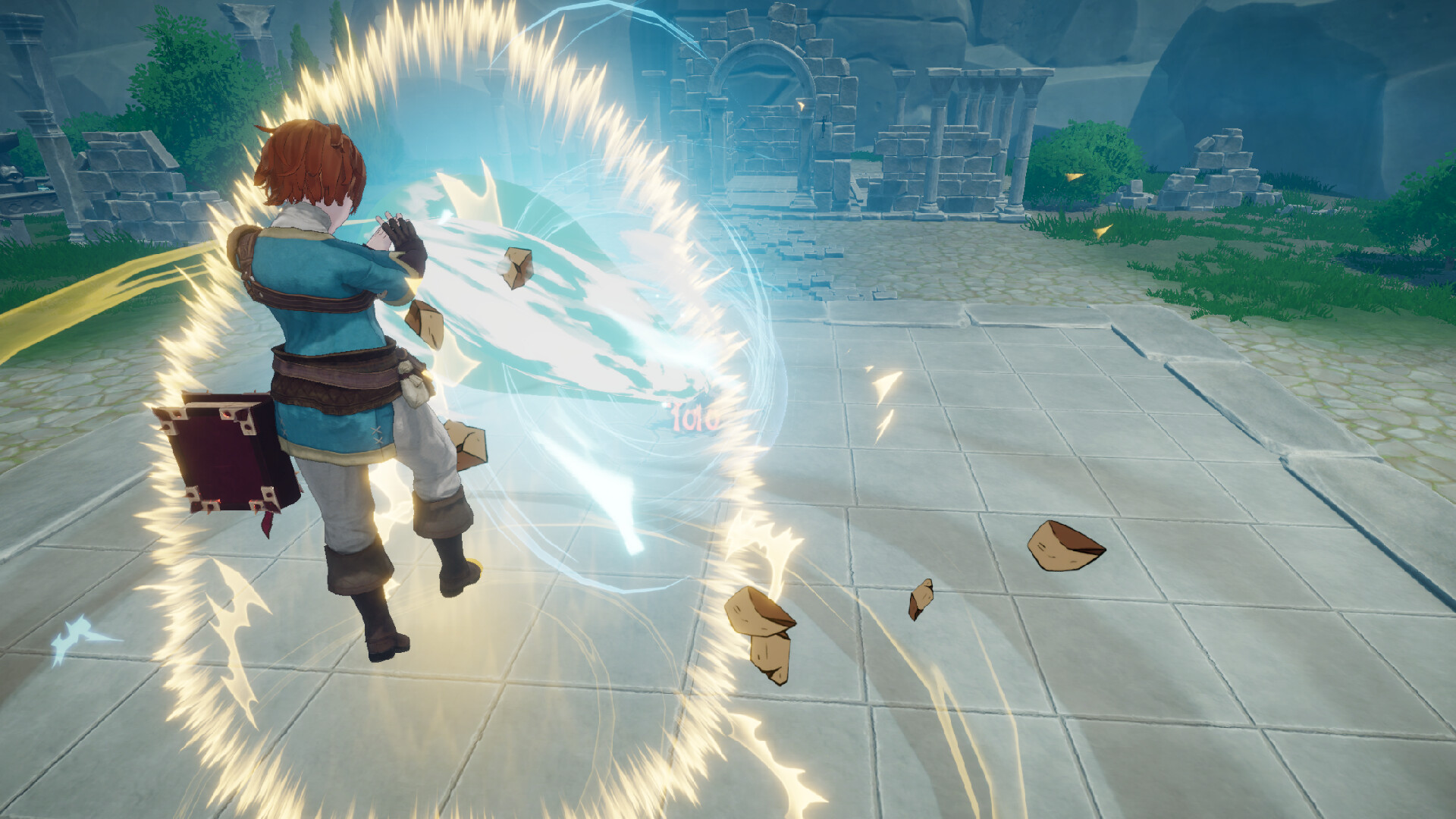
Over 100 unique spells let you launch energy blasts, teleport, deliver powerful blows, or trigger ultimate attacks. Elements include fire, ice, and darkness, giving you options to burn, freeze, or blind opponents. Experimentation is encouraged; combining chants creates new tactics and personalizes your combat approach. The sheer number of spells supports many playstyles without forcing a single path.
- Try pairing fire and ice spells to surprise opponents with rapid elemental switches.
- Record which chants feel natural for you; consistency can improve reaction speed.
02 / THE GUIDE
Casting Modes
Shouting Mode uses your real voice to cast spells, mirroring anime-style incantations. Typing Mode lets you input spells via keyboard if you prefer not to speak. Tapping Mode relies on mouse or controller timing to trigger magic. Each mode offers a distinct rhythm: vocal, textual, or timing‑based, allowing players to choose the method that best fits their comfort and hardware.
- Test each mode in a practice match to see which aligns with your reaction speed.
- Combine voice and timing by using Shouting Mode for big ultimates and Tapping Mode for quick combos.
03 / THE GUIDE
Game Modes
Duel pits two players against each other in a one‑on‑one showdown. Team Battle groups players to combine spells and secure victory together. Free‑for‑All drops up to sixteen combatants onto a single map where danger can come from any direction. These modes cover competitive dueling, cooperative strategy, and chaotic large‑scale battles, giving a range of experiences within the same spell‑casting framework.
- In Team Battle, coordinate elemental spells with teammates for combo effects.
- During Free‑for‑All, keep an eye on multiple opponents to avoid being flanked.
04 / THE GUIDE
Avatar Customization
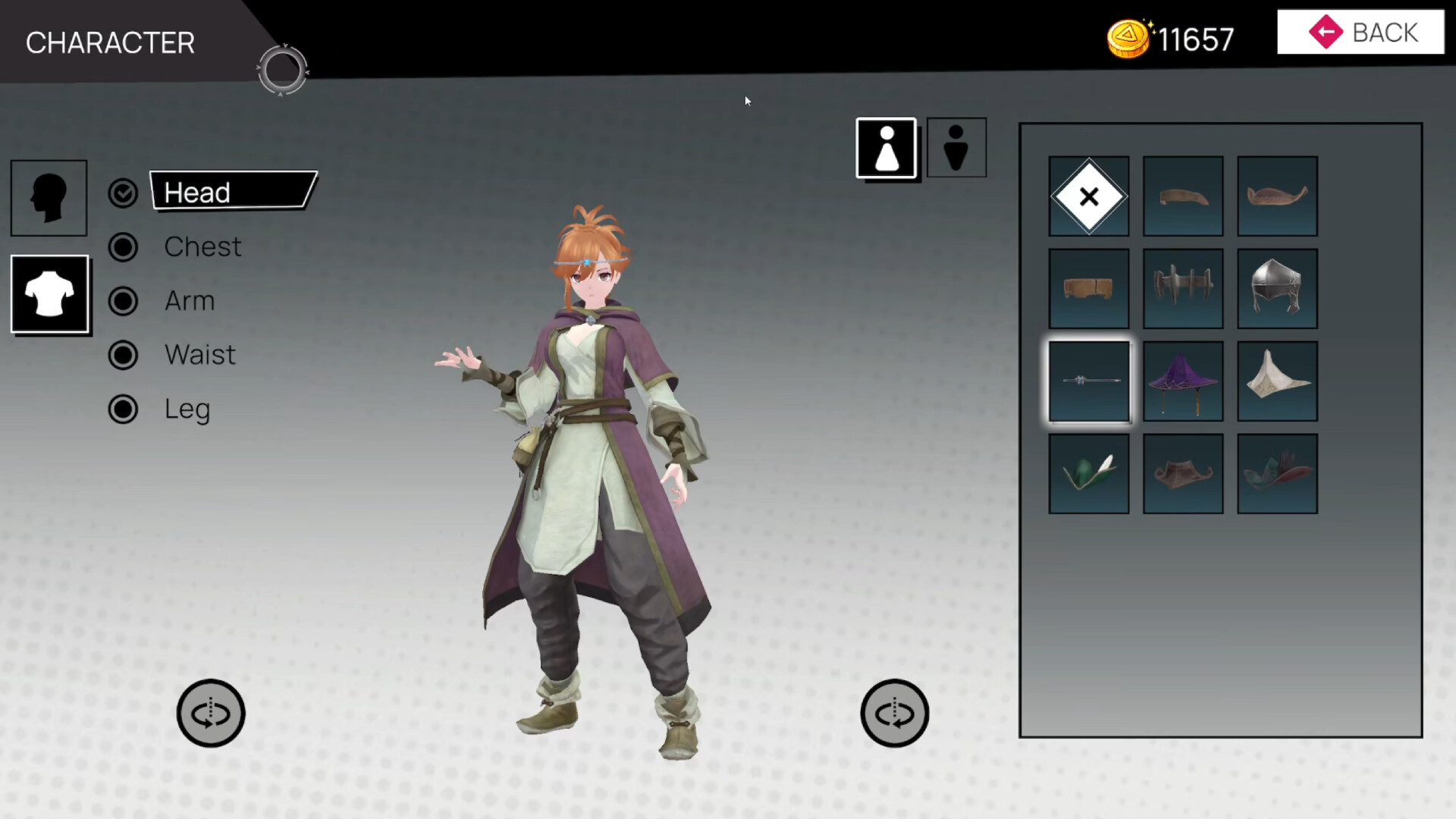
Players can design avatars in VRoid or select permitted avatars from VRoid Hub, then enter battles with their unique character. This system lets you express personal style while competing. The customization is external to the core spell system, meaning your visual choices do not limit spell access, but they do give a distinct presence on the battlefield.
- Experiment with different VRoid outfits to find a look that matches your spell theme.
- Use avatars with clear silhouettes for easier visual tracking during fast fights.
05 / THE GUIDE
Multiplayer Features
The game includes online PvP, online co‑op, Steam Achievements, Partial Controller Support, Steam Cloud, and Family Sharing. These features enable competitive and cooperative play across supported platforms. While controller support is partial, players can still engage using mouse, keyboard, or voice, and progress can be saved via Steam Cloud for later sessions.
- Enable Steam Cloud to keep your spell configurations across devices.
- Check the achievement list for milestones that encourage trying each casting mode.

COMMUNITY
Player discussion