 GameWiki
GET YOUR BEARINGS
About SUPER BOMBERMAN COLLECTION
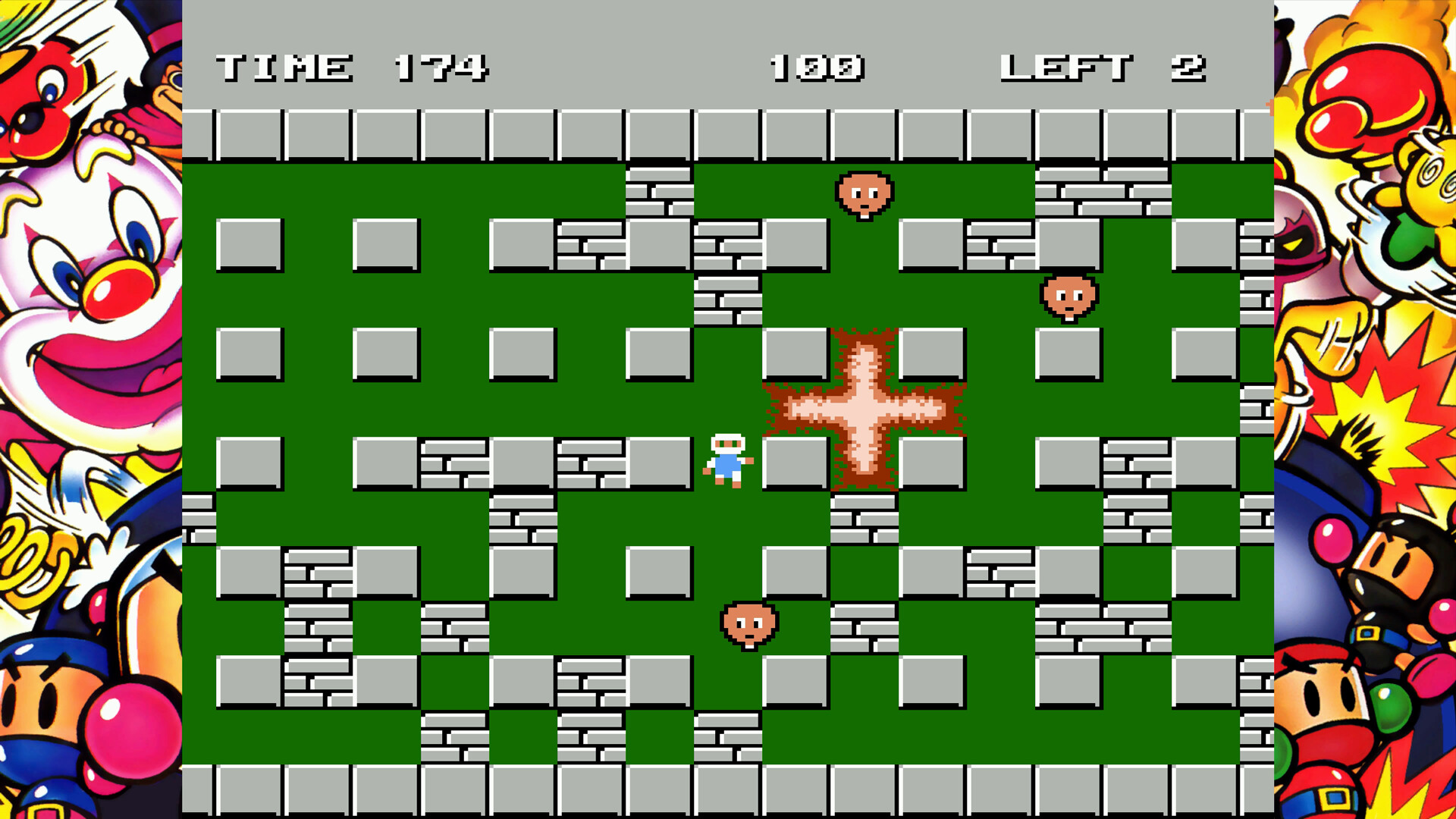
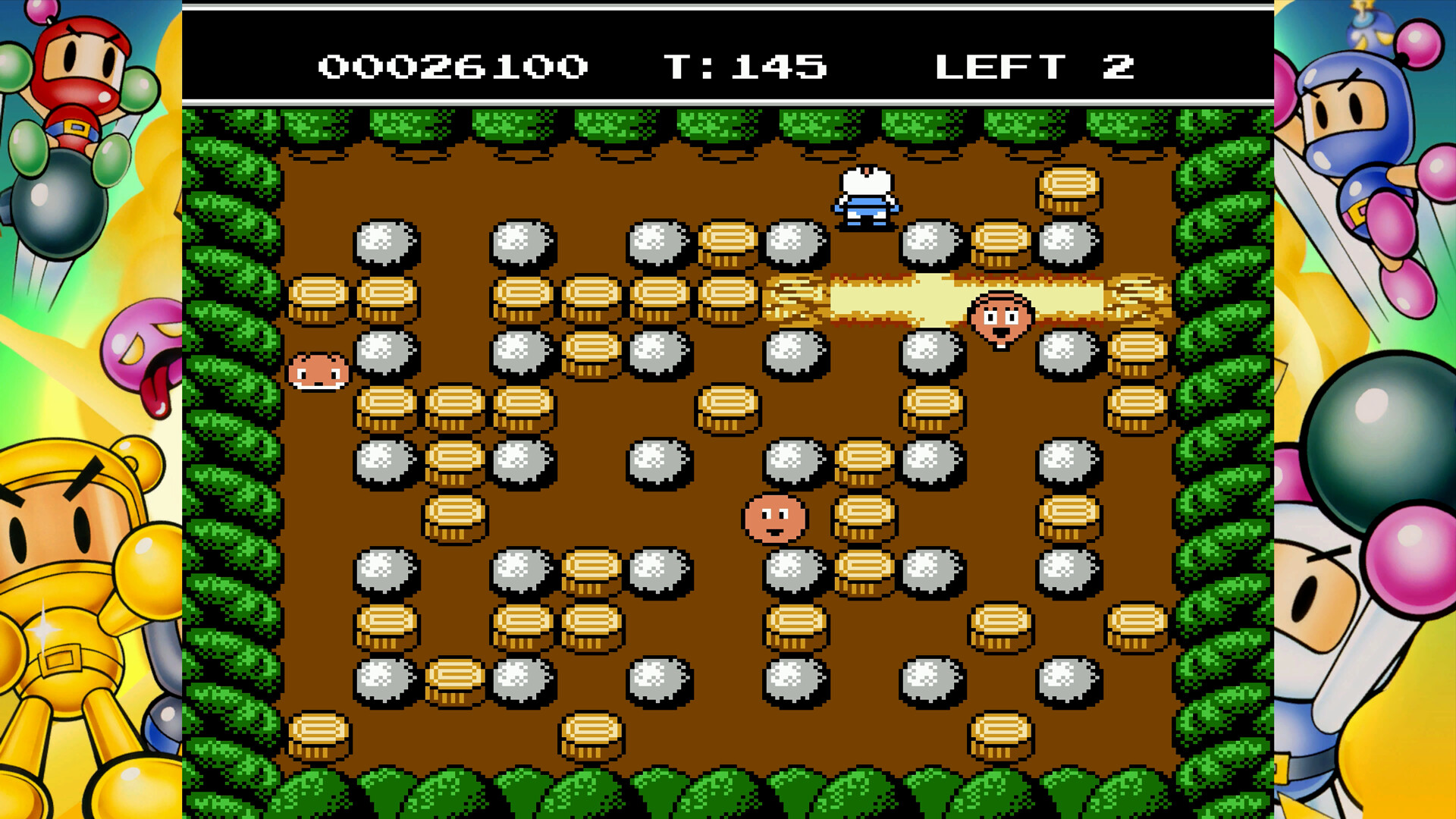
SUPER BOMBERMAN COLLECTION bundles eight classic titles and thirteen regional versions, delivering the full series on PC. The set restores long‑awaited English localisations for the previously unreleased SUPER BOMBERMAN 4 and 5, letting new players experience the franchise’s evolution. The package adds modern conveniences such as a Boss Rush time‑attack mode, save‑anywhere, rewind, visual filters, and a music player, while supporting both full controller and keyboard‑only input for solo or split‑screen multiplayer.
01 / THE GUIDE
Boss Rush Mode
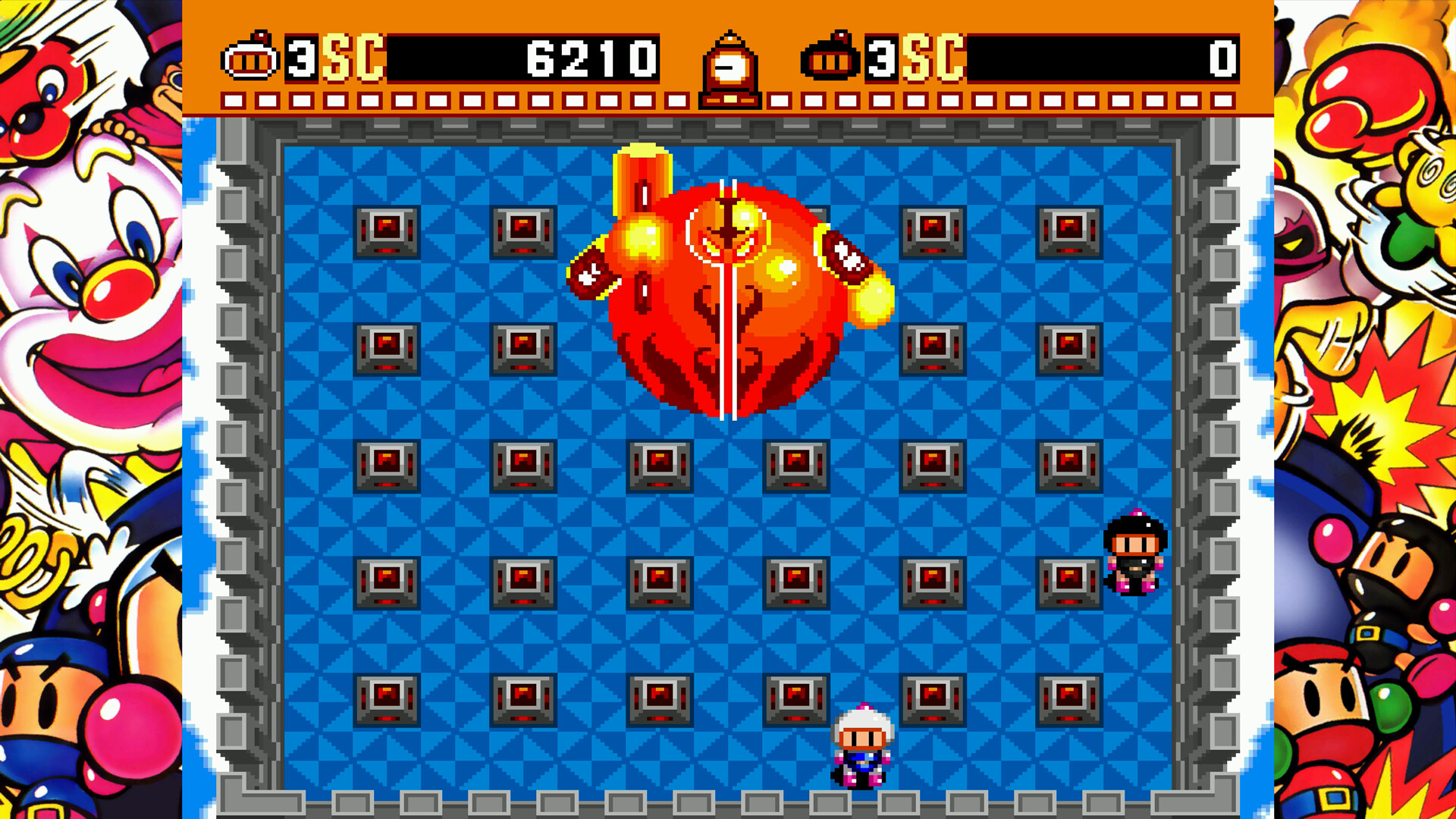
Boss Rush is a challenge mode that pits players against the bosses from each title in a consecutive time‑attack sequence. It is available for every game except Panic Bomber W, letting you test speed and pattern recognition across the series.
The mode runs on the same core gameplay as the original titles, but the focus shifts to defeating each boss as quickly as possible. No additional content beyond the existing boss encounters is introduced.
- Observe each boss’s attack pattern early to plan safe routes.
- Use the Rewind function if you make a costly mistake during a run.
02 / THE GUIDE
Save, Load, and Rewind
The collection lets you save or load at any point during gameplay, removing the need to restart a level from the beginning. This applies throughout the collection's titles.
A Rewind function lets you step back and retry a specific moment, offering a safety net for missteps without affecting overall progress.
- Save before attempting a difficult boss to avoid replaying earlier stages.
- Rewind can help you experiment with different bomb placements without penalty.
03 / THE GUIDE
Panic Bomber W Puzzle Play
Panic Bomber W is a competitive puzzle game for up to four players. Players trigger chain reactions and fill a meter that releases powerful Big Bombs, adding a strategic layer to the classic falling‑block format.
Unlike the other titles, Panic Bomber W does not include a Boss Rush mode, keeping its focus on multiplayer puzzle battles.
- Coordinate chain reactions to fill the meter quickly.
- Watch opponents’ placements to anticipate when Big Bombs will appear.
04 / THE GUIDE
Music Radio and Gallery
BOMB Radio lets you listen to original soundtracks from each title, and you can create custom playlists to accompany your play sessions. This feature provides a nostalgic audio backdrop for both solo and multiplayer games.
The Gallery houses over 200 art works and development materials, allowing players to explore concept art, sprites, and other series memorabilia.
- Create a playlist that matches the pace of the level you’re playing.
- Browse the Gallery between sessions for a deeper appreciation of the series’ history.
05 / THE GUIDE
Screen Filtering and Resolution
A screen filtering function lets you adjust resolution or apply visual filters, tailoring the display to personal preference or hardware capabilities. This can improve readability on modern monitors.
These settings are independent of gameplay and do not alter level design or enemy behavior.
- Use a higher resolution filter for sharper sprite detail.
- Apply a contrast filter if you find explosions hard to track.
COMMUNITY
Player discussion