 GameWiki
GET YOUR BEARINGS
About Super Battle Golf
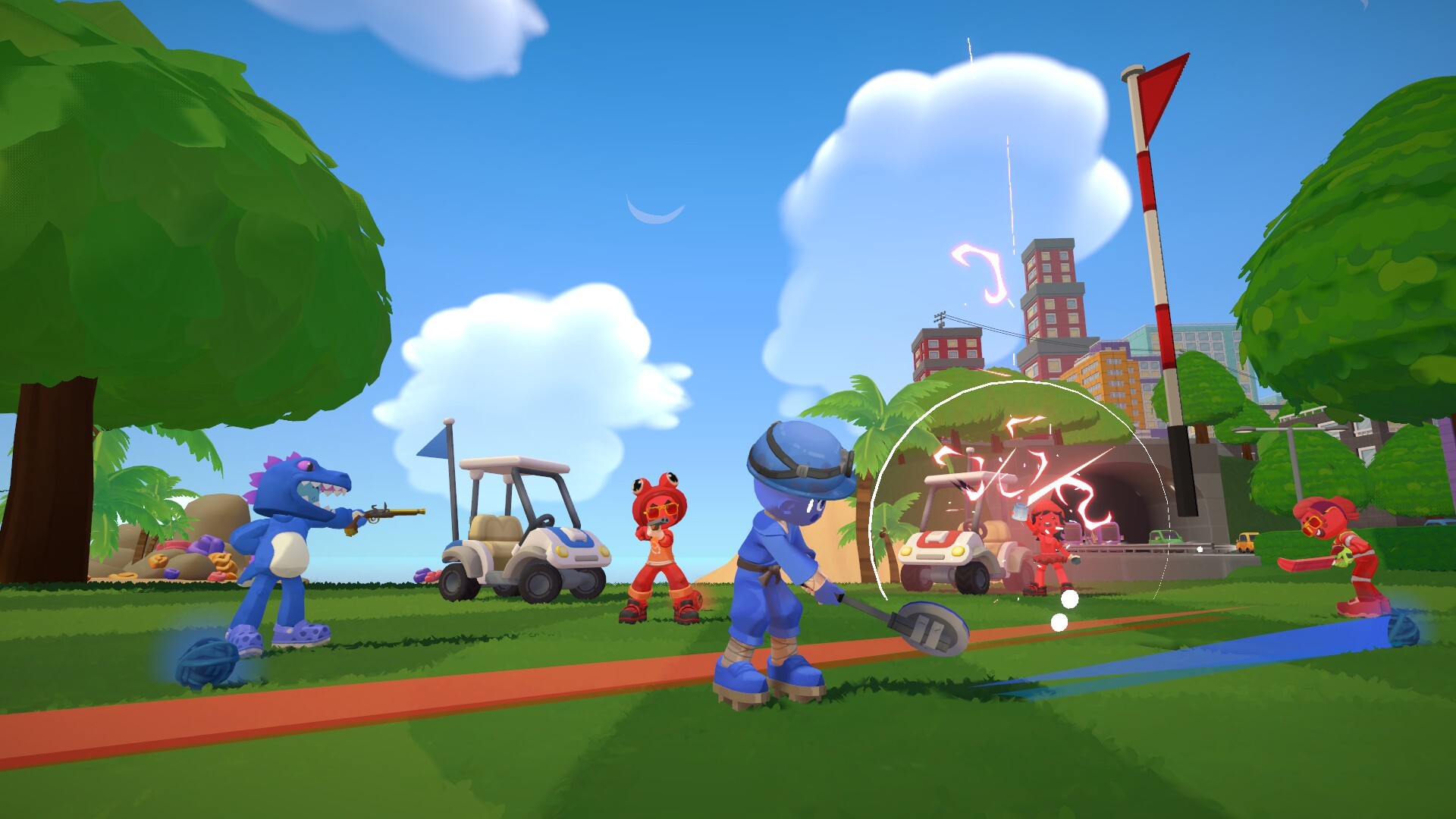
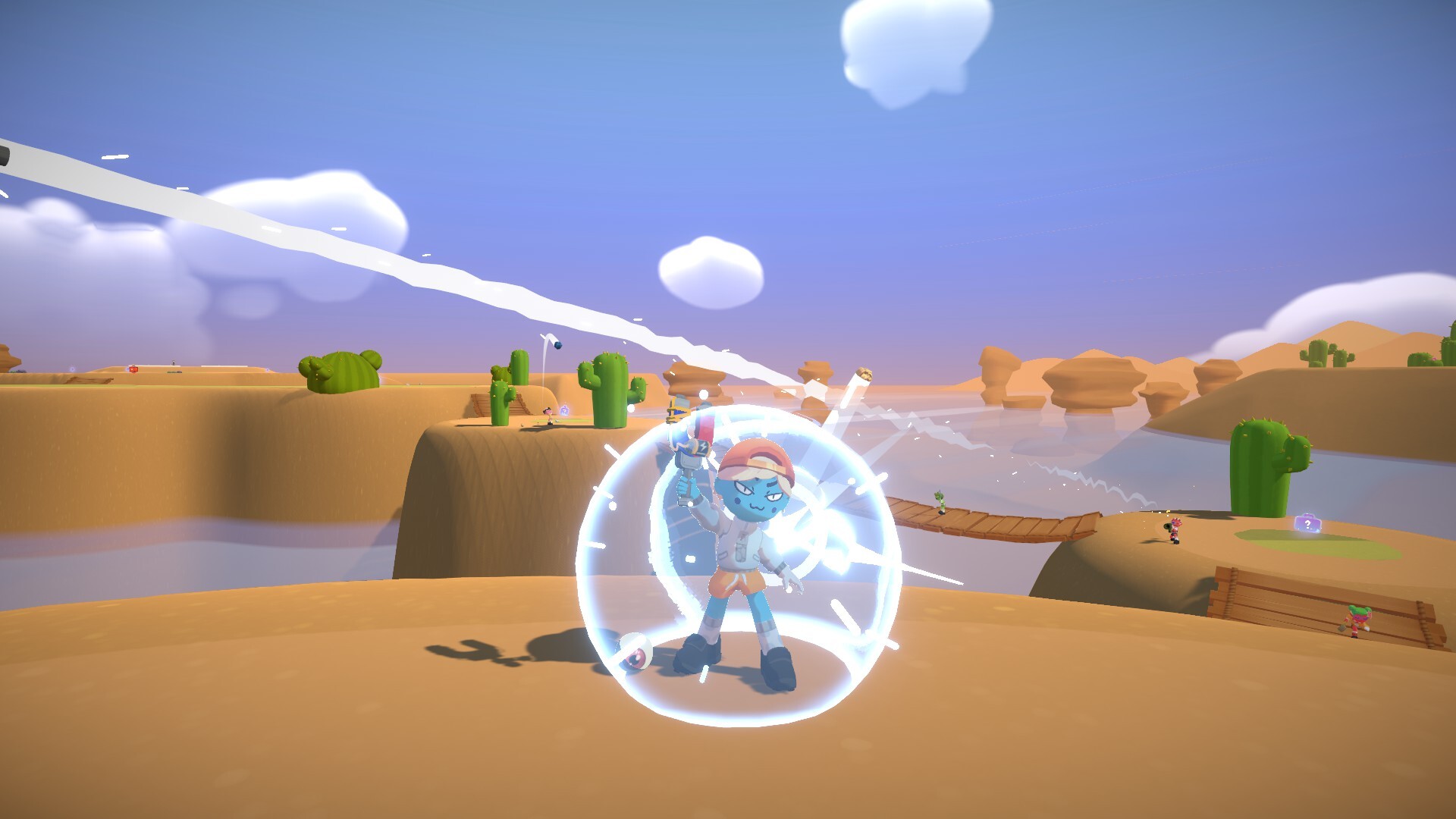
Super Battle Golf combines golf shots with direct interference between players. Online games support one to eight participants acting simultaneously, so reaching the hole involves both managing your own ball and responding to the other players. Golf carts, an orbital laser and collectible items contribute to the disorder.
Solo play uses point-based scoring. The game also offers courses across different biomes, character customization, emotes, voice chat and public or private servers. Its Steam listing marks Windows as supported and advertises full controller support.
01 / THE GUIDE
Chaotic Multiplayer
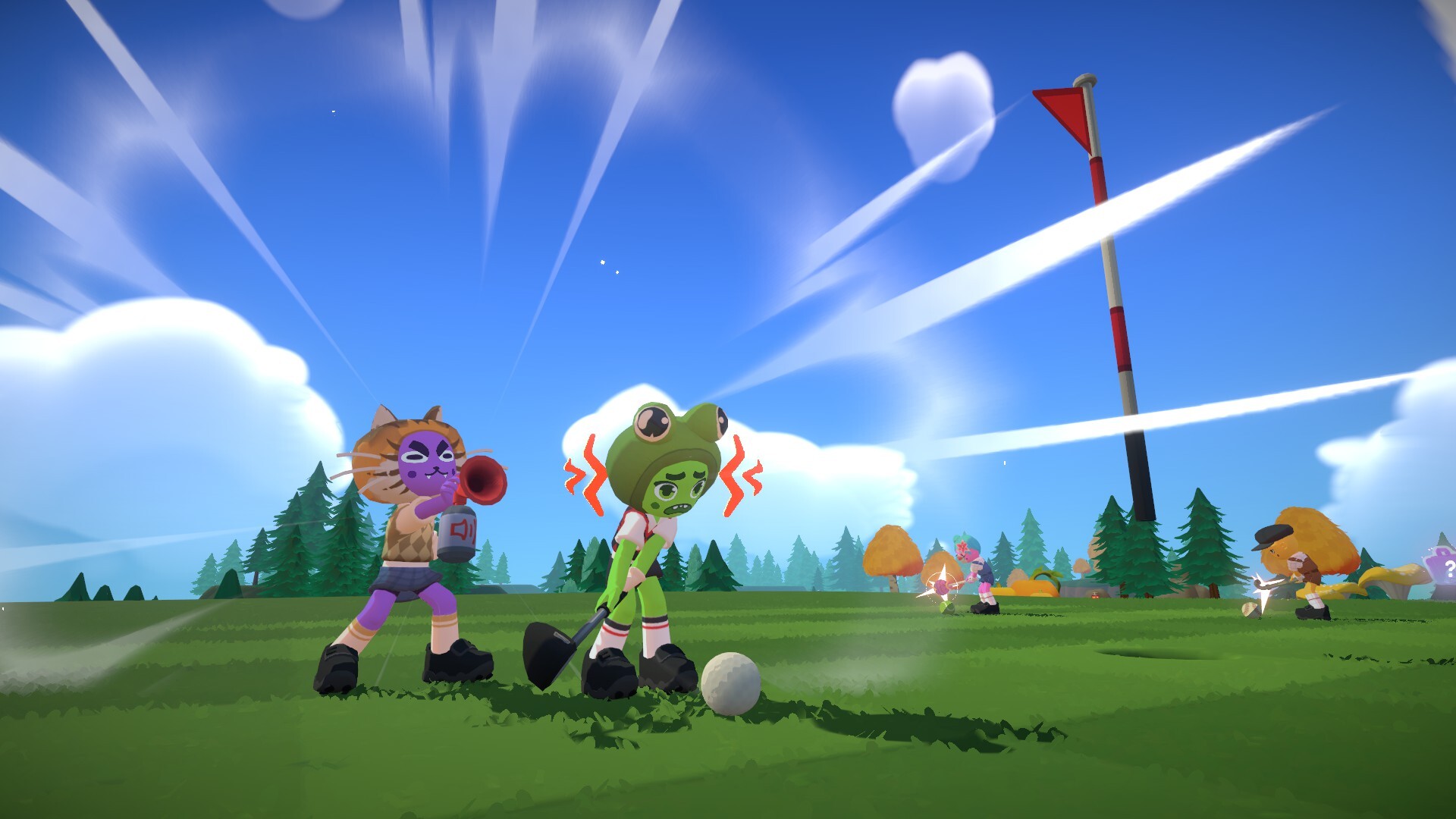
Players do not wait for a traditional sequence of turns: everyone acts at the same time. Racing toward the hole therefore happens alongside opportunities to hit other players with a ball, ram them with a cart or interfere through items.
The feature list includes voice chat and a choice of public or private servers. Talking with other players can become part of the session, while their positions and actions remain important to your immediate plans.
- Look at nearby opponents before committing to a shot or moving through a busy area.
- Discuss the session with friends while leaving room for the free-for-all competition.
02 / THE GUIDE
Swing Angle and Power
A swing's angle and power are under your control. Consider both when choosing a route through a course rather than treating every shot as a request for maximum distance.
The description identifies sand, lakes, vegetation and mines among the things to avoid. Comparing the result of successive shots helps you understand how your chosen angle and power fit the situation.
- Vary power over several shots and compare where the ball finishes.
- Consider obstacles before deciding which direction to aim.
03 / THE GUIDE
Offensive and Defensive Items
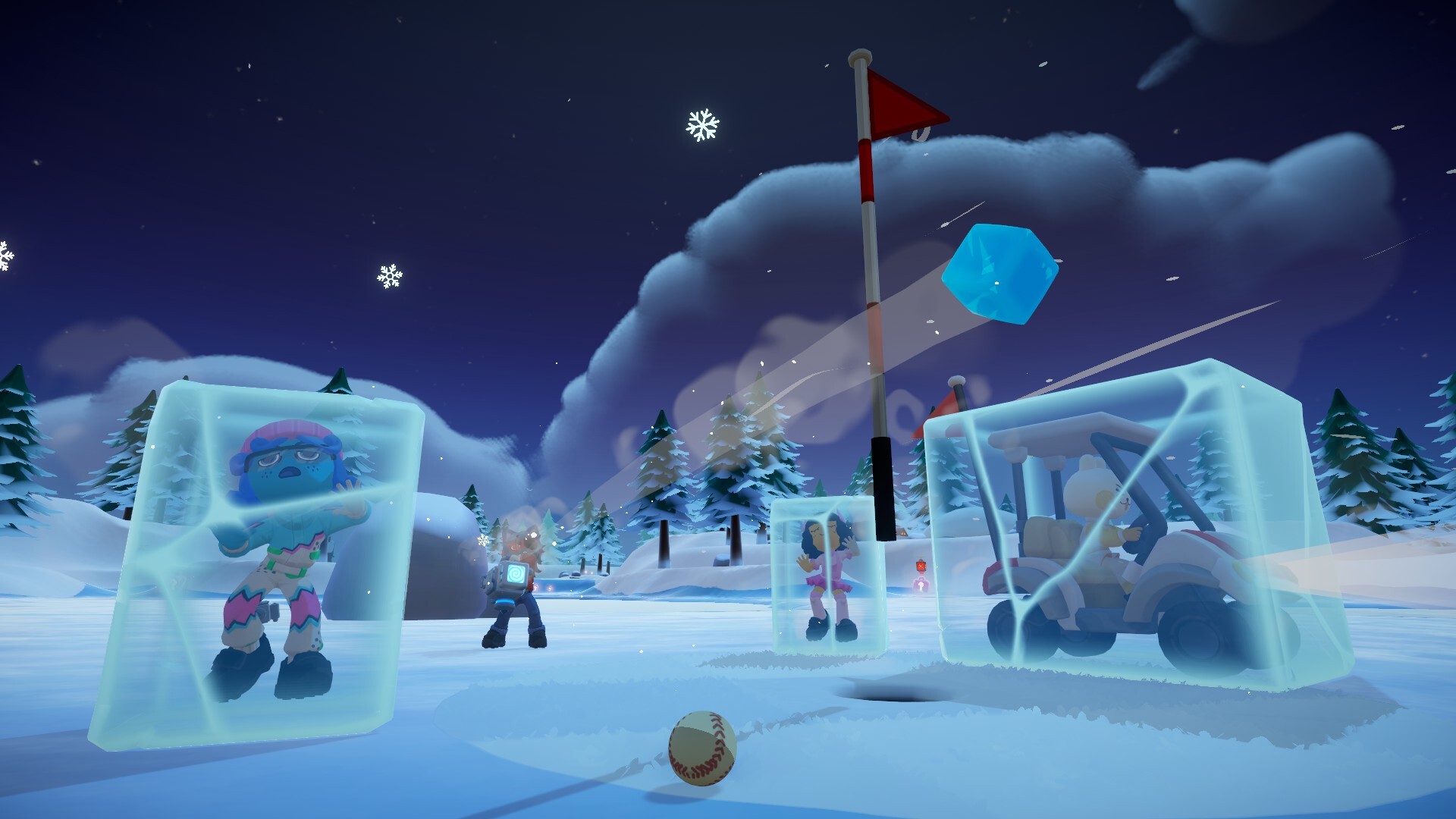
Collectible items are described as offensive, defensive or helpful. They give players ways to interfere with one another while pursuing points and attempting to finish the hole.
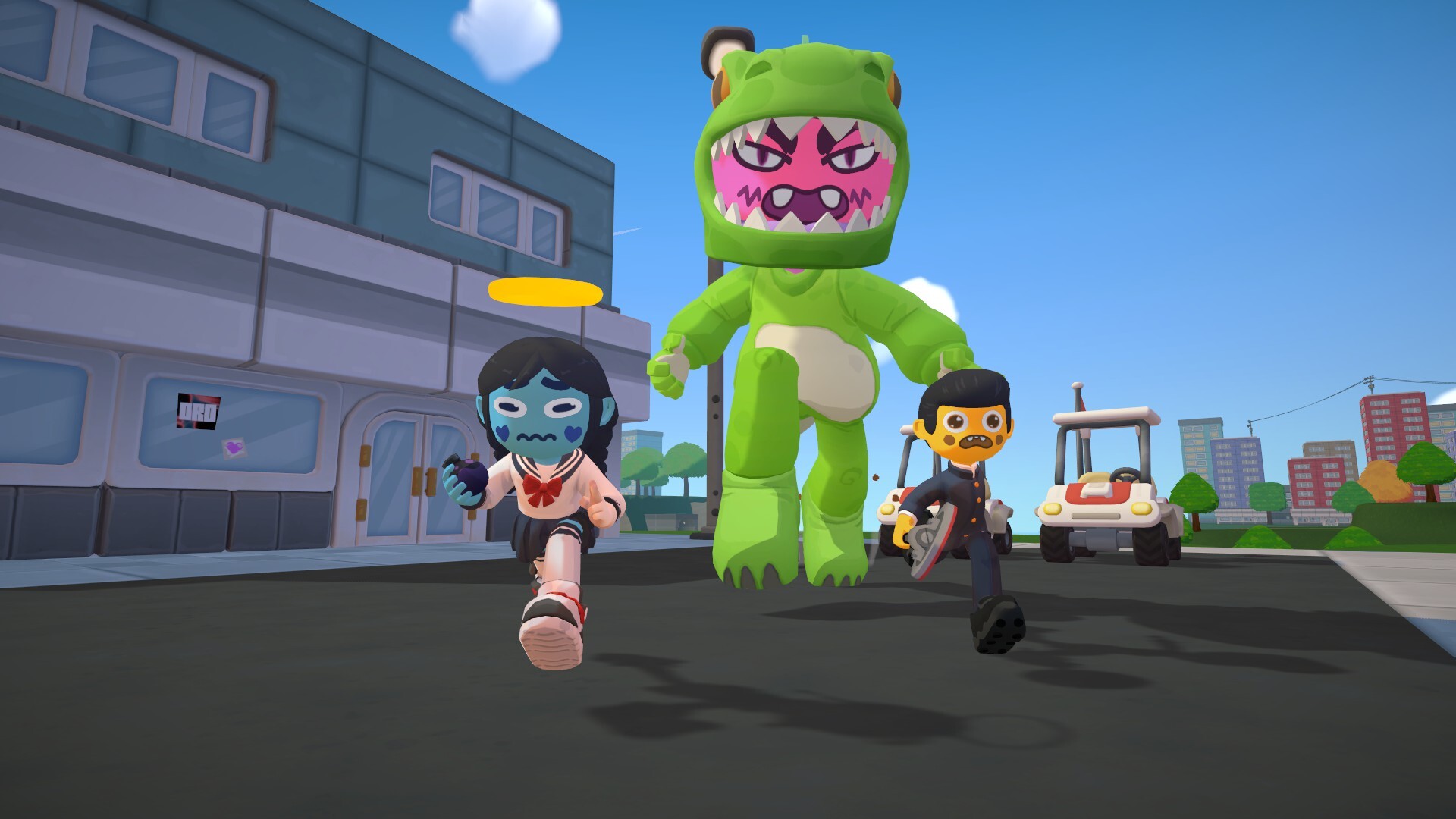
The examples include an orbital laser and golf carts, with carts accommodating up to eight people. Consider those interactions alongside your shots: making progress and responding to interference are both parts of the game.
- Observe what an item does before deciding how to fit it into your next plan.
- Consider both your route to the hole and nearby players when choosing an action.
04 / THE GUIDE
Cosmetics and Emotes
Character customization includes clothing accessories, hairstyles, expressions and golf clubs. Dances and emotes add further ways to express yourself during a session.
The store's remarks about stylish outfits improving play are presented as humorous promotion. Treat customization as a way to choose a look you enjoy rather than evidence of a documented statistical advantage.
- Try a combination of appearance options that makes your character recognizable.
- Use the available emotes to celebrate a memorable moment with other players.
05 / THE GUIDE
Windows and Controller Compatibility
Windows is marked as supported on this Steam listing. Full controller support, DualShock controller support and DualSense controller support are the advertised input features.
Steam Cloud and Family Sharing also appear in the feature list. These labels identify the listed services without specifying additional save-compatibility or mode-coverage rules.
- Check the Steam listing when reviewing the supported platform and controller features.
- Choose a preferred controller from the advertised support options.
COMMUNITY
Player discussion