 GameWiki
GET YOUR BEARINGS
About Sunderfolk
Sunderfolk is a tactical co‑op RPG that encourages groups to play together, either online with mouse and keyboard or locally using phones as controllers. The host owns the game, while friends join for free through the Sunderfolk Controller app after scanning a QR code.
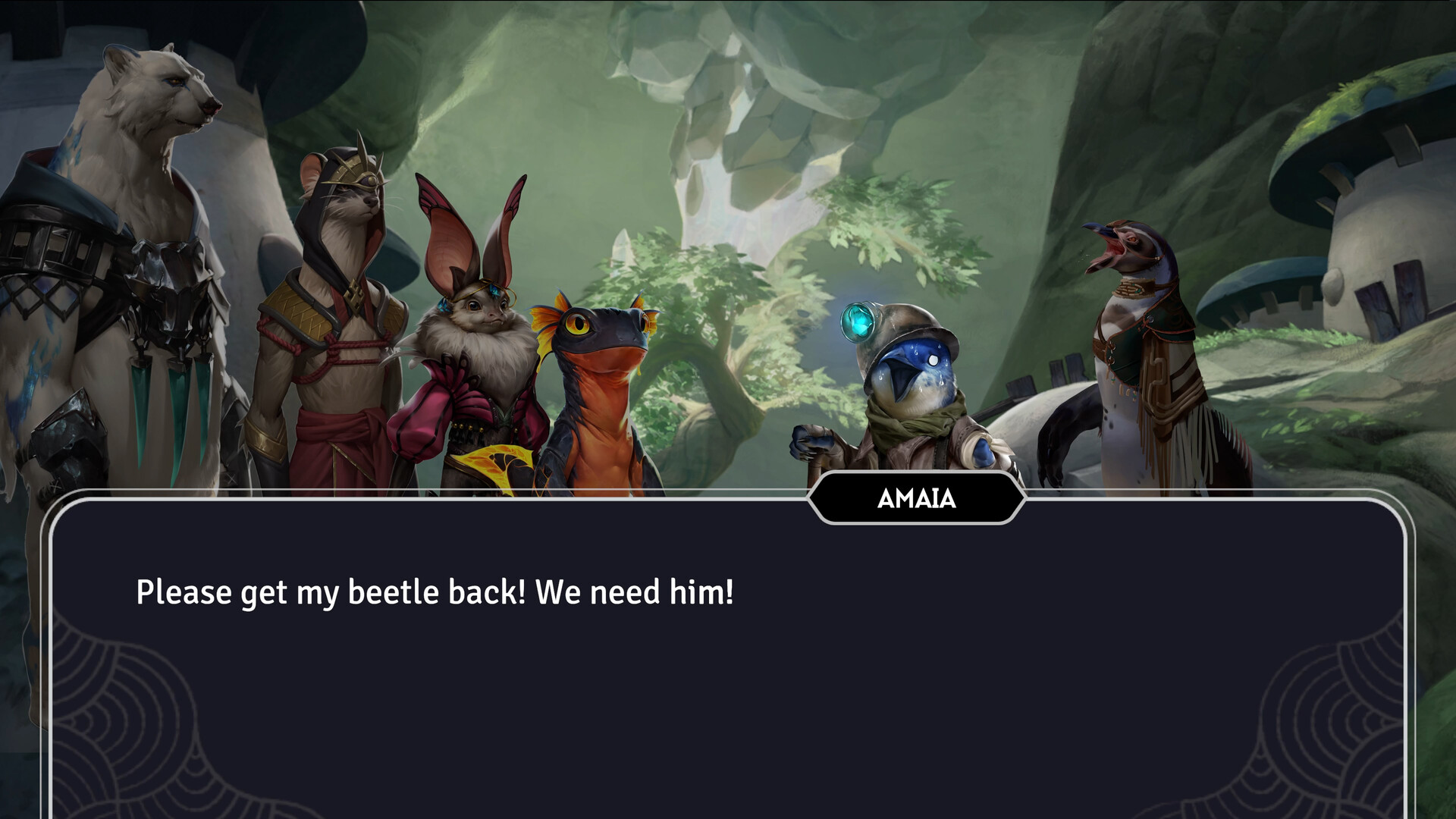
Between missions, players can explore the village of Arden, shop, share meals, and interact with locals, adding a social layer to the strategic combat and turn‑based card play.
01 / THE GUIDE
Online Multiplayer
Players can connect over the internet using mouse and keyboard, each needing their own copy of the game. The system supports voice chat, allowing groups to coordinate tactics from separate locations. All online sessions require each participant to own the game, and the experience mirrors the local co‑op mode with full skill‑card and turn‑order control.
The online mode integrates with Steam features such as Achievements and Cloud saves, preserving progress across sessions. No additional hardware beyond a standard PC setup is required.
- Test your voice chat settings before a mission to avoid miscommunication.
- Synchronize your game version via Steam to prevent matchmaking issues.
02 / THE GUIDE
Couch Co‑op with Phone Controllers
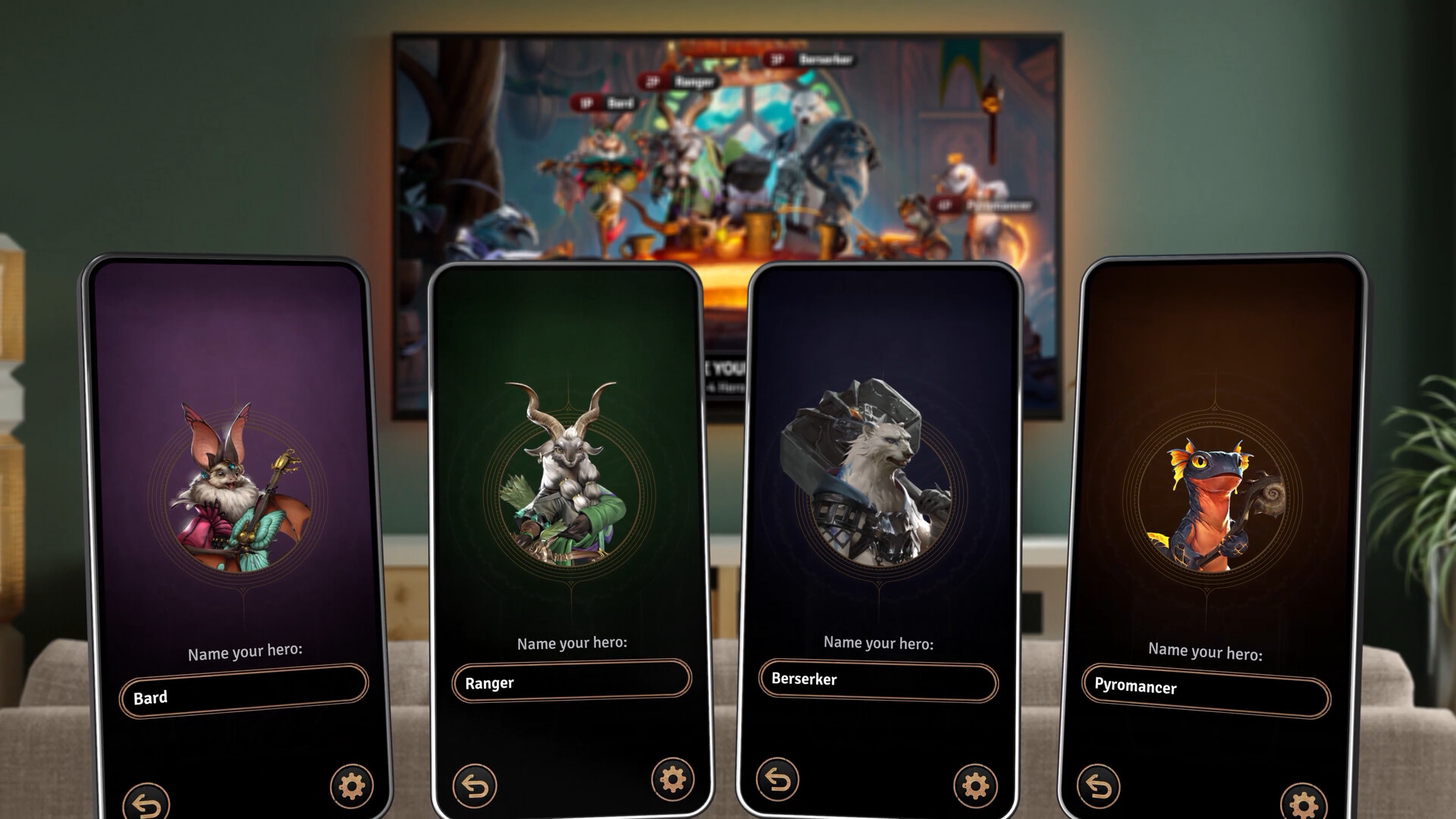
On a shared screen, players can use their smartphones as controllers through the Sunderfolk Controller app, which serves as a hand of cards, guidebook, and input device. Only the host must own the game; others join at no cost. A QR code displayed on the main screen lets friends connect instantly, turning any couch into a tabletop‑style game night.
This mode supports split‑screen play, letting each participant see the same battlefield while managing their own cards and stats on their phone.
- Ensure each phone has a stable Wi‑Fi connection to the host’s network.
- Keep the QR code visible and scan it quickly to reduce waiting time.
03 / THE GUIDE
Skill Card System
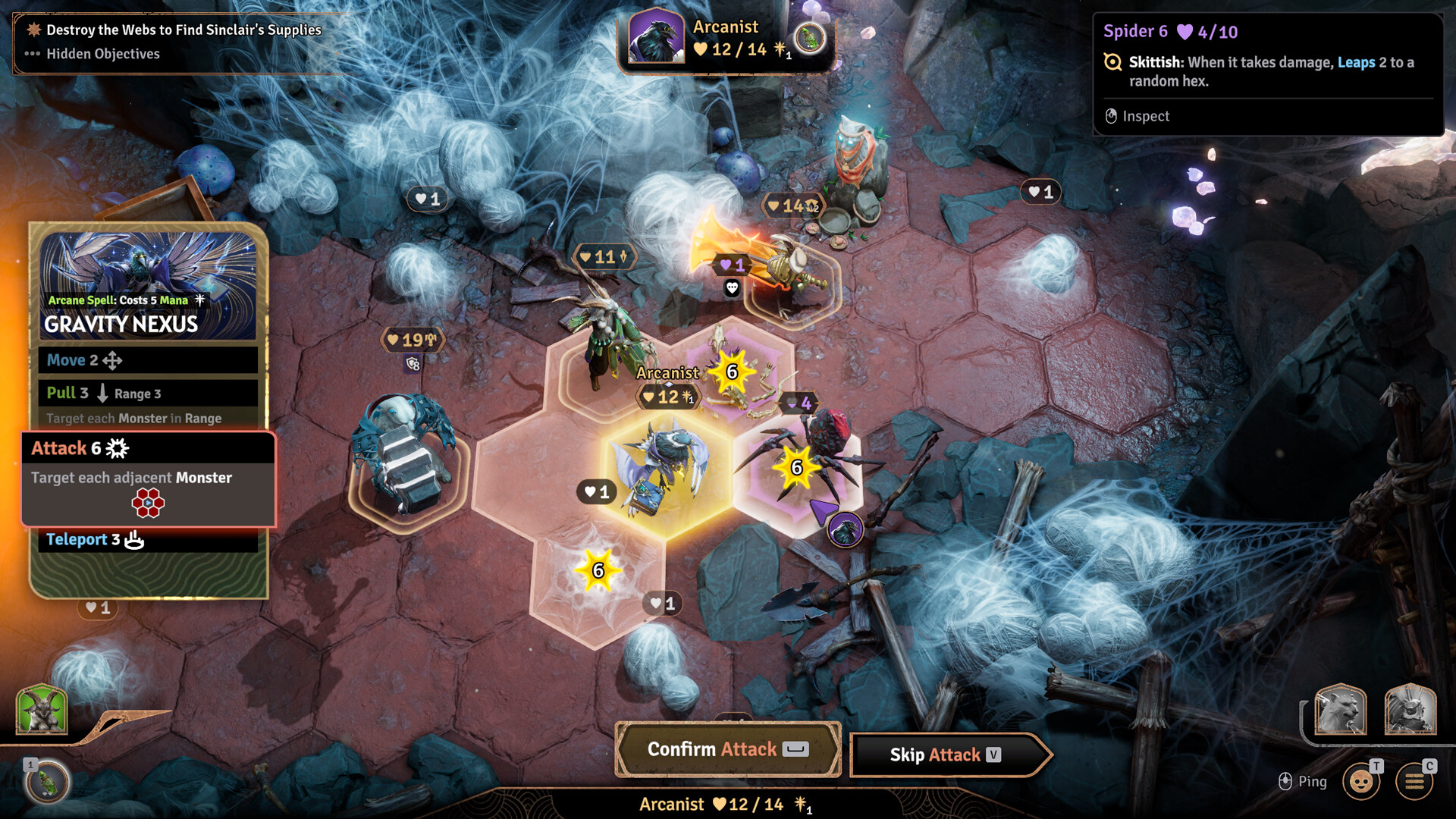
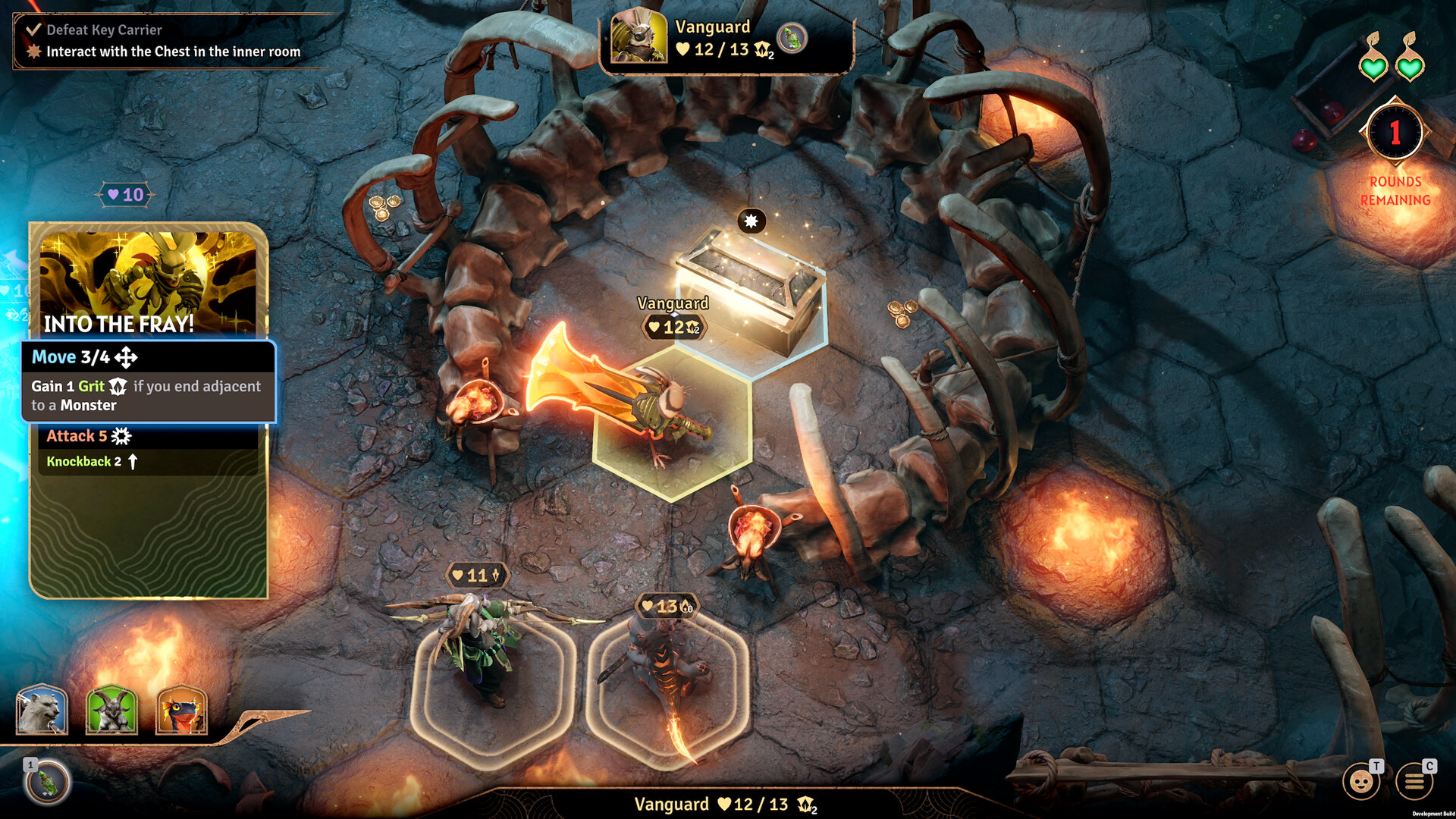
Combat revolves around powerful skill cards that players select each turn. Cards are displayed on the host’s screen and on each player’s phone controller, allowing coordinated planning. Turn order is chosen by the group, letting teams decide who acts first and adapt tactics to enemy behavior.
The system emphasizes out‑thinking opponents and adjusting strategies between moves, with epic bosses providing heightened challenges.
- Discuss card synergies before committing to a turn order.
- Reserve high‑impact cards for boss encounters to maximize effectiveness.
04 / THE GUIDE
Village of Arden
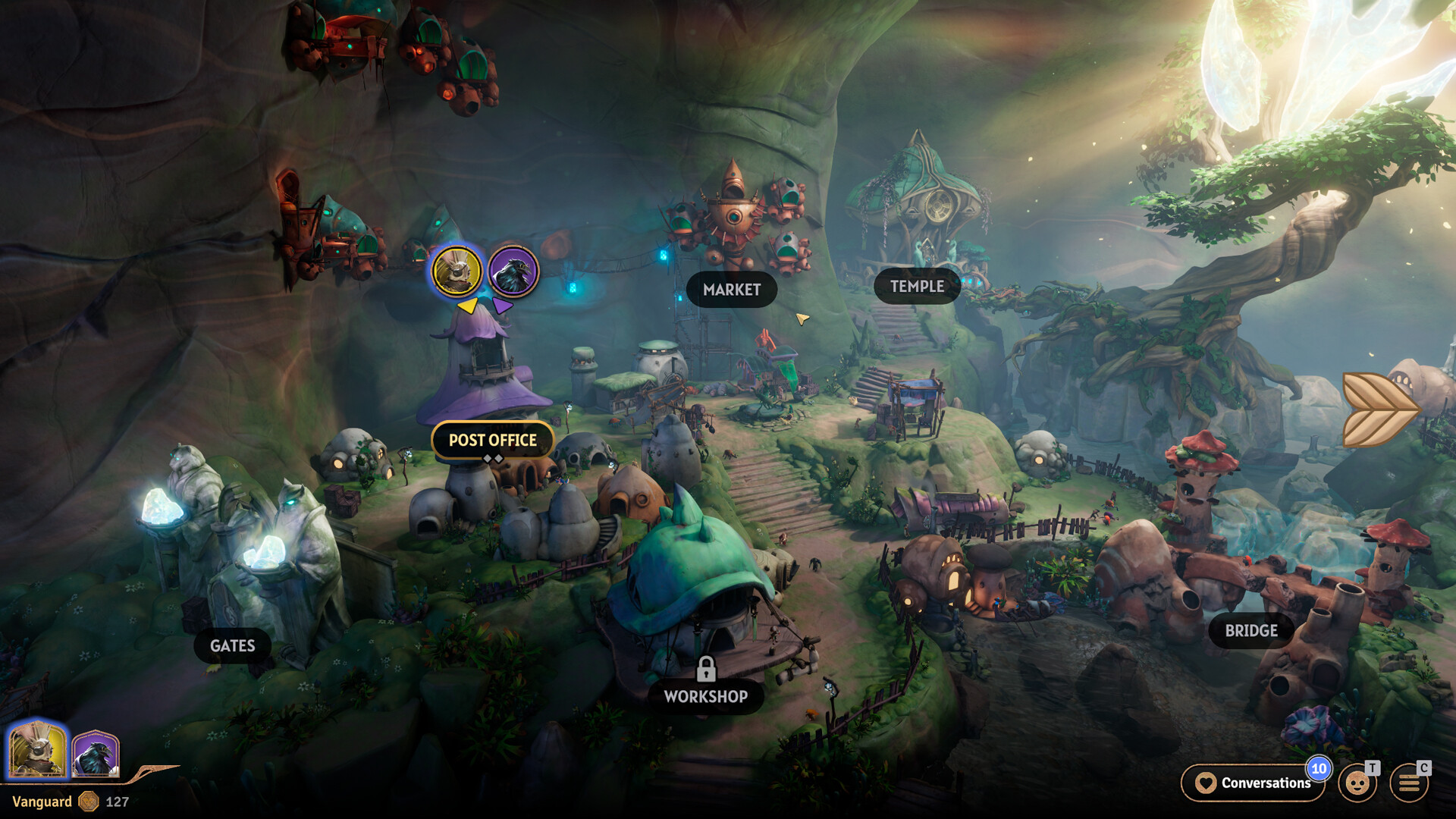
Between battles, players can explore Arden, a charming village where they can upgrade shops, discover gear, and share meals with locals. Some villagers may lead to deeper relationships. The village acts as a social hub, offering a break from combat and opportunities for role‑playing interactions.
Activities in Arden offer a change of pace from combat and enrich the overall experience with narrative flavor.
- Take time to talk to multiple villagers to hear more of what they have to say.
- Visit shops after each mission to see if new gear has appeared.
05 / THE GUIDE
Steam Integration
Sunderfolk supports Steam Achievements, Steam Cloud, Remote Play on TV, Remote Play Together, and Family Sharing. These features enhance accessibility across devices and households. Remote Play Together lets a player stream the game to another screen while friends join using their phones as controllers.
Family Sharing permits multiple accounts to access the game under a single purchase, simplifying group play at home.
- Enable Steam Cloud to keep progress synced if you switch PCs.
- Use Remote Play Together for a TV setup without needing extra controllers.
COMMUNITY
Player discussion