 GameWiki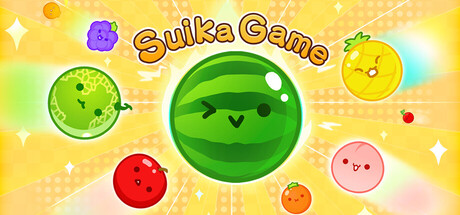
GET YOUR BEARINGS
About Suika Game
Suika Game is a casual puzzle where you drop fruits into a box. Identical fruits merge into the next larger fruit and award points, while you try to avoid spilling the stack.
Your highest scores are recorded and displayed on a global leaderboard. The game also lets you change the visual theme with a range of vibrant design options.
01 / THE GUIDE
Gameplay Mechanics
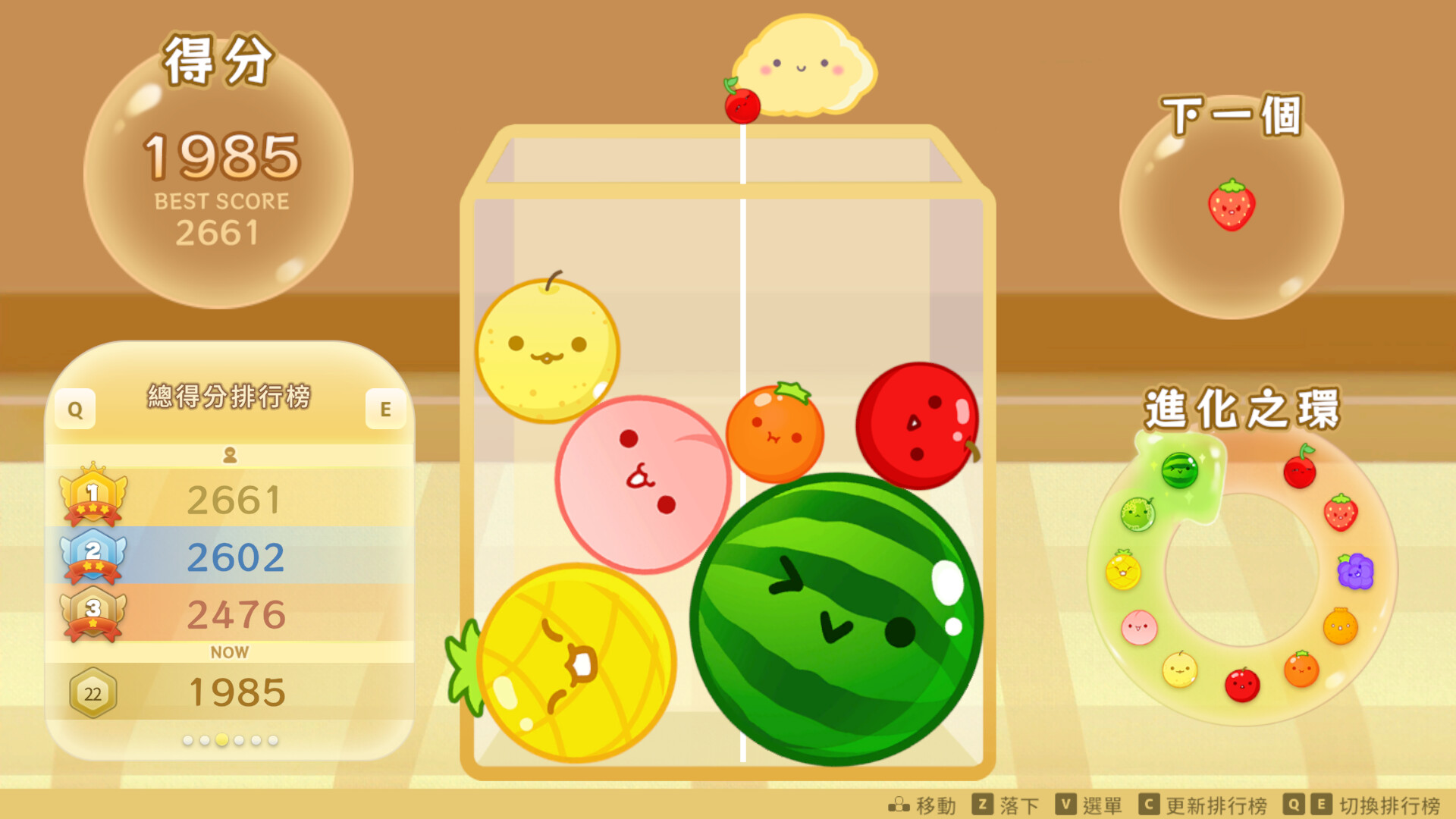
When two identical fruits touch, they instantly evolve into the next larger fruit and grant points, creating a chain of possible merges as larger fruits appear.
The session ends the moment any fruit spills out of the box, so keeping the stack low and planning merges is essential for high scores.
- Watch how merges free space and plan drops to keep the stack manageable.
- Prioritize merging lower‑level fruits early to prevent sudden overflow.
02 / THE GUIDE
Control Options
You can press and drag to move Poppy left and right, releasing to drop a fruit, or tap anywhere inside the box for a direct drop.
The game lists a touch‑only option, a keyboard‑only option, and partial controller support, and it is marked as playable without timed input.
- Use tap‑to‑drop for quick placement when the stack is high.
- Try the keyboard‑only option to see how it handles movement.
03 / THE GUIDE
Scoring and Leaderboards
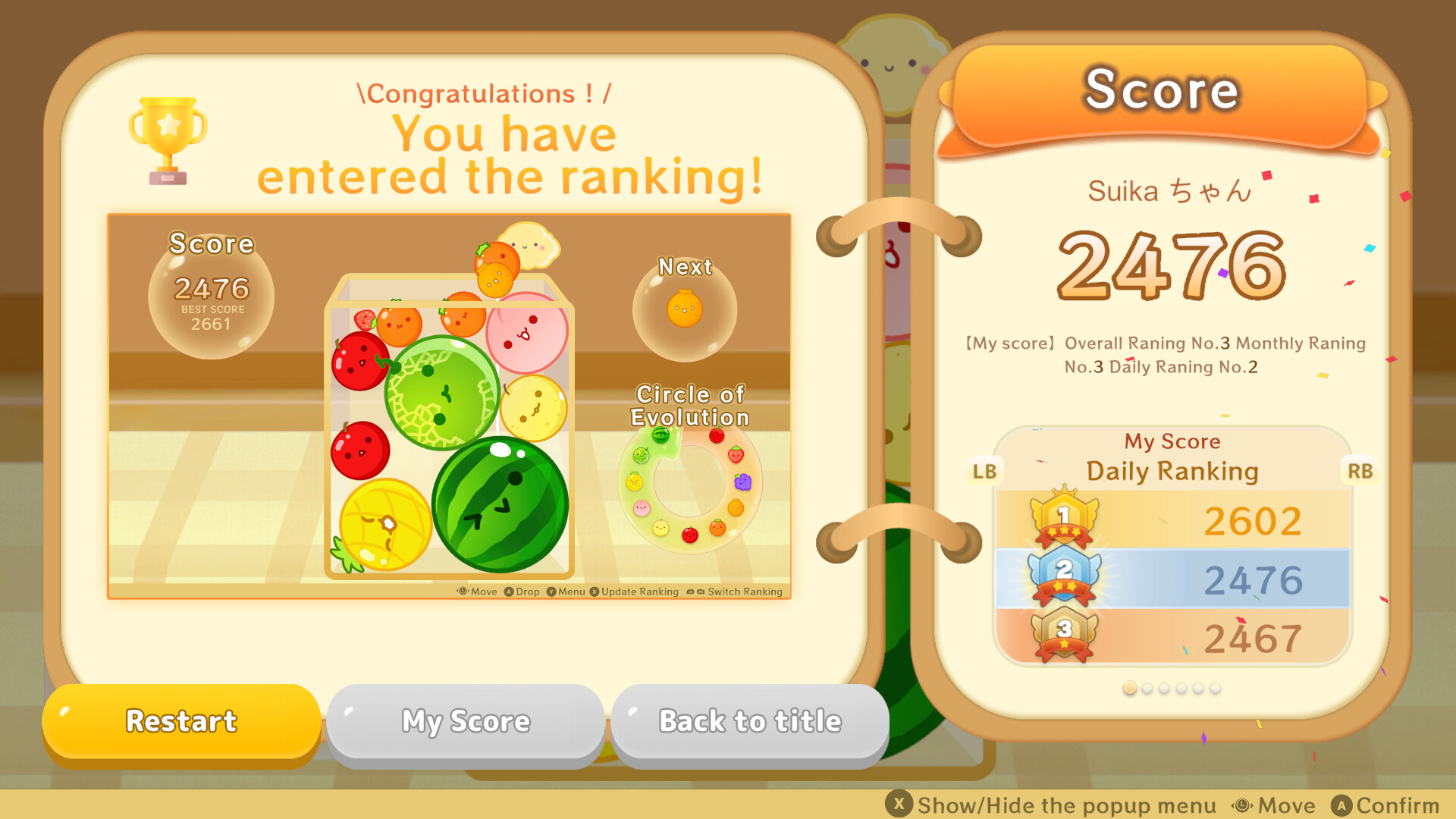
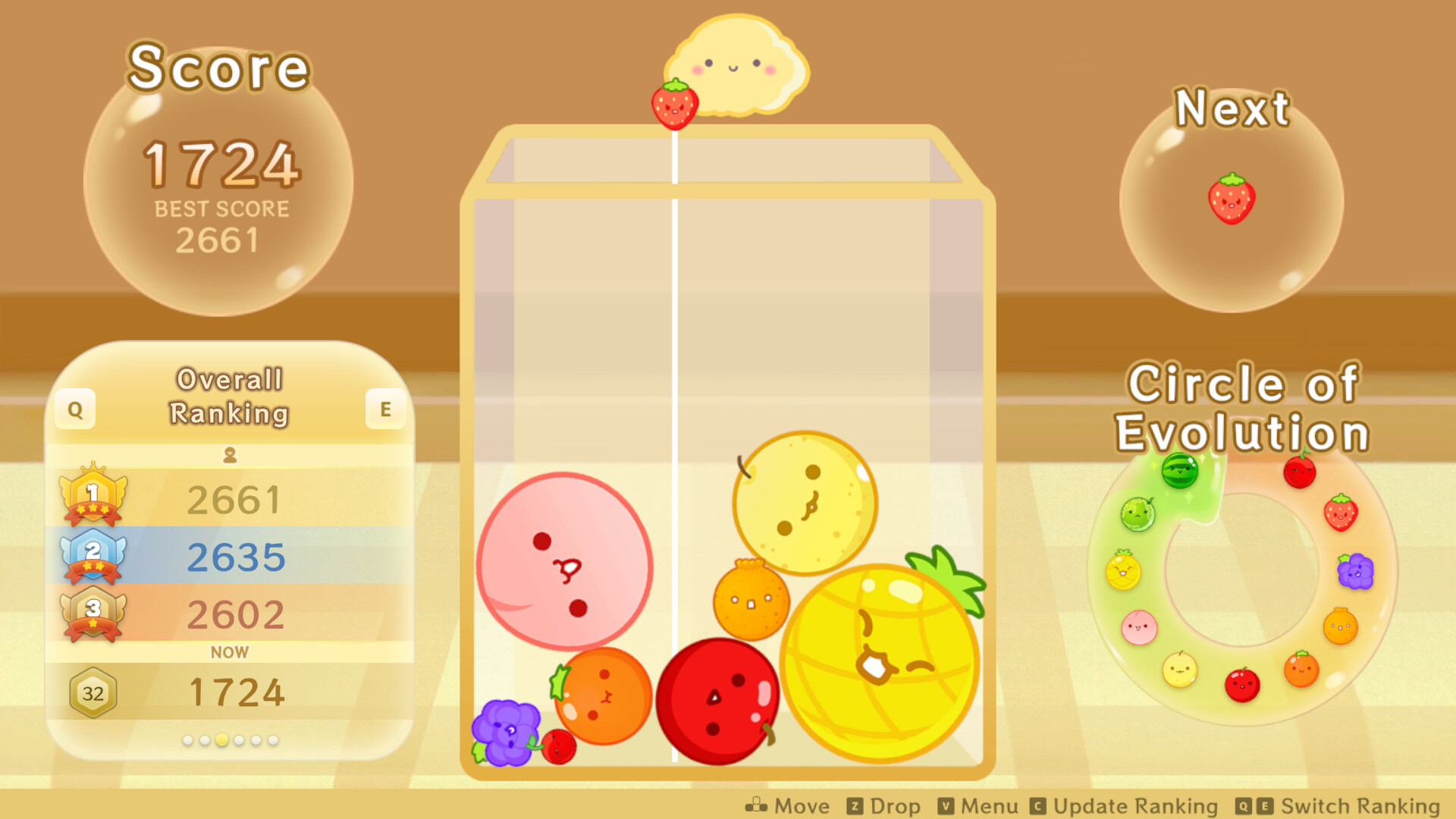
Each merge adds points to your total, and the game tracks your personal best score for each session.
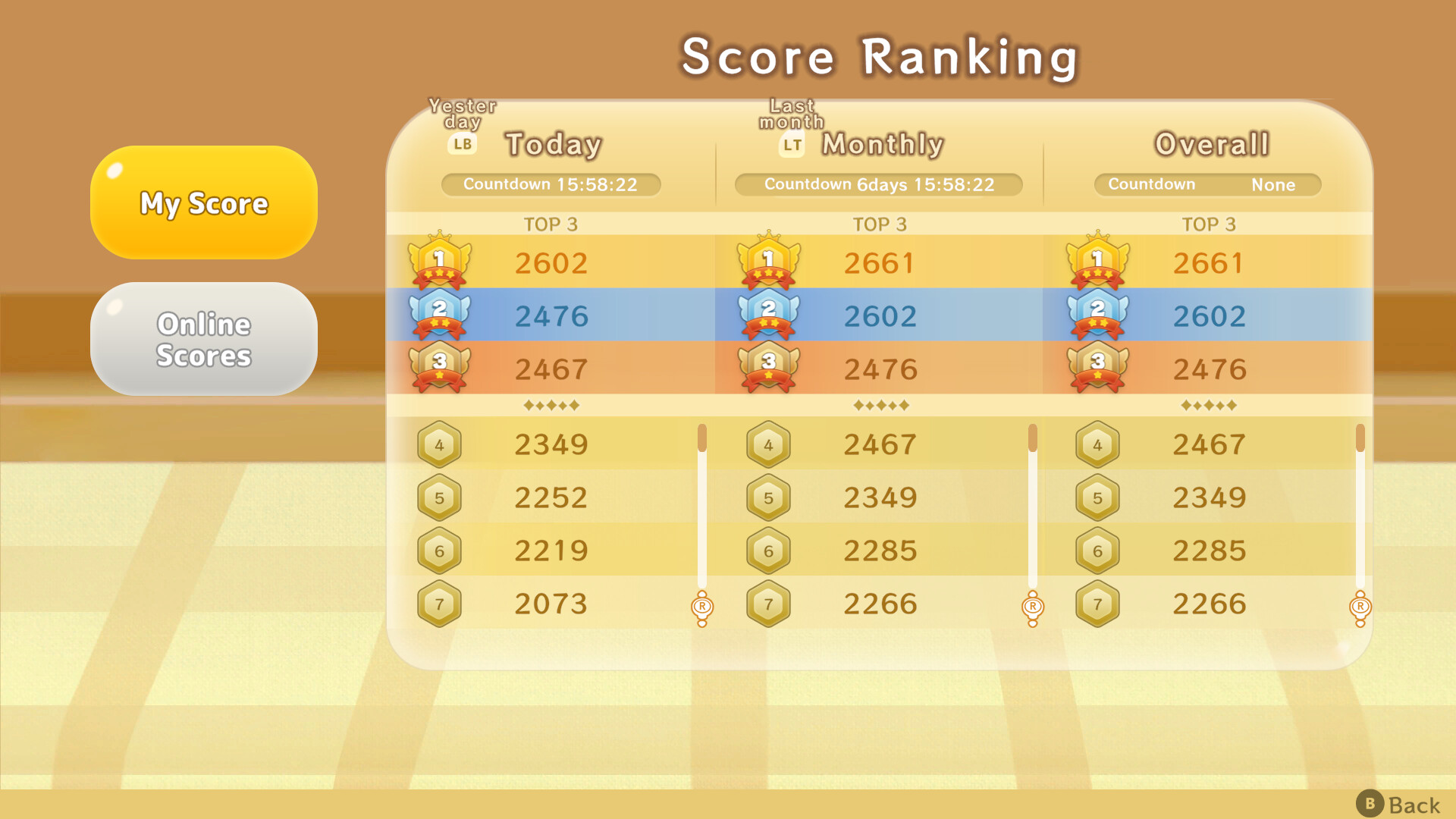
A global leaderboard lets you compare your high scores with players worldwide, encouraging repeated attempts to improve.
- Focus on creating larger merges, which usually yield more points per drop.
- Check the leaderboard after a run to see how close you are to the top.
04 / THE GUIDE
Visual Customization
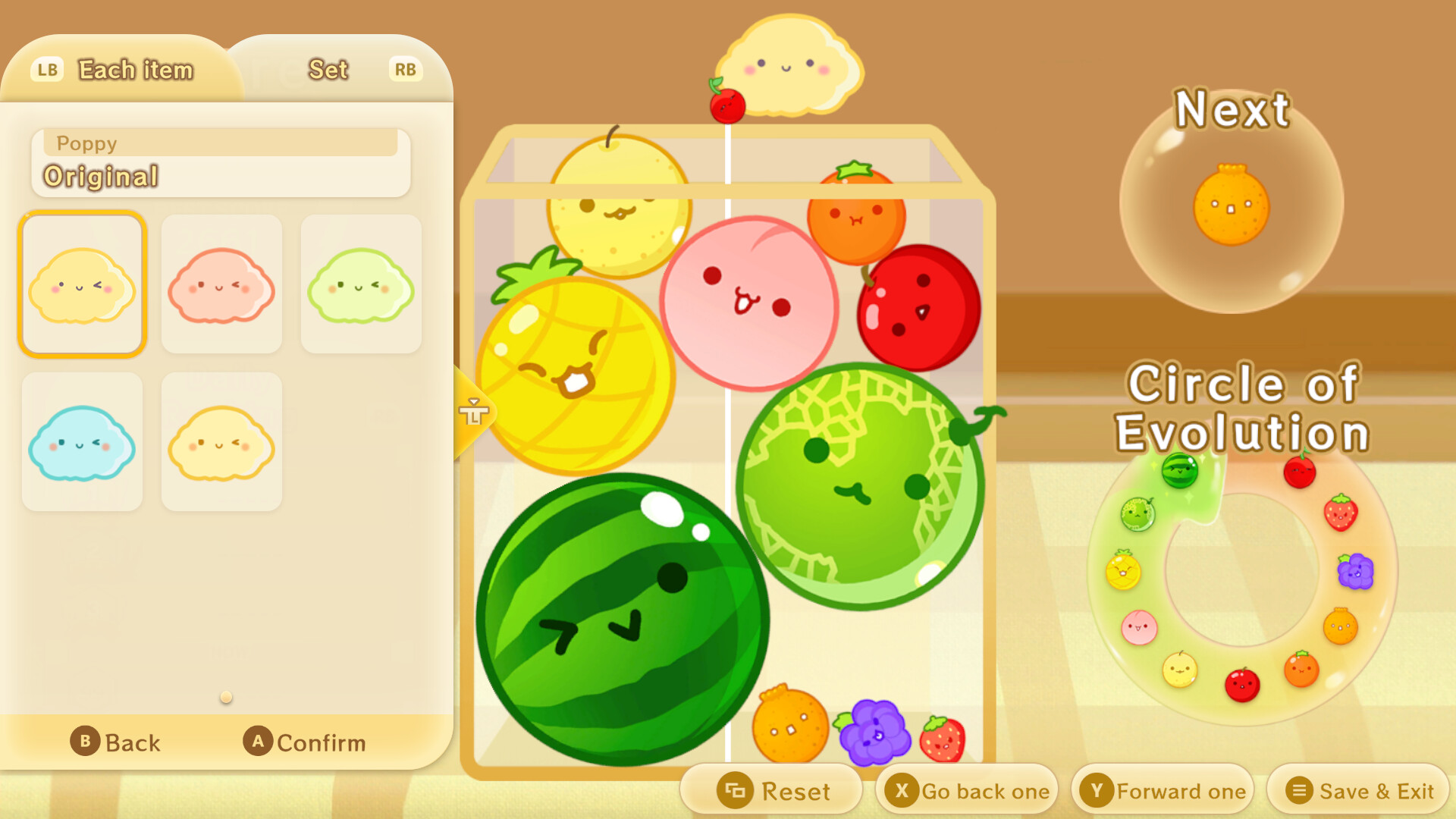
A variety of vibrant design options let you personalize the game screen’s appearance, to your liking.
These visual changes do not affect merging rules or scoring, so the core gameplay stays the same regardless of theme.
- Choose contrasting colors to make fruit borders easier to see.
- Save a favorite design for quick selection in future sessions.
05 / THE GUIDE
Platform Features
Suika Game runs on Windows and includes Steam achievements, custom volume controls, and family sharing. Steam Cloud is listed, indicating cloud‑based save support.
The presence of keyboard‑only, touch‑only, and partial controller options means the game can be played without timed input, matching a relaxed pace.
- Enable Steam Cloud in the client if you want cloud‑based save handling.
- Adjust the custom volume controls to suit your listening environment.
COMMUNITY
Player discussion