 GameWiki
GET YOUR BEARINGS
About Sudoku Zenkai / 数独全卡
Sudoku Zenkai offers a range of puzzles for both newcomers and seasoned solvers, featuring six difficulty tiers from Trainee up to Zenkai. The game includes a built‑in generator that creates fresh boards each day, so players never need external sources.
Beyond solo play, the title supports cooperative sessions where friends can join to tackle a puzzle together. It also provides visual customisation through themes and emblem sets, plus quality‑of‑life tools such as pencil notes, duplicate highlighting, and a last‑valid‑board revert option.
01 / THE GUIDE
Difficulty Levels
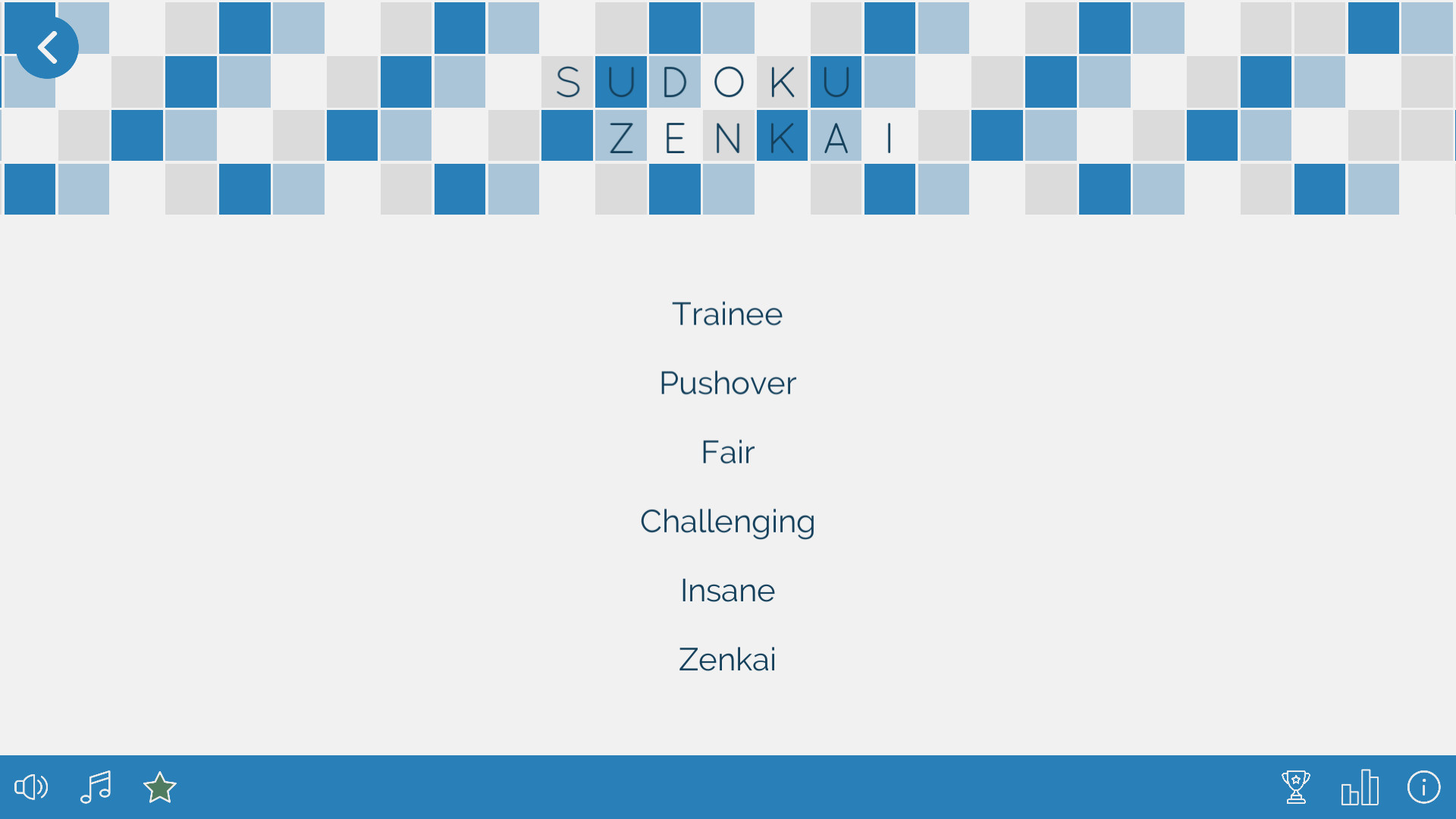
The game defines six distinct difficulty settings, labelled from Trainee to Zenkai, allowing players to select a challenge that matches their logical skill. Each tier adjusts the complexity of the generated Sudoku board while keeping the core rules unchanged.
Because the generator creates new puzzles daily, every difficulty consistently offers fresh content, ensuring that even repeated play does not recycle the same board. This design supports both gradual skill development and high‑intensity mental workouts.
- Start on Trainee to become familiar with the generator’s patterns before moving up.
- Compare completion times across difficulties to gauge personal improvement.
02 / THE GUIDE
Co‑op Mode
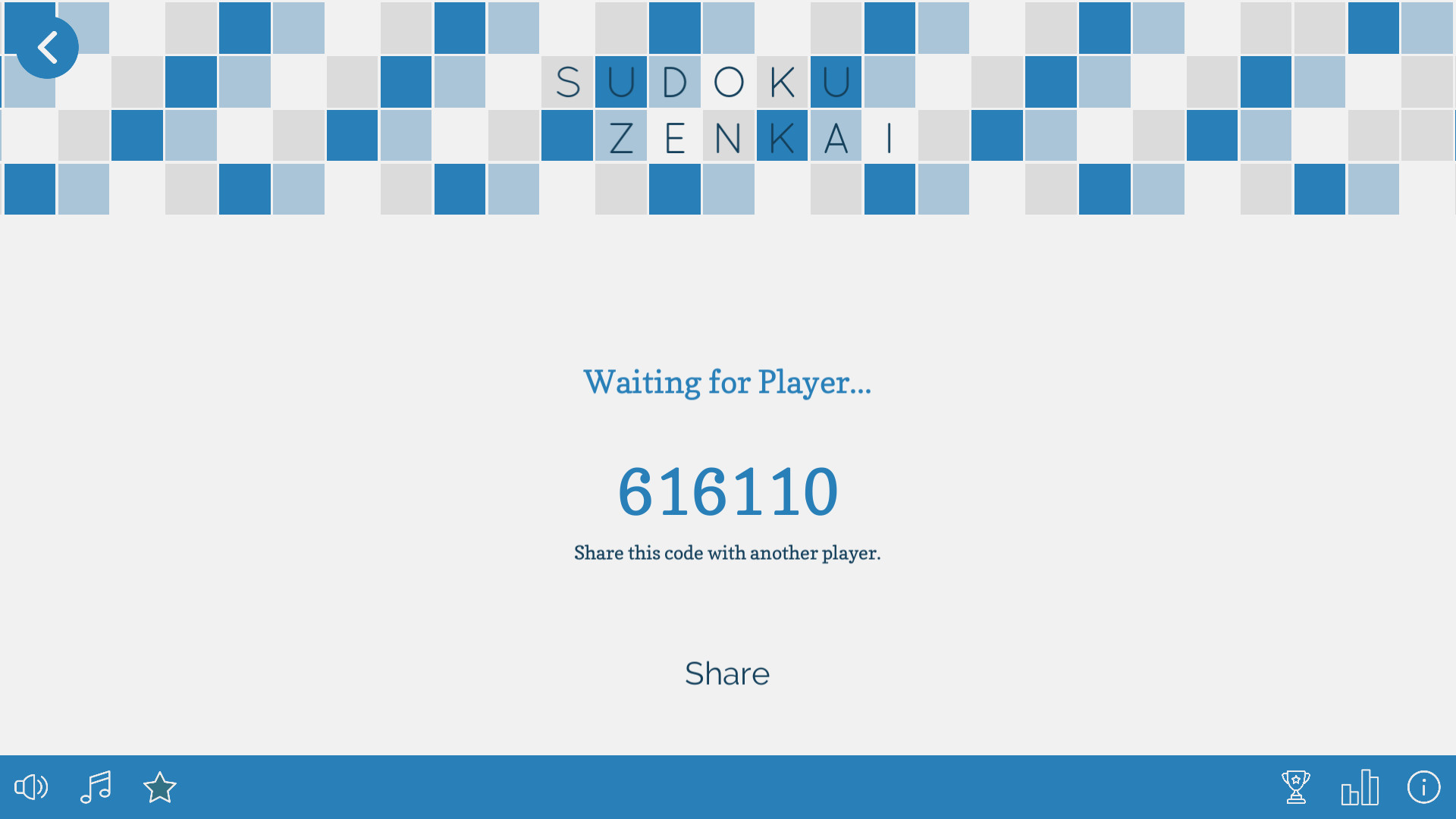
Sudoku Zenkai includes an online cooperative mode where a second player can be invited to assist on the same board. Both participants can work on the same board together, with the invited friend helping to solve the puzzle.
The co‑op experience is described as “two heads are always better than one (usually),” implying that collaborative solving is encouraged but not mandatory for progress.
- Communicate which numbers you plan to place to avoid accidental overwrites.
- Use the last‑valid‑board feature if a teammate makes an unintended entry.
03 / THE GUIDE
Themes and Emblems
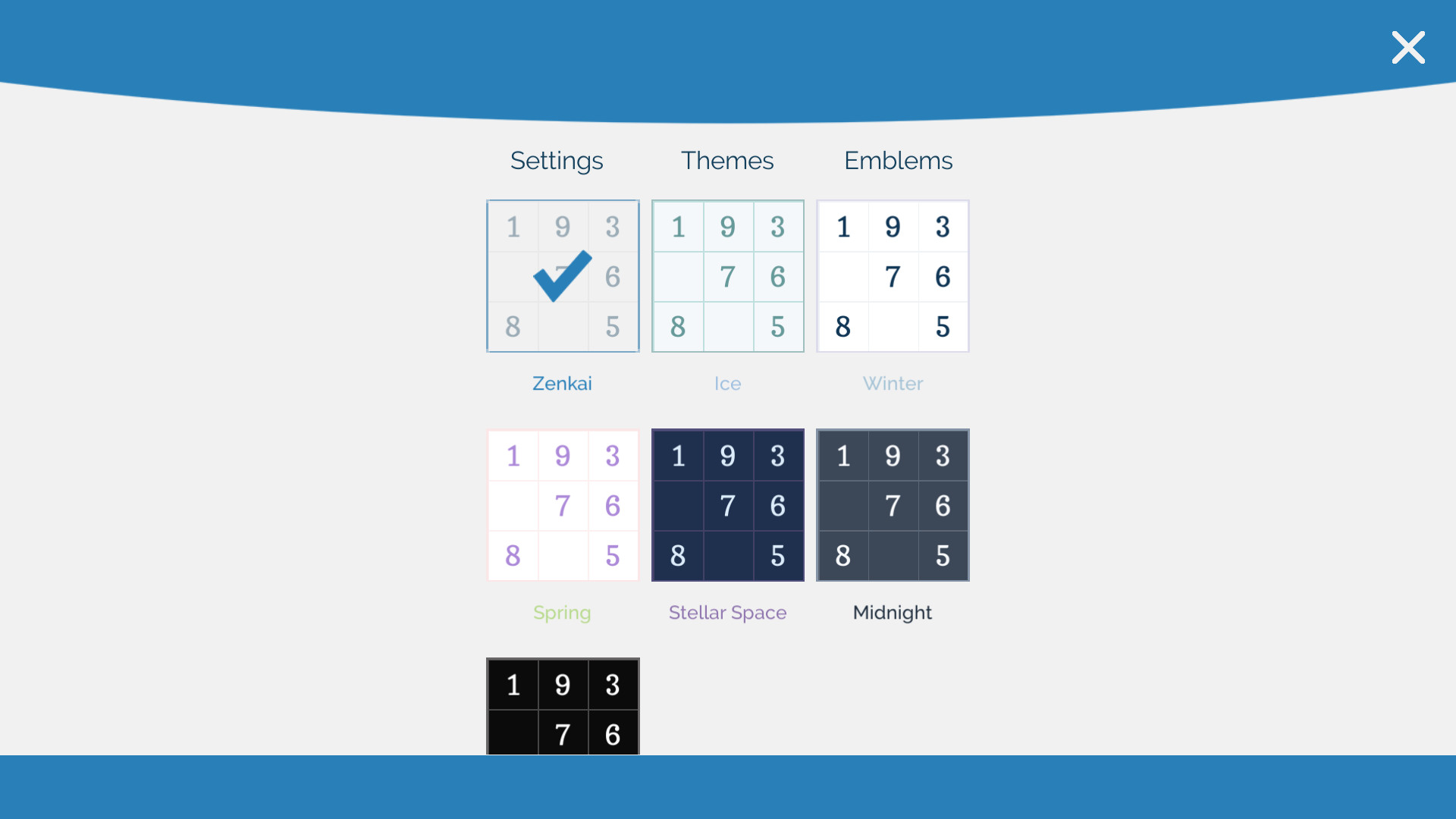
Players may choose from multiple visual themes, selecting the style that feels most comfortable during play. Themes affect the overall colour scheme and presentation of the grid.
Emblems replace the standard numeric symbols with alternative glyph sets such as letters, Greek characters, or kanji, offering a non‑numeric aesthetic while preserving Sudoku’s logical structure.
- Try a theme with higher contrast if you notice eye strain.
- Switch to an emblem set for a fresh visual challenge without changing difficulty.
04 / THE GUIDE
Pencil Mode & Duplicate Highlighting
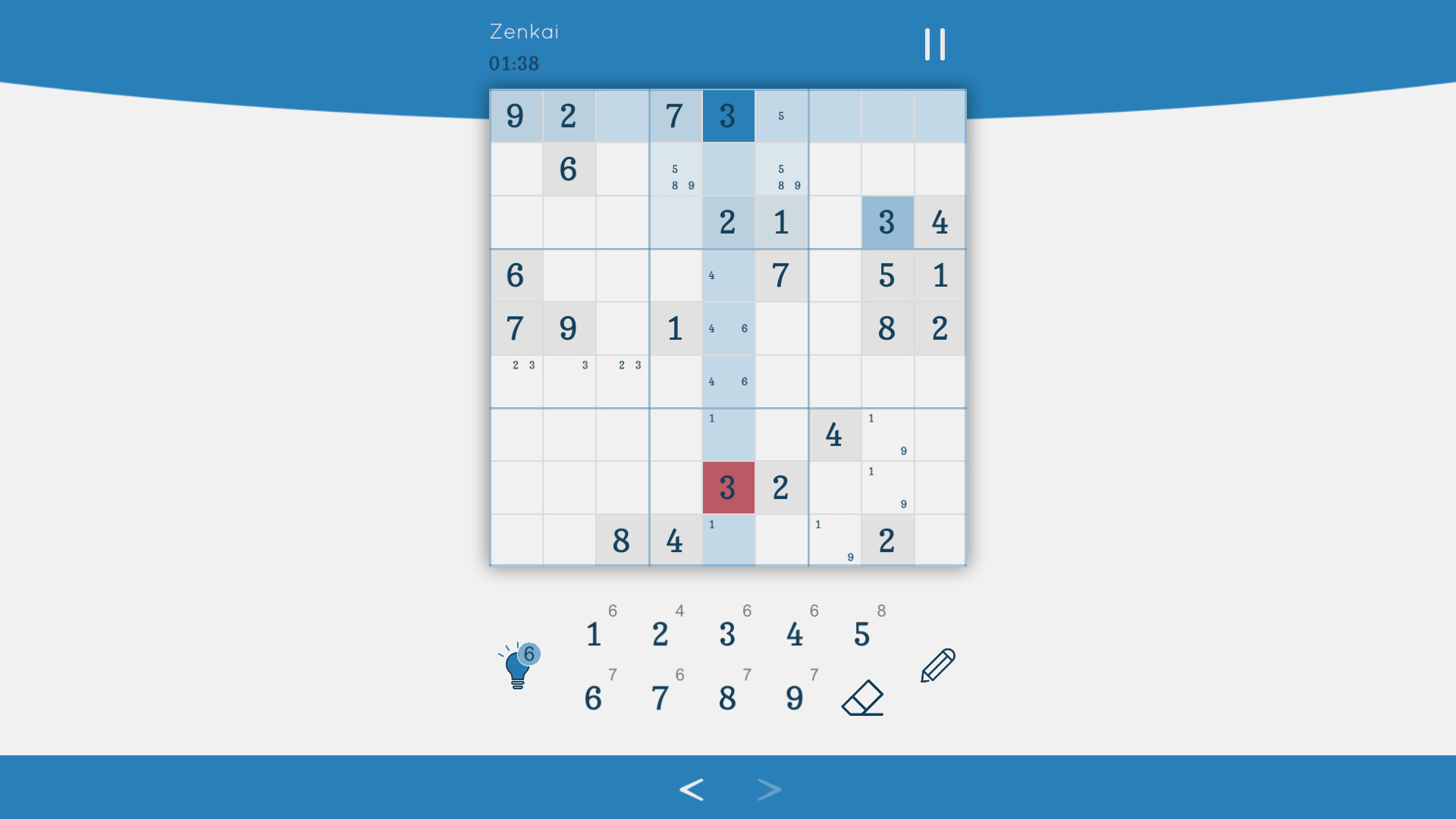
Pencil mode lets you place temporary notes in cells, mirroring the traditional paper‑and‑pencil approach. Whenever a definitive number is entered, the notes update automatically to reflect the new constraints.
Duplicate highlighting visually flags any repeated numbers within a row, column, or 3×3 square, helping players spot rule violations instantly.
- Use pencil notes to track candidate numbers before committing.
- Watch the duplicate highlights to catch accidental repeats early.
05 / THE GUIDE
Achievements and Leaderboards
The game tracks player performance through Steam achievements and records best completion times on leaderboards. Unlocking achievements provides a sense of progression beyond puzzle solving.
Leaderboards compare times with other players, encouraging faster solutions while still allowing casual play without timed pressure.
- Review achievement descriptions to understand required actions.
- Aim for consistent times rather than a single record to improve leaderboard standing.
COMMUNITY
Player discussion