 GameWiki
GET YOUR BEARINGS
About Suck Up!
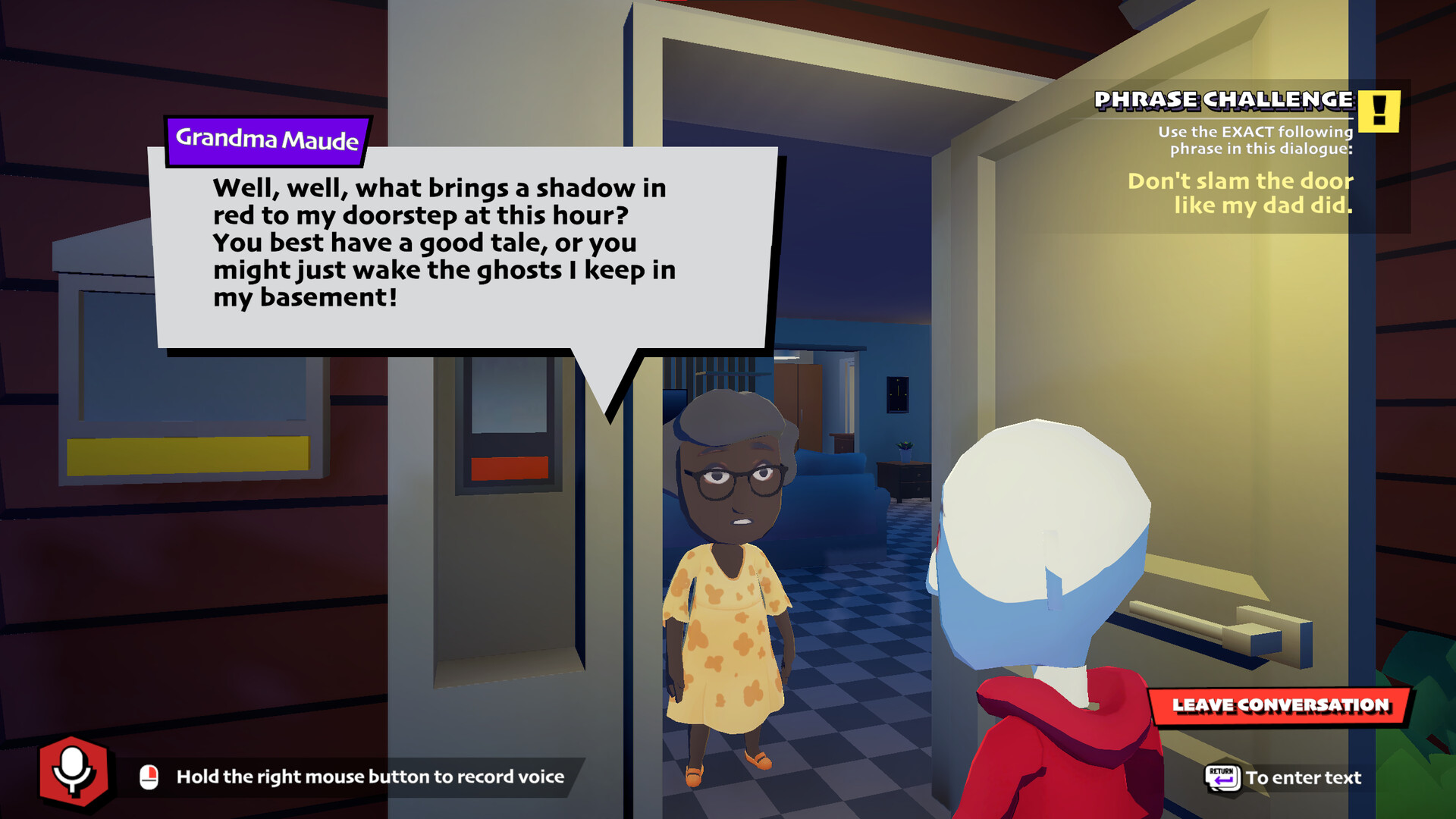
Suck Up! lets players use their real voice to persuade and infiltrate homes, relying on careful word choice to charm or conceal their true nature. Disguises range from knights to superheroes, letting you blend in with costumes and props.
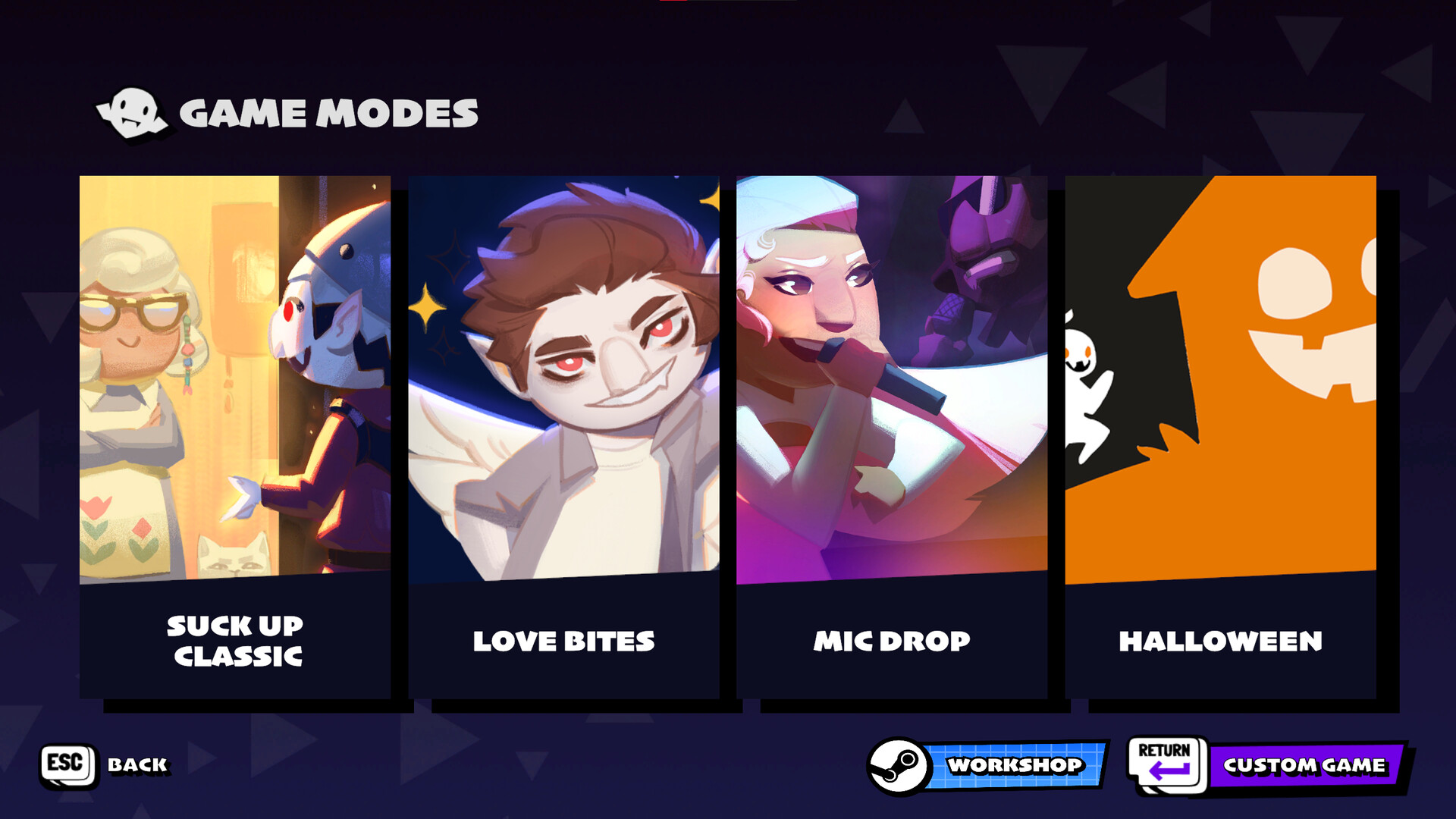
The game offers distinct modes like anti‑cupid chaos at Valentine’s parties and rap‑battle arenas, plus a built‑in editor for crafting characters and neighborhoods that can be shared via Steam Workshop. Single‑player, Steam Achievements, Cloud saves, and Family Sharing round out the experience.
01 / THE GUIDE
Voice Interaction
Players speak directly into a microphone, using their own voice to talk to in‑game characters. The system evaluates word choice, rewarding careful phrasing that either wins trust or hides identity.
Success depends on timing and tone, as the game reacts to spoken input rather than preset text options. This creates a dynamic conversation where each line can change the outcome of a encounter.
- Experiment with different vocal tones to see how the game responds.
- Record a short test phrase before starting to ensure your mic is picking up clearly.
02 / THE GUIDE
Disguise System
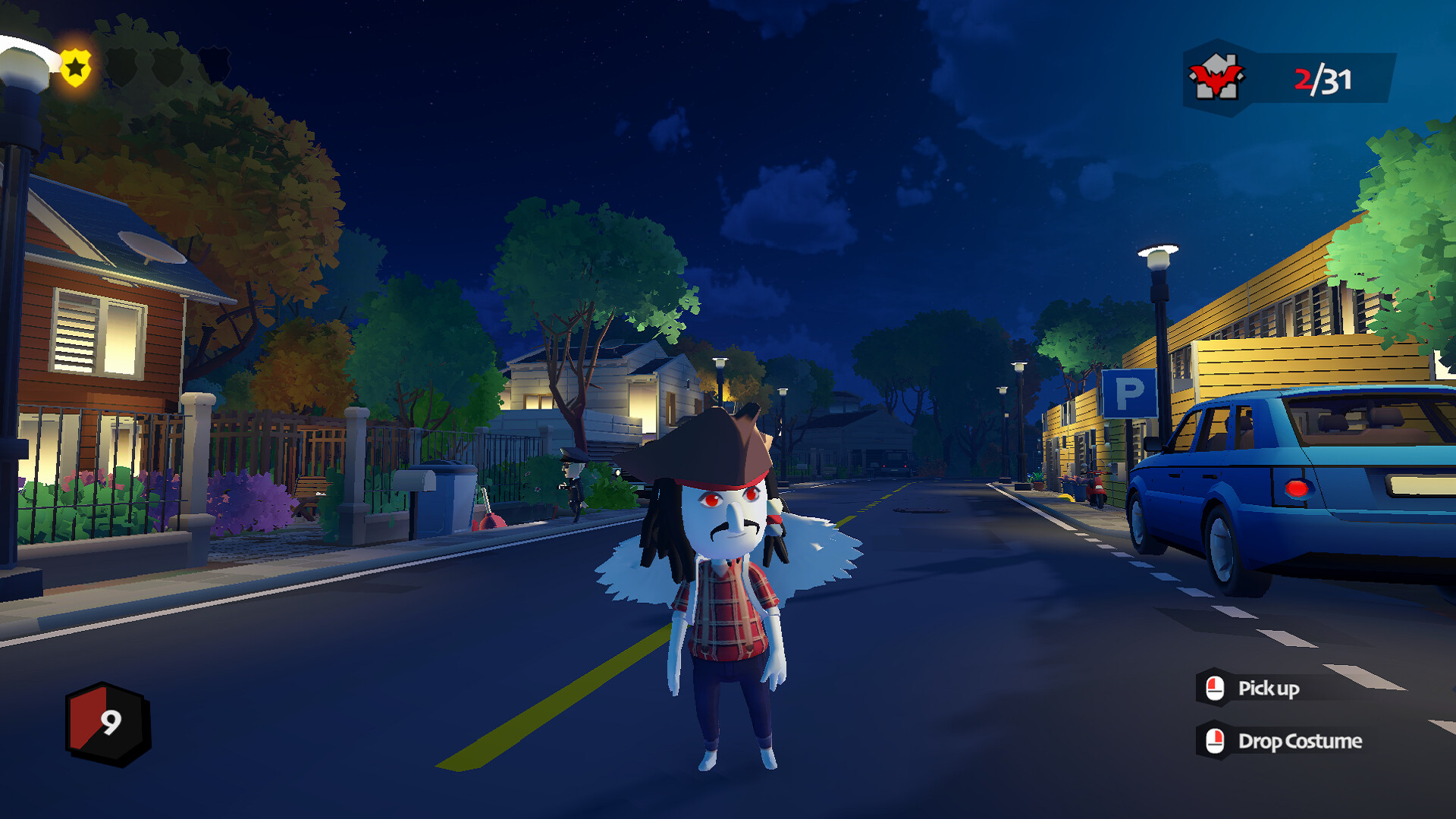
Costumes and props let you assume identities such as a knight, superhero, or even a previous victim. Changing attire influences how NPCs perceive you, opening doors to new dialogue paths.
Disguises change your look, and each outfit helps you blend into specific environments or social groups.
- Match your disguise to the setting for smoother interactions.
- Swap outfits quickly when a conversation stalls to reset perception.
03 / THE GUIDE
Unique Game Modes
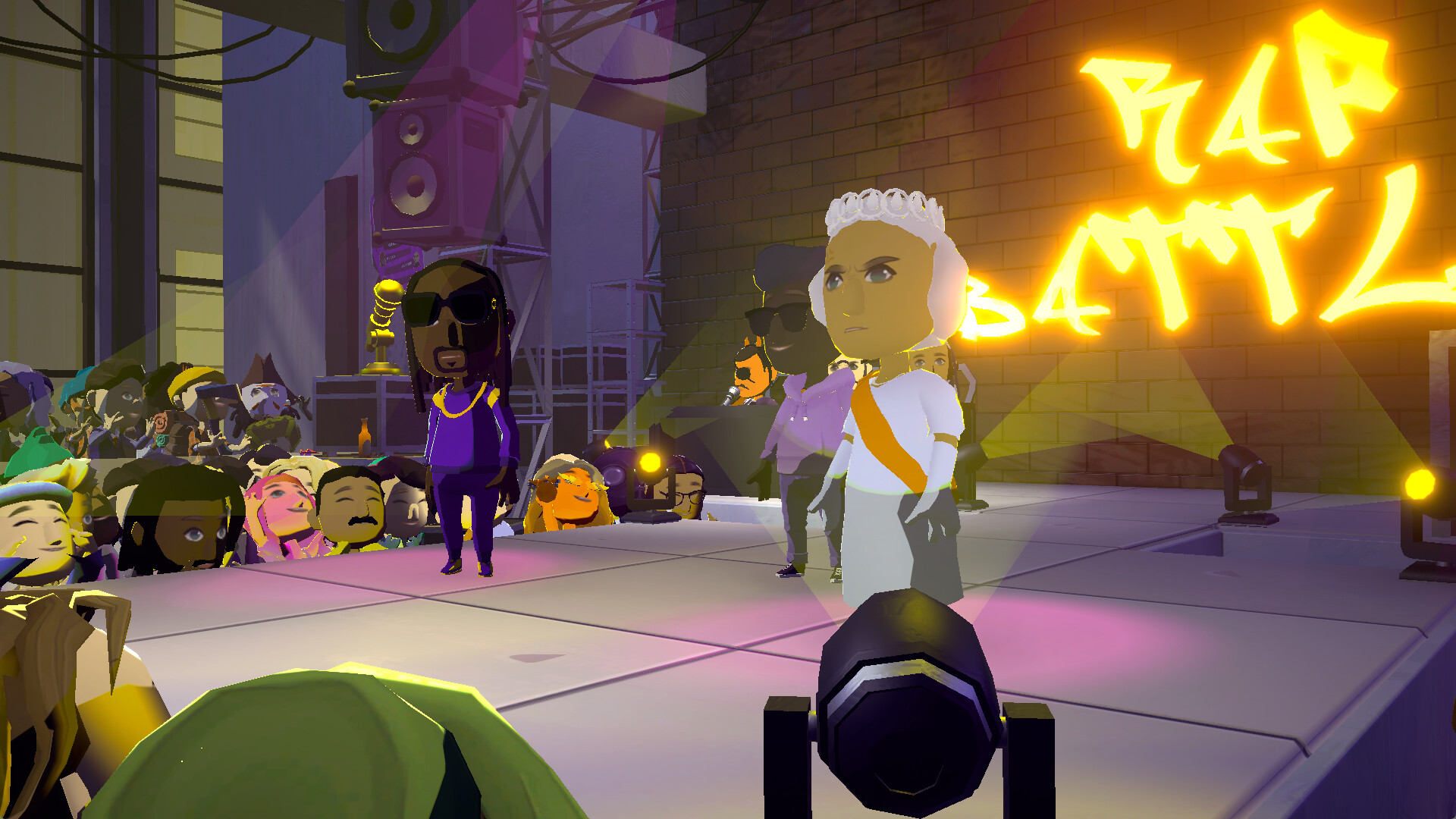
Love Bites drops you into a Valentine’s Day party where you act as anti‑cupid, attempting to split up every couple you encounter. Mic Drop places you in a rap‑battle arena, challenging iconic characters with improvised verses.
Each mode has its own win condition: separating pairs in Love Bites or out‑rhyming opponents in Mic Drop, encouraging different vocal strategies and pacing.
- Focus on rhythm in Mic Drop to keep the flow natural.
- Observe couple dynamics in Love Bites before intervening.
04 / THE GUIDE
Content Creation & Workshop
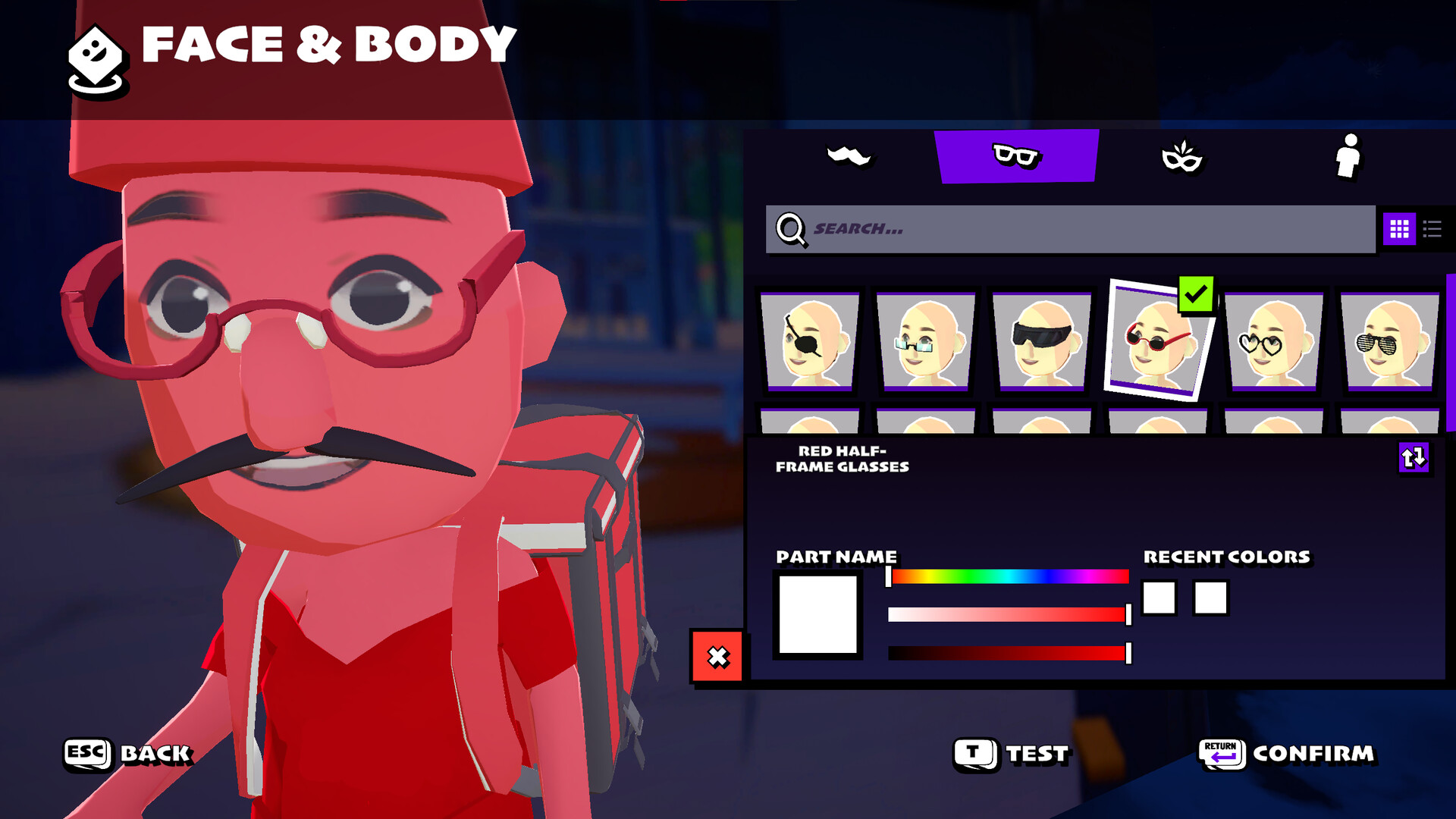
The built‑in editor lets you design custom characters and entire neighborhoods, which can be uploaded to the Steam Workshop for others to download. You may also import favorite fictional characters into your world.
Shared creations expand the game’s replayability, as players can explore community‑made environments and add their own twists to the core experience.
- Start with a simple character template before adding complex props.
- Browse the Workshop for inspiration and to see how others structure neighborhoods.
05 / THE GUIDE
Platform & Features
Suck Up! launches on Windows with Steam Achievements, Cloud saves, and Family Sharing, as listed among its Steam features. The game also supports the Steam Workshop for community content.
Single‑player mode means the experience is self‑contained, while Steam Cloud is listed as a supported feature.
- Steam Cloud is among the listed features, which may help keep your progress backed up.
- Use Family Sharing to let a household member try the game without a separate purchase.
COMMUNITY
Player discussion