 GameWiki
GET YOUR BEARINGS
About SuchArt: Genius Artist Simulator
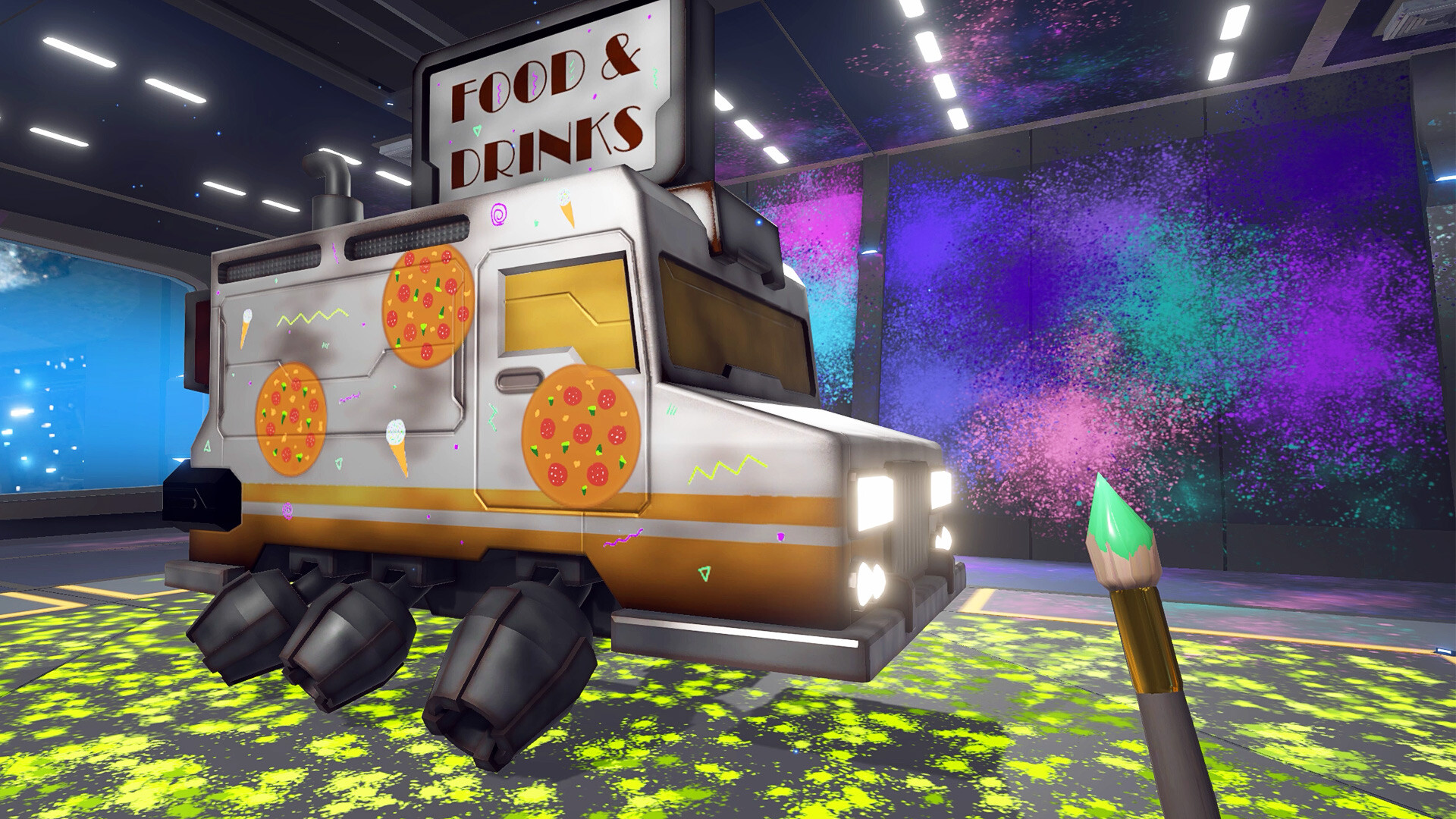
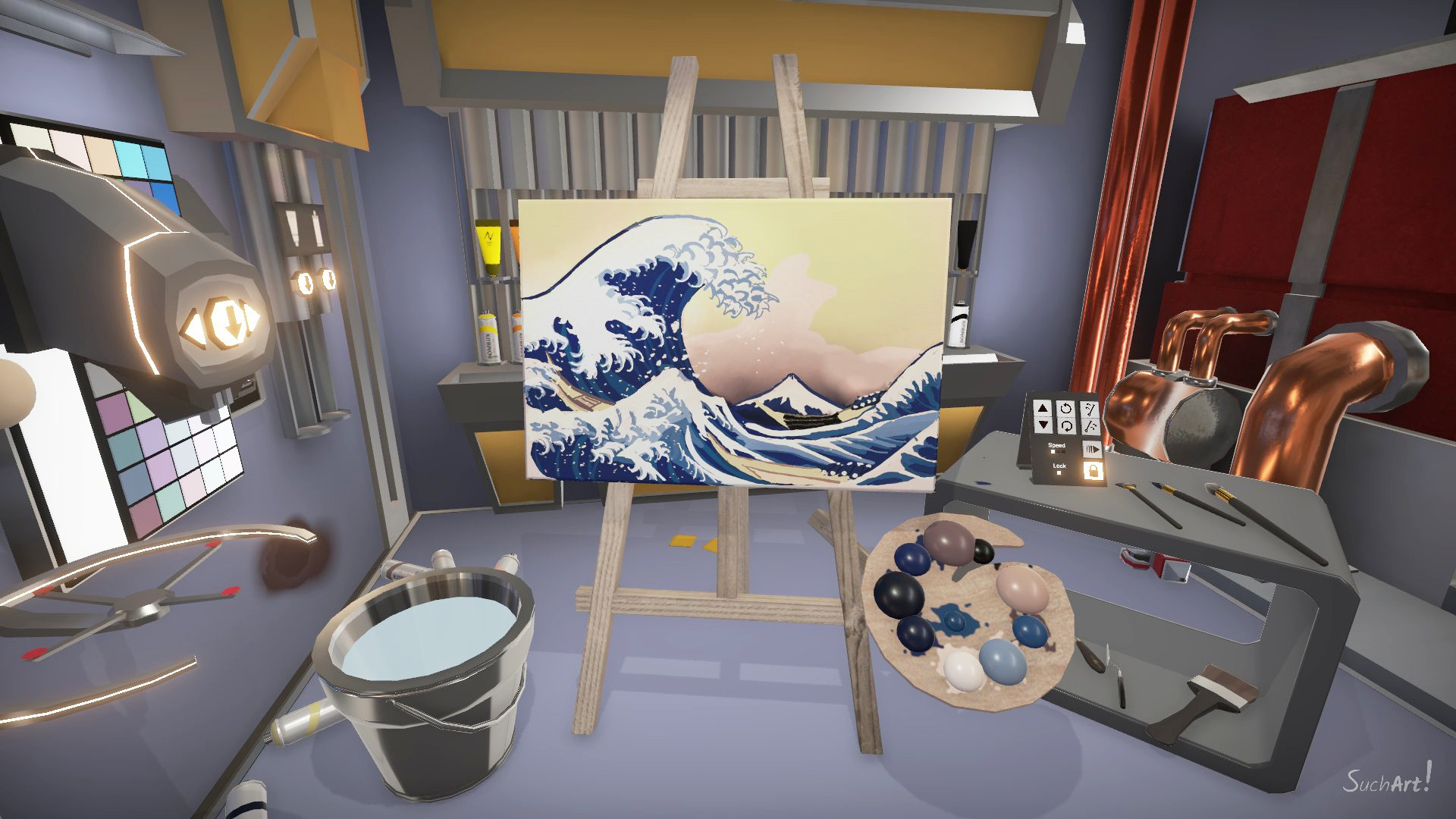
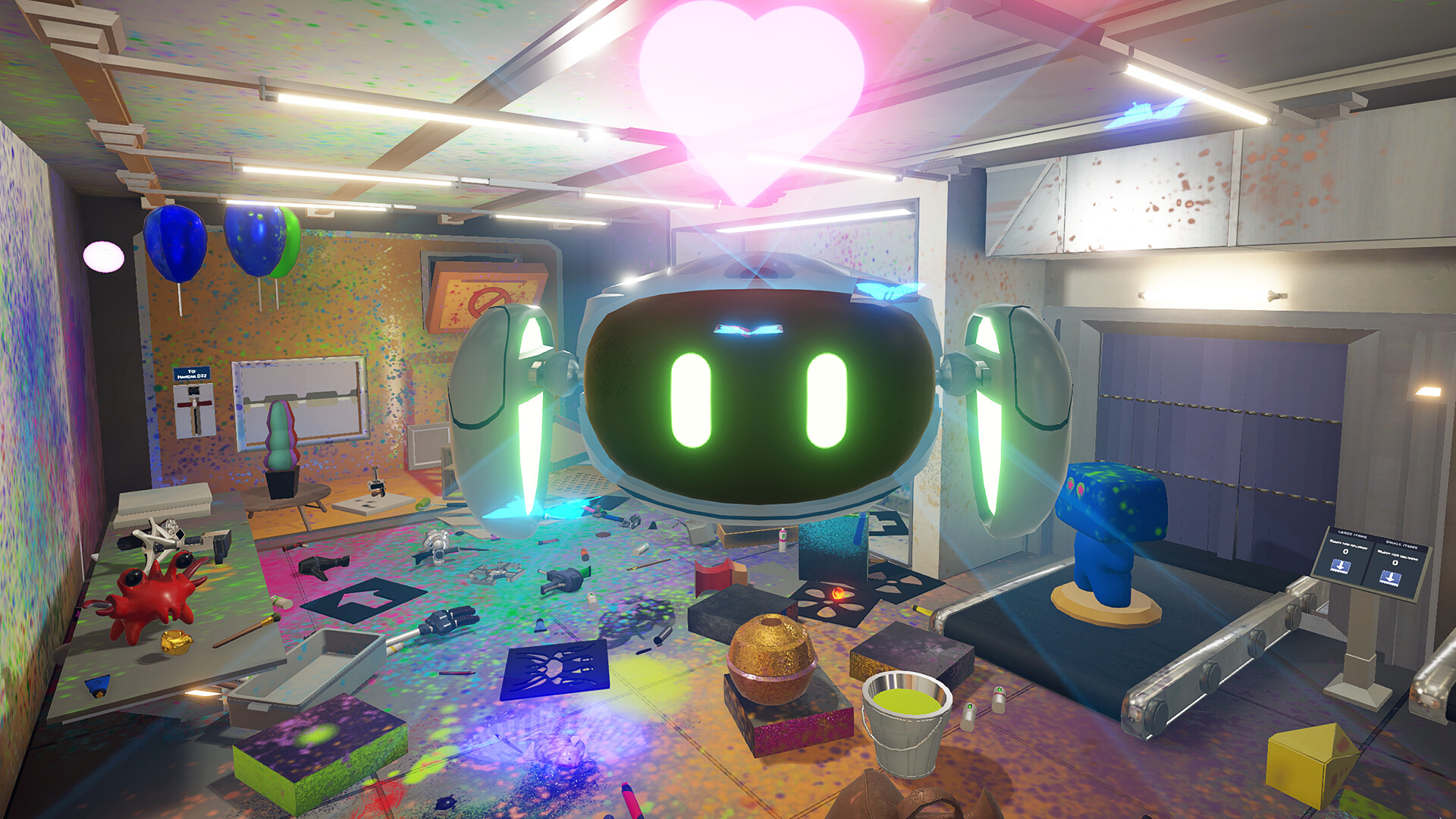
SuchArt: Genius Artist Simulator places you in the year 2130 as a brilliant creator with a personal space studio. You can paint on any surface, from walls to floors, turning the entire environment into a canvas for your imagination. The game emphasizes realistic paint mixing and texture, offering a variety of instruments such as brushes, palette knives, stencils, and even flamethrowers.
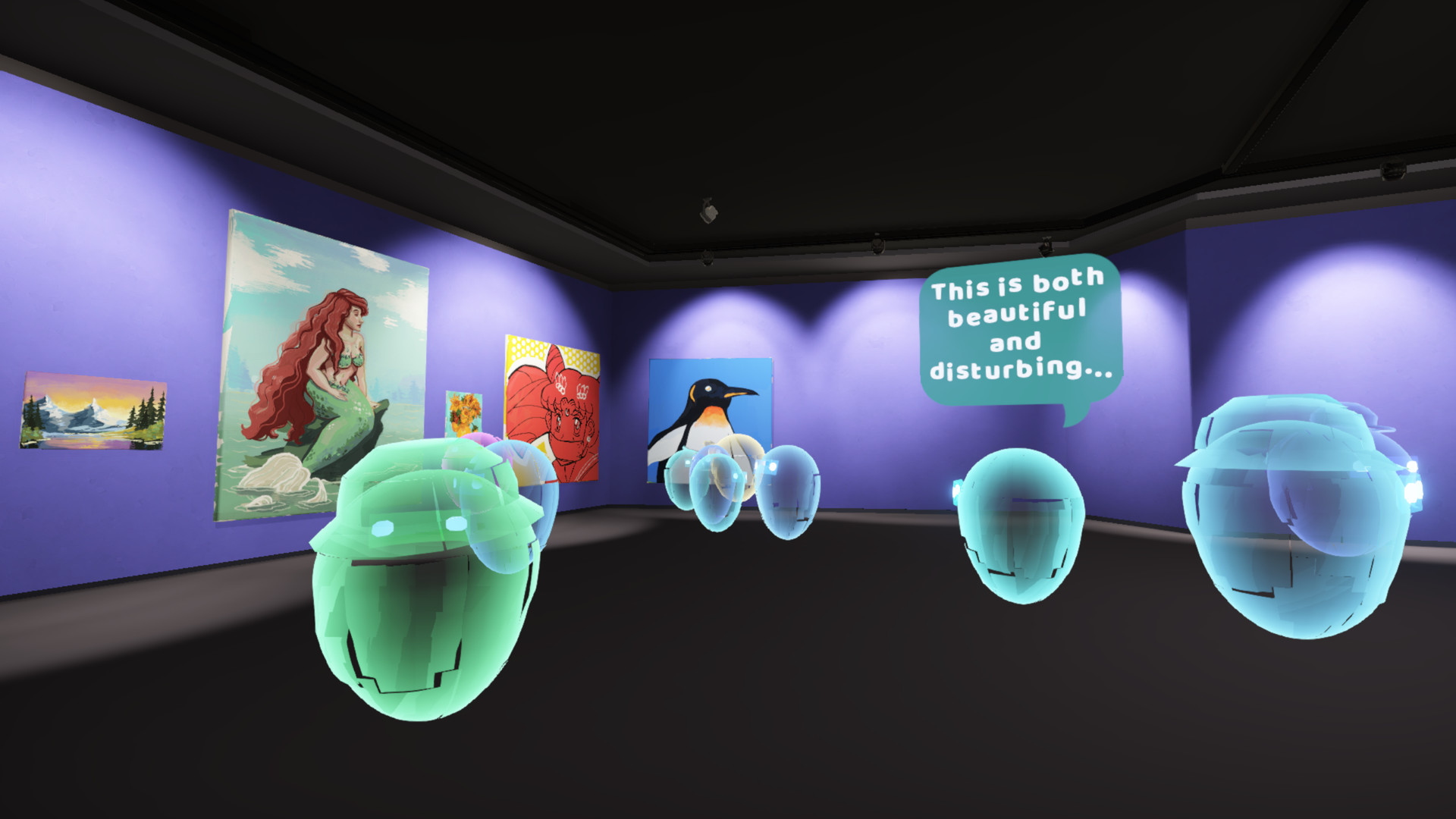
Beyond painting, you can sell works through a marketplace, fulfill client orders, and exhibit pieces for critical feedback. Studio upgrades let you unlock new rooms, add furniture, and decorate freely, while the single‑player experience is supported on Windows with partial controller compatibility and Steam community features.
01 / THE GUIDE
Studio Customization
Your studio starts with a basic layout, but you can unlock additional rooms and purchase furniture or decorations at any time. Placement is unrestricted, allowing you to arrange items wherever you prefer within the space.
Customization focuses on visual and functional changes, letting you tailor the environment to suit your artistic workflow. You can unlock new rooms and buy furniture and decorations, placing them however and wherever you want to make yourself at home.
- Experiment with different room layouts to find a setup that feels comfortable for long painting sessions.
- Consider arranging furniture near frequently used tools for quicker access.
02 / THE GUIDE
Painting Tools
SuchArt provides a broad selection of instruments, including brushes, palette knives, stencils, and flamethrowers. Each tool influences the paint’s texture and stroke style, giving you distinct artistic options.
The tools work on any surface you designate as a canvas, from walls to floors, allowing unconventional compositions. The variety encourages experimentation without limiting you to a single technique.
- Try combining stencils with brushes to create layered effects.
- Use the flamethrower for bold, high‑contrast accents on larger surfaces.
03 / THE GUIDE
Marketplace & Exhibitions
Completed artworks can be sold on the in‑game marketplace, where you receive rewards or gifts for fulfilling client orders. Exposure from sales and exhibitions serves as a valuable currency within the game.
Exhibiting your pieces also invites critic feedback, offering insight into how your work is received. The description mentions generous rewards, gifts, or even exposure as possible outcomes.
- Focus on meeting client specifications to increase the likelihood of generous rewards.
- Review critic comments after exhibitions to identify recurring strengths or areas for improvement.
04 / THE GUIDE
Realistic Paint Physics
Paint behaves as it would in real life, with colors mixing naturally and textures responding to each instrument. This realism helps you achieve the exact visual outcome you envision.
The system avoids typical video‑game shortcuts, so you must consider how colors blend and how each instrument alters the paint with different strokes. The result is a tactile, authentic painting experience.
- Test color combinations on a small area before applying them to larger sections.
- Observe how different tools affect texture to select the best one for each detail.
05 / THE GUIDE
Platform Features
SuchArt runs on Windows and supports partial controller input, alongside Steam achievements, trading cards, and family sharing. These features integrate the game with the broader Steam ecosystem.
Single‑player mode is the sole gameplay structure, meaning all activities occur within a solitary experience without multiplayer components.
- Check the Steam achievement list to track progress on personal goals.
- If you prefer controller use, experiment with the partial support to see which actions feel comfortable.
COMMUNITY
Player discussion