 GameWiki
GET YOUR BEARINGS
About SuchArt: Creative Space
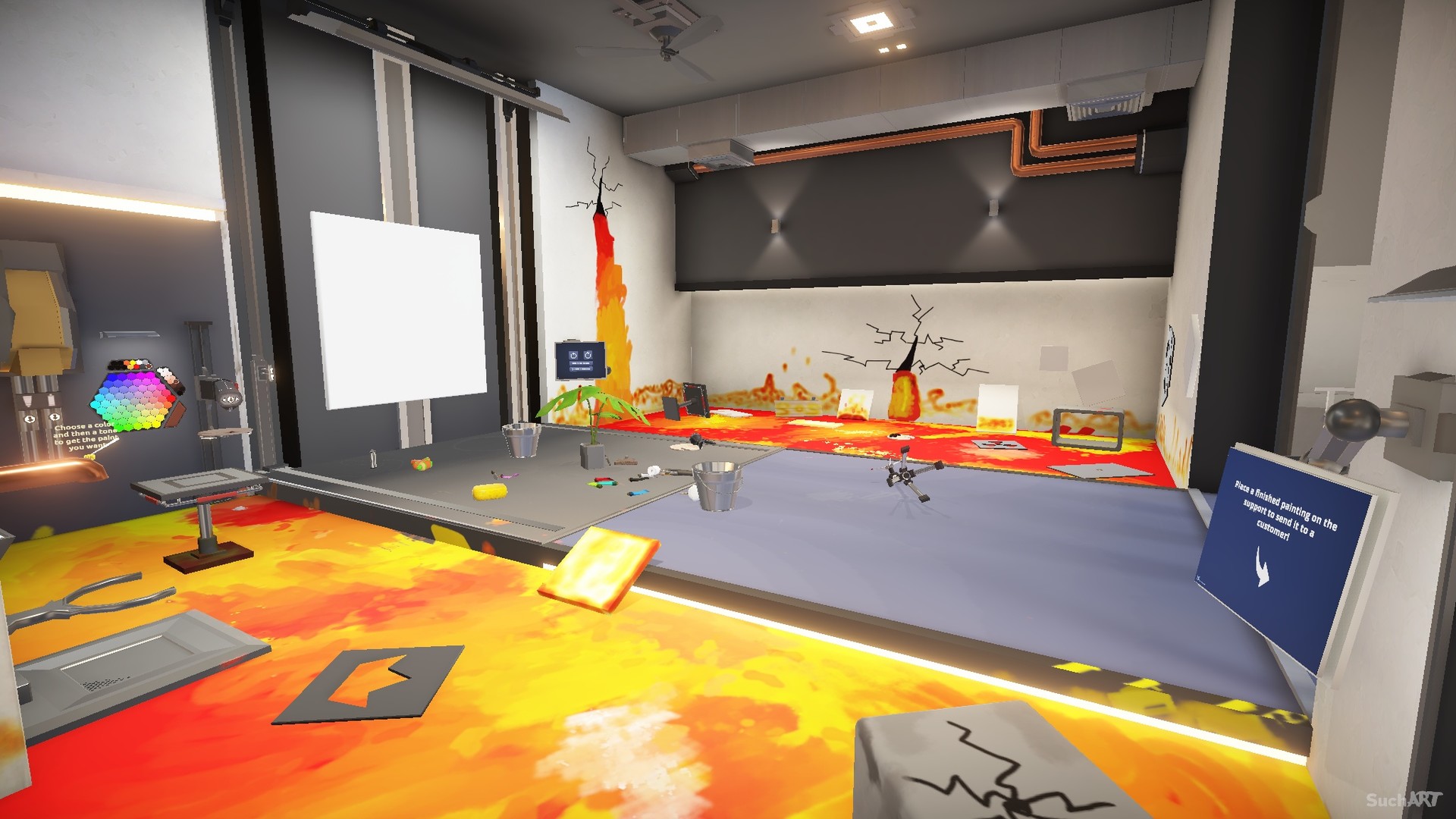
SuchArt: Creative Space gives you a personal studio with three rooms where you can paint, sell, and decorate at your own pace. The game focuses on realistic painting mechanics, allowing colors to mix naturally and tools to affect texture.
All actions are performed in single‑player mode on Windows, with optional partial controller support and Steam achievements. Credits earned from sales let you buy new tools, furniture, and decorative items to further personalize the space.
01 / THE GUIDE
Realistic Painting
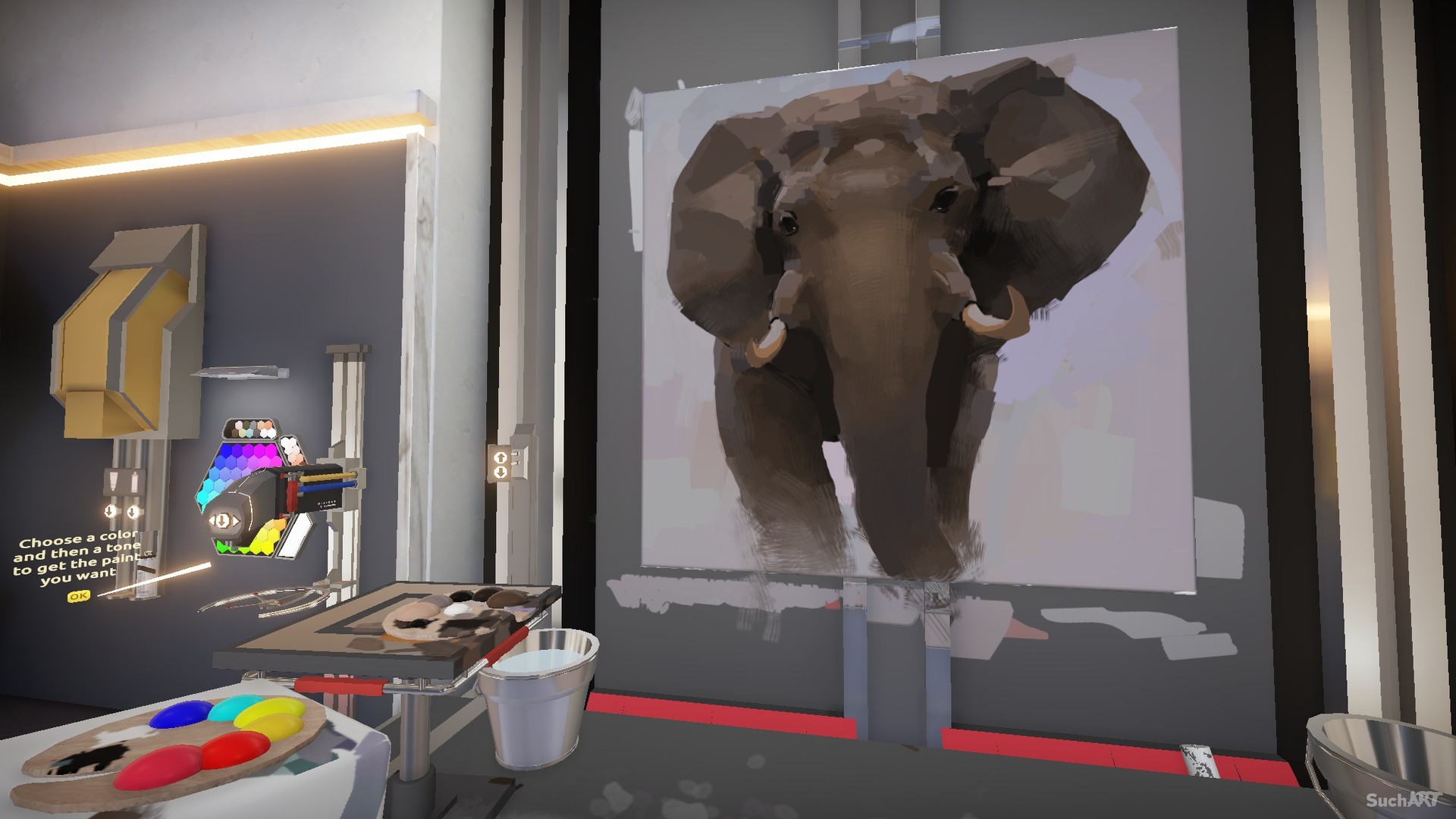
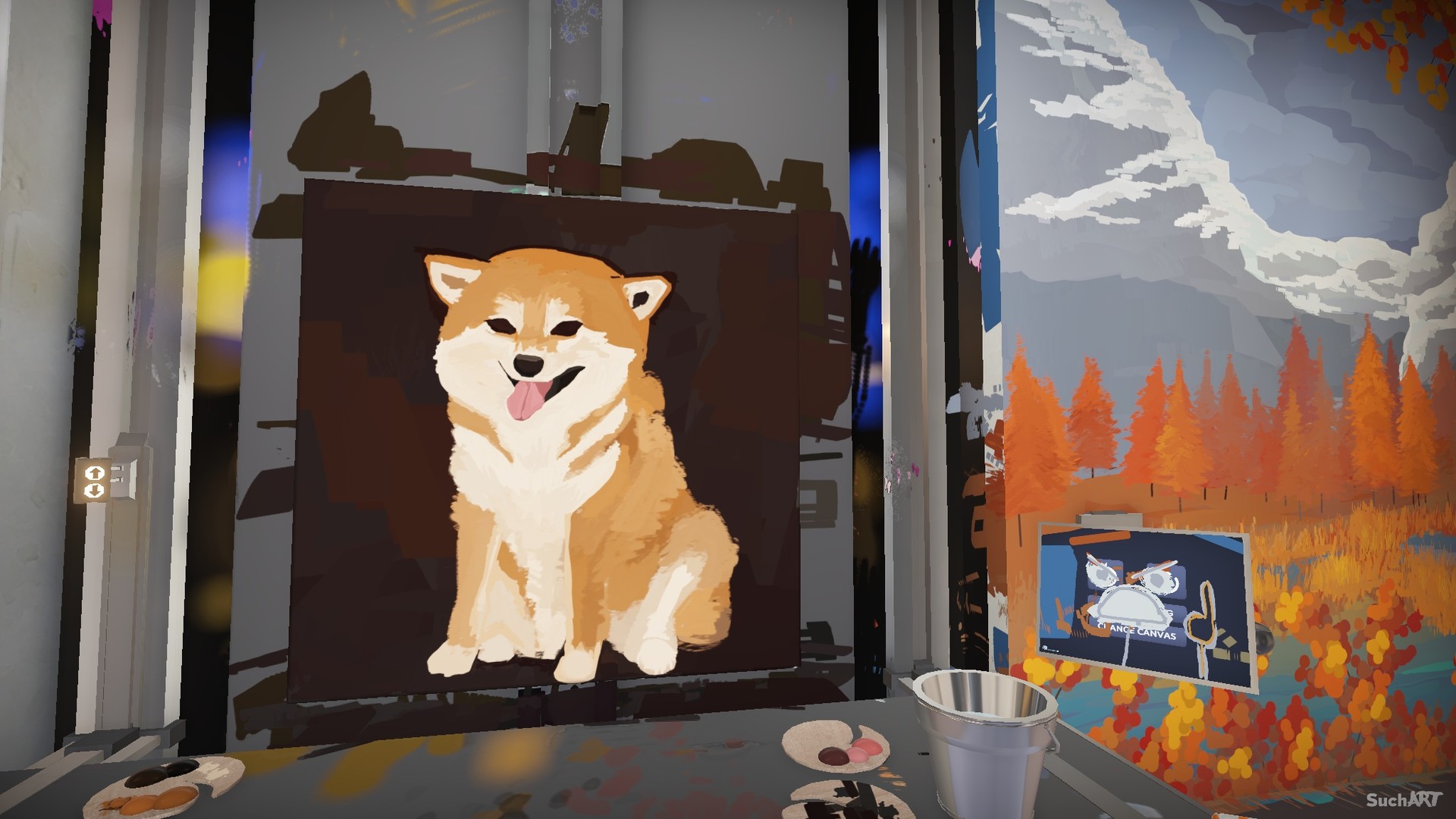
Paint behaves like real life: colors blend as you would expect, and each instrument leaves a distinct texture on the canvas. This lets you achieve the visual result you imagined without real‑world mess.
The game provides a range of instruments, including brushes, palette knives, stencils, and even flamethrowers, each producing a different stroke style that you can experiment with.
- Try each tool on a small test canvas to see how texture changes.
- Observe how colors blend before committing to a large area.
02 / THE GUIDE
Sell Your Art
Finished paintings can be offered at the marketplace, where you receive credits for each sale. This provides a way to turn creations into in‑game currency.
You can also fulfill client orders; completing these commissions grants a generous commission or occasional gift, adding another source of credits.
- Balance marketplace sales with client commissions for steady credit flow.
- Keep a variety of styles to appeal to different buyers.
03 / THE GUIDE
Buy Various Items
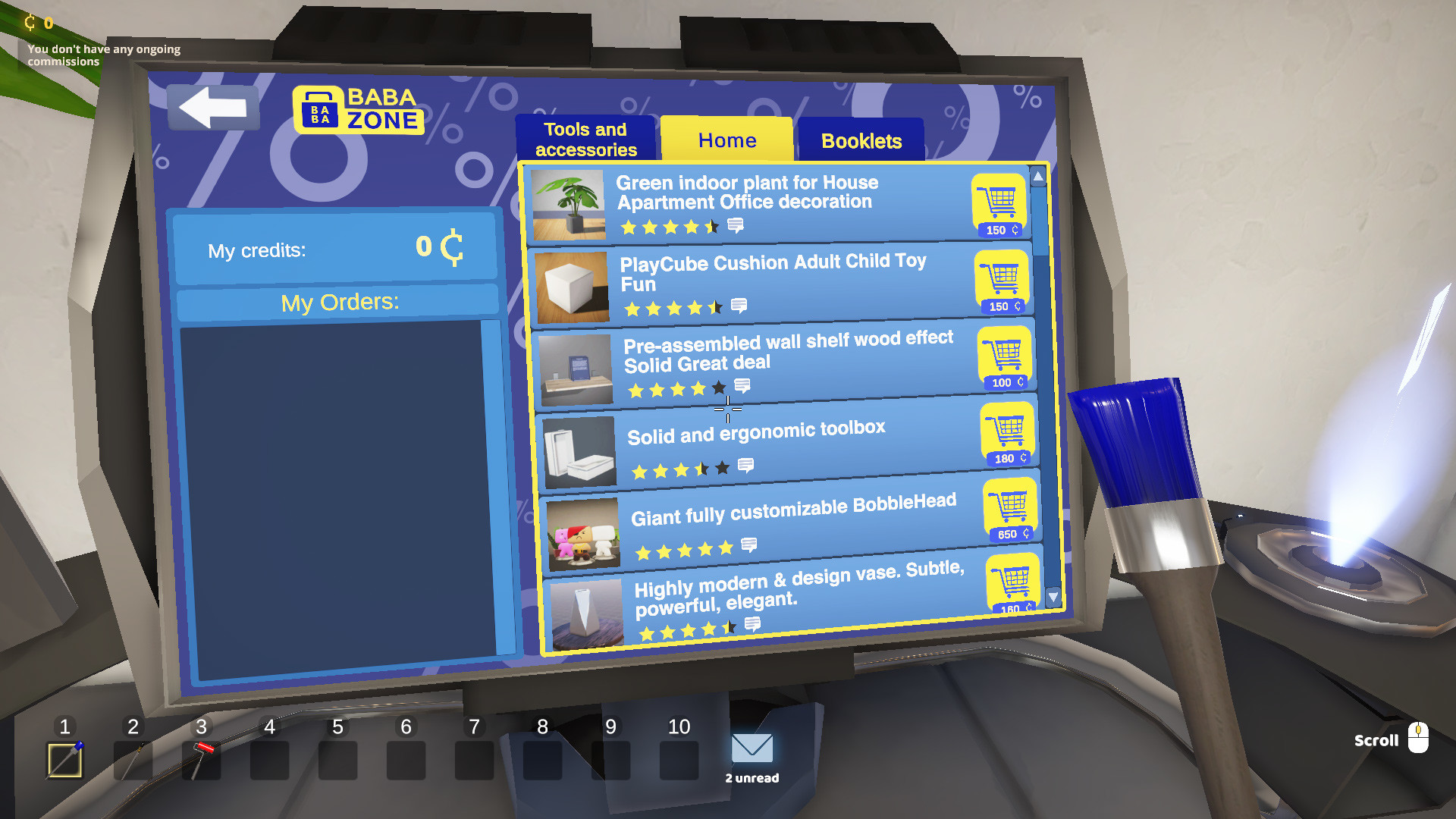
Credits earned from sales can be spent in the shop, which offers multiple painting tools, furniture, and decorative objects. Purchases expand the options available for future works.
The shop is described as brand new, indicating that its inventory is intended to be explored as you progress.
- Consider buying tools that complement the techniques you enjoy.
- Invest in furniture that improves the visual feel of your studio.
04 / THE GUIDE
Decorate Your Studio
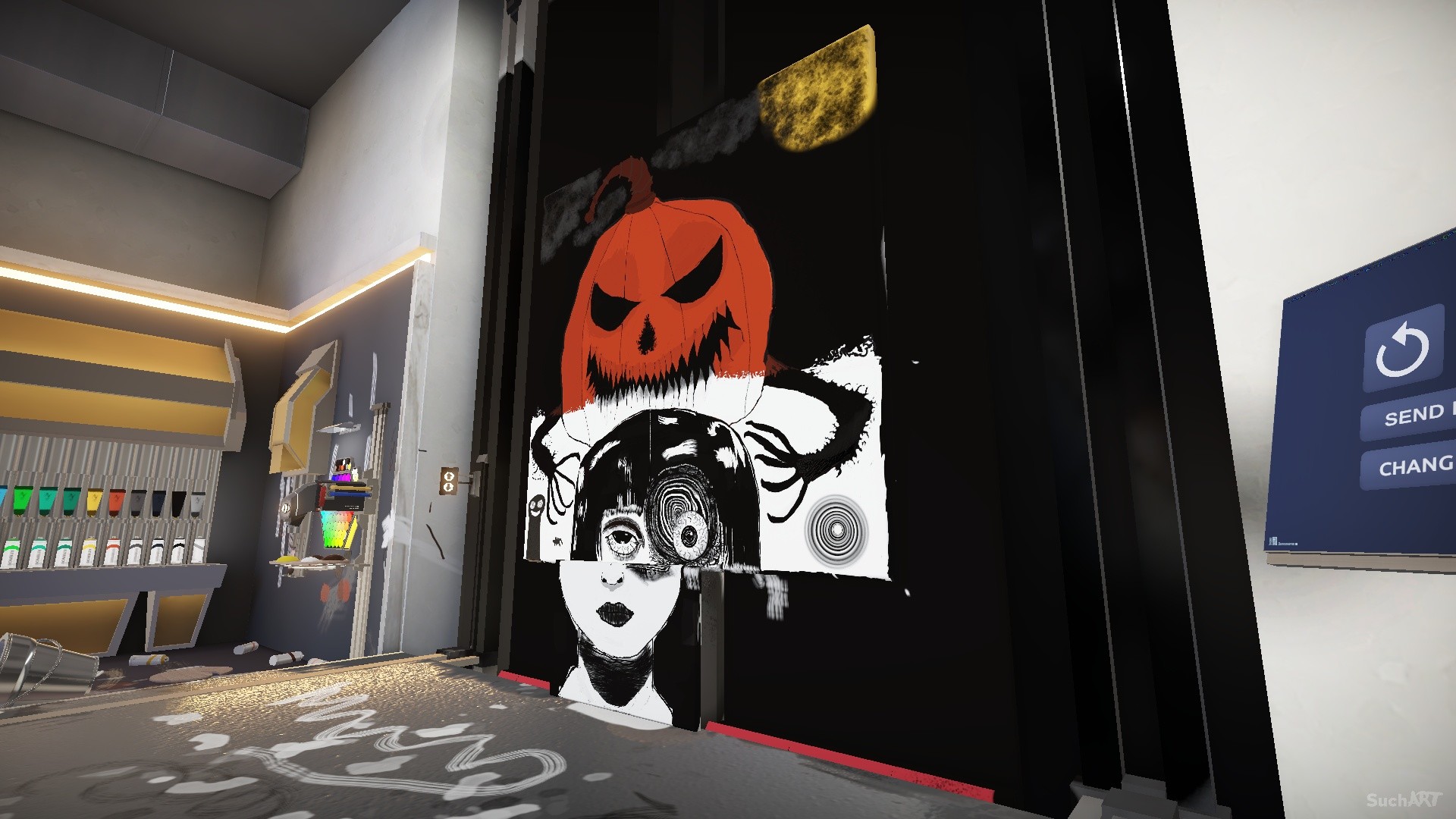
You can paint walls and floors, then place furniture and decorative items wherever you like, reshaping the three rooms to match your taste.
Decorating lets you turn the space you own into something completely new, and a personalized environment can influence how comfortable you feel while creating.
- Choose wall colors that inspire the mood you want for your artwork.
- Arrange furniture to keep your workspace clear and accessible.
05 / THE GUIDE
Platform Features
SuchArt runs on Windows via Steam and supports single‑player gameplay, Steam achievements, partial controller support, and family sharing. These define how you access and track progress.
The game is free‑to‑play, meaning no purchase is required to start creating, and no other operating systems are listed as supported.
- Enable controller support if you prefer handheld input.
- Check the achievements list for optional milestones.
COMMUNITY
Player discussion