 GameWiki
GET YOUR BEARINGS
About SubwaySim Hamburg
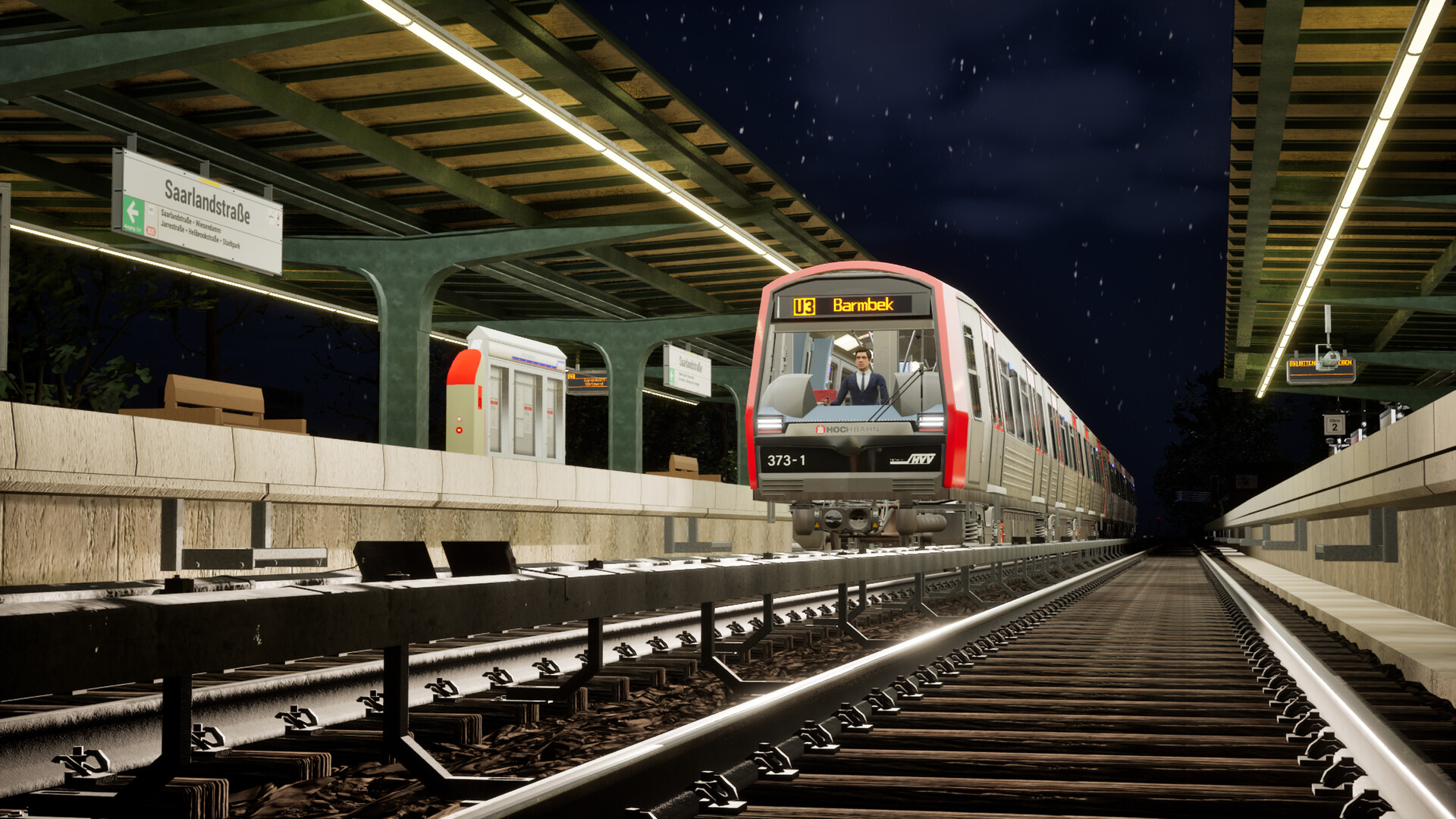
SubwaySim Hamburg puts you in the driver’s seat of Hamburg’s DT5 electric multiple unit on the U3 ring line. The simulation faithfully recreates 25 stations along a 20.7 km route, letting you travel past landmarks such as the Elbphilharmonie and the St. Pauli Piers.
Developed with Unreal Engine 5 in cooperation with Hamburger Hochbahn AG, the game delivers high‑quality graphics, authentic sound, and dynamic AI that together provide a realistic single‑player experience of daily subway operation in Germany’s second‑largest city.
01 / THE GUIDE
DT5 Vehicle Details
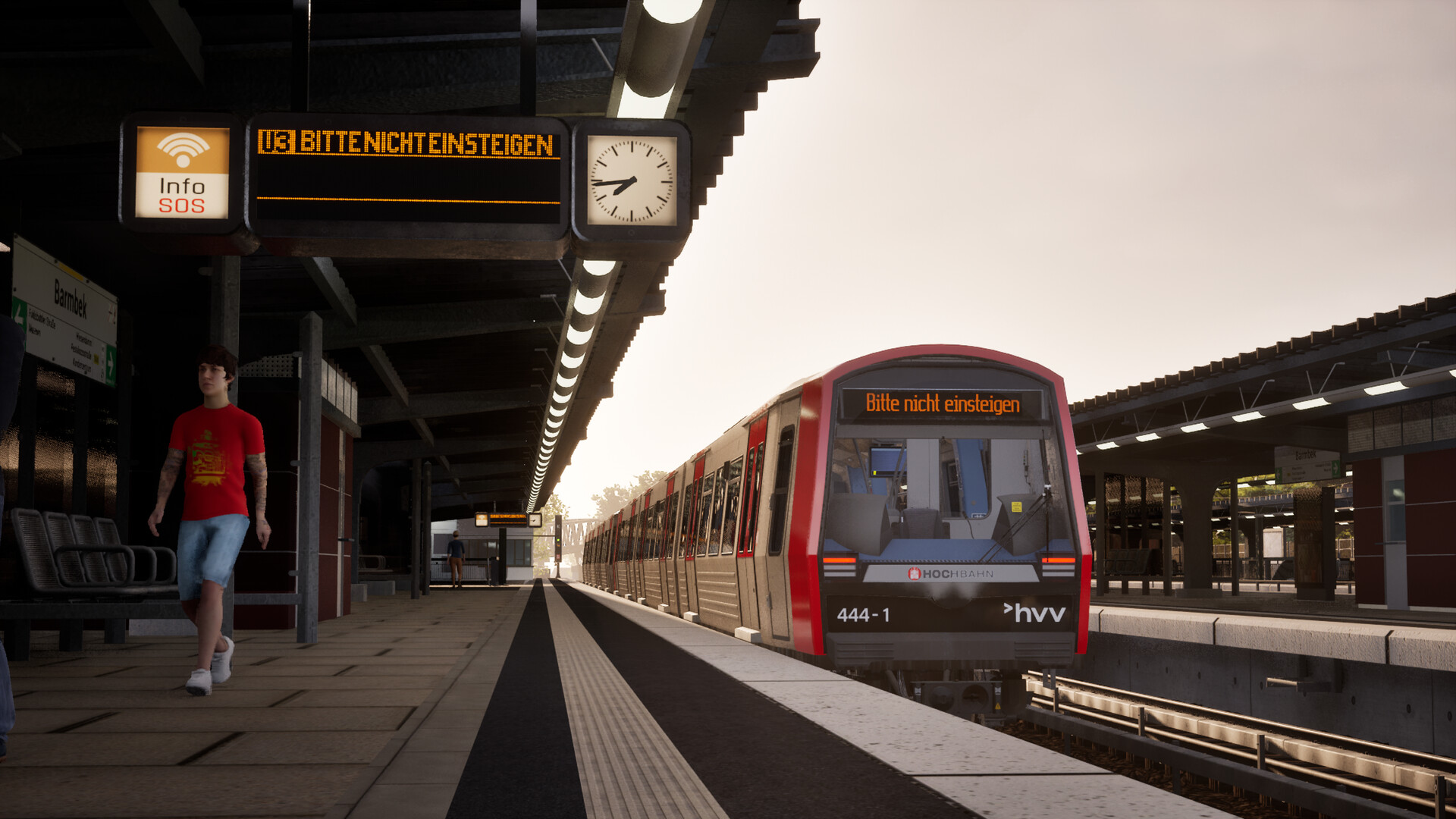
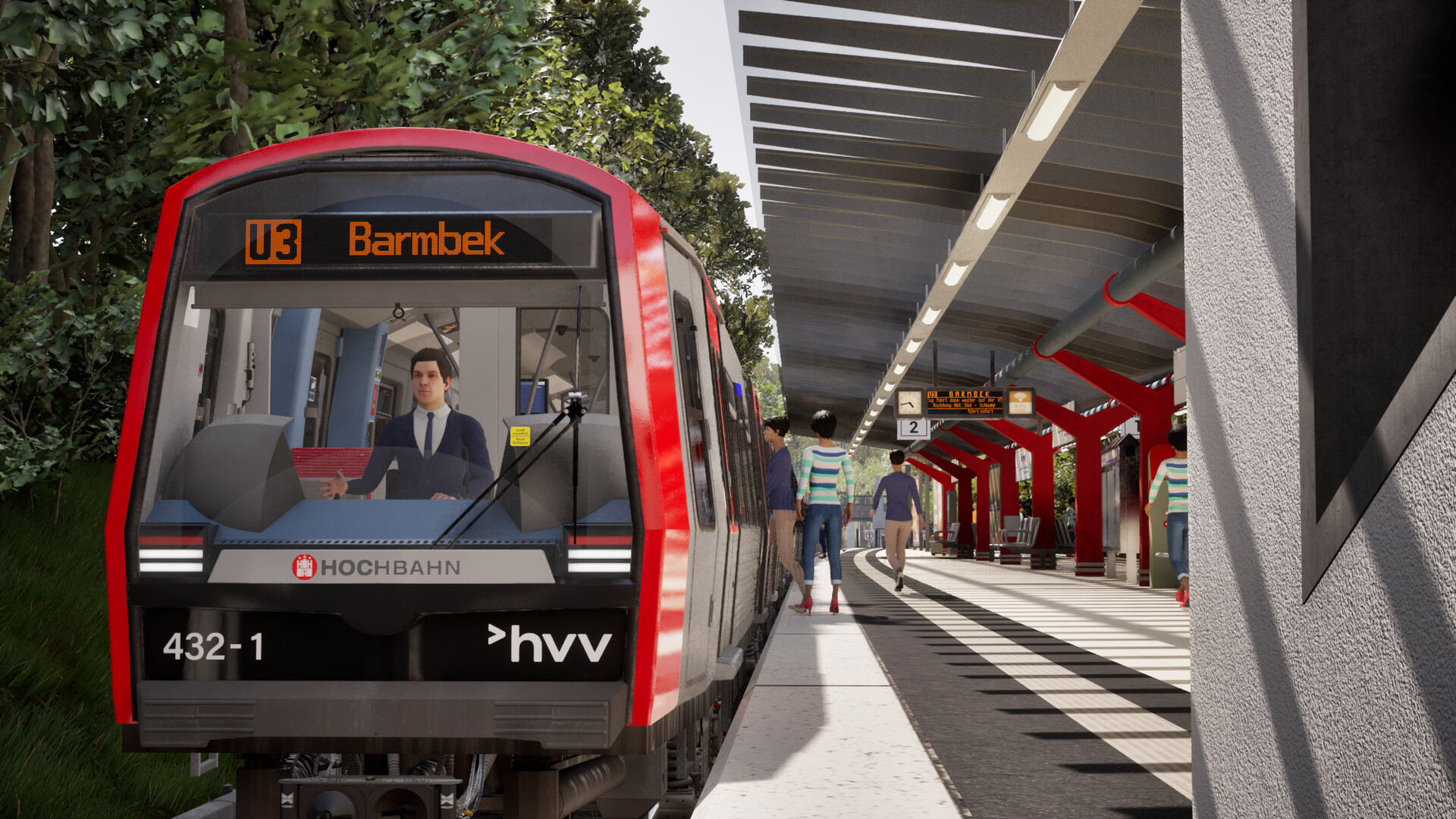
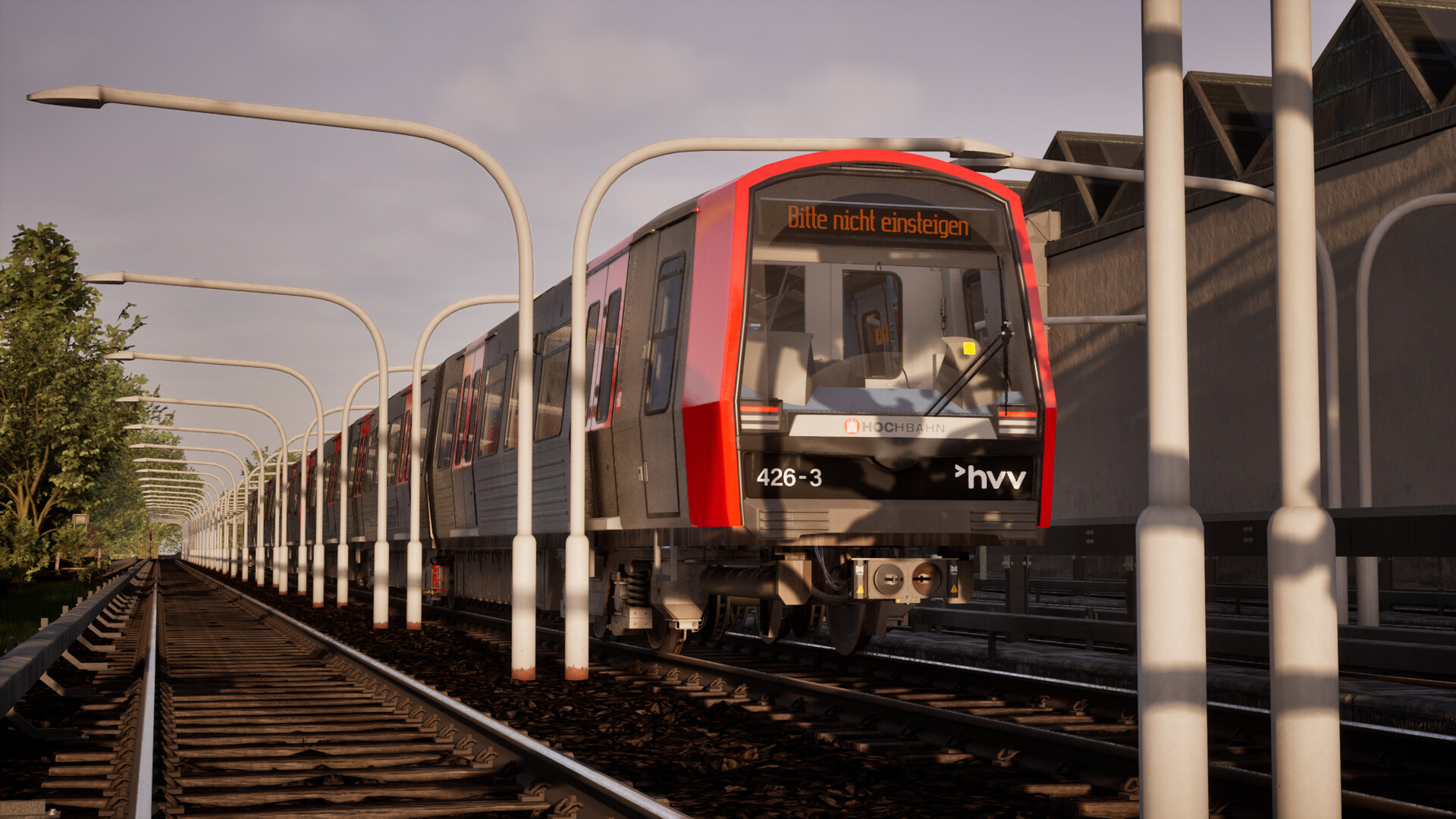
The DT5 twin unit modeled in the game measures 39.6 meters in length and can reach a maximum speed of 80 km/h. Its silver‑red exterior matches the real‑world appearance of Hamburg’s rolling stock.
Driving the DT5 offers a realistic view of a subway operator’s routine, with handling that reflects the vehicle’s size and speed limits while the interior soundscape mirrors actual train noises.
- Pay attention to acceleration cues to estimate safe stopping distances.
- Listen for onboard announcements that indicate upcoming stations.
02 / THE GUIDE
U3 Line Route
The game’s map follows the 20.7 km U3 ring line, featuring all 25 stations recreated with accurate track geometry and signals. The route loops through diverse neighborhoods, from downtown to waterfront areas.
Prominent Hamburg landmarks—including the Michel, the Elbphilharmonie, and the Elbe promenade—appear along the line, providing visual reference points that help orient players during travel.
- Use visible landmarks to anticipate station approaches.
- Familiarize yourself with the station order to plan efficient trips.
03 / THE GUIDE
Visuals & Engine
SubwaySim Hamburg runs on Unreal Engine 5, which renders the DT5 and surrounding environment with high‑quality graphics, realistic lighting, and detailed track structures.
The engine’s capabilities allow the silver‑red DT5 to shine and the cityscape to appear with a level of realism that matches the documented visual fidelity.
- Adjust graphics settings to balance visual detail and performance on your hardware.
- Observe how lighting influences the visibility of signals and trackside signs.
04 / THE GUIDE
Tasks & Dynamic AI
Players encounter varied tasks, such as managing passenger flow and responding to signal changes, in the role of a subway operator. These tasks simulate real‑world responsibilities of a subway operator.
Dynamic AI controls other trains on the line, creating realistic traffic interactions, while an authentic soundscape provides station announcements and train noises.
- Drive steadily and watch AI train positions to avoid unnecessary braking.
- Watch AI train positions to avoid unnecessary braking.
05 / THE GUIDE
Platform & Family Sharing
SubwaySim Hamburg is released for Windows PCs and offers a single‑player experience. The listing includes Family Sharing, allowing multiple accounts on the same device to access the game without extra purchases.
While macOS and Linux are not listed, the Windows release ensures compatibility with a broad range of PC hardware configurations.
- Verify your system meets the recommended specifications before installing.
- Use Family Sharing to let other household members try the game.
COMMUNITY
Player discussion