 GameWiki
GET YOUR BEARINGS
About Streamer Life Simulator 2
Streamer Life Simulator 2 expands the original’s blend of humor and strategy, letting players build a streaming career from a rundown PC to a full‑blown streaming house. The indie simulation focuses on equipment upgrades, skill development, and audience‑manipulating choices that shape viewership and income.
Players must balance jobs, investments, and controversial tactics—such as bot viewers or shady deals—while avoiding bans. Success is measured by views, subscribers, and the wealth accumulated from a personalized streaming empire.
01 / THE GUIDE
Detailed Character Creation
The game lets you design a streamer character in detail, choosing appearance and personality traits before launching your channel. This initial setup influences how you interact with followers during streams.
Your created persona can adopt either an innocent tone or a harsh, critical style, affecting viewer reactions and future decision options.
- Experiment with both innocent and harsh dialogue styles early to see which drives higher engagement for your playstyle.
- Use the detailed creator to set traits that match your intended streaming strategy.
02 / THE GUIDE
Equipment and Internet Upgrades
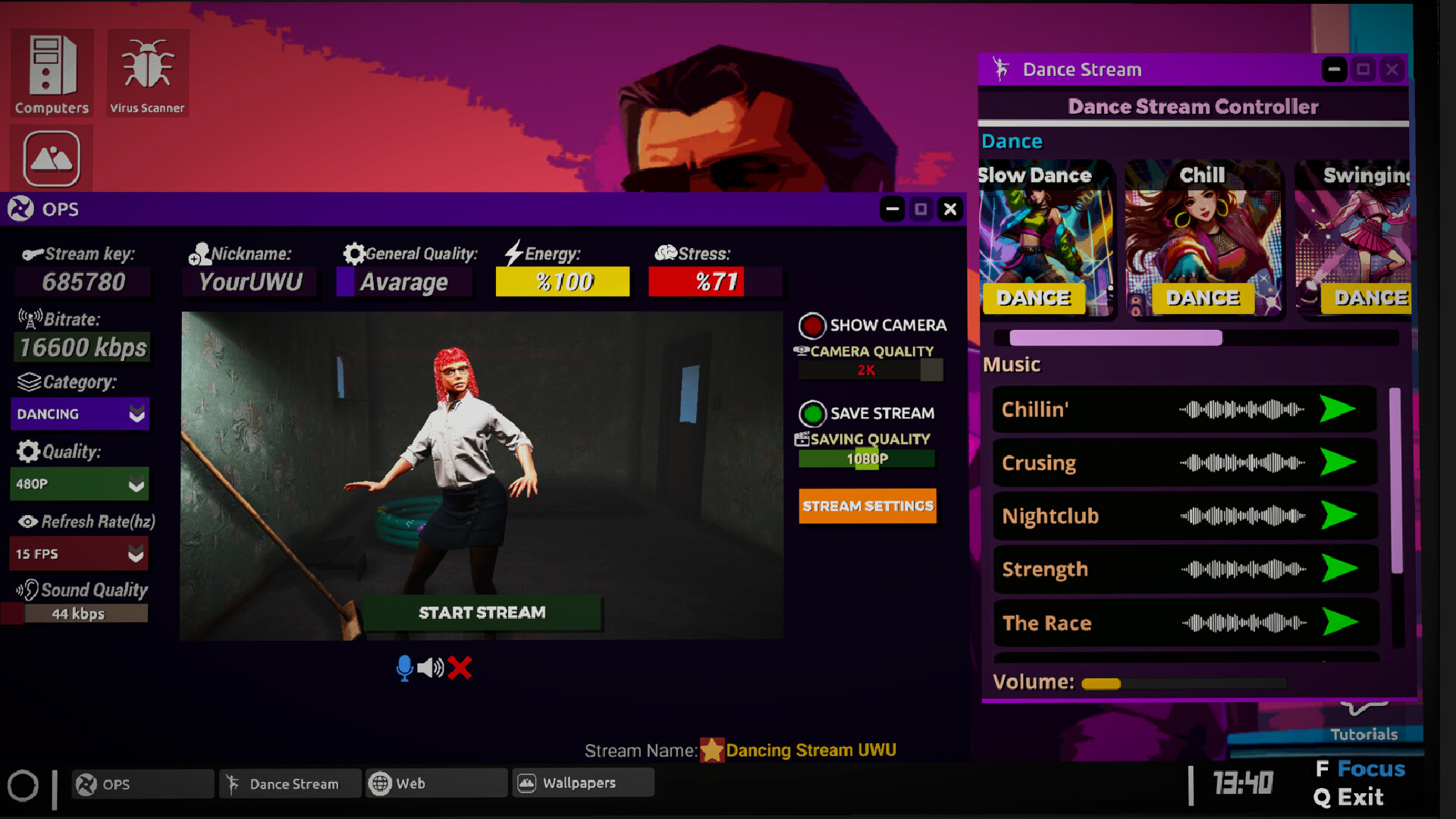
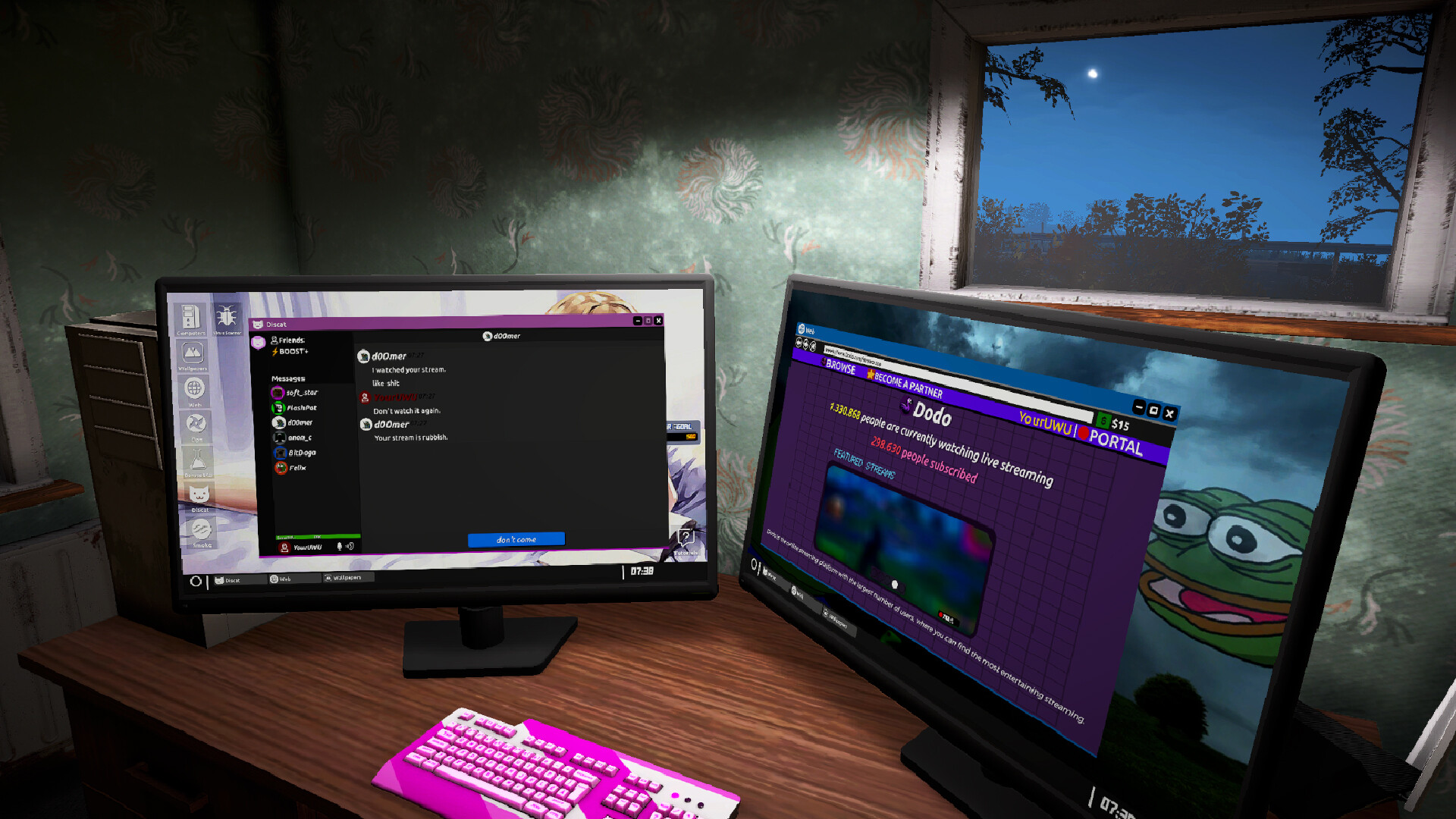
Starting with an old, crappy computer, you can purchase better cameras, processors, video cards, and faster internet connections. Each upgrade improves stream quality and can attract more viewers.
Upgrading is essential for progressing from low‑viewership streams to high‑budget productions that generate larger donations.
- Prioritize internet speed upgrades early; smoother streams keep viewers from dropping off.
- Balance hardware purchases with cash flow from jobs to avoid running out of money.

03 / THE GUIDE
Streaming Skill Progression
You can improve streaming skills, which unlocks more impressive content options and helps retain audience interest. Skill upgrades are tied to decisions made during live streams.
Better skills also enable you to manipulate audiences more effectively, increasing donations and subscriber counts.
- Focus on skill upgrades that complement your chosen dialogue style for consistent growth.
- Track which skill improvements lead to higher donation spikes and prioritize them.
04 / THE GUIDE
Building a Streaming House
Purchasing a large house converts it into a streaming house, providing extra income through hired streamer employees. The house becomes a central hub for your operations.
Managing the house and its staff adds another layer of financial strategy, as employee performance can boost overall viewership.
- Invest in a streaming house after securing steady income from jobs to maximize ROI.
- Monitor employee output; replace underperforming staff to keep earnings high.
05 / THE GUIDE
Illicit Boosts and Bans
The game includes options to boost streams with bot viewers, deal with shady individuals, and support your career illegally. These choices can rapidly increase numbers but risk bans.
Balancing risky tactics with legitimate growth is crucial; a ban can halt progress entirely.
- Use bot viewers sparingly and monitor ban warnings to avoid losing your channel.
- Weigh the short‑term gain of shady deals against the long‑term stability of your brand.

COMMUNITY
Player discussion