 GameWiki
GET YOUR BEARINGS
About Story Bored
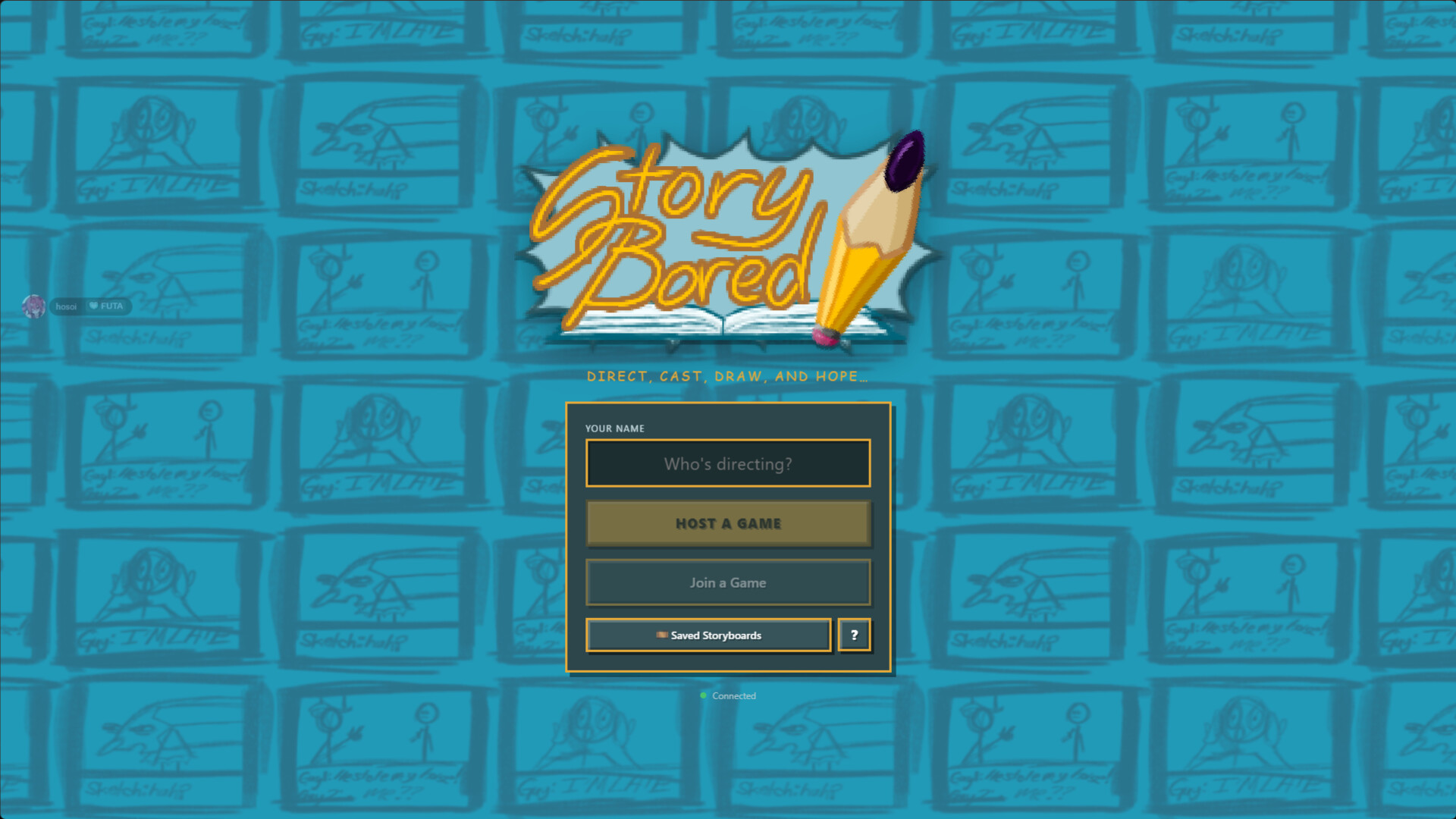
Story Bored is an online multiplayer party game where 2‑12 friends create and perform improvised stories. Players first build a premise, draw a storyboard panel by panel, and write dialogue for each character.
After the storyboard is finished, participants receive isolated lines with acting directions, record their performances, and finally watch the combined drawings and voice‑overs together, discovering the full narrative for the first time.
01 / THE GUIDE
Game Modes
Story Bored offers six distinct ways to play, from Classic where creators draw and others voice, to Comic where speech bubbles are performed one at a time. Swap Premises and Swap Scripts let players work from each other's ideas, while Animation adds a timeline for creating full-blown animation.
Custom Mode lets groups define their own rules, and each mode works with private lobbies of 2‑12 players. Hosts can adjust round timers to fit the chosen style.
- Try Classic for a balanced mix of drawing and voice acting.
- Use Custom Mode to experiment with shorter timers for a fast‑paced session.
02 / THE GUIDE
Storyboard Drawing Tools
The built‑in editor provides brushes, shapes, fill tools, colors, and other drawing utilities so anyone can create panels without artistic skill. Characters and dialogue can be placed directly onto the canvas, and speech or thought bubbles are supported.
Even a terrible drawing can work if the dialogue is strong, encouraging players of any ability to contribute to the story.
- Use simple shapes and bold colors to keep panels clear.
- Focus on expressive dialogue when your drawing skills are limited.
03 / THE GUIDE
Voice Recording and Effects
When it’s time to act, each player receives a line with a direction such as Menacing or Movie Trailer Voice. Recordings are made via microphone, and writers can apply pitch, echo, grit, or reverb effects before the final playback.
Actors never see the full story until the screening, creating surprising and often humorous interpretations.
- Experiment with the provided voice effects for comedic contrast.
- Record in a quiet space to ensure clarity before effects are added.
04 / THE GUIDE
Private Lobbies and Session Controls
Games are hosted in private online lobbies accessed with a six‑letter room code, supporting groups of 2‑12 players. The host can set round timers, adjust difficulty, and enable or disable custom rules for each session.
While waiting for slower participants, minigames are available to keep the group entertained.
- Set a moderate timer for first‑time groups to avoid rush.
- Use minigames to fill gaps when a player needs extra time.
05 / THE GUIDE
Saving and Exporting Creations
After a session ends, completed storyboards can be saved and exported as MP4 videos, preserving the combined drawings and voice performances. This allows groups to keep a record of their collaborative creations.
Saved files remain accessible after the lobby closes, enabling sharing outside the game.
- Export your story as MP4 to share on social media.
- Save frequently if you plan a long session with many panels.


COMMUNITY
Player discussion