 GameWiki
GET YOUR BEARINGS
About StopGate
StopGate is a community‑created visual novel that blends magic and technology in a world full of memes and references to the StopGame portal. The story follows a lone protagonist who, together with the player, discovers the customs, laws, and inhabitants of this strange realm.
Before the adventure begins, players customize their hero by selecting from seven races, eight genders, and a magic ability, though the impact of these choices on gameplay is uncertain. The game runs on Windows, supports single‑player mode, Steam achievements, and family sharing.
01 / THE GUIDE
World Setting
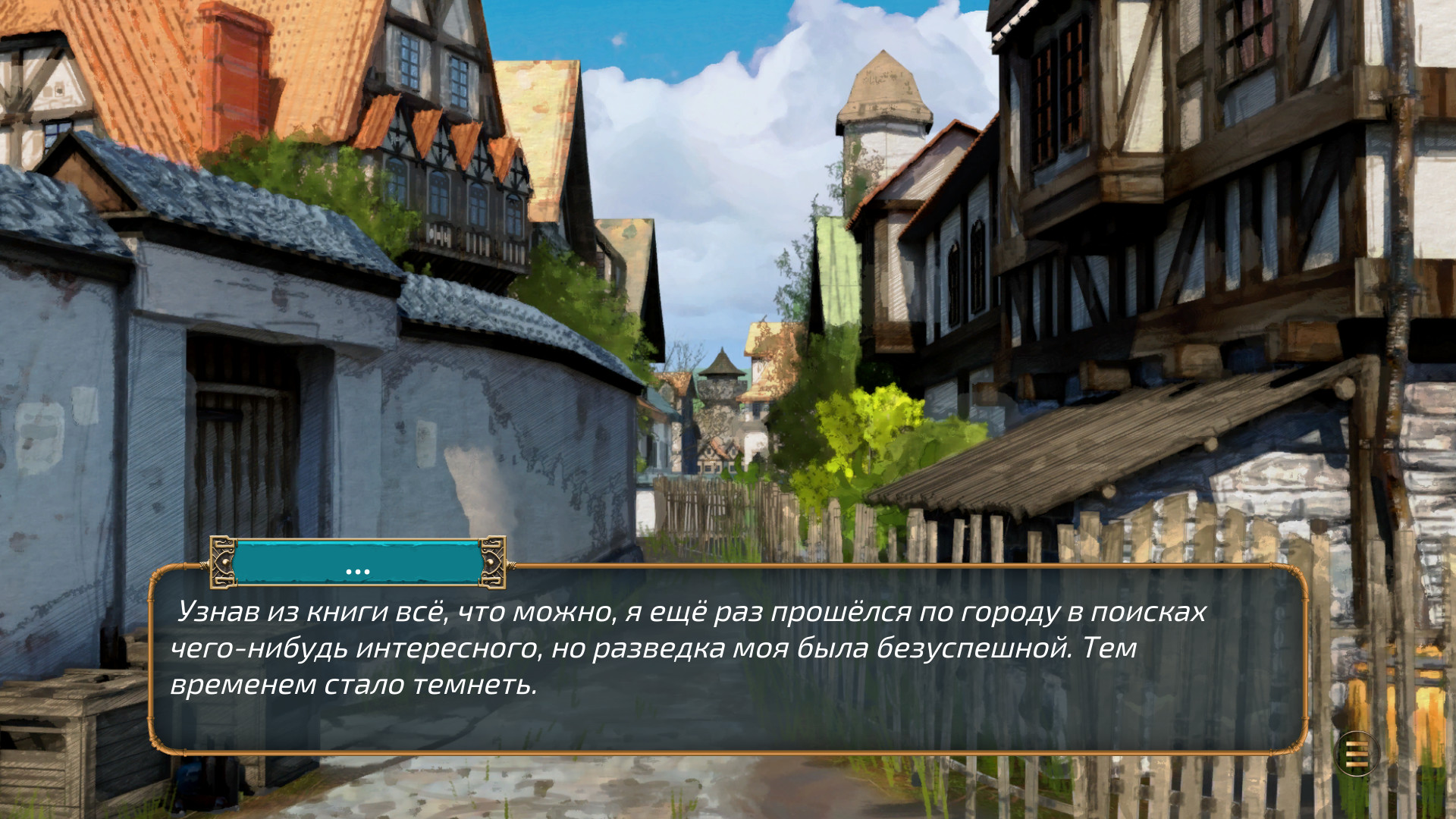
The game’s narrative places magic and technology side by side, creating a unique backdrop for the visual novel. This coexistence is highlighted throughout the story and influences the environments the player encounters.
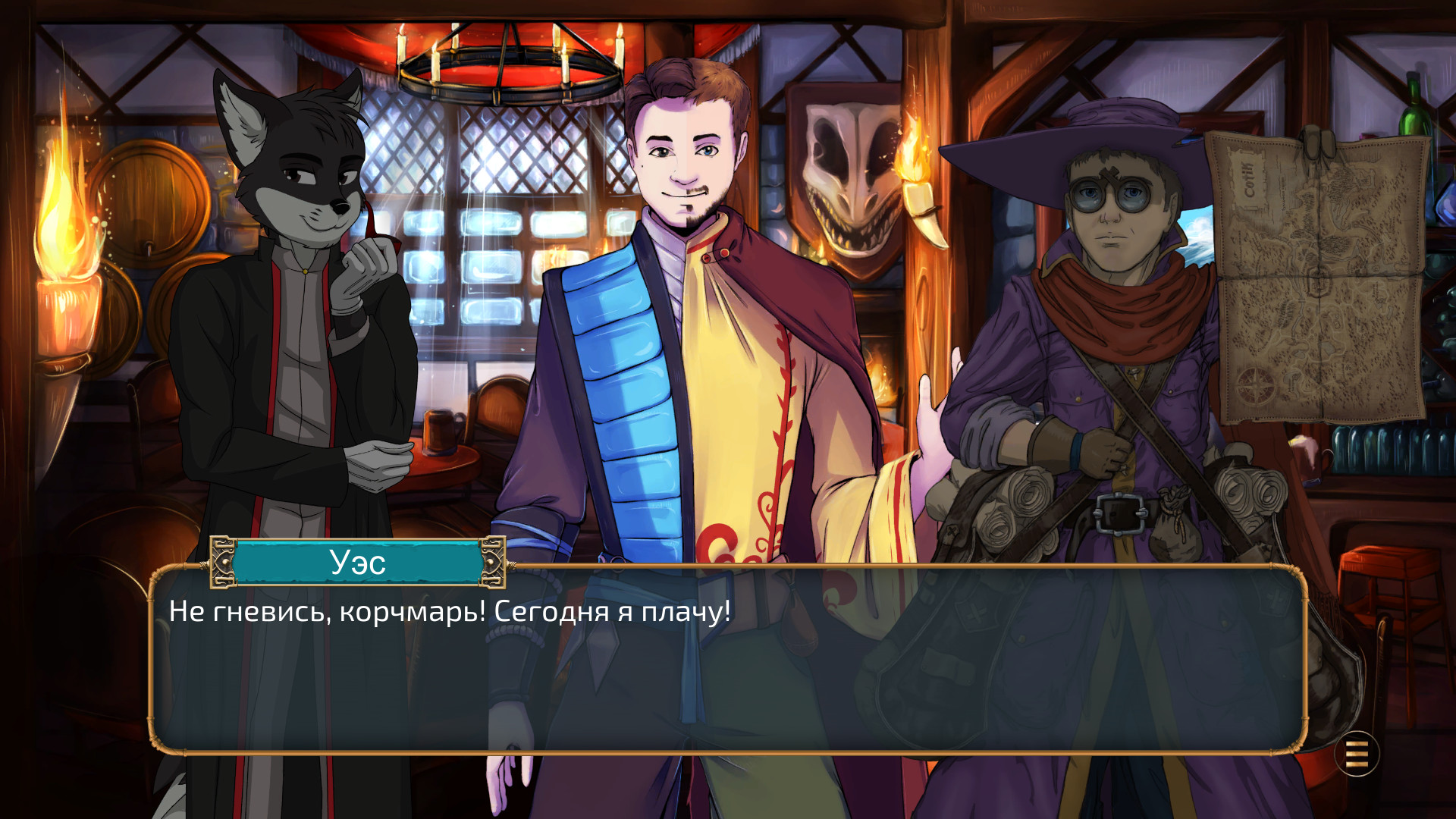
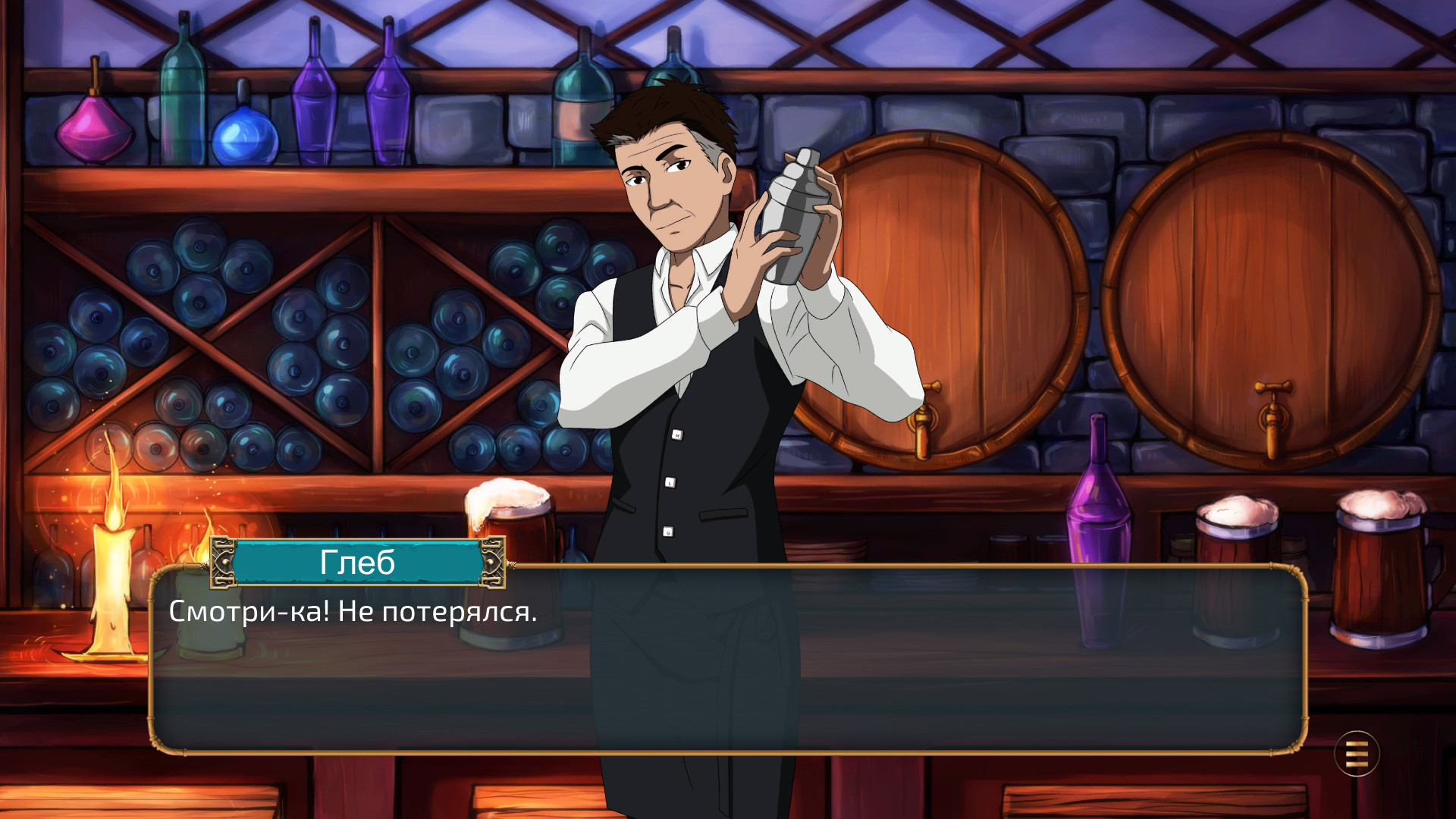
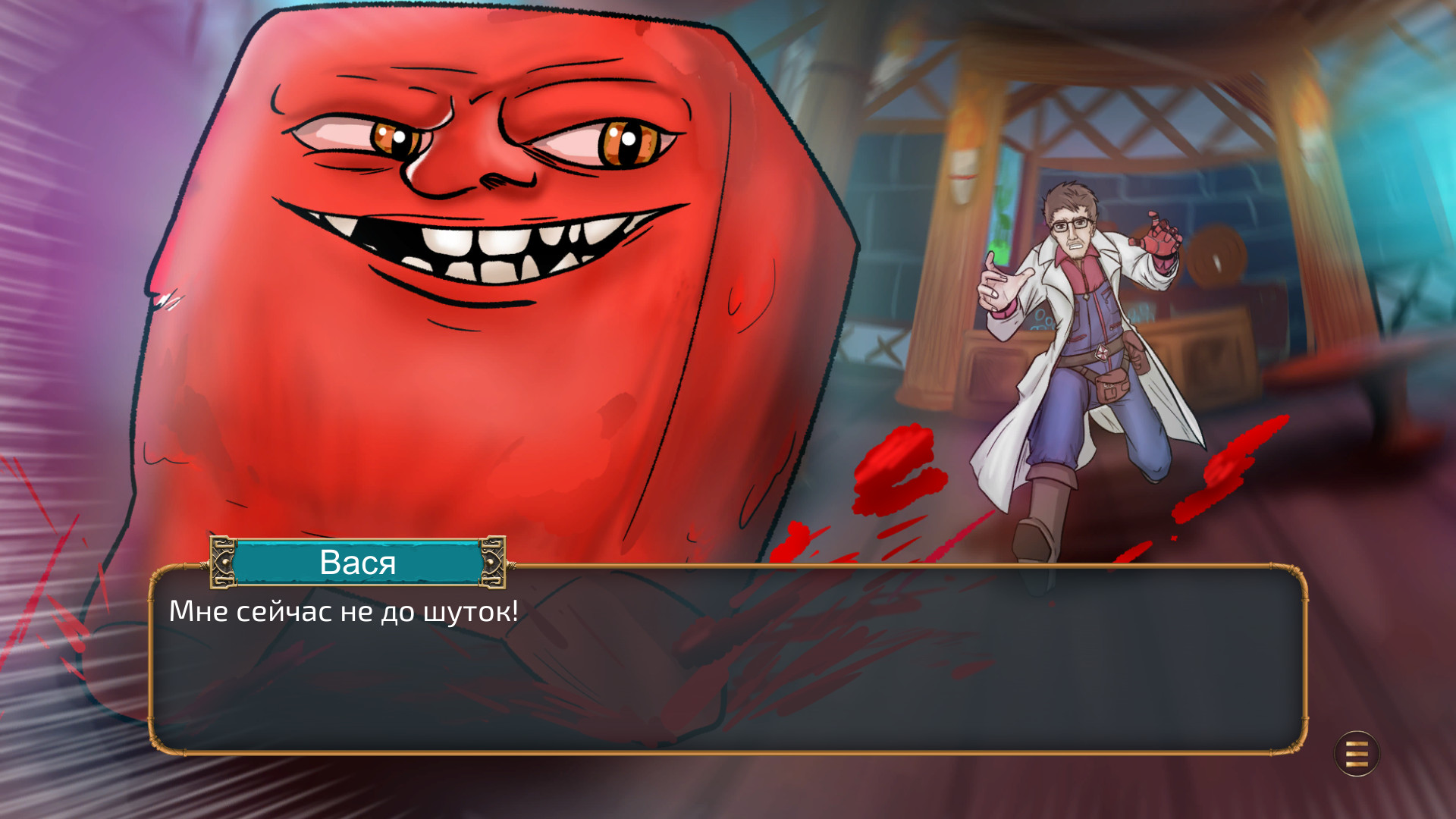
All characters are illustrated in varying artistic styles, reflecting the diverse authors from the StopGame community. These visual differences reinforce the independent, fan‑driven nature of the project.
- Observe how the art style changes between characters to appreciate each author’s contribution.
- Notice the interplay of magical and technological elements in dialogue for deeper immersion.
02 / THE GUIDE
Character Customization
Players begin by customizing their avatar, choosing one of seven distinct races and eight gender options. Additionally, a magic ability can be selected, offering a personal touch to the protagonist.
The description notes that these selections may affect the game in some way, though it also admits they might have no impact at all.
- Experiment with different race‑gender combos to see any subtle narrative changes.
- Pick a magic ability that matches your preferred story tone, even if its effect is unclear.
03 / THE GUIDE
Window Features
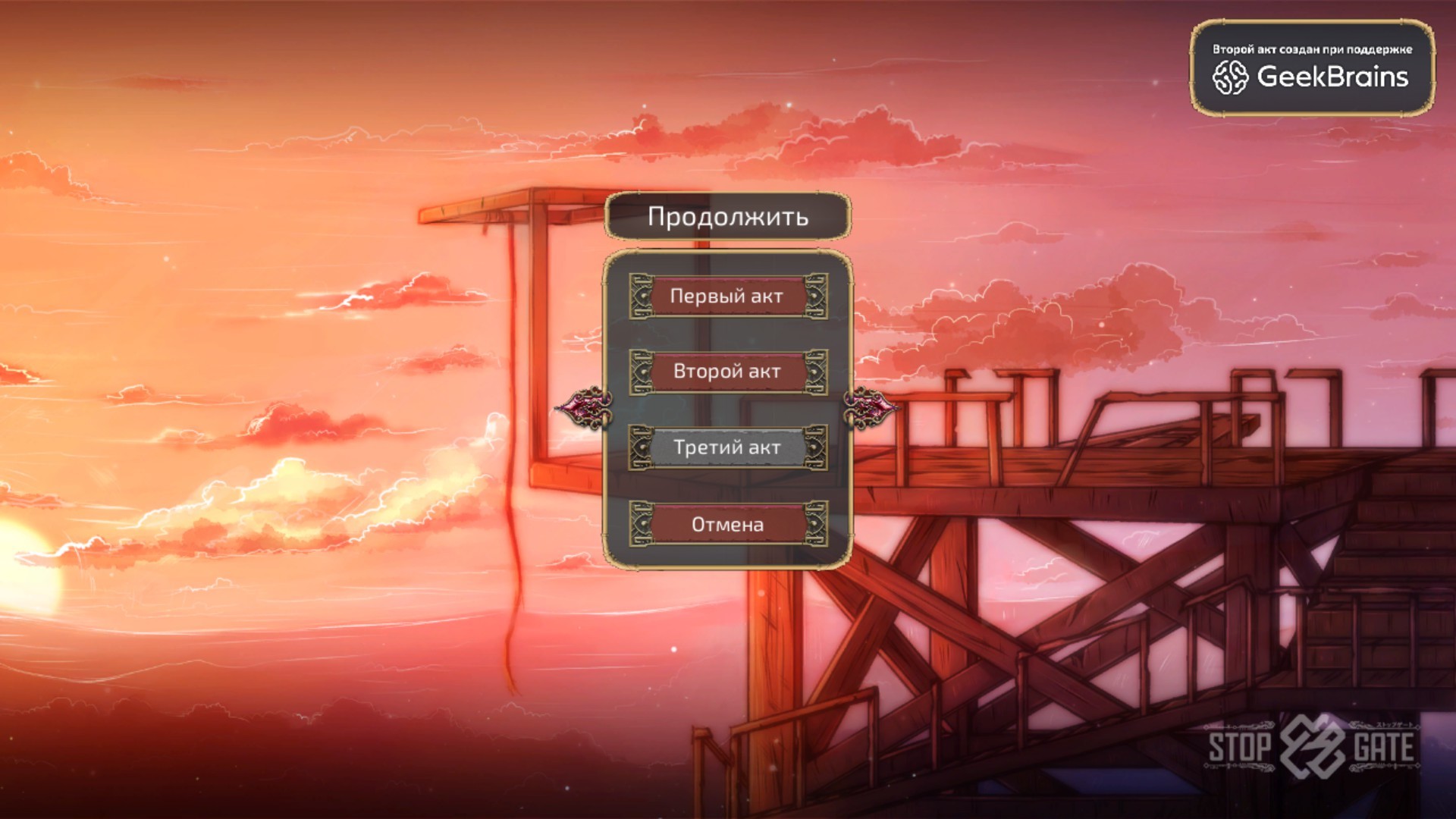
StopGate can be played directly in a window, and the game offers flexible configuration of window modes. This allows players to adjust the display to their preference without needing full‑screen.
Pressing the Escape key can skip the entire game, while accessing the "Menu" sometimes skips a single line of dialogue, providing quick navigation options.
- Use the window mode to keep other applications visible while reading.
- Try the Escape key if you wish to bypass large sections quickly.
04 / THE GUIDE
Save System
The game saves at random locations rather than at fixed save points. This unconventional method means your progress may be recorded in different places as you play.
Because saves are not centralized, backing up the game folder can help preserve progress across sessions.
- Pay attention to where the game saves during play, since the locations are random.
- Be prepared for saves to appear in unexpected places if you plan to reinstall.
05 / THE GUIDE
Platform & Availability
StopGate is released for Windows only and supports single‑player gameplay. It includes Steam achievements and can be shared via Steam Family Sharing, allowing multiple accounts to access the same copy.
No macOS or Linux versions are listed, and the game is free to play, emphasizing its indie, community‑driven nature.
- Enable Family Sharing on Steam to let friends try the game without extra purchases.
- Check the Achievements tab for goals you can complete during play.
COMMUNITY
Player discussion