 GameWiki
GET YOUR BEARINGS
About Stones of Solace
Stones of Solace presents a minimalistic ritual space where players can relax and reflect. Each day a new shrine appears, inviting quiet contemplation around a stone statue. The game lets you arrange offered items within each shrine, creating a personal moment of self‑reflection. Developed by Dziff with music by Jason Sutherland, it is released under the Ice Water Games label.
01 / THE GUIDE
Daily Shrine Variety
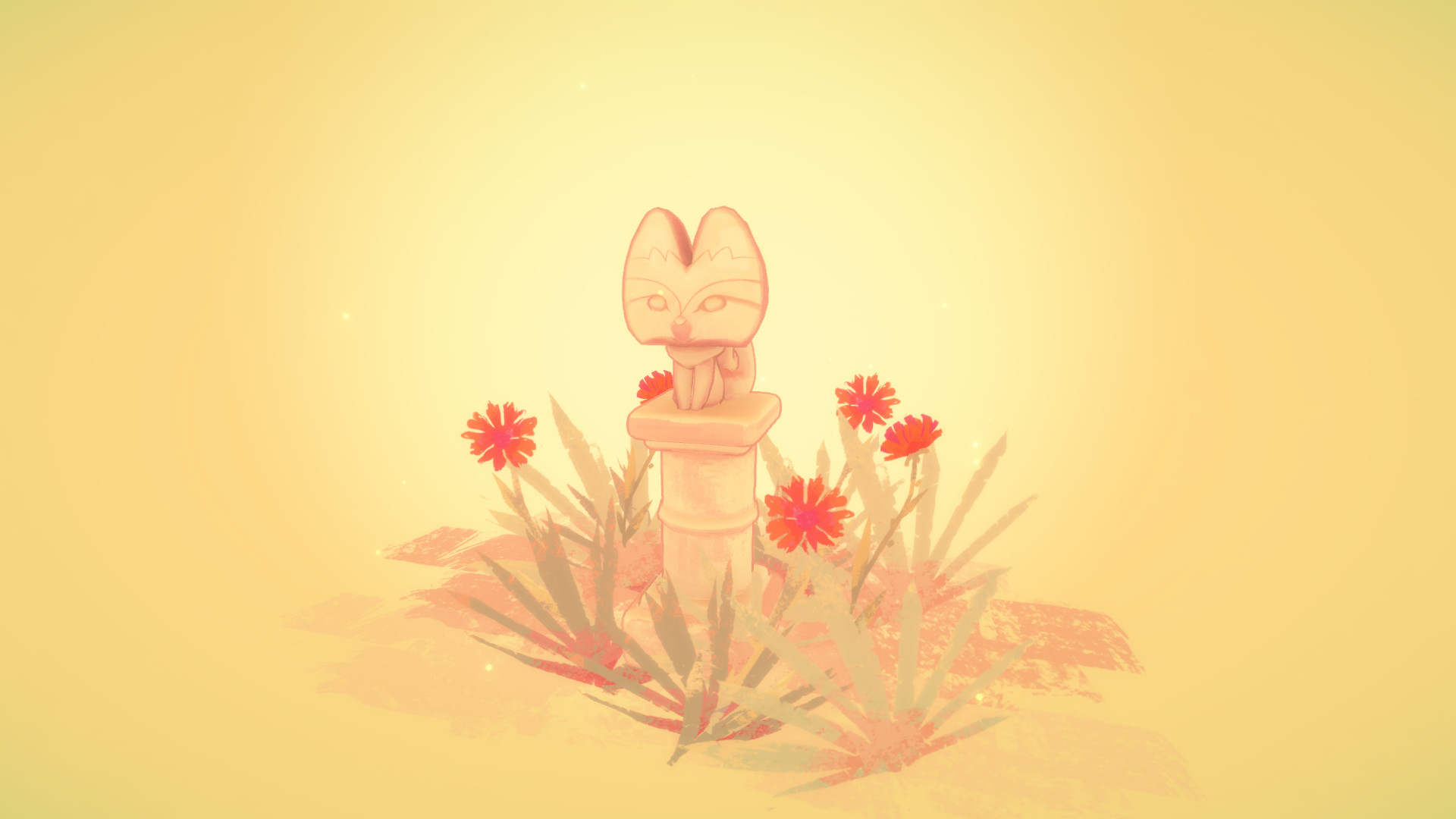
Every calendar day the game generates a different shrine, giving players a fresh environment to explore whenever they choose. This daily change ensures that each visit feels distinct without requiring any preset progression.
The shrine’s uniqueness is tied to the day, not to player actions, so returning at any time will present the same daily layout. Players can revisit the same day’s shrine later for additional contemplation.
- Check the calendar each morning to see which shrine is available.
- Take notes on which daily shrine you find most calming.
02 / THE GUIDE
Item Arrangement
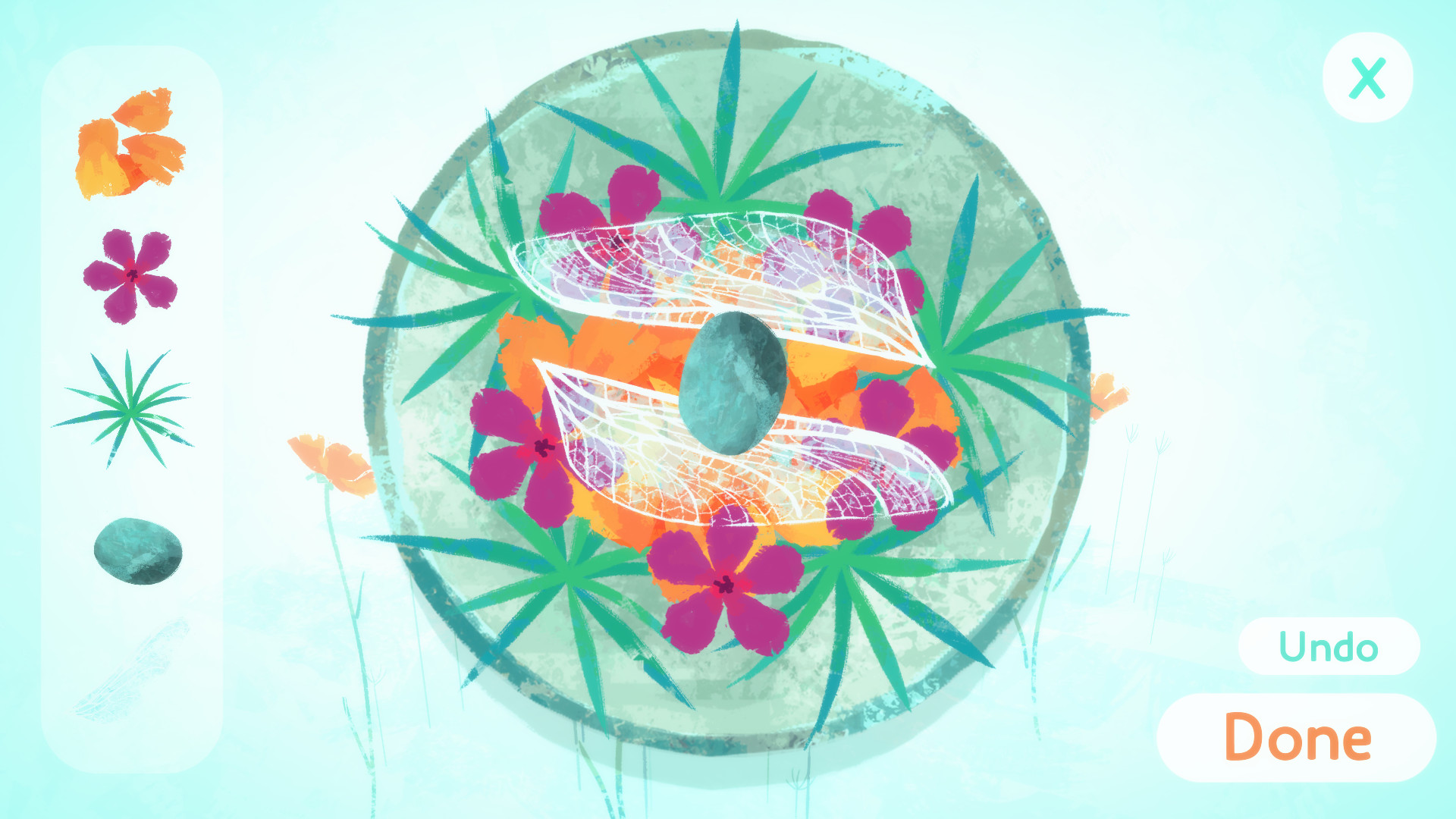
Within each shrine, a selection of items appears that can be placed around the stone statue. Players may move these items to create an offering that reflects personal preference.
The arrangement process is unrestricted; there is no indicated limit or required pattern, allowing each player to design their own layout for the statue and themselves.
- Experiment with different item placements to see how the visual balance changes.
- Arrange items symmetrically if you prefer a tidy appearance.

03 / THE GUIDE
Atmospheric Zones
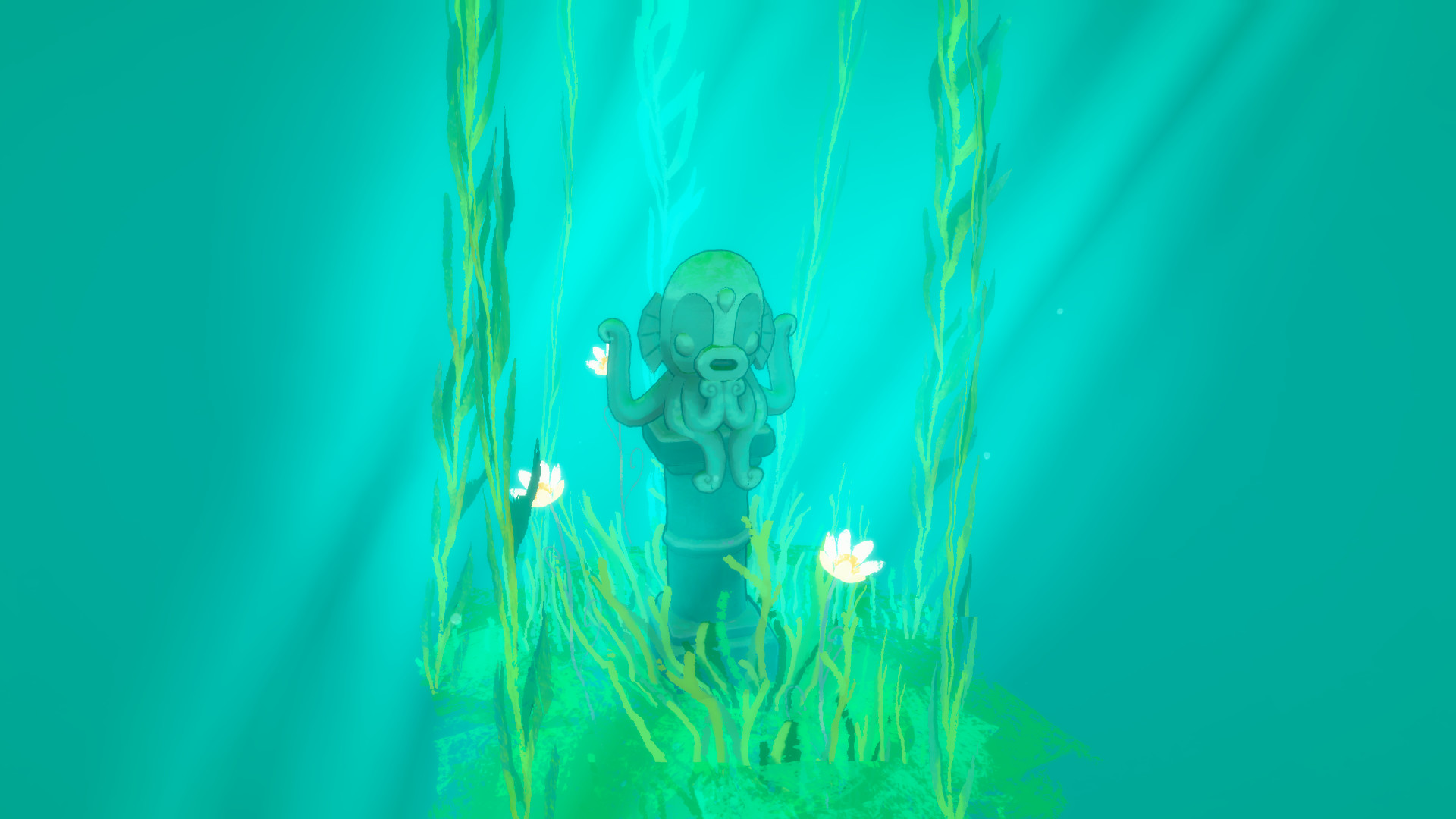
Each daily shrine belongs to a specific zone that provides a unique atmosphere and a distinct set of items. The zone changes automatically with the daily shrine.
The atmospheric shift offers varied moods, and each zone also brings new items to play with.
- Observe the background sounds to identify the zone’s theme.
- Compare zones side‑by‑side to notice subtle visual differences.
04 / THE GUIDE
Single‑player & Family Sharing
Stones of Solace is labeled as a single‑player experience, meaning the game is intended for one person at a time. It also supports family sharing, allowing another account on the same platform to launch the game.
Family sharing does not modify the single‑player nature; each user launches the title from their own account.
- Enable family sharing in your platform’s settings to let relatives try the game.
- Remember that only one person can play at a time on a shared device.
05 / THE GUIDE
Platform Availability
The game is released for Windows and macOS, as indicated by the platform list. Linux is not listed, so the title is not officially supported there.
Availability on these operating systems means the game can be launched directly on compatible PCs without additional emulation.
- Verify your system meets the minimum requirements for Windows or macOS before purchasing.
- Check for driver updates if you encounter visual glitches on your platform.

COMMUNITY
Player discussion