 GameWiki
GET YOUR BEARINGS
About Sticky Business
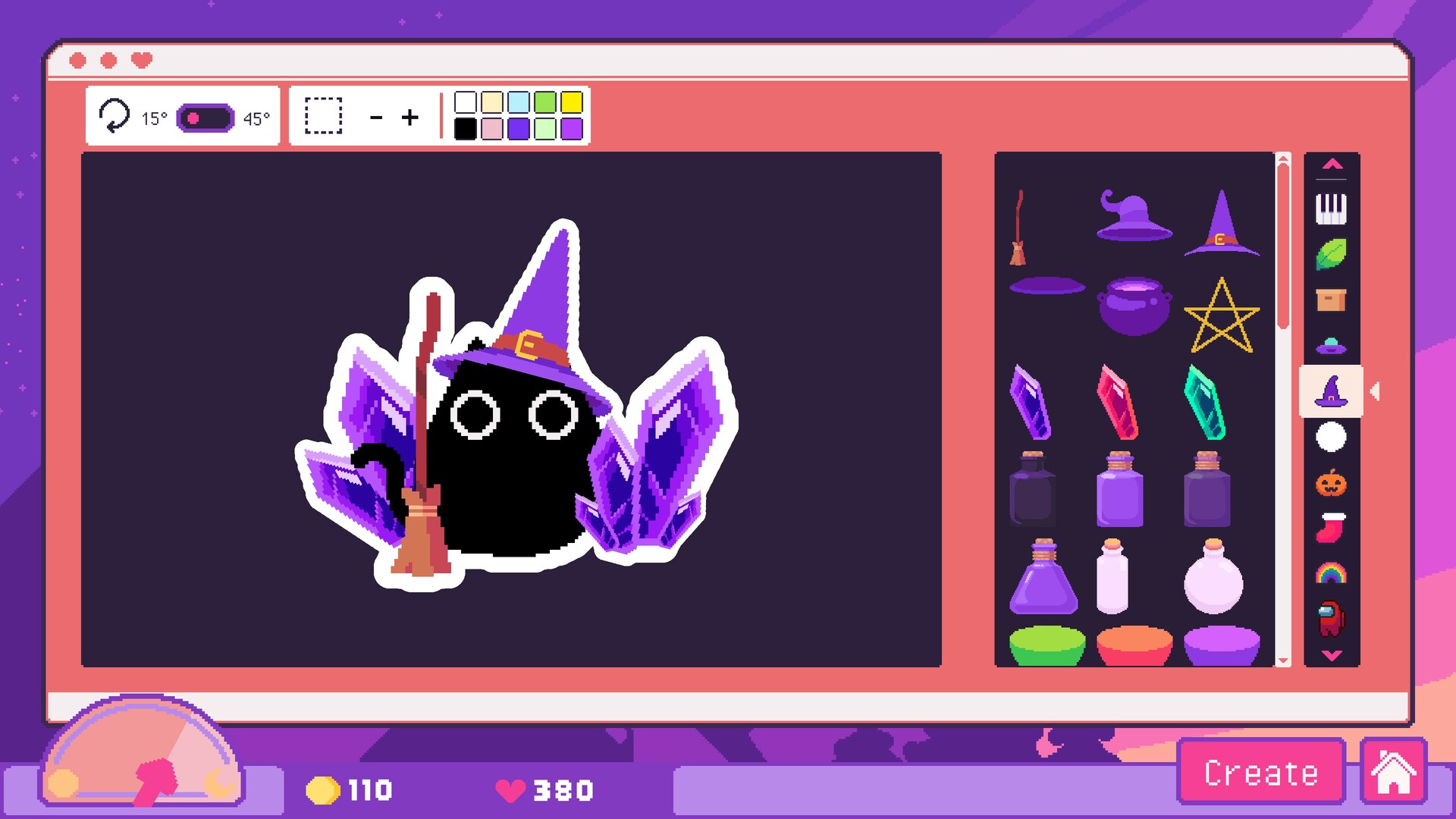
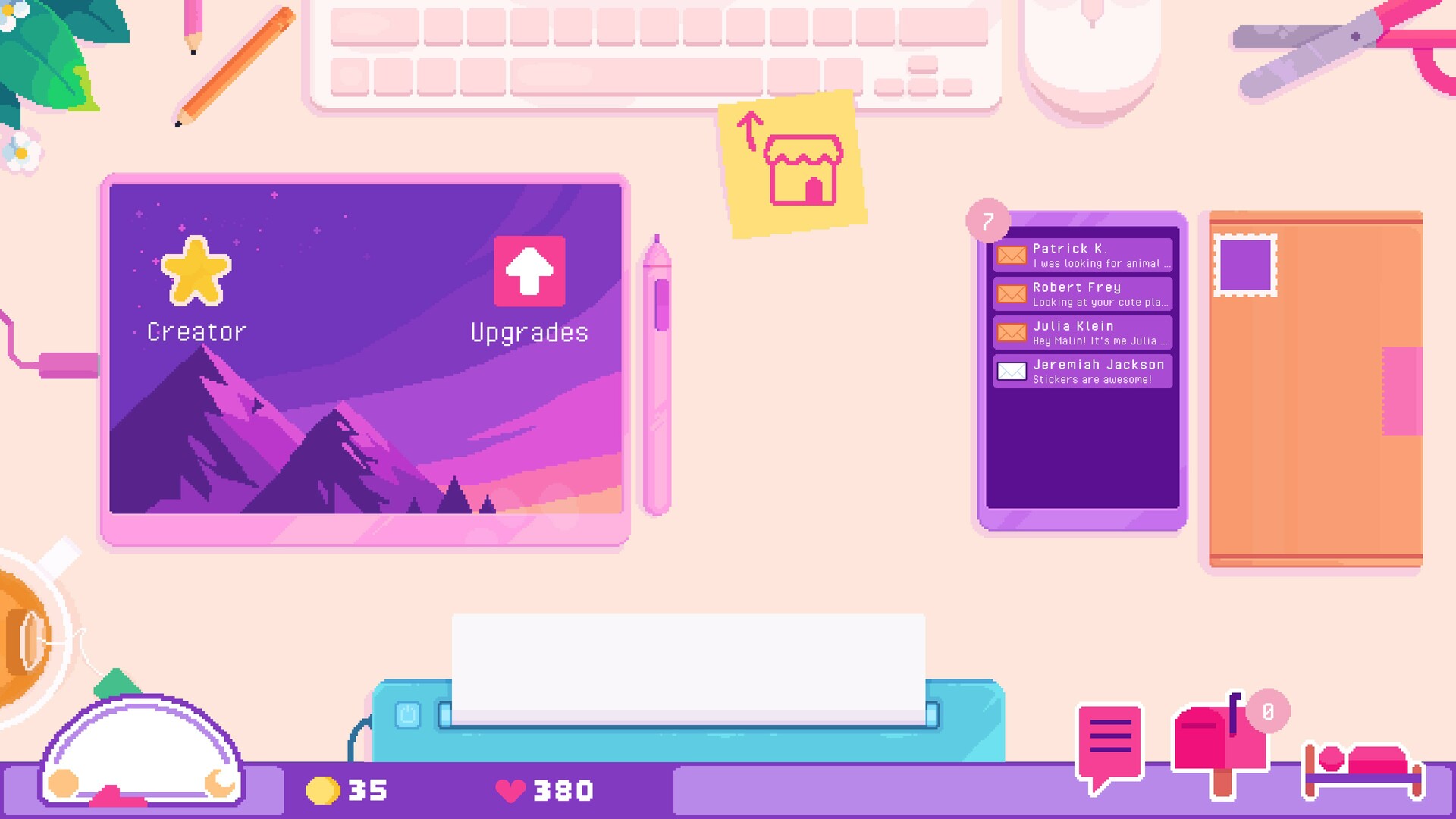
Sticky Business is a casual simulation where you design, produce, and sell custom stickers. By mixing dozens of visual elements you can create themed collections—cats, witches, derpy faces, and more—that attract distinct customer groups.
The game includes production optimization, order packing with customer stories, upgrade paths for graphics and foil effects, custom packaging, and a Twitch integration that lets viewers place live orders. It runs on Windows and macOS and offers single‑player, Steam Achievements, partial controller support, Steam Cloud, and Family Sharing.
01 / THE GUIDE
Sticker Design & Combinations
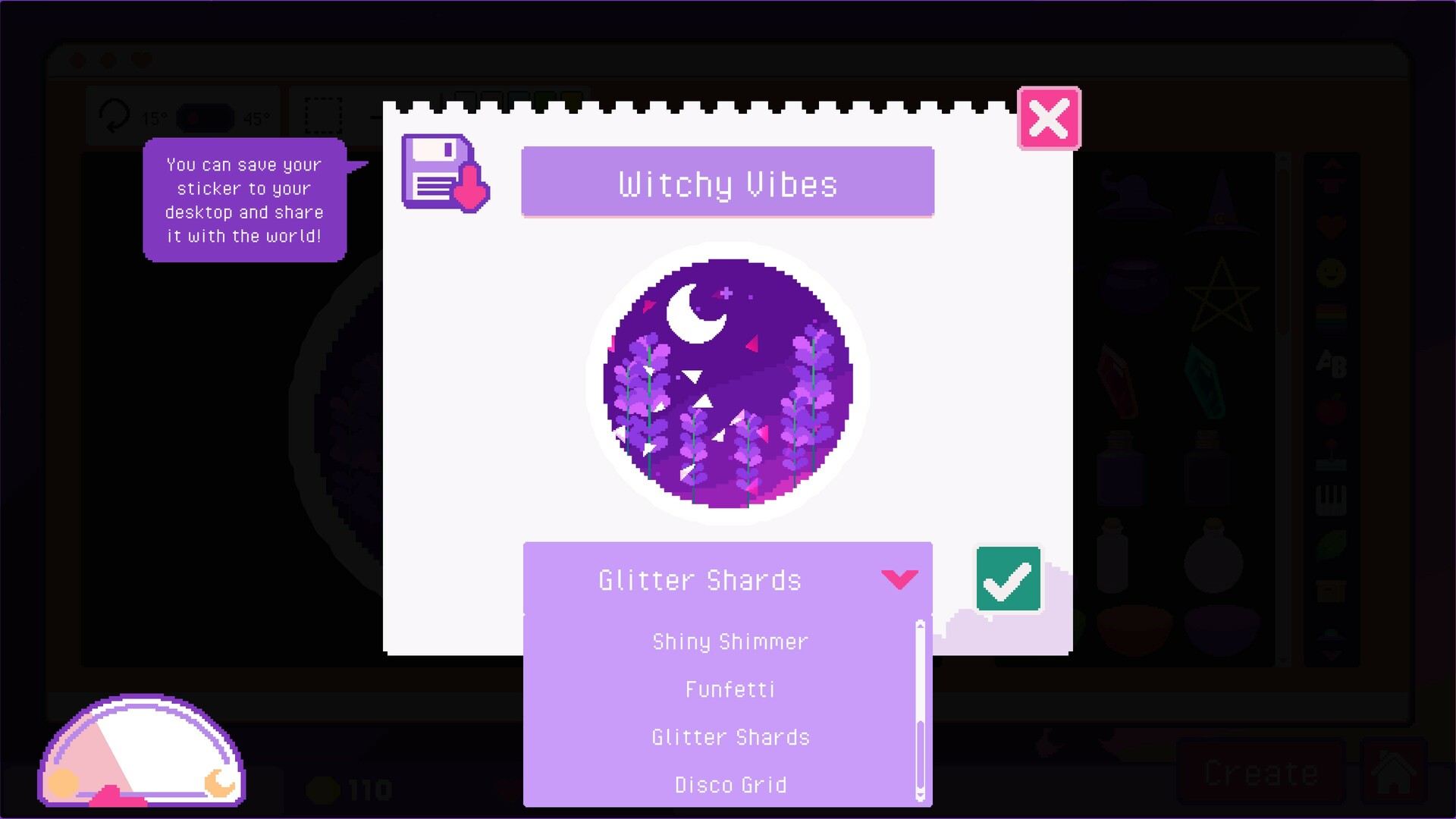
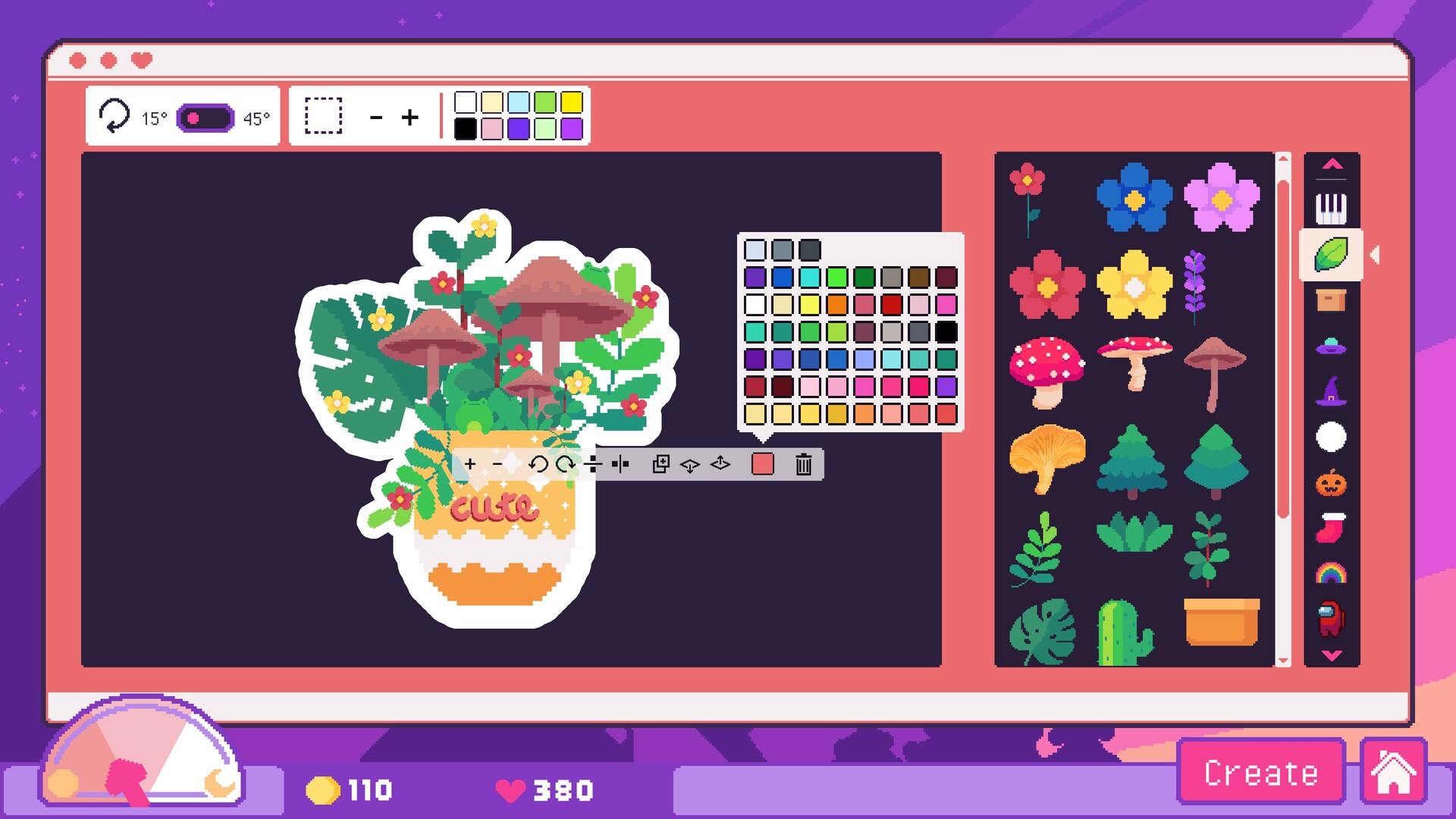
The creation tool lets you mix dozens of visual elements—such as cats, witch hats, or derpy faces—into a single sticker, defining its theme and style. Because the game offers thousands of element pairings, each design can appeal to a distinct customer group.
Thousands of possible element pairings let you build unique collections that attract specific buyer types. Observing which designs sell helps you refine future combos to better match customer interests.
- Try contrasting elements for eye‑catching stickers.
- Track which themes generate the most sales.
02 / THE GUIDE
Production Optimization & Sticker Sheets
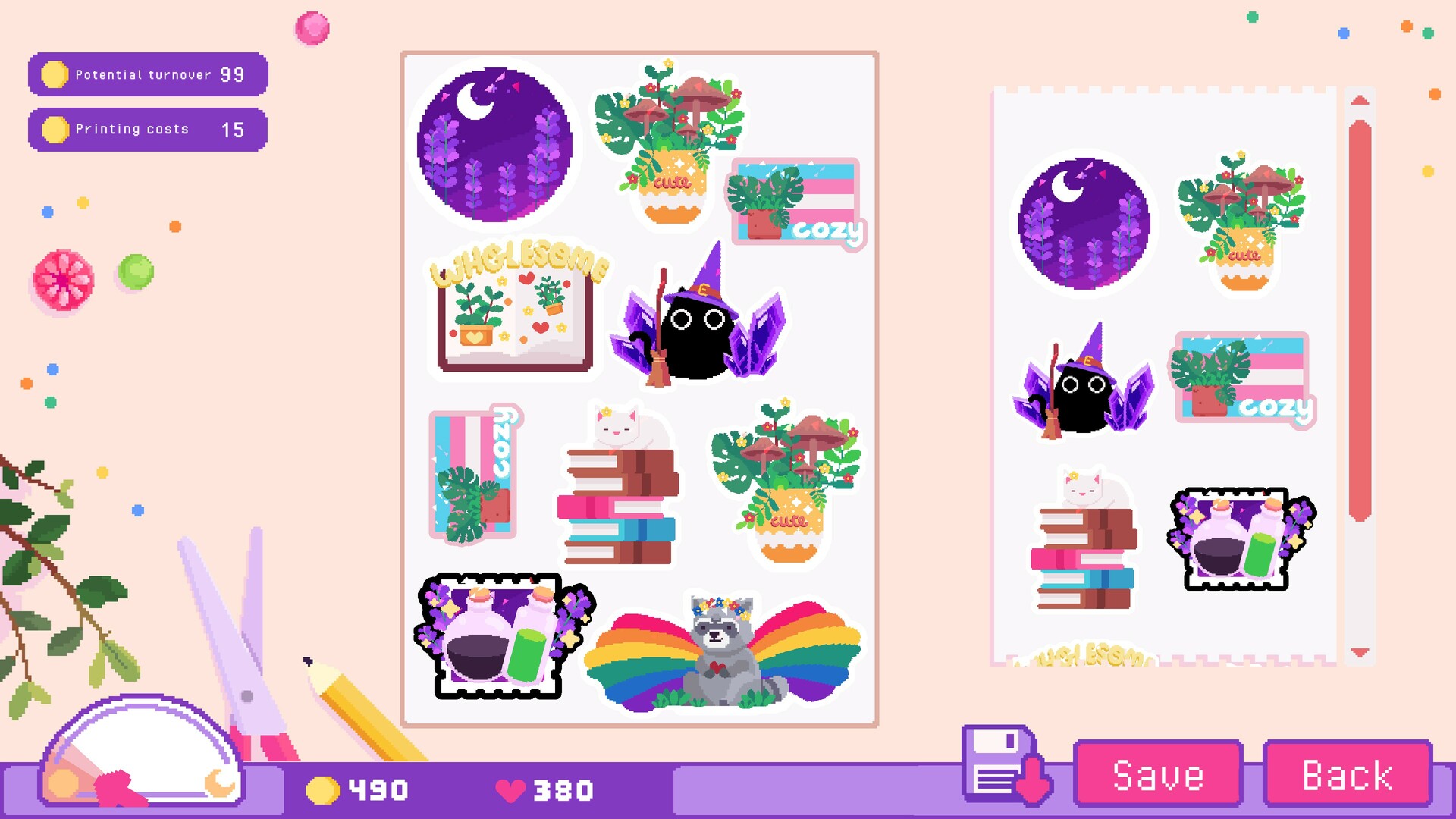
You arrange stickers onto sheets, aiming for a layout that fills the printable area as fully as possible. The description encourages building the perfect sticker sheets to maximize resource use.
Efficient sheets let you produce more stickers per batch, helping you meet order demand without extra graphics or foil resources.
- Group similar‑size stickers to reduce gaps.
- Reserve separate sheets for foil stickers.
03 / THE GUIDE
Order Packing & Customer Stories
When you finalize an order, the game displays a short narrative about the buyer, revealing a glimpse of their life. This occurs each time a purchase is completed.
These stories can hint at recurring preferences, allowing you to adjust future designs or production focus toward the styles the customers mention.
- Read each story for hints about popular styles.
- Use feedback to guide your next batch.
04 / THE GUIDE
Upgrades, Foils & Custom Packaging
Purchasing upgrades unlocks additional sticker graphics and effect foils such as sparkles or holo finishes, expanding the pool of elements you can combine.
Adding goodies and custom packaging to shipments is described as increasing customer happiness, giving an extra appeal layer that may encourage repeat purchases.
- Prioritize foil upgrades for premium looks.
- Experiment with custom packaging to gauge impact.
05 / THE GUIDE
Twitch Integration & Viewer Orders
The Twitch integration lets stream viewers act as in‑game customers, placing orders while the creator plays.
These live orders appear in the production queue, providing immediate design challenges and showcasing the creator’s ability to respond to audience requests.
- Invite viewers to request specific themes.
- Show sheet‑layout strategies during streams.
COMMUNITY
Player discussion