 GameWiki
GET YOUR BEARINGS
About STEINS;GATE ELITE
STEINS;GATE ELITE follows a rag‑tag band of tech‑savvy students who discover a way to alter the past by sending e‑mails through a modified microwave. Their experiments quickly entangle them in a conspiracy involving SERN, the Large Hadron Collider, and the future‑claiming John Titor.
The remastered edition adds fully animated adventure sequences and a refreshed time‑leap system, while every player decision shifts the world line toward or away from a 1 % divergence, producing many distinct endings.
01 / THE GUIDE
Fully Animated Adventure
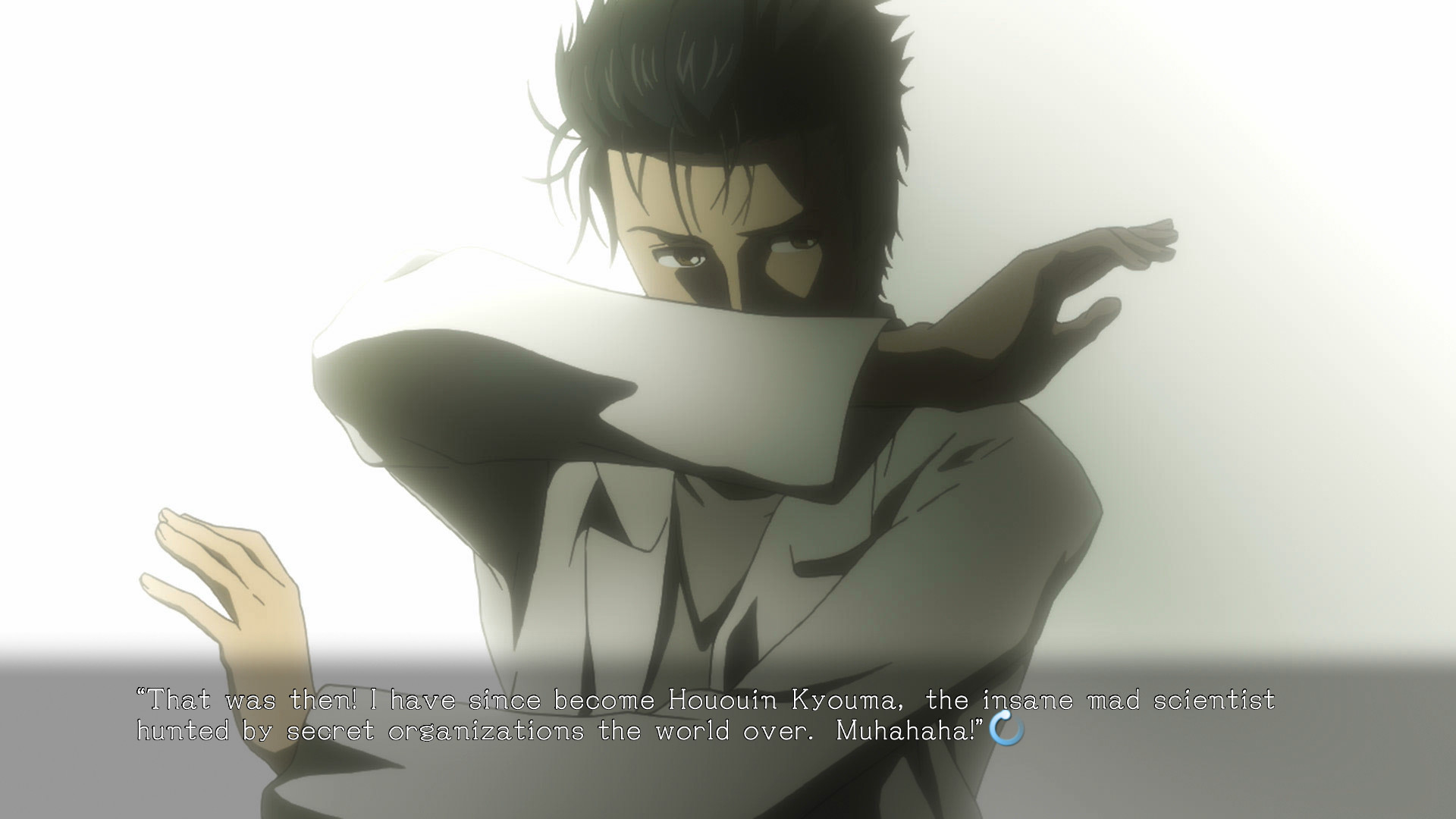
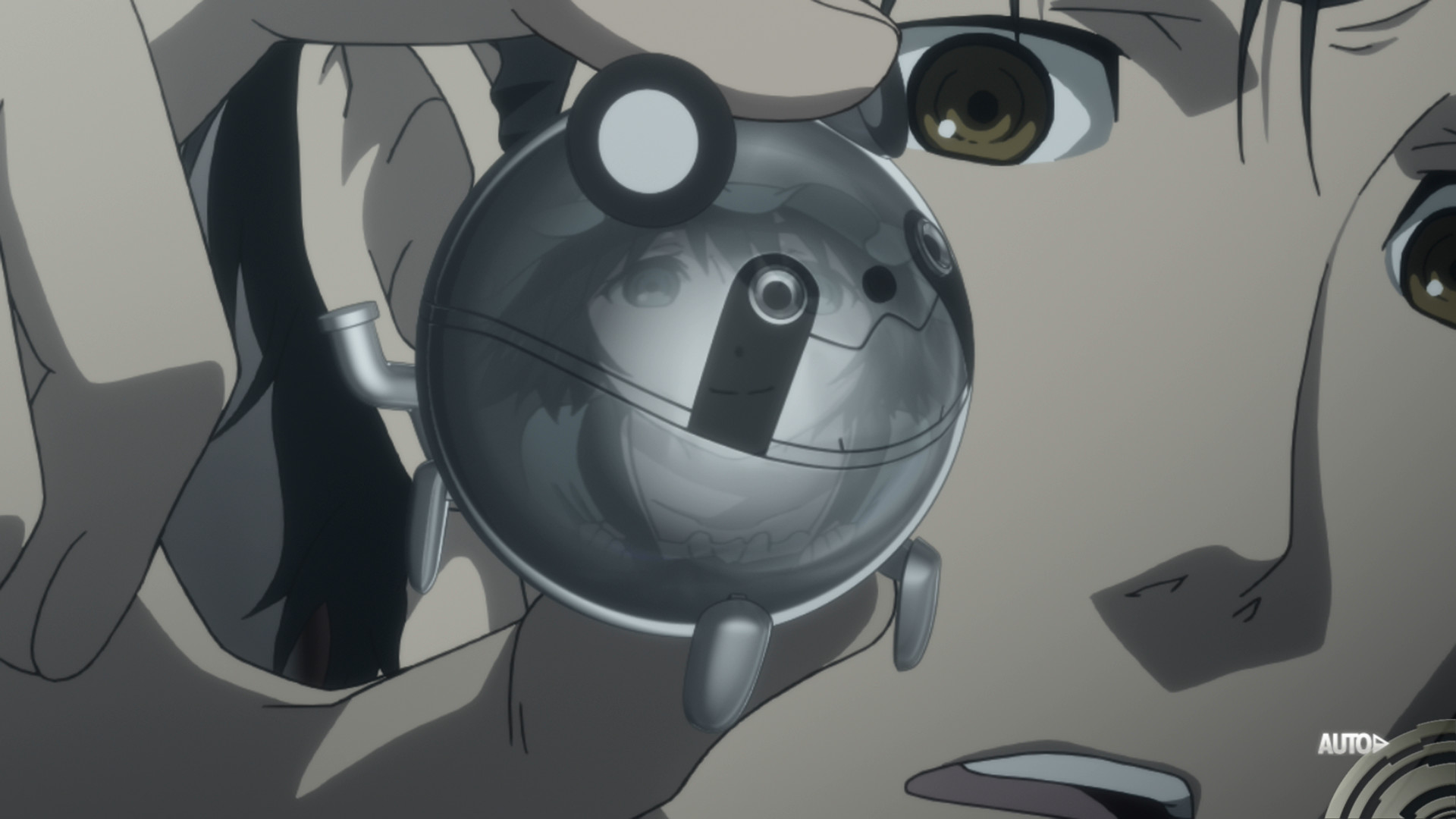
All animation from the STEINS;GATE anime is incorporated, and new sequences appear for certain endings. This visual content is woven throughout the adventure, delivering a consistent aesthetic that matches the series.
The newly created animations are limited to specific outcomes, giving players fresh visual moments even if they have seen the original story before.
- Watch the ending scenes to notice where new animation replaces original footage.
- Compare the visual style of original and added sequences for consistency.
02 / THE GUIDE
A New Way to Time Leap
The remastered version introduces a refreshed time‑leap mechanic that ties directly to the story’s focus on changing the past. This system lets players trigger jumps that affect later events.
Certain endings unlock the newly animated sequences, linking the time‑leap choices to visual moments and reinforcing the narrative impact of each jump.
- Observe how each time‑leap decision alters subsequent dialogue.
- Note which endings trigger the added animation for clearer cause‑effect.
03 / THE GUIDE
Branching Storylines
Every choice you make has its own consequence, shifting the world line closer to or farther from a 1 % divergence threshold. This metric quantifies how far a decision moves the timeline.
The system produces a multitude of endings, encouraging players to explore different decision paths to see varied outcomes.
- Try contrasting choices at key moments to see divergence changes.
- Record which decisions lead to the most divergent world lines.
04 / THE GUIDE
Full Controller Support
STEINS;GATE ELITE lists full controller support, including compatibility with DualShock and DualSense gamepads on Windows. Players can navigate the adventure using a supported controller.
The feature appears alongside other Steam functionalities, indicating that controller input is an officially supported method of play.
- Test both DualShock and DualSense to find a comfortable layout.
- Observe how menu navigation feels with a controller versus mouse.
05 / THE GUIDE
Steam Cloud Integration
Steam Cloud is enabled for STEINS;GATE ELITE, allowing game data to be stored online. Steam Cloud support is listed for the game, allowing game data to be handled through Steam.
When switching between a PC and a remote‑play device, the listed Steam Cloud and Remote Play support may allow the session to continue on another device.
- Confirm Steam Cloud is active in the game’s properties before switching devices.
- Use Remote Play on phone or tablet to continue a session after a cloud sync.

COMMUNITY
Player discussion