 GameWiki
GET YOUR BEARINGS
About SteamWorld Build
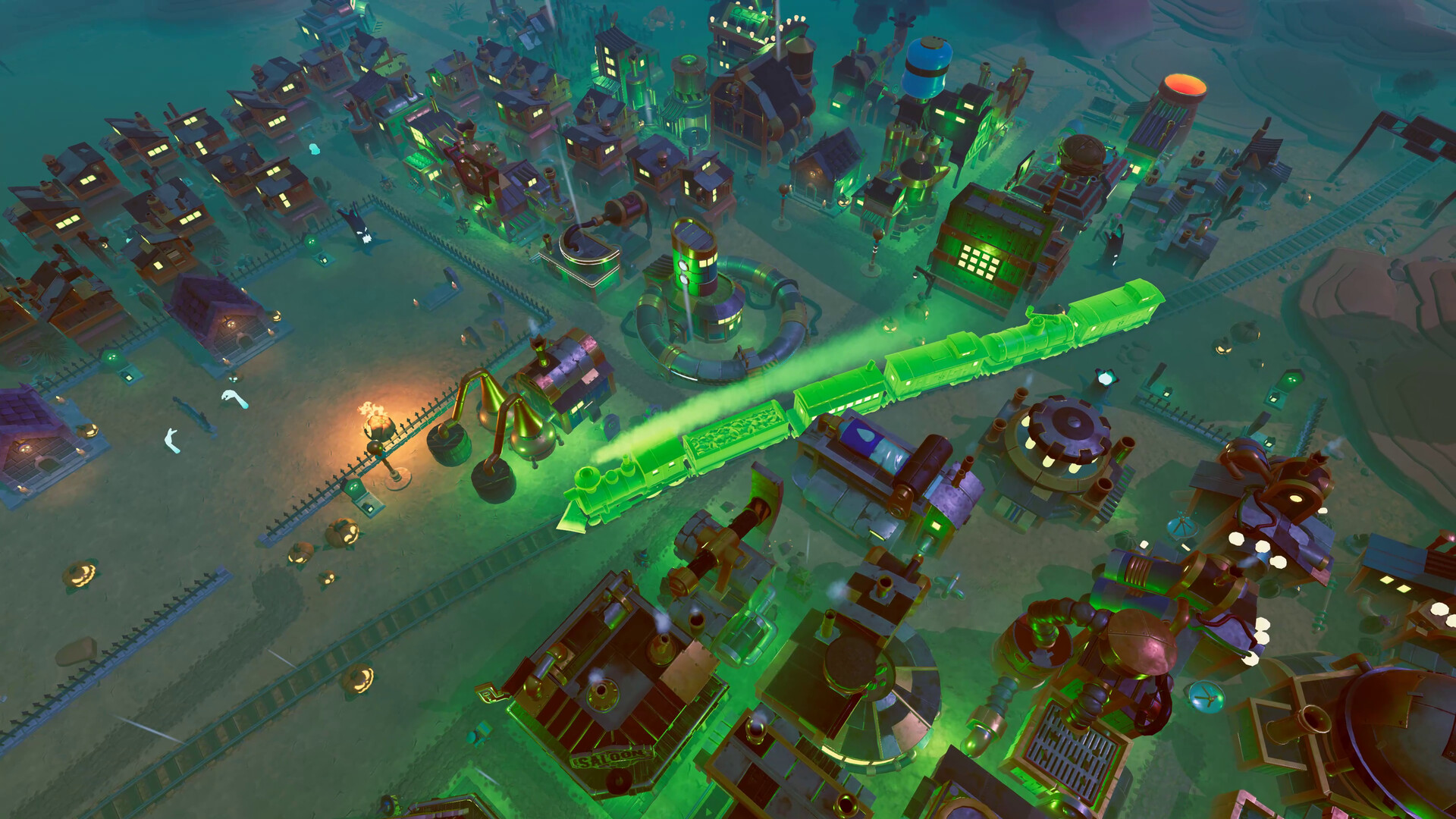
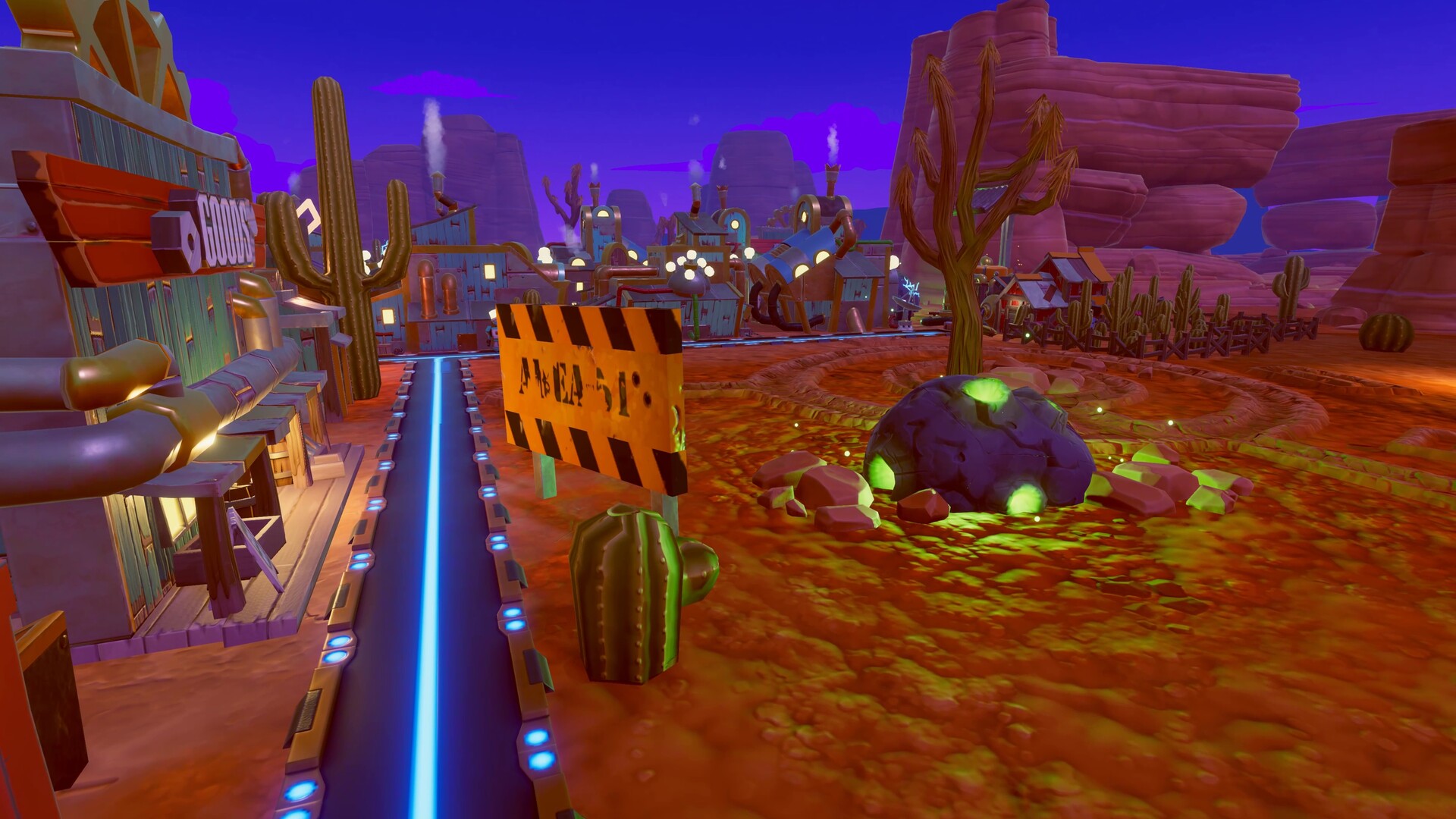
SteamWorld Build drops you onto a dying planet where you must grow a Steambot town, manage resources, and delve into hand‑crafted mines to locate untapped technology. The game blends casual city‑building with dungeon‑management, using hand‑drawn art and a whimsical soundtrack.
Designed for a relaxed pace, the title offers four difficulty levels, five base maps, and seven themed maps. It runs on Windows, supports full controller input, and includes Steam achievements, cloud saves, and family sharing.
01 / THE GUIDE
Intuitive City Building
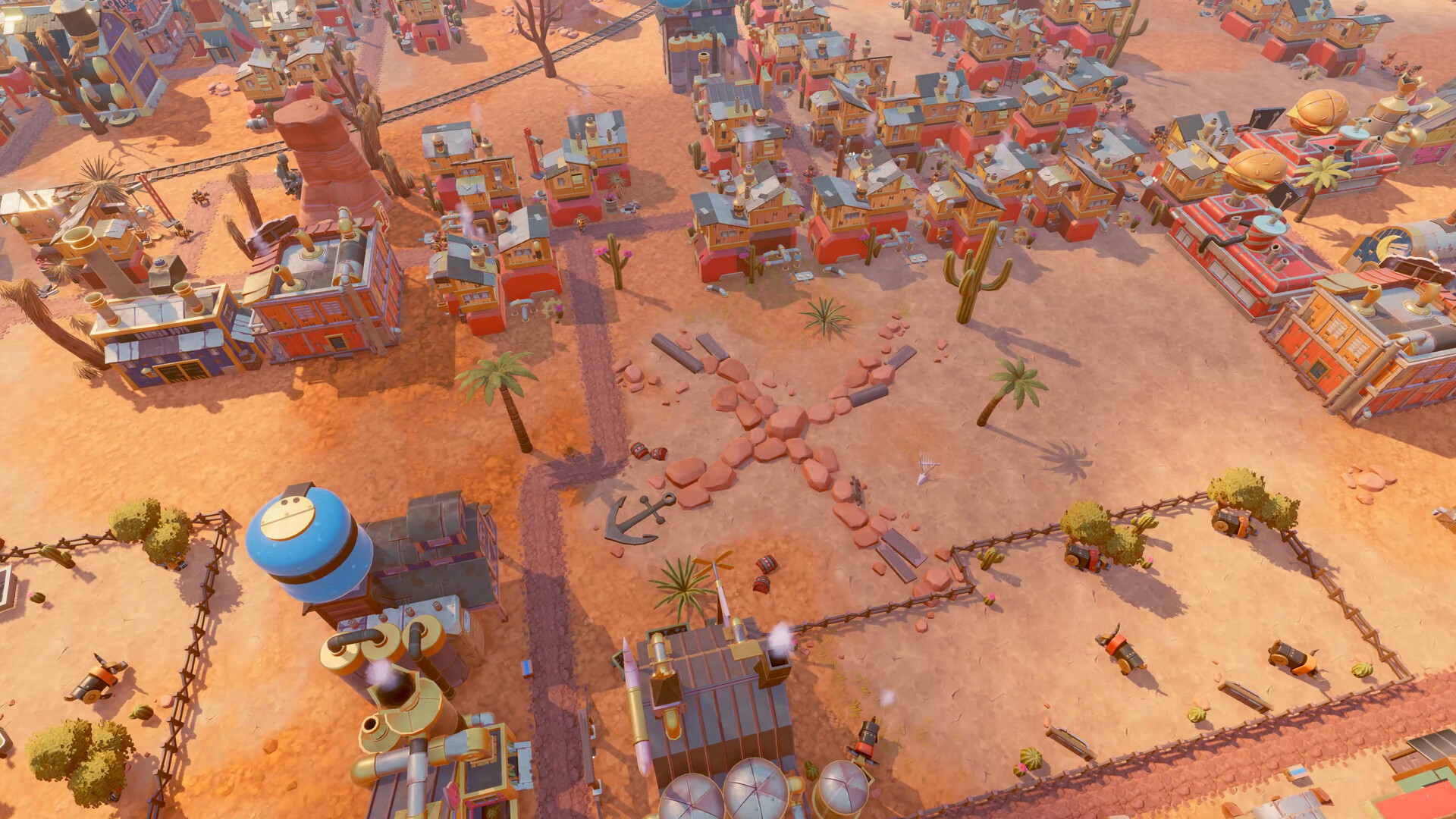
Construction uses simple controls and a user‑friendly interface, letting you place and upgrade structures quickly. The visual style matches the SteamWorld aesthetic, keeping the experience light and approachable.
Buildings affect resident productivity, and their placement influences how efficiently resources travel through the settlement. The system is built for casual play without deep micromanagement.
- Group related buildings to keep the layout clear.
- Place production sites near resource sources to shorten transport.
02 / THE GUIDE
Dungeon Exploration
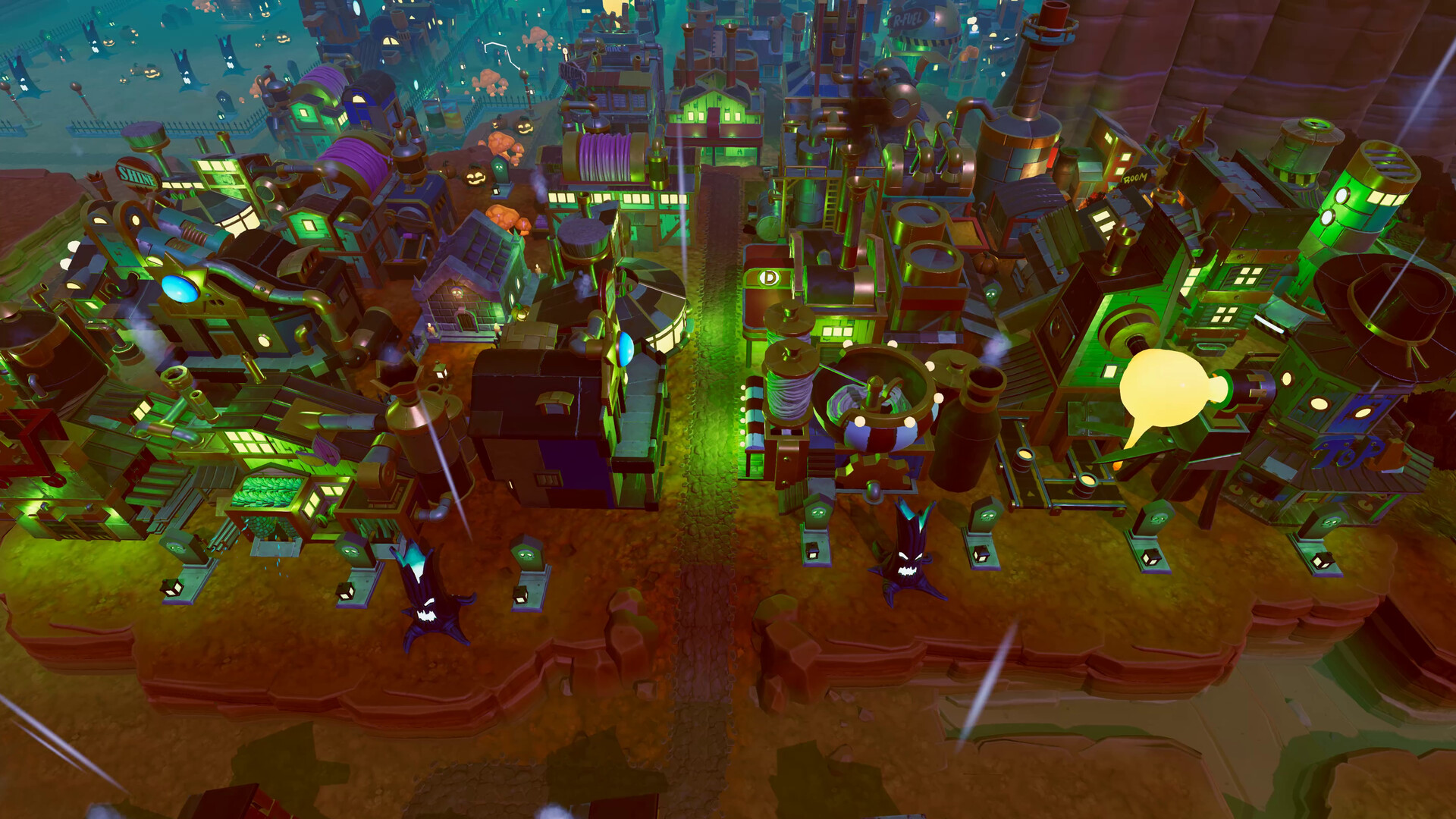
Mines are hand‑crafted and contain puzzles and hidden treasures, providing a contrast to surface building. Each descent introduces hazards that must be avoided or solved.
Collected treasures can be used to improve the town or unlock deeper sections, giving a clear incentive to explore the darkness.
- Scout ahead to spot traps before committing resources.
- Gather all visible treasures; they often boost city production.
03 / THE GUIDE
Strategic Resource Management
Resources are gathered on the surface and from mined treasures, requiring you to balance stockpiles to keep the city thriving. Shortages directly affect building progress and resident efficiency.
Monitoring resource levels and adjusting production lines is a core loop, ensuring that the settlement remains productive as you expand.
- Maintain a buffer of essential resources to avoid sudden halts.
- Prioritize upgrades that increase resource yield before expanding further.
04 / THE GUIDE
Difficulty Levels & Maps
Four difficulty settings let you tailor the challenge, while five base maps provide core environments. Seven themed maps—Jingle Bolts, Dorado Quest, Mechanical Meadows, Crash Site, Steam Wave, Skull Valley, and Steam Fright—add variety.
Each map presents unique terrain and resource layouts, influencing both city planning and mine navigation strategies.
- Start on a lower difficulty to learn map layouts before increasing challenge.
- Try different maps to discover which resource patterns suit your approach.
05 / THE GUIDE
Platform & Controller Support
SteamWorld Build runs on Windows and includes full controller input, supporting DualShock and DualSense devices. Steam Cloud and Family Sharing are also integrated.
The single‑player focus means all content is accessible without online requirements, and achievements track progress across sessions.
- Enable Steam Cloud to keep saves synced across multiple PCs.
- Use a controller if you prefer analog navigation for building placement.
COMMUNITY
Player discussion