 GameWiki
GET YOUR BEARINGS
About Station to Station
Station to Station delivers a relaxing, peaceful experience built around colorful voxel art. Players start with a few rural structures and expand by placing stations and connecting them, turning the world into a vibrant, lush environment. The game blends casual visual charm with optional strategic gameplay, offering puzzle elements, high‑score challenges, and biome‑specific mechanics. It supports single‑player, Steam achievements, partial controller support, Steam Cloud, a level editor, and family sharing on Windows PCs.
01 / THE GUIDE
World Building
Your world begins small with a handful of rural structures. By placing stations and creating connections, the area expands, transforming into a vibrant, lush environment full of life and colour. As connections increase, the game visually evolves, adding flora, fauna, and varied biomes such as deserts and mountains, giving a sense of growth and progression.
- Observe how each new connection visually alters the surrounding biome.
- Plan routes early to maximize the visual transformation of the world.
02 / THE GUIDE
Voxel Art Visuals
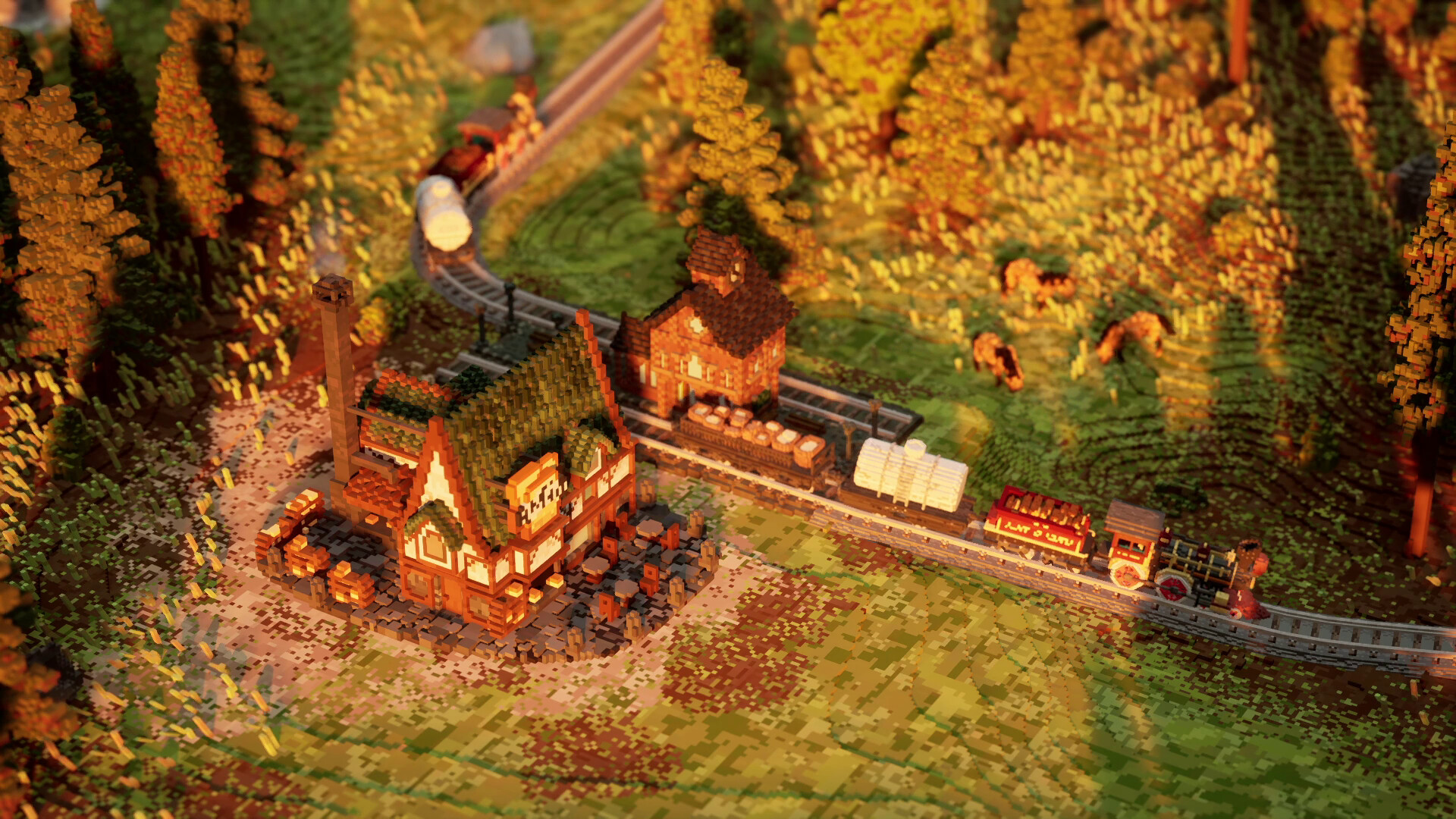
Station to Station features beautiful, colorful voxel art that brings each biome to life. Players can steam through diverse environments, from dry desert sands to untamed mountain terrain. The art style emphasizes a tranquil, eye‑pleasing aesthetic, encouraging players to admire the evolving tapestry of flora and fauna as they build.
- Take moments to pause and appreciate the changing scenery.
- Compare the visual differences between biomes to guide placement decisions.
03 / THE GUIDE
Strategic Challenges
Beyond relaxation, each level offers optional challenges, stack bonuses, and unique biome mechanics. Players can aim for high scores by optimizing routes and solving logistical puzzles. These strategic elements add mental stimulation while preserving the game's calm atmosphere, allowing both casual and competitive playstyles.
- Experiment with different route layouts to discover efficient patterns.
- Use stack bonuses strategically to boost scores in tougher biomes.
04 / THE GUIDE
Level Editor
Station to Station includes a level editor, letting players craft their own scenarios. This feature extends replayability by encouraging community‑generated content. The editor offers an additional creative layer on top of the base game.
- Start with a simple layout before adding complex connections.
- Share your custom levels to see how others tackle your puzzles.
05 / THE GUIDE
Platform Features
The game runs on Windows PCs and supports partial controller input, Steam achievements, Steam Cloud, and family sharing. These features enhance accessibility and allow progress to be stored across sessions. While controller support is partial, players can still enjoy the core building and puzzle mechanics regardless of input method.
- Enable Steam Cloud to help keep your progress available across installations.
- Check the achievement list for optional goals that match your play style.


COMMUNITY
Player discussion