 GameWiki
GET YOUR BEARINGS
About STARWHAL
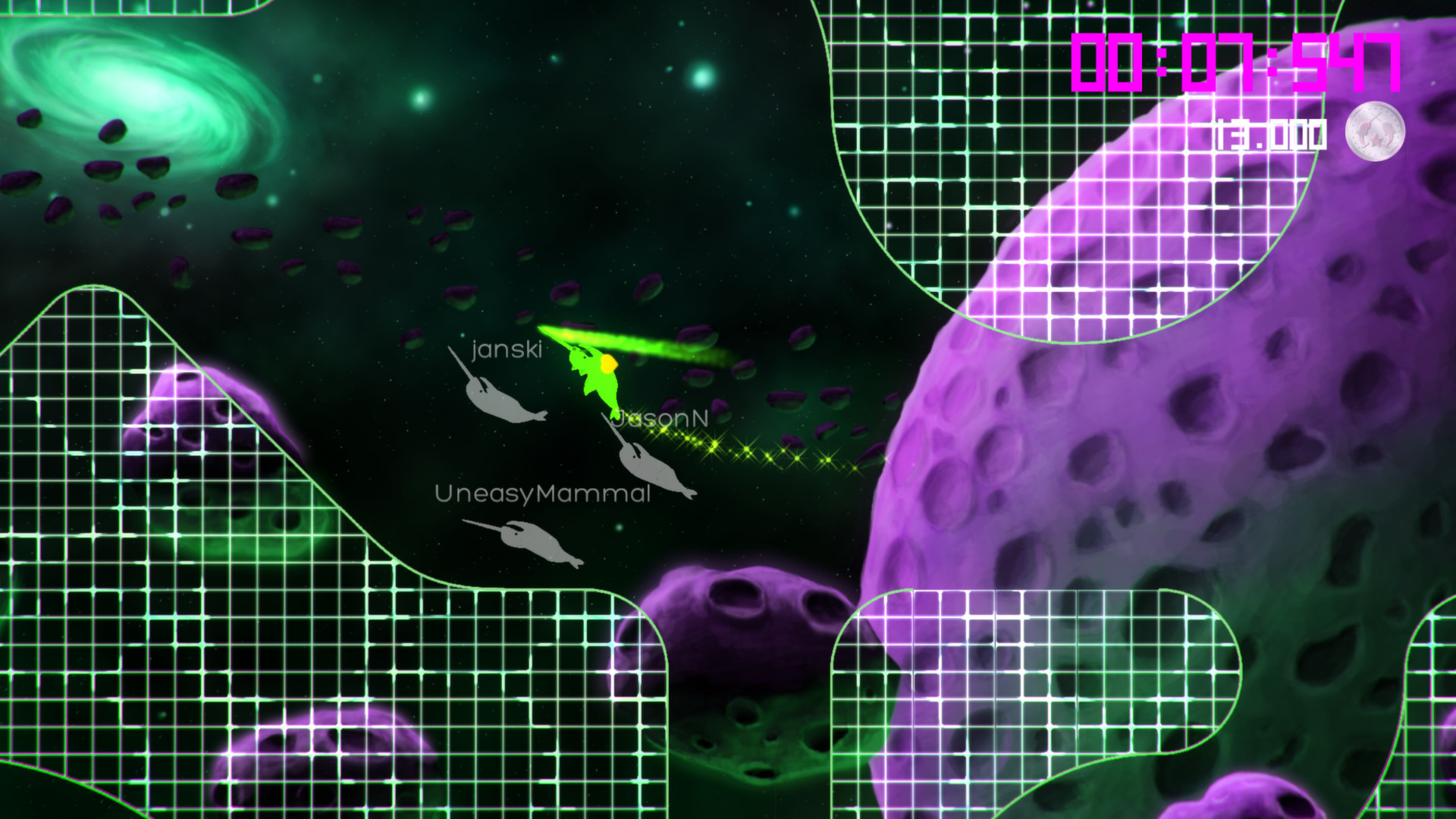
STARWHAL drops up to four players into neon‑lit space where narwhal‑like avatars clash in fast, chaotic combat. The game emphasizes instant fun and competitive spirit, drawing on a 48‑hour prototype that focused on local co‑op chaos.
Beyond multiplayer, the title offers 32 single‑player obstacle and target challenges, Steam‑linked leaderboards, ghost replays, and a suite of Steam features such as achievements, trading cards, and Remote Play options across phones, tablets, and TVs.
01 / THE GUIDE
Local Multiplayer Mayhem
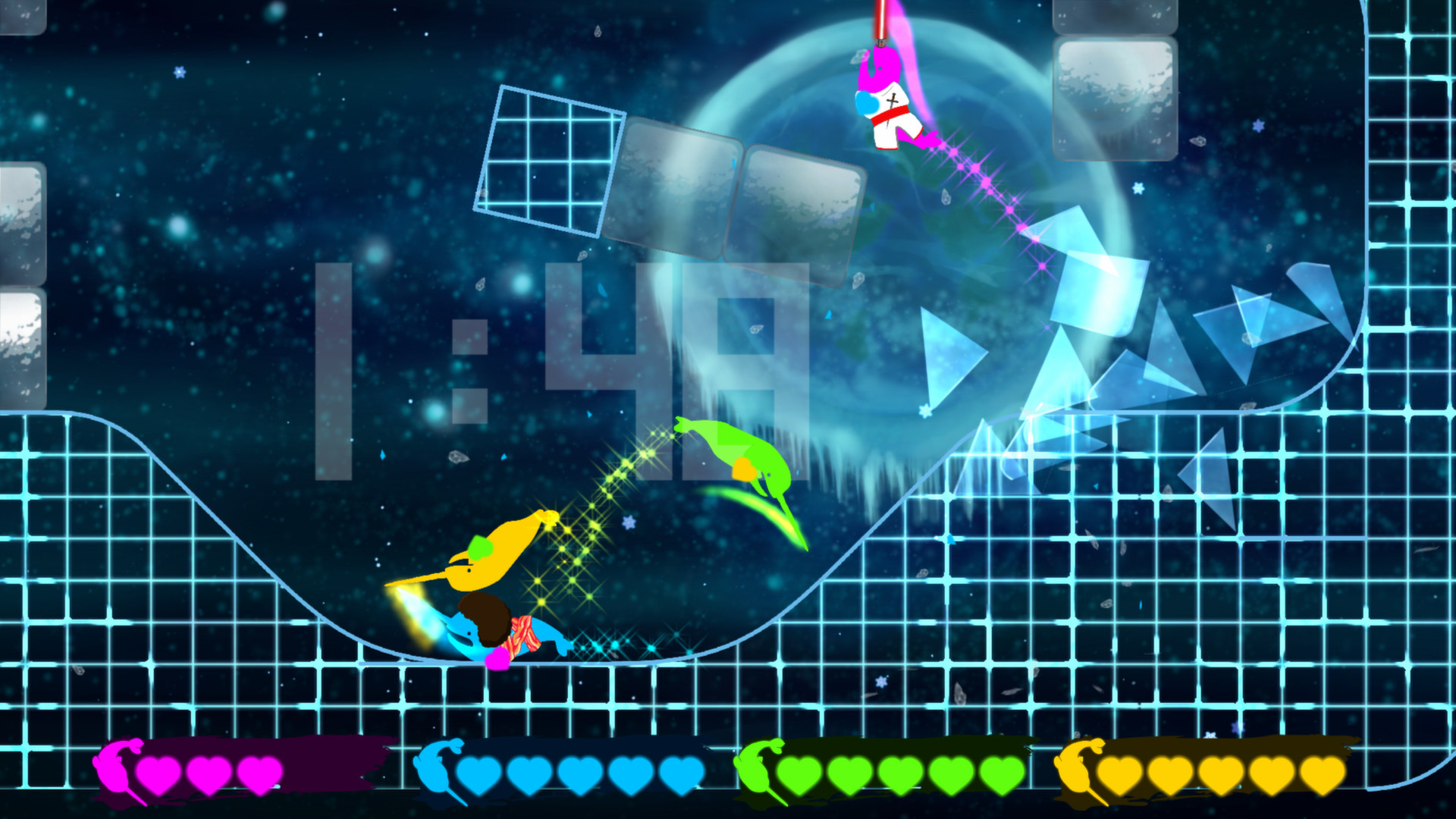
STARWHAL supports 1‑4 participants in shared or split‑screen play, letting friends battle side‑by‑side on the same machine. The feature list confirms full controller support and compatibility with Windows, macOS, and Linux, ensuring the game runs on the three listed operating systems.
The description highlights “rapid narwhal battles” and a “retro, epic narwhal battle in space,” indicating that each player controls a narwhal avatar in the same arena without requiring additional hardware.
- Arrange controllers so each player has clear access to their inputs.
- Adjust screen layout (shared vs split) to keep all narwhals visible.
02 / THE GUIDE
Four Multiplayer Game Modes
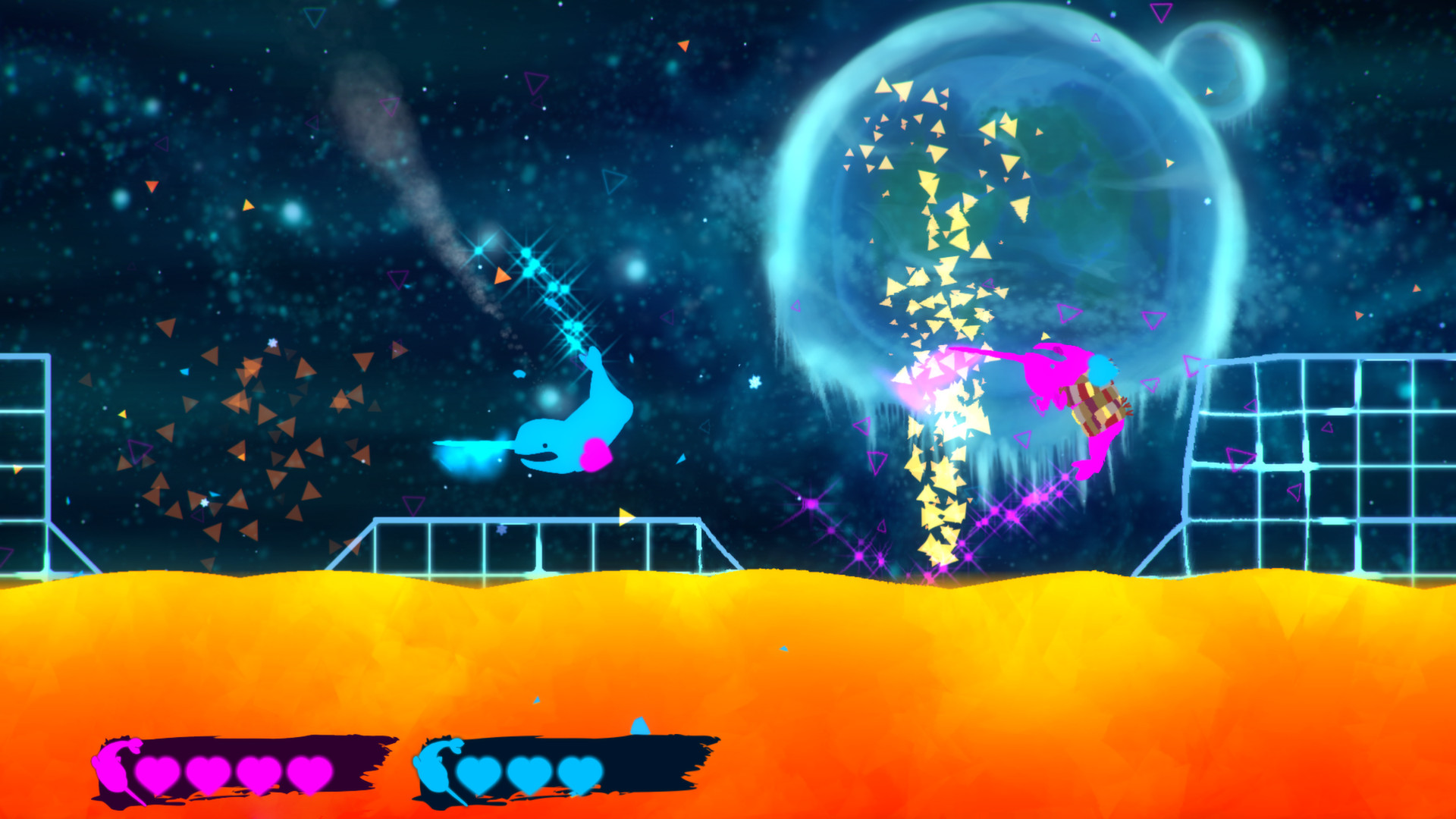
The game provides four distinct multiplayer modes, each built on the core narwhal combat system. The store description notes “4 game modes to duke it out with friends,” with the modes offered for play against friends or AI players.
Because the modes are listed together with the local‑multiplayer feature, they are part of the same local multiplayer offering alongside friends or AI players.
- Try each mode in a single session to discover which feels most chaotic for your group.
- Rotate modes between rounds to keep the experience fresh.
03 / THE GUIDE
Single‑Player Obstacle & Target Challenges
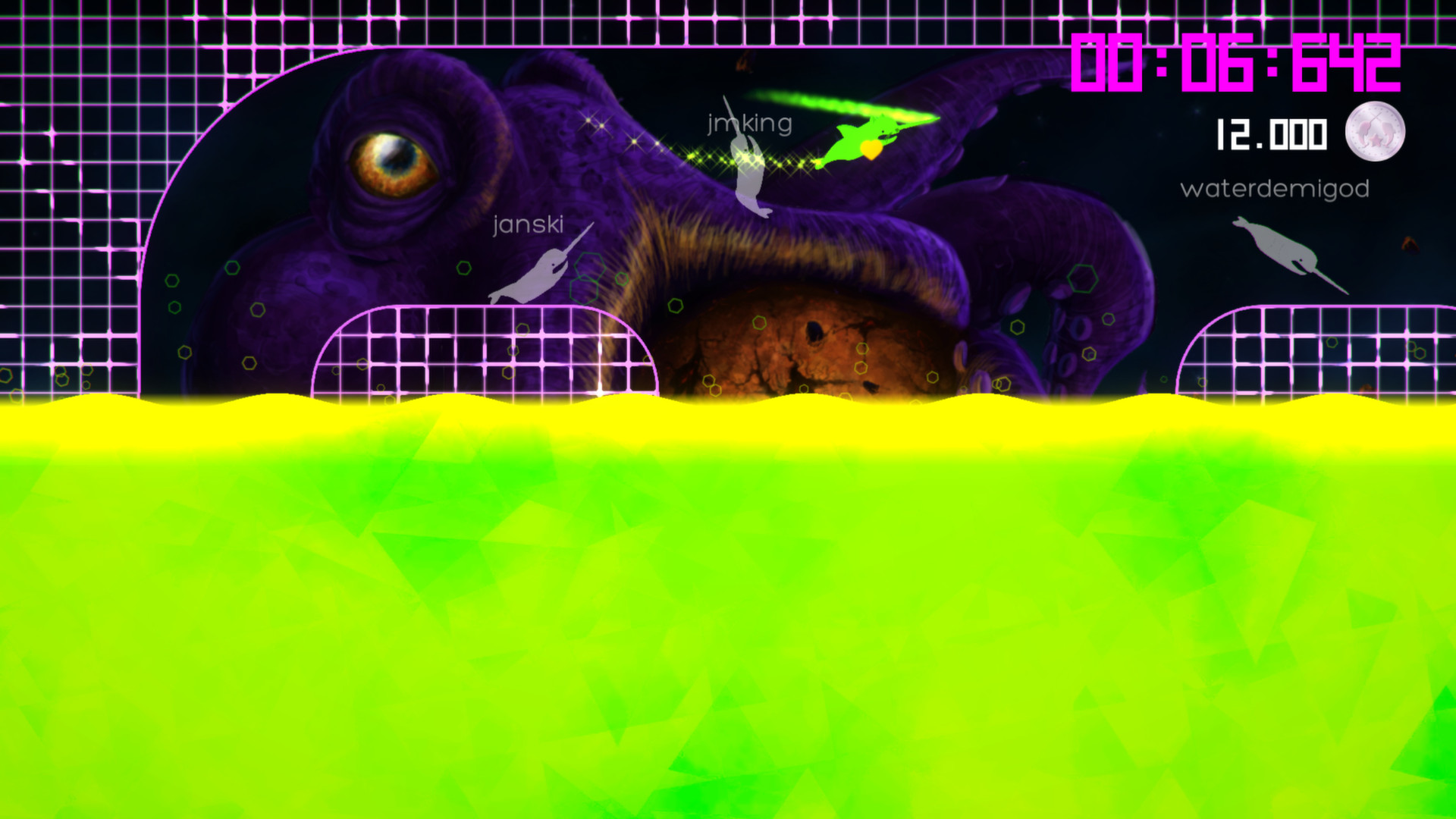
STARWHAL includes 32 solo challenges that test navigation and targeting. These challenges are linked to Steam leaderboards, ghost replays, and achievements, providing a competitive solo experience that records performance against the broader community.
The presence of ghost replays lets players watch previous runs, while achievements give clear milestones. Both features are explicitly mentioned in the store description, confirming their availability in single‑player mode.
- Review ghost replays to learn timing for tougher obstacles.
- Aim for listed achievements to track personal progress.
04 / THE GUIDE
Costumes, Arenas, and Graphic Effects
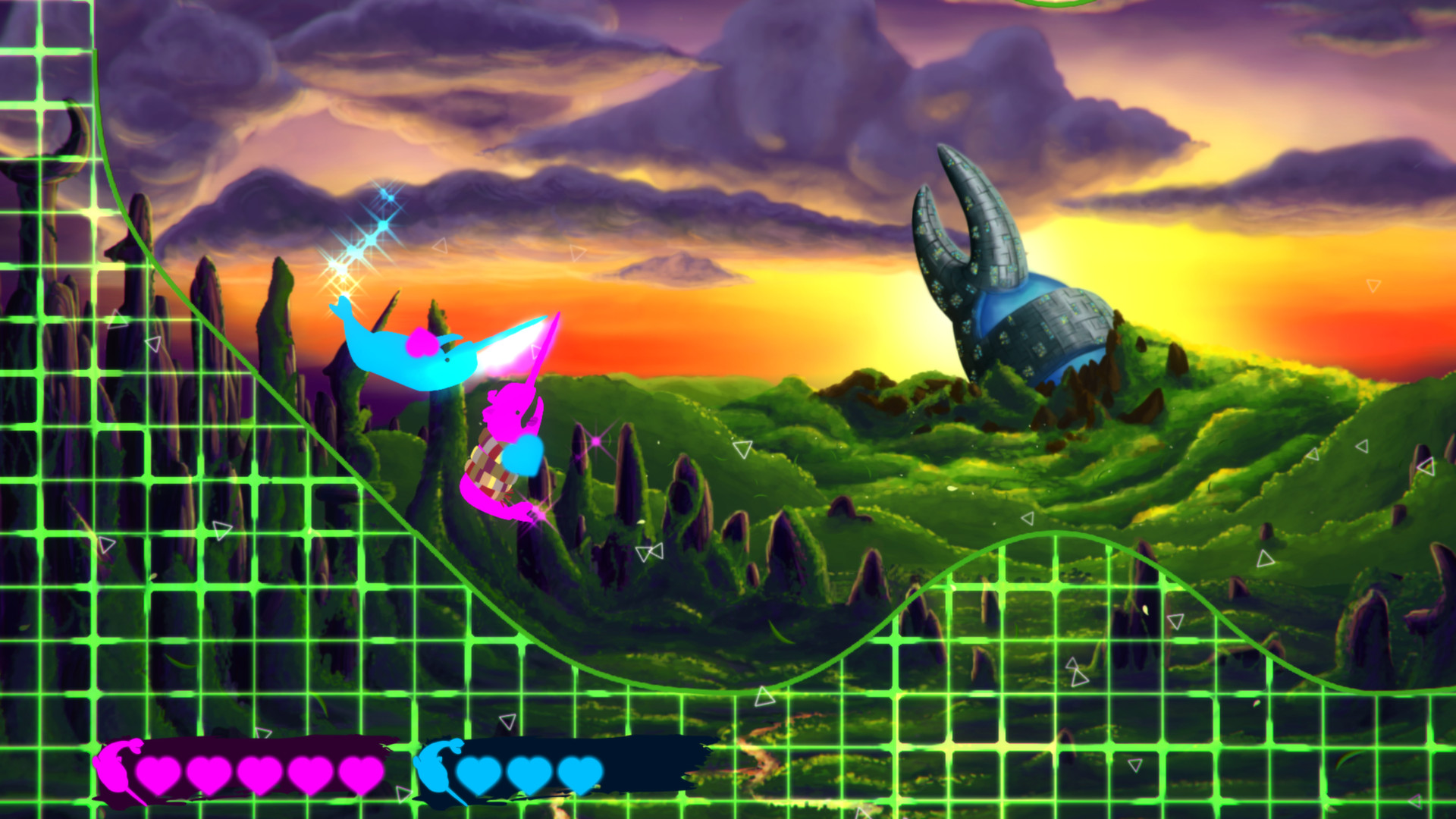
Players can choose from over 90 costumes, including whimsical options like a space narwhal wrapped in a burrito, and compete across 25 distinct arenas. The description also mentions “new radical graphic effects,” emphasizing a vibrant visual style.
While the visual options are extensive, the store facts do not link them to gameplay changes, offering plenty of visual variety for players to enjoy.
- Select costumes that contrast with arena colors for easier tracking.
- Explore different arenas to find layouts that suit your movement preferences.
05 / THE GUIDE
Steam Integration and Remote Play
STARWHAL runs on Windows, macOS, and Linux and integrates Steam features such as achievements, trading cards, and leaderboards. The feature list also includes Full controller support, Family Sharing, and Remote Play options for phone, tablet, and TV devices.
Remote Play entries indicate the game can be streamed to those devices, while Family Sharing allows multiple accounts on the same machine to launch the title without additional purchase. No further functionality is specified beyond the listed features.
- Use Remote Play Together to let a friend watch or control the game from another device.
- Enable Family Sharing so household members can access the game from the same PC.
COMMUNITY
Player discussion