 GameWiki
GET YOUR BEARINGS
About StarVaders
StarVaders thrusts you into a desperate alien invasion where you command a powerful mech using a deck of cards. The game blends tactical grid combat with deck‑building, letting you craft combos to repel the enemy. Each run offers new cards, pilots, and tougher enemies to face, ensuring that no two battles feel the same. Challenge modes and a Daily Run add extra tests for players seeking to push their strategies to the limit.
01 / THE GUIDE
Mechs and Pilots
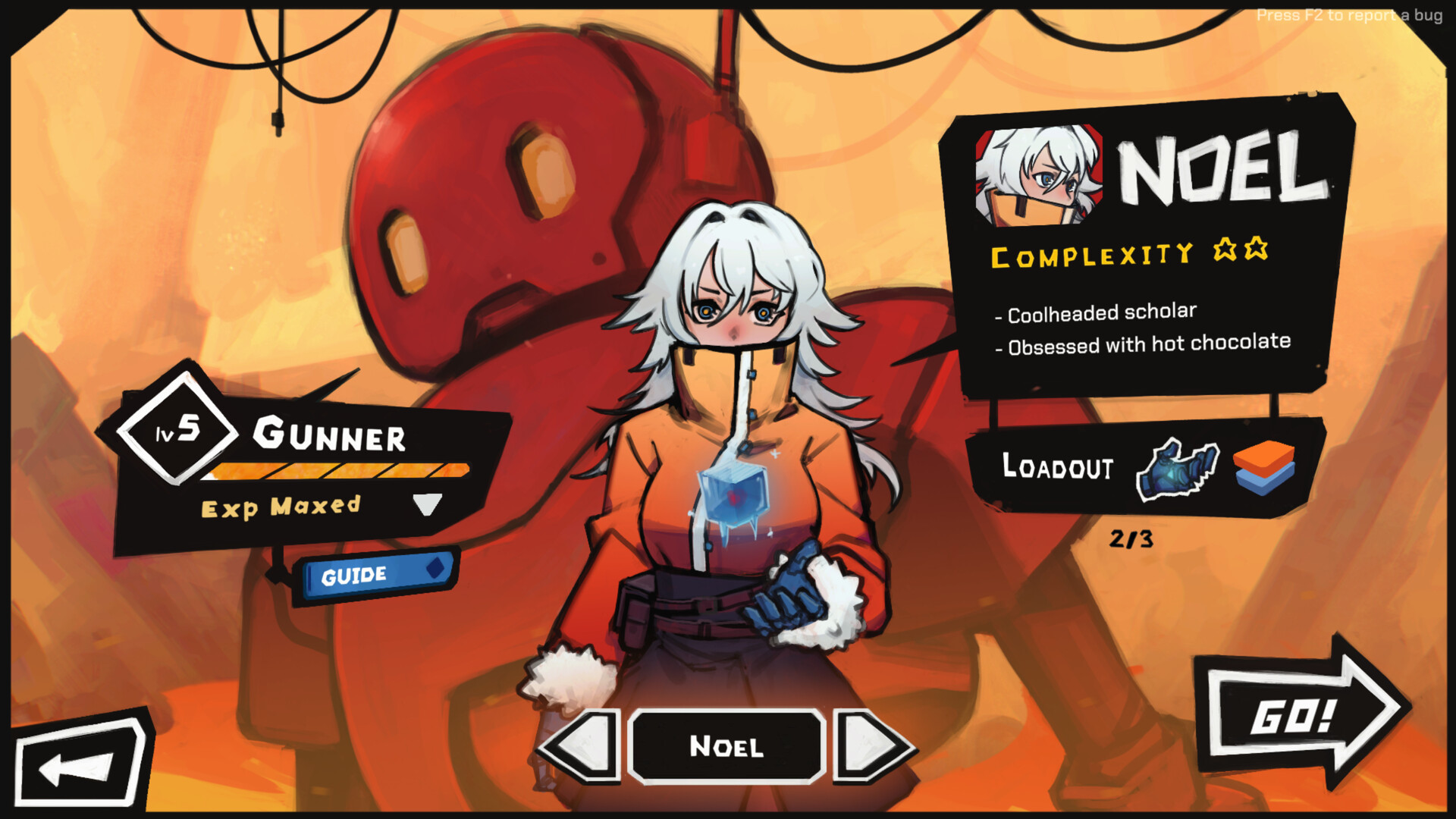
Every mech in StarVaders has its own squad of pilots, each bringing a distinct set of cards and mechanics. Selecting a mech determines the core style of play, while the pilot’s abilities further shape your approach. The Gunner Mech favors rapid fire, the Stinger Mech excels at close‑quarters tactics, and the Keeper Mech focuses on spells and summons, giving players clear thematic choices.
- Compare the starter cards of each mech to see which playstyle matches your preferred tempo.
- Experiment with different pilot‑ability combos early to discover synergistic effects.
02 / THE GUIDE
Deckbuilding and Combos
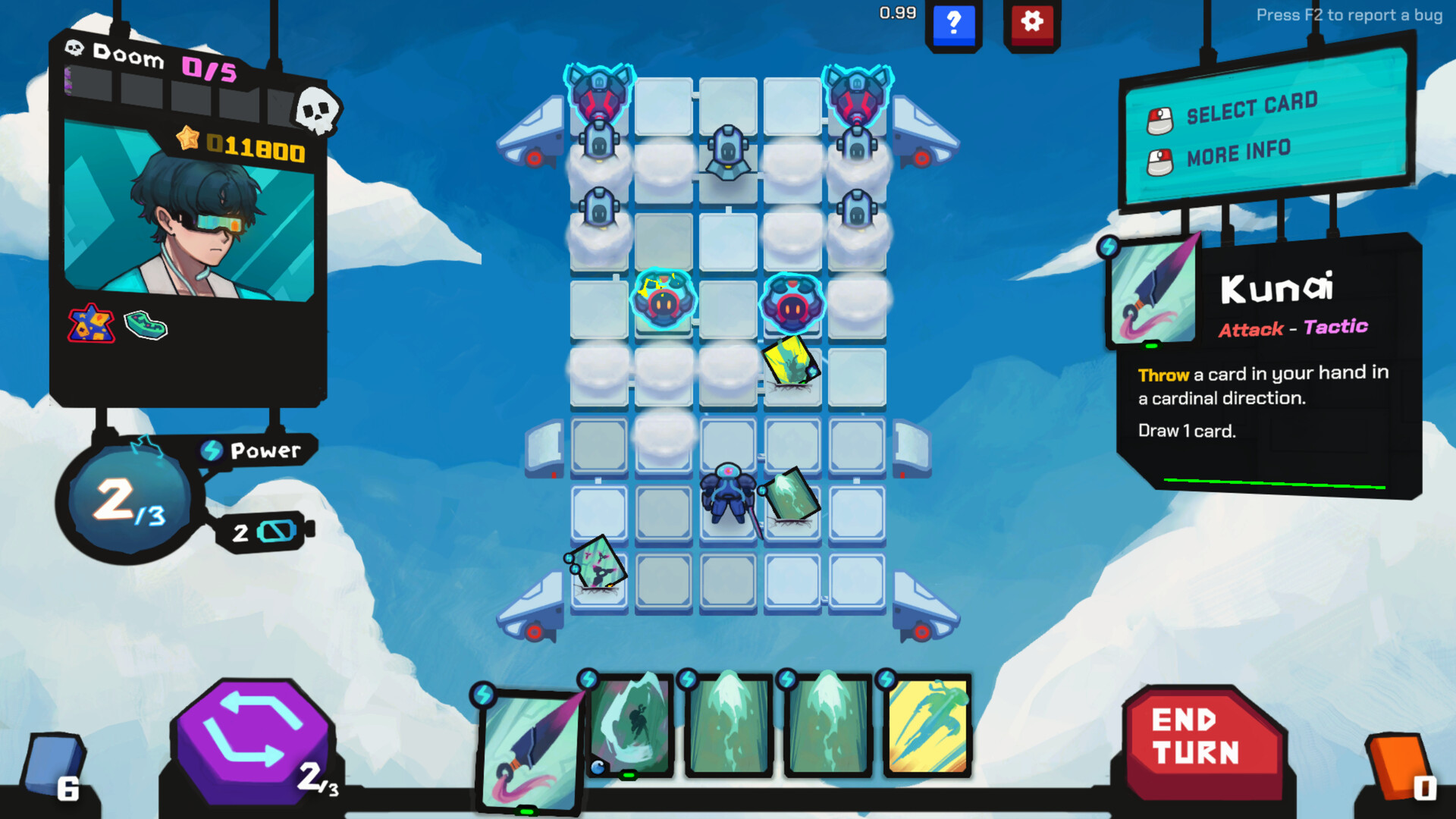
The core loop revolves around building a deck of powerful cards that trigger devastating combos on the tactical grid. Hundreds of cards, artifacts, and upgrades mean each run can explore a fresh strategy. Combos are not scripted; they emerge from how you sequence attacks, defenses, and special effects, rewarding players who think several moves ahead.
- Focus on cards that complement each other’s cooldowns for smoother chains.
- Balance offensive and defensive options to avoid being cornered by invaders.
03 / THE GUIDE
Chrono Token
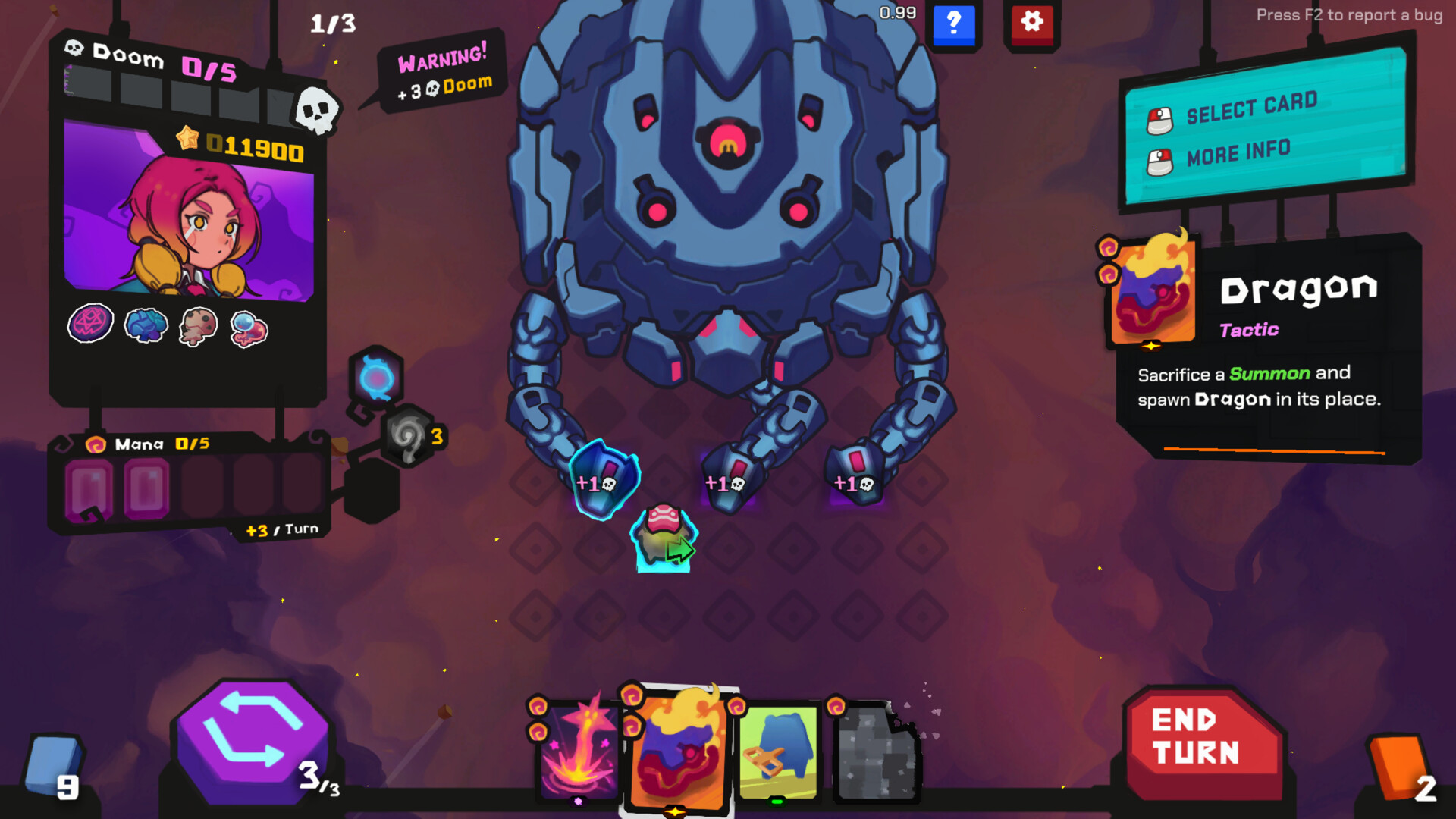
If a turn goes poorly, the Chrono Token lets you rewind time and try a different decision. This mechanic offers a safety net for risky combos and tight situations. Using the token wisely can turn a near‑defeat into a decisive victory, but so deciding when to use it matters.
- Reserve the token for moments when a combo fails or you’re about to be overwhelmed.
- Practice the same scenario without the token to improve your base strategy.
04 / THE GUIDE
Progression and Unlocks
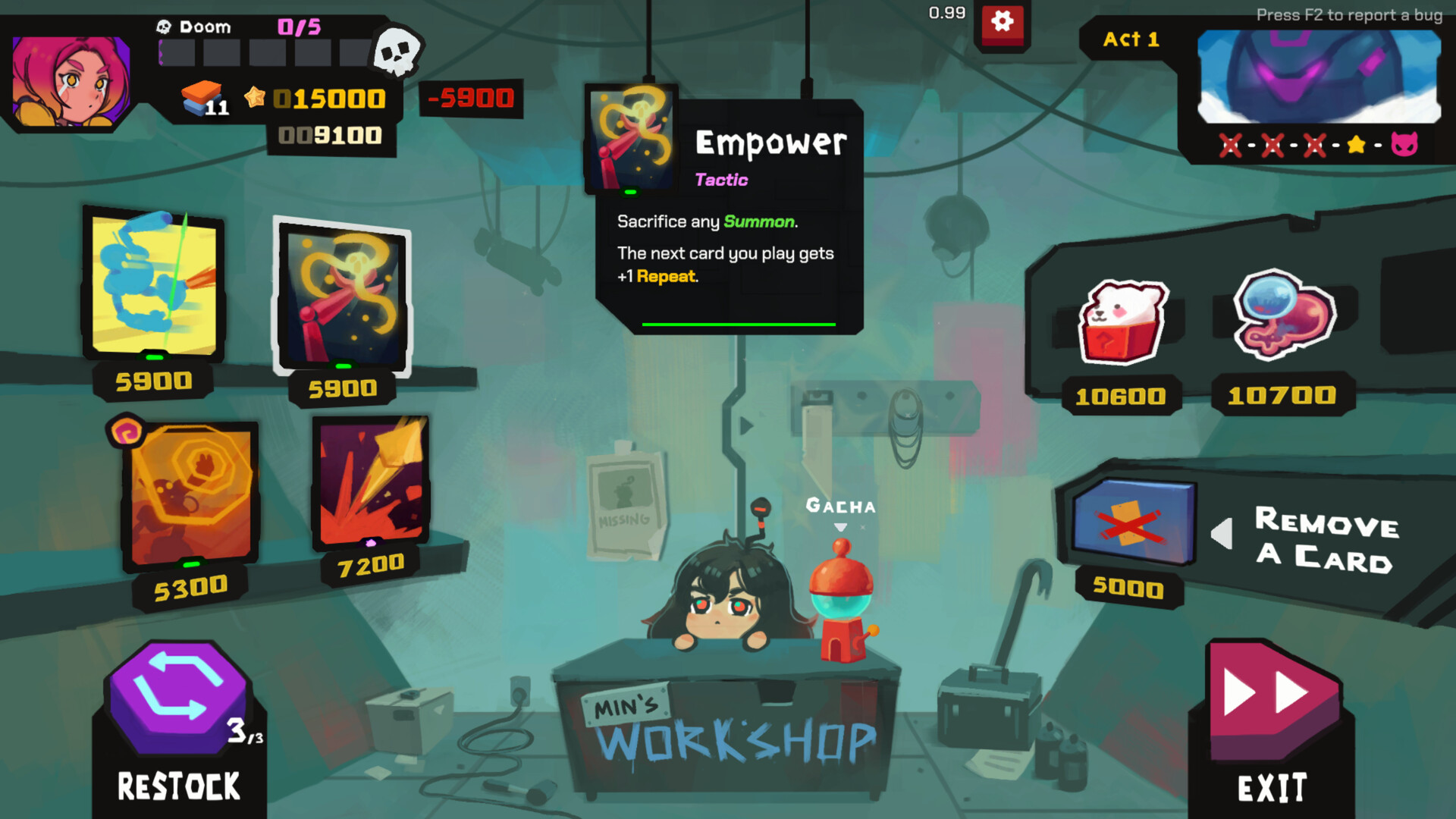
After each run, you unlock new cards, pilots, and tougher enemies or bosses. These additions raise the challenge level for future battles and expand strategic options. The unlock system encourages repeated play, as each victory adds tools that can be mixed into later decks.
- Track which new cards you acquire to plan future deck builds.
- Prioritize unlocking pilots that align with your favorite mech.
05 / THE GUIDE
Challenge Modes & Daily Run
Beyond the main campaign, StarVaders offers various Challenge Modes and a Daily Run that test your skills in different ways. These modes provide focused practice and additional tests for your builds. Daily runs refresh each day, presenting a new set of conditions that keep the experience fresh for regular players.
- Treat each challenge as a mini‑experiment to refine a particular combo.
- Use the Daily Run to try unconventional decks without affecting long‑term progression.

COMMUNITY
Player discussion