 GameWiki
GET YOUR BEARINGS
About Starstruck: Hands of Time
Starstruck: Hands of Time mixes a rock‑opera narrative with puzzle‑action in a miniature diorama world set in 20XX. Players alternate between strumming a guitar to an original live‑instrument soundtrack and crushing structures as a giant human hand, each segment advancing a shared story about the future of humanity.
The title offers three intertwined adventures, customizable hand appearance, and options for rhythm difficulty or Autoplay. Full controller support includes major console pads and guitar controllers, while Steam features such as achievements, cloud saves, and family sharing are also present.
01 / THE GUIDE
Musical Story Segments
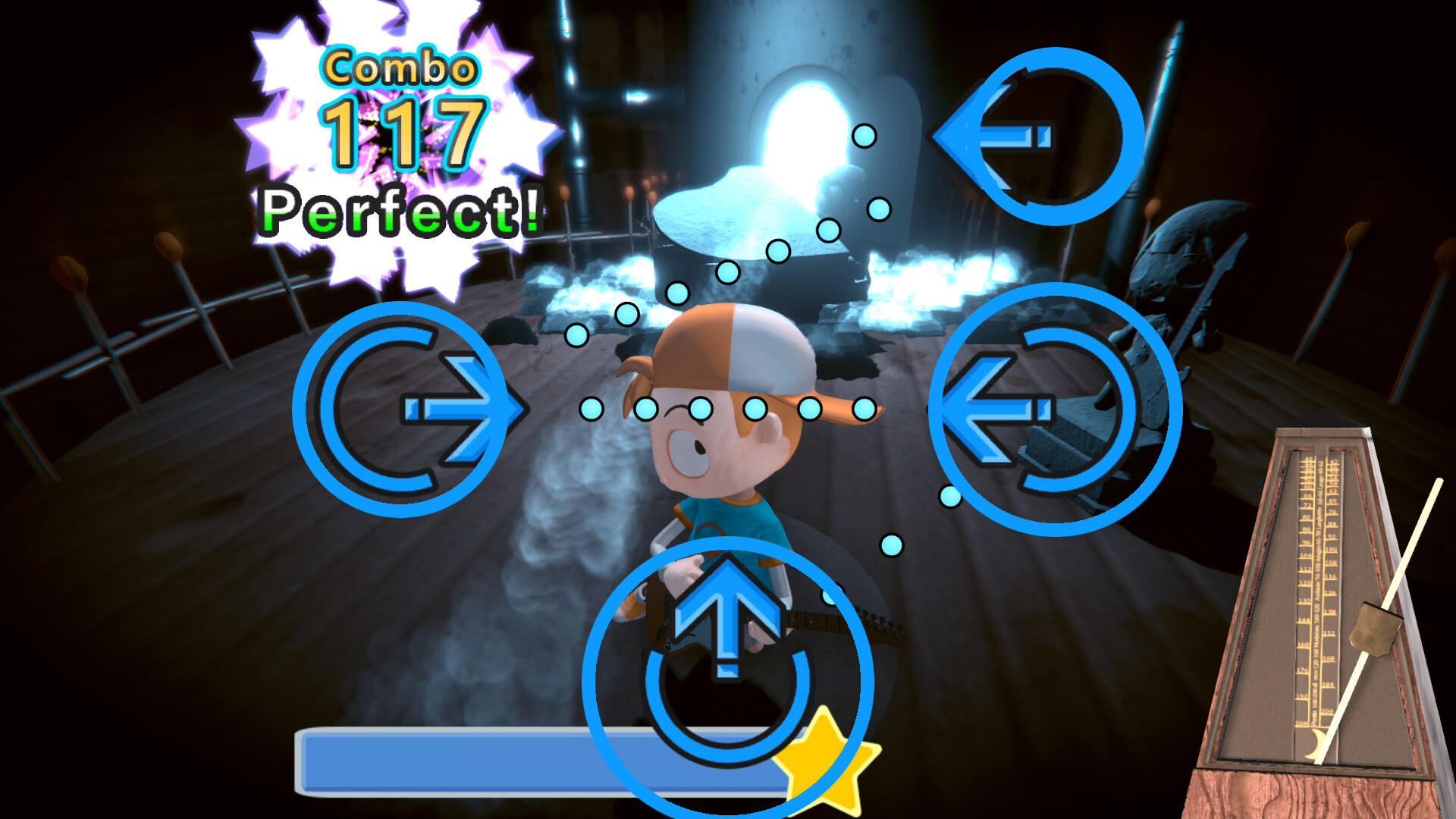
During designated story moments you play guitar to a catchy soundtrack that features live instruments and vocals by Elsie Lovelock. The rhythm sections require you to dodge attacks while keeping time, creating an interactive rock‑opera experience.
If you prefer to watch the narrative without timing pressure, the options menu includes an Autoplay toggle that makes the rhythm portions play themselves, allowing you to experience the story without active input.
- Try both Normal and Master difficulty to see how note density changes.
- Enable Autoplay for a relaxed first playthrough, then revisit manually for full interaction.
02 / THE GUIDE
Giant Hand Gameplay
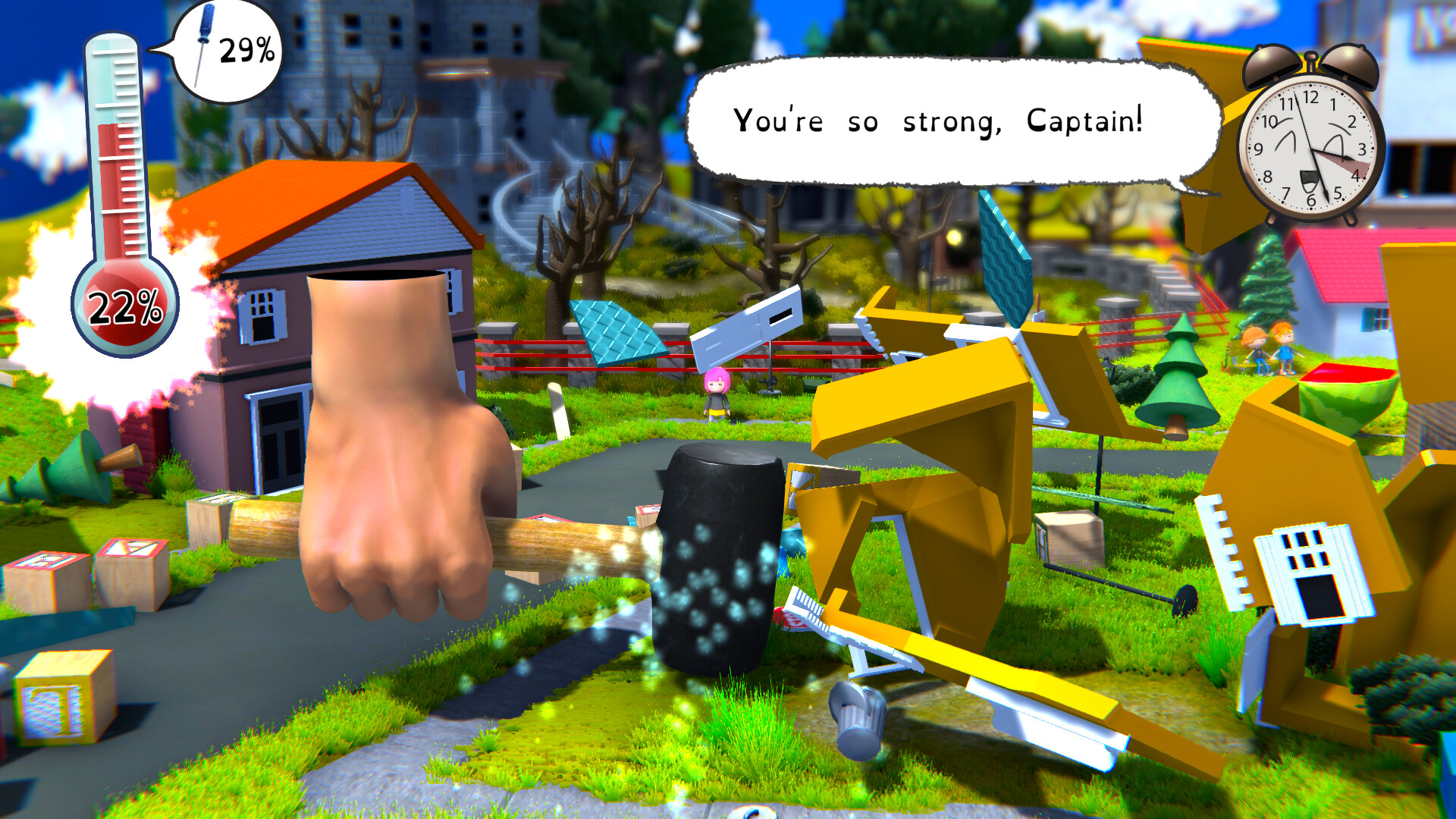
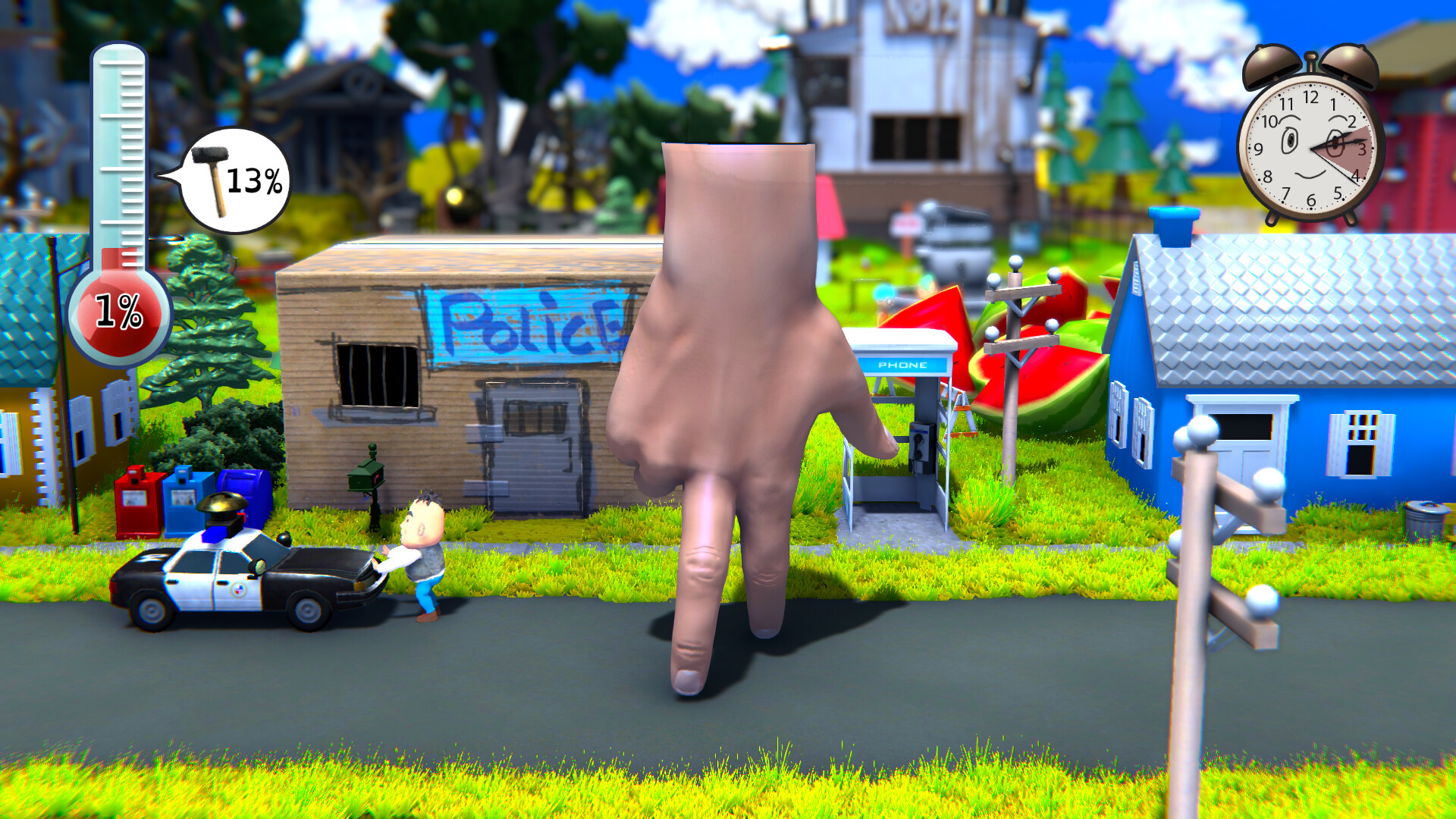
When controlling the giant human hand you demolish houses, solve puzzles, and open new paths for other characters. The hand can wield tools such as hammers and screwdrivers, and its size and skin color are customizable.
This hectic action‑puzzle mode contrasts with the musical sections, offering a destructive yet puzzle‑focused experience within the same diorama world.
- Observe which tools are available before committing to a solution.
- Note how the hand’s appearance changes when you customize size or skin color.
03 / THE GUIDE
Character Switching & Puzzles
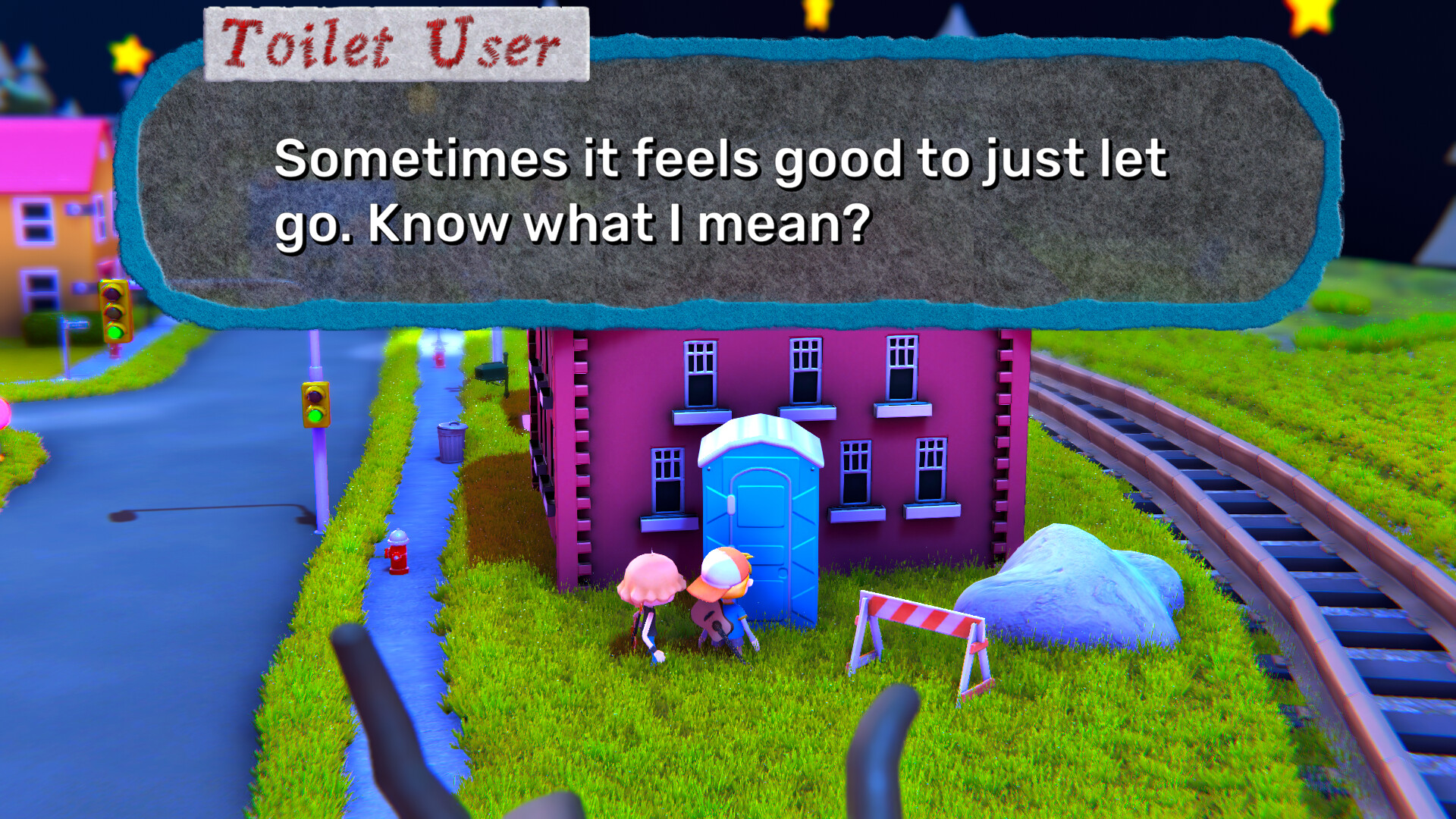
The game features three intertwined adventures, each with its own character. Switching between them lets you solve puzzles that affect the future of the miniature world, and progress in one storyline can open new routes for another.
These puzzle moments often require you to consider how each character’s perspective interacts with the diorama’s layout, encouraging thoughtful exploration across the three narratives.
- Take brief notes on which puzzles unlock new areas for other characters.
- Revisit earlier scenes after progress in another storyline to look for newly opened paths.
04 / THE GUIDE
Controller & Input Options
Starstruck supports a range of controllers, including Xbox, PS4, Switch Pro, DualSense, DualShock, and guitar controllers. The options menu also allows you to remap controls for the rhythm sections to suit personal preferences.
Full controller support is listed as a feature, meaning the game can be played with any of the supported devices without requiring a specific peripheral.
- If you own a Guitar Hero or Rock Band controller, test it in the rhythm sections for a familiar feel.
- Use the remap feature to assign comfortable buttons for complex chord sequences.
05 / THE GUIDE
Difficulty & Autoplay
Rhythm gameplay offers two difficulty settings: Normal and Master. Adjusting the level changes how precise your timing must be, catering to both casual and more demanding players.
Autoplay can be toggled to let the game handle rhythm sections automatically, letting you focus on story and puzzle elements without active timing input.
- Start on Normal to learn patterns before attempting Master mode.
- Switch to Autoplay after completing a segment to compare your performance with the automated version.

COMMUNITY
Player discussion