 GameWiki
GET YOUR BEARINGS
About Starship Troopers: Terran Command
Starship Troopers: Terran Command drops players onto Kwalasha, a harsh desert world where miners face an Arachnid invasion that threatens their daily lives and the planet’s stability.
The strategy‑focused title offers a single‑player campaign, a variety of specialized units, and a new Territory Mode that adds resource‑driven objectives across dozens of maps, all built for Windows PCs.
01 / THE GUIDE
Story and Setting
Kwalasha is a harsh desert world whose population works in mining. Their routine is disrupted by an Arachnid invasion that threatens the settlement.
Colonel Hawthorne leads the Mobile Infantry, tasked with pushing the Bugs back, destroying underground hives, and restoring safety for the miners.
- Scout terrain for natural choke points.
- Prioritize securing mining hubs after clearing hives.
02 / THE GUIDE
Unit Types and Abilities
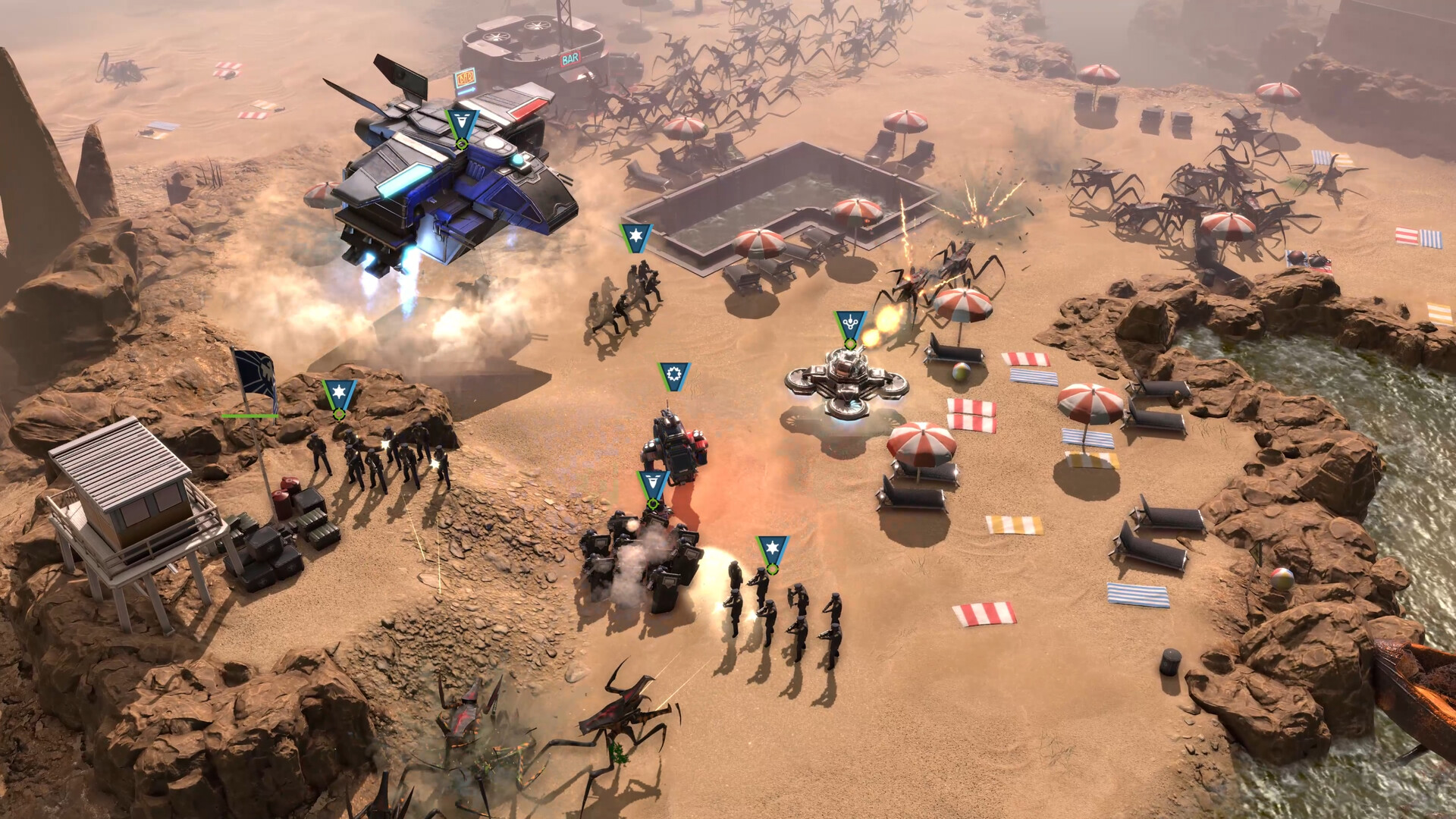
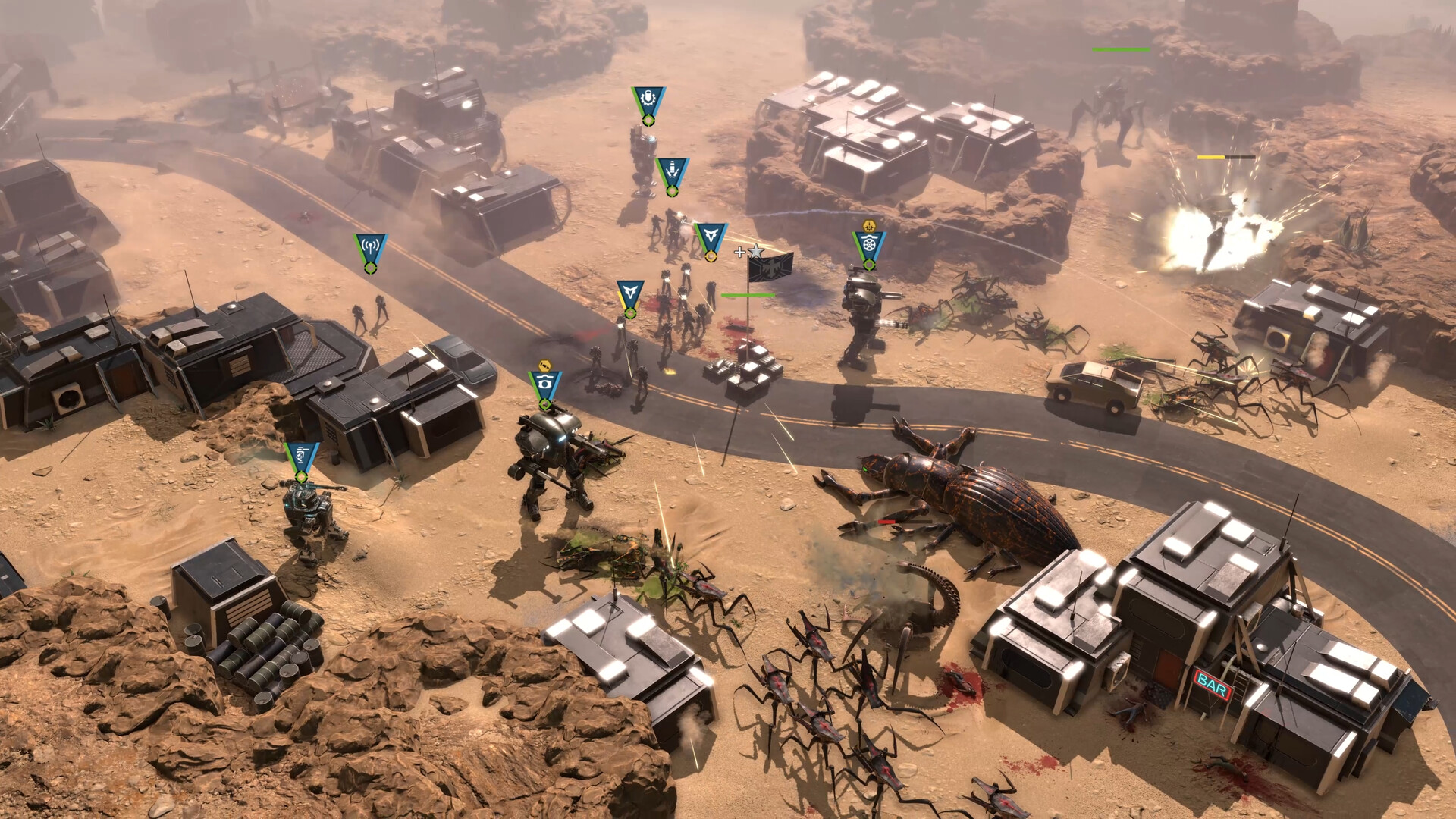
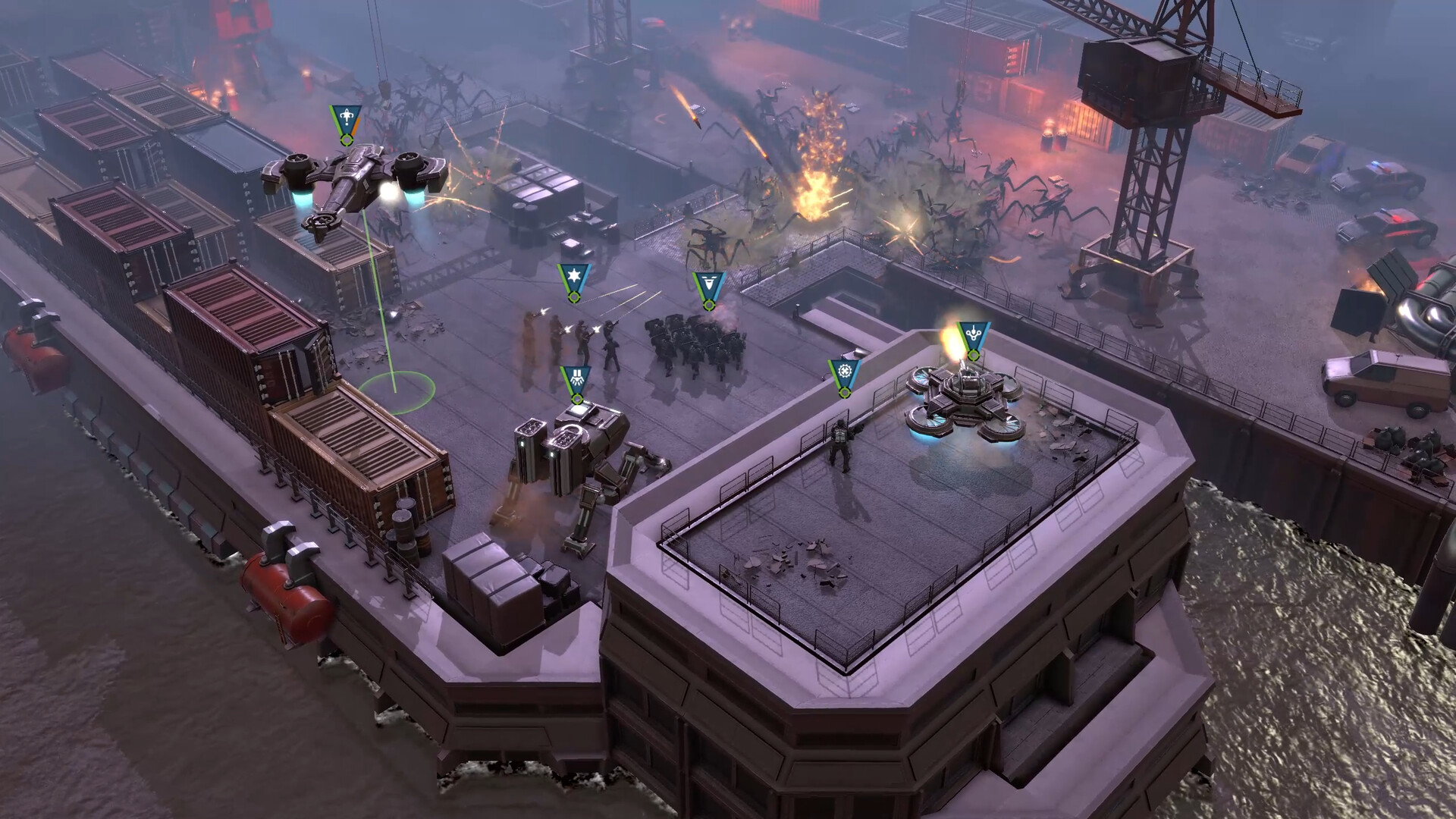
Rifle Troopers possess a shotgun ability that can hold back large numbers of Arachnids, making them useful for defensive stands.
M11 Marauder bipeds unleash mortar barrages, while the Fleet Liaison can call dropships for reinforcements or direct an airstrike to clear enemy swaths.
- Deploy Rifle Troopers where enemy numbers surge.
- Use Fleet Liaison to reinforce after heavy losses.
03 / THE GUIDE
Battle Mechanics
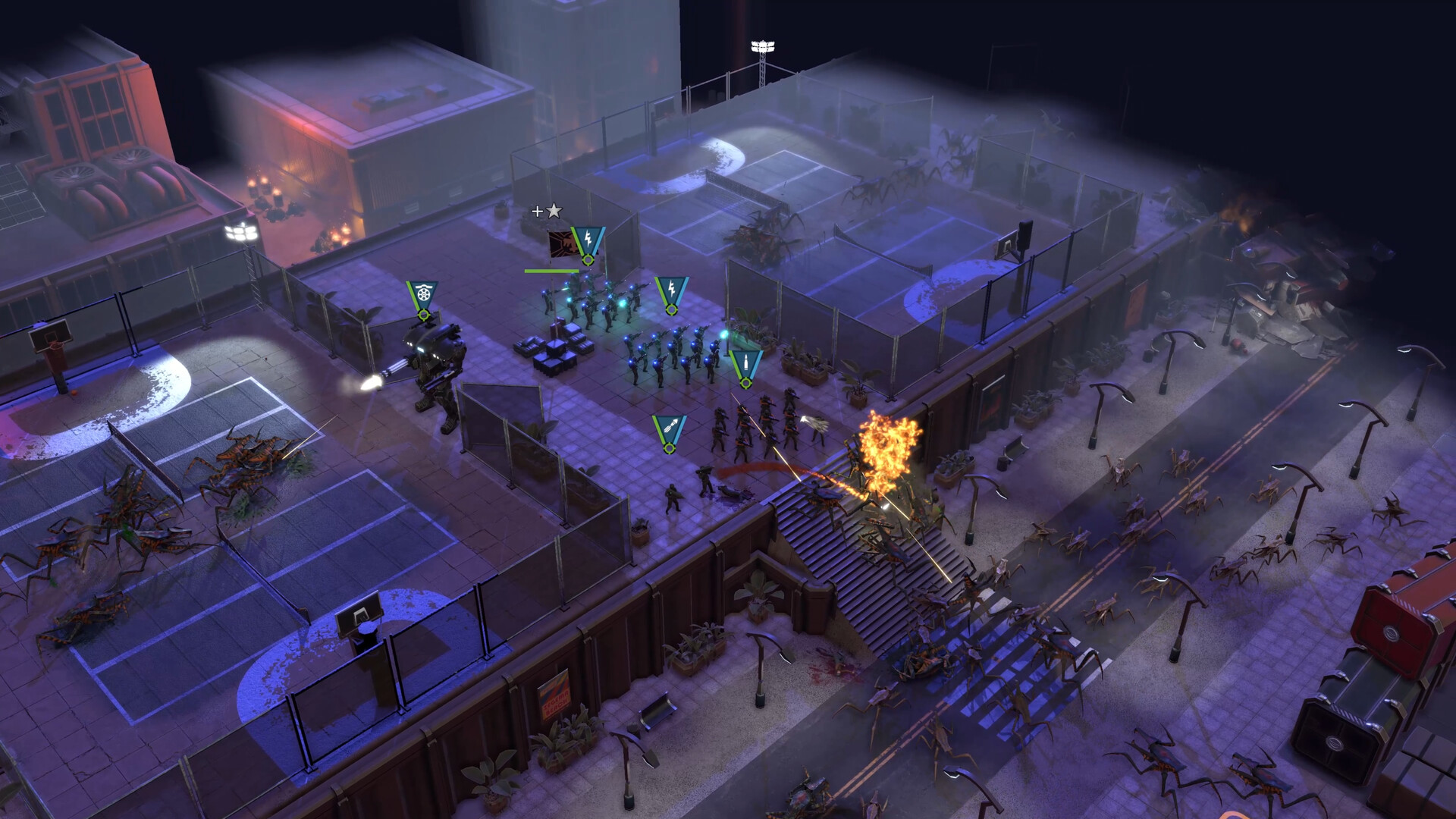
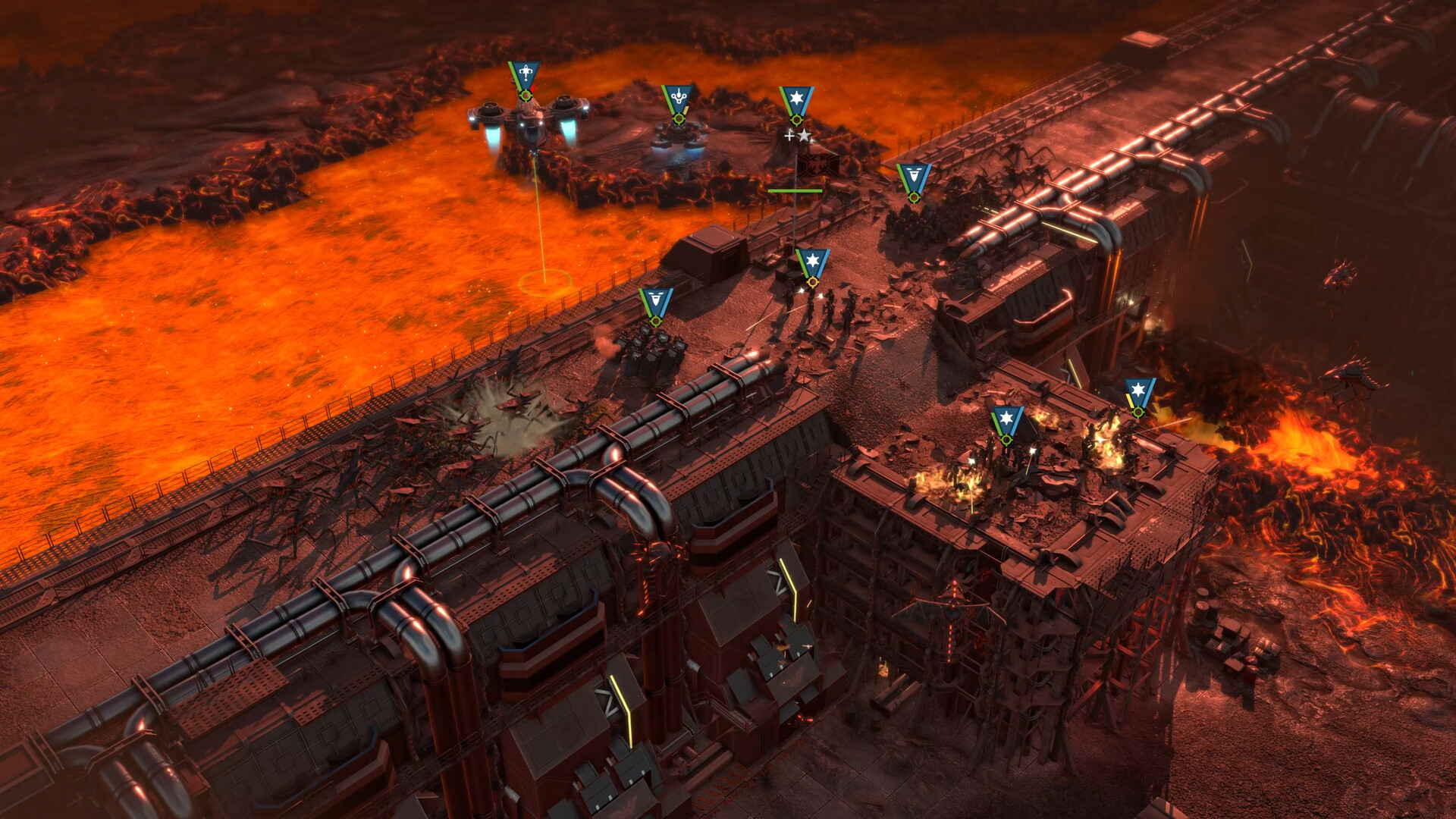
Placing units on higher elevations or narrow choke points can give tactical advantage against the Bug hordes.
True Line of Sight and True Line of Fire may limit your field of fire, requiring careful placement to avoid tunnel ambushes.
- Check line of sight before committing fire.
- Block tunnel exits to limit ambushes.
04 / THE GUIDE
Territory Mode
Territory Mode adds control points that generate a steady flow of resources, turning battles into contests for strategic locations.
The mode includes 27 unique maps and three battlegroups—Ground Pounders, Hell Raisers, and Peacekeepers—each tied to specific DLCs.
- Capture early Territory Points near your base.
- Match battlegroup strengths to map layout.
05 / THE GUIDE
Platform and Support Features
The game is a Windows‑only title that supports single‑player campaigns, allowing each player to progress independently with full save functionality.
Steam Cloud saves progress and Family Sharing lets multiple accounts access the same installation, simplifying shared household play.
- Enable Steam Cloud in settings.
- Share the game via Family Sharing for household members.
COMMUNITY
Player discussion