 GameWiki
GET YOUR BEARINGS
About Starship Horizons: Bridge Simulator
Starship Horizons: Bridge Simulator puts you in the captain’s chair of a star‑fleet vessel. One license supports two to six players, each taking a classic bridge station such as Captain, Flight, Tactical, Science, Operations, or Engineering.
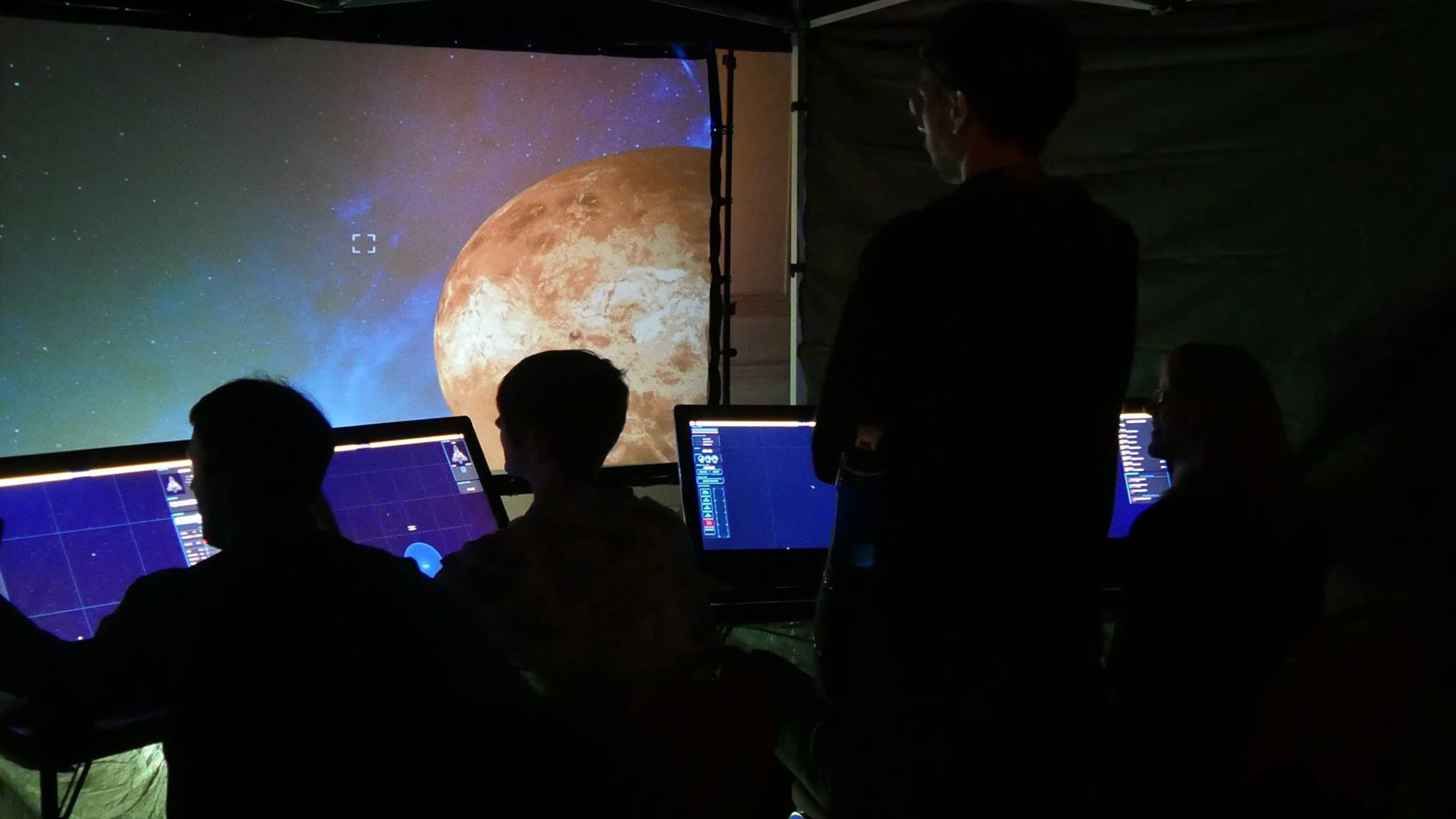
The host PC displays the main bridge view while laptops, tablets, Chromebooks or Raspberry Pis act as officer consoles. Additional screens, lighting rigs and future community content can expand the cockpit for a richer collaborative experience.
01 / THE GUIDE
Bridge Officer Roles
Each session accommodates two to six participants, and every player occupies a defined station that focuses on command, navigation, combat, science, operations or engineering, encouraging coordinated decision‑making.
The main view screen shows the classic bridge perspective, while each officer’s personal device presents role‑specific data and controls, allowing the crew to operate without sharing a single input surface.
- Assign stations based on each player’s preferred focus, e.g., detail‑oriented teammates to Science.
- Rotate roles between missions to build familiarity with all bridge functions.
02 / THE GUIDE
Connecting Player Devices
Players can join from a PC, laptop, tablet, Chromebook or Raspberry Pi, with the host PC providing the main view and each additional device linking over the network as an officer console.
The game supports local, LAN and online co‑op as well as cross‑platform multiplayer, so crews may connect across different hardware types and locations.
- Verify that all devices are on the same network for local sessions.
- Test both LAN and online connections before a mission to ensure stability.
03 / THE GUIDE
Additional Screens and Panels
Beyond the central bridge view, the simulator lets you add separate displays such as Alert Status, Shield Status and Galactic Maps, which can be shown on extra monitors or devices.
These dedicated panels give each officer a focused view of their responsibilities, mirroring classic star‑fleet bridge layouts without crowding the main screen.
- Place the Shield Status screen near the Engineering device for quick reference.
- Use a tablet for the Galactic Map to keep navigation data portable.
04 / THE GUIDE
Lighting and Immersive Effects
The simulator natively supports external lighting and effect hardware such as DMX, Philips Hue, Z‑Wave and networked Arduino or Raspberry Pi devices, enabling crews to build a physical bridge with dynamic ambience.
These devices can be integrated to add visual feedback that complements on‑screen information.
- Start with a simple Philips Hue strip to indicate alert levels.
- Experiment with a Z‑Wave plug to signal power‑up sequences.
05 / THE GUIDE
Level Editor and Future Workshop
Starship Horizons includes a built‑in level editor that lets crews design custom missions or bridge layouts for shorter, focused play sessions.
Future updates will add Steam Workshop support, allowing the community to share and download user‑created content directly through Steam.
- Create a mission that highlights a single officer role to practice coordination.
- Share custom maps with friends via local file transfer until Workshop becomes active.
COMMUNITY
Player discussion