 GameWiki

GET YOUR BEARINGS
About Starbound
Starbound lets you shape a personal adventure in a procedurally generated universe. You may follow the epic story campaign to save the galaxy, or simply explore, farm, and build on countless worlds.
The game supports solo play, drop‑in co‑op, and cross‑platform multiplayer, and it is built for extensive modding. Seven races, three difficulty modes, and thousands of craftable objects give players many ways to engage.
01 / THE GUIDE
Story and Questing
The core campaign presents a narrative where you must save the universe after the forces that destroyed your home, meeting colorful characters, bosses, dungeons, and quests along the way.
All story content is optional; you can ignore the campaign entirely and spend time on other activities such as building, farming, or exploring planets.
- Read dialogue with NPCs to discover new quests.
- Track quest progress by noting the objectives mentioned in each conversation.
02 / THE GUIDE
Planetary Exploration
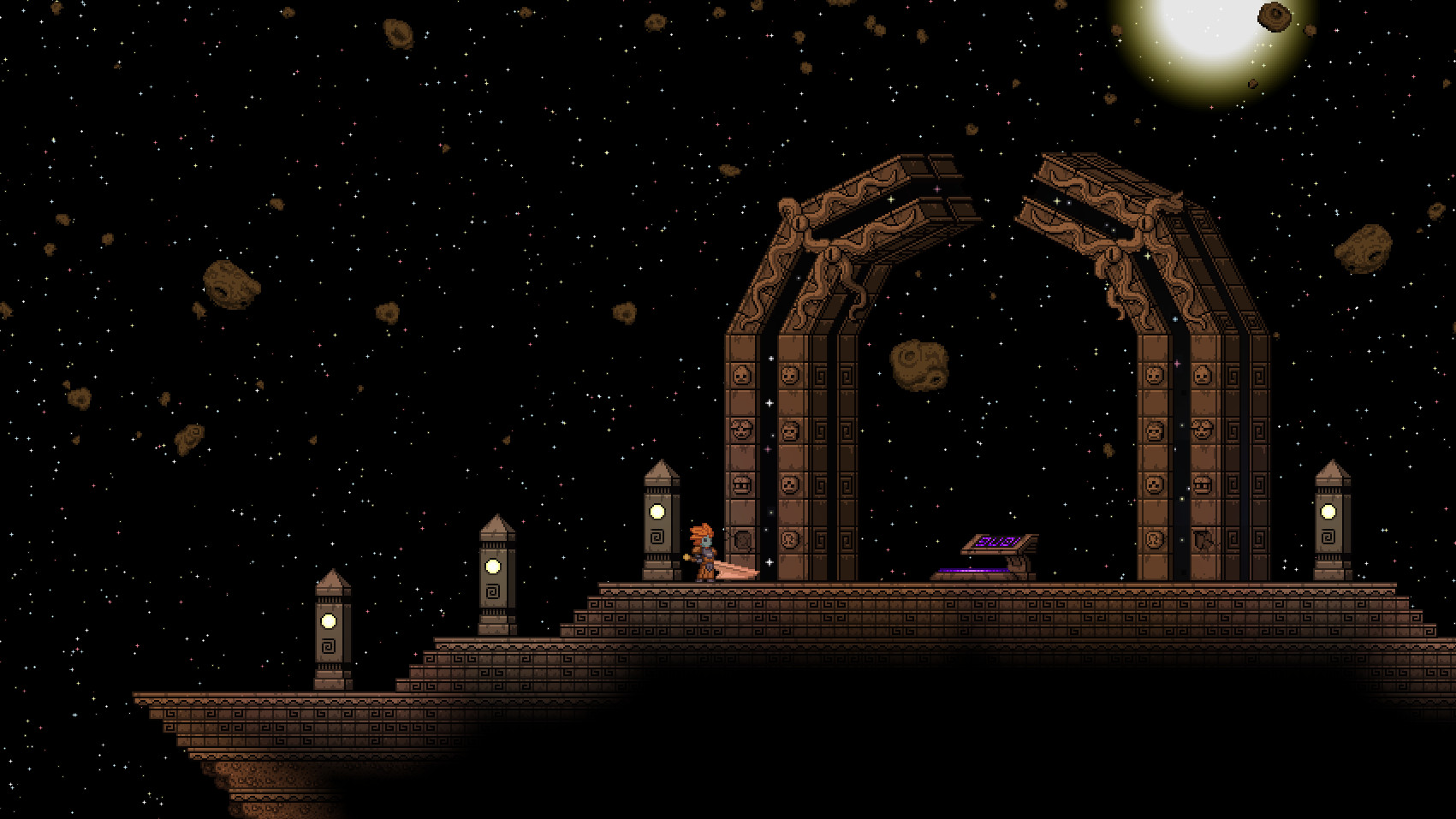
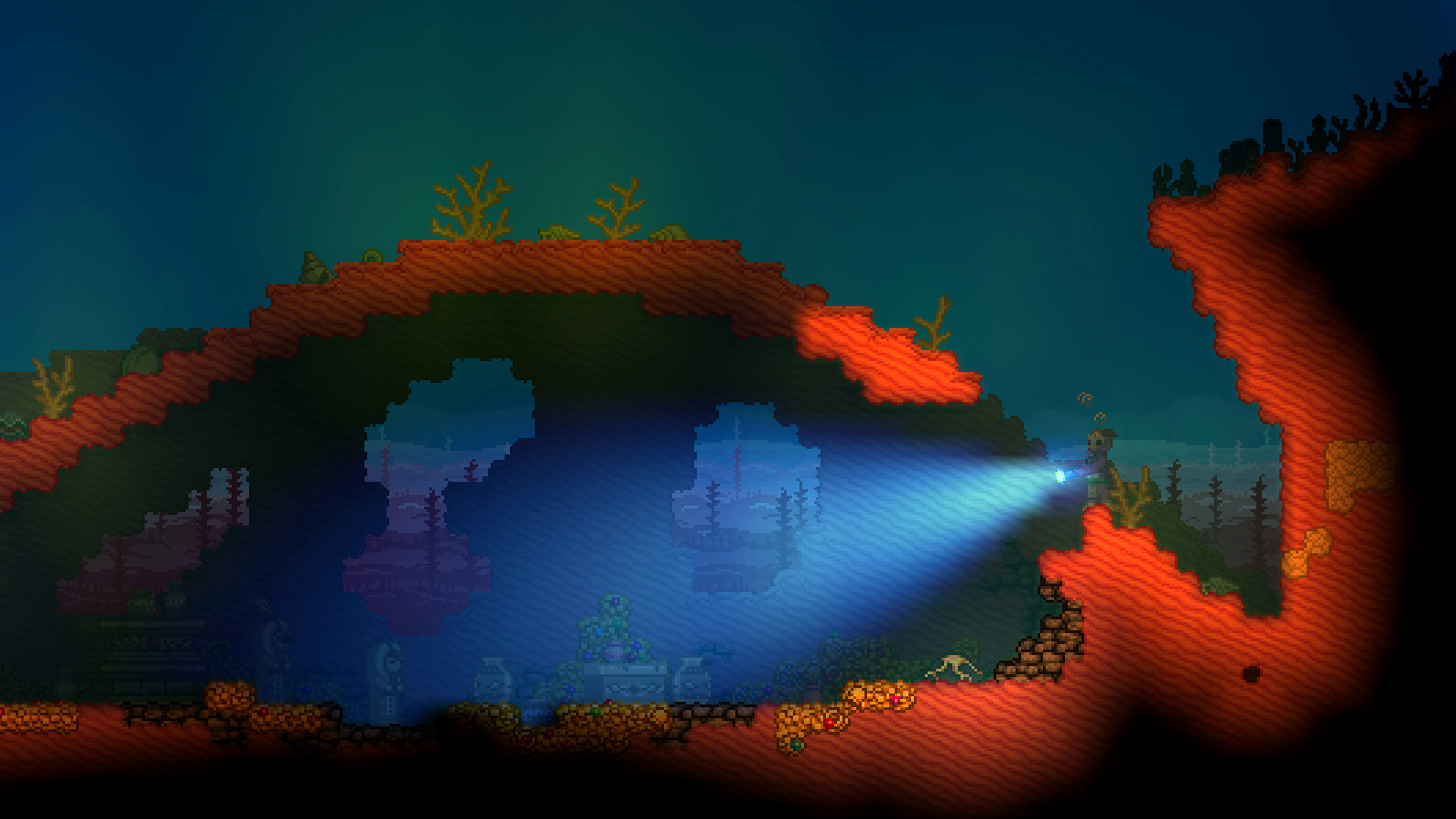
Starbound generates an endless variety of planets, each with unique terrain, creatures, and structures such as ancient temples or modern metropolises.
You can hop from planet to planet, collecting rare creatures and resources while also encountering dangerous dungeons and extraordinary treasures.
- Visit planets with different biomes to encounter new materials.
- Keep a record of planets that contain valuable resources for future trips.
03 / THE GUIDE
Building and Crafting
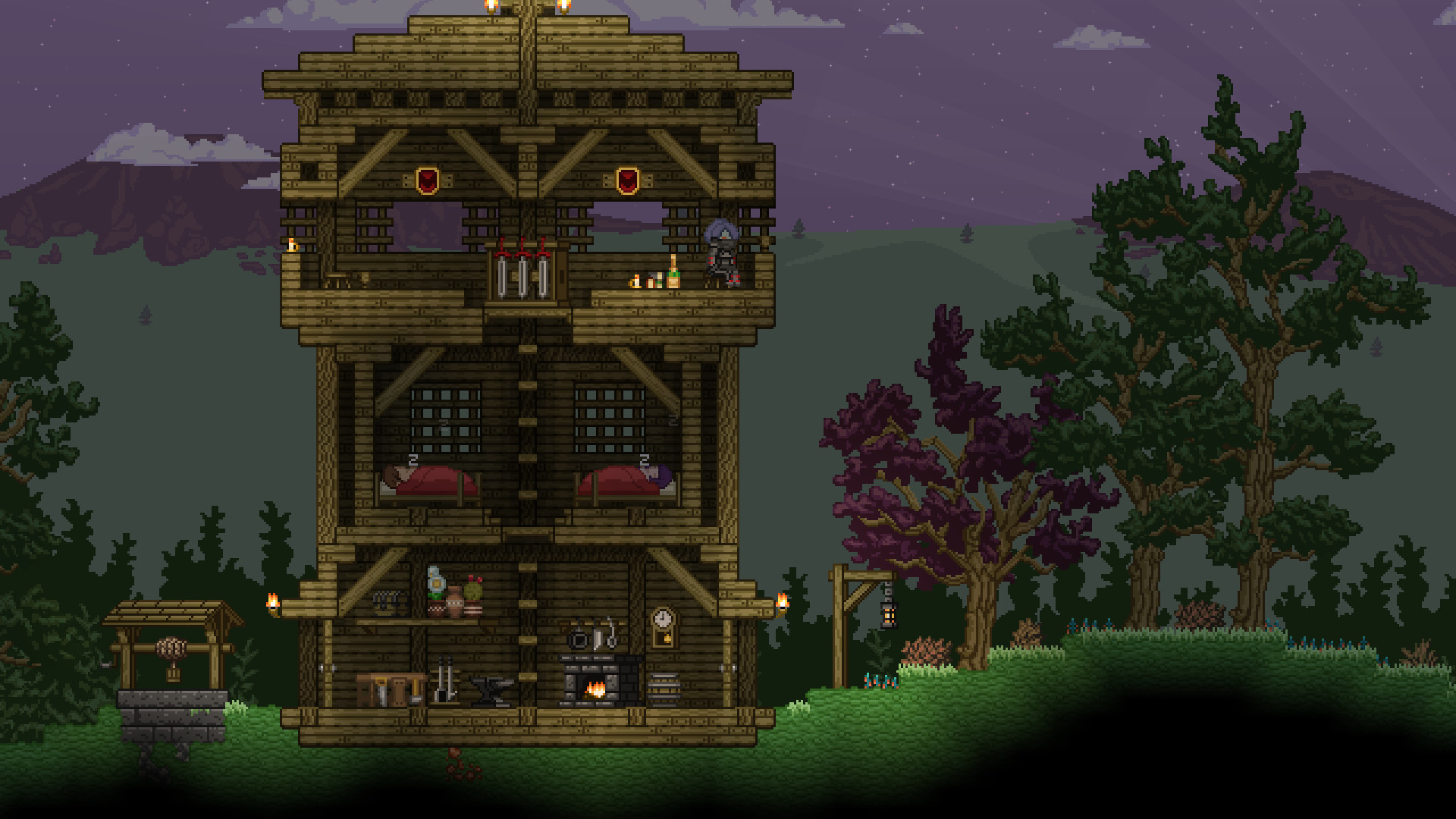
Hundreds of materials and over two thousand objects let you craft armor, weapons, furniture, and building components.
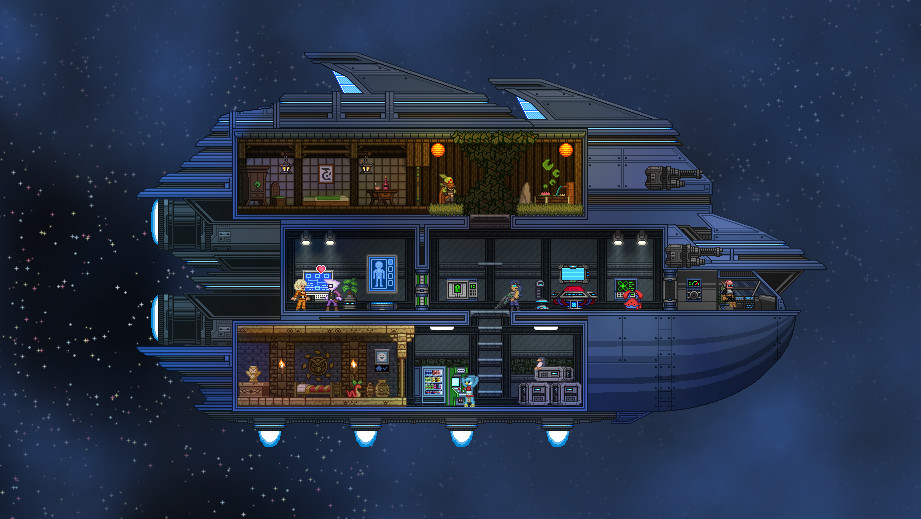
These items can be used to construct anything from a secluded cabin to a space station, allowing full customization of interiors and exteriors.
- Plan large structures in stages to avoid running out of resources.
- Experiment with different material combinations to achieve desired aesthetics.
04 / THE GUIDE
Game Modes and Difficulty
Starbound offers three modes: Casual (no need to eat), Survival (food required and items drop on death), and Hardcore (permadeath).
All modes provide the same content; the differences lie only in how resources and death are handled.
- Start in Casual to become familiar with controls before trying Survival.
- In Survival, prioritize gathering food to avoid starvation.
05 / THE GUIDE
Multiplayer and Modding
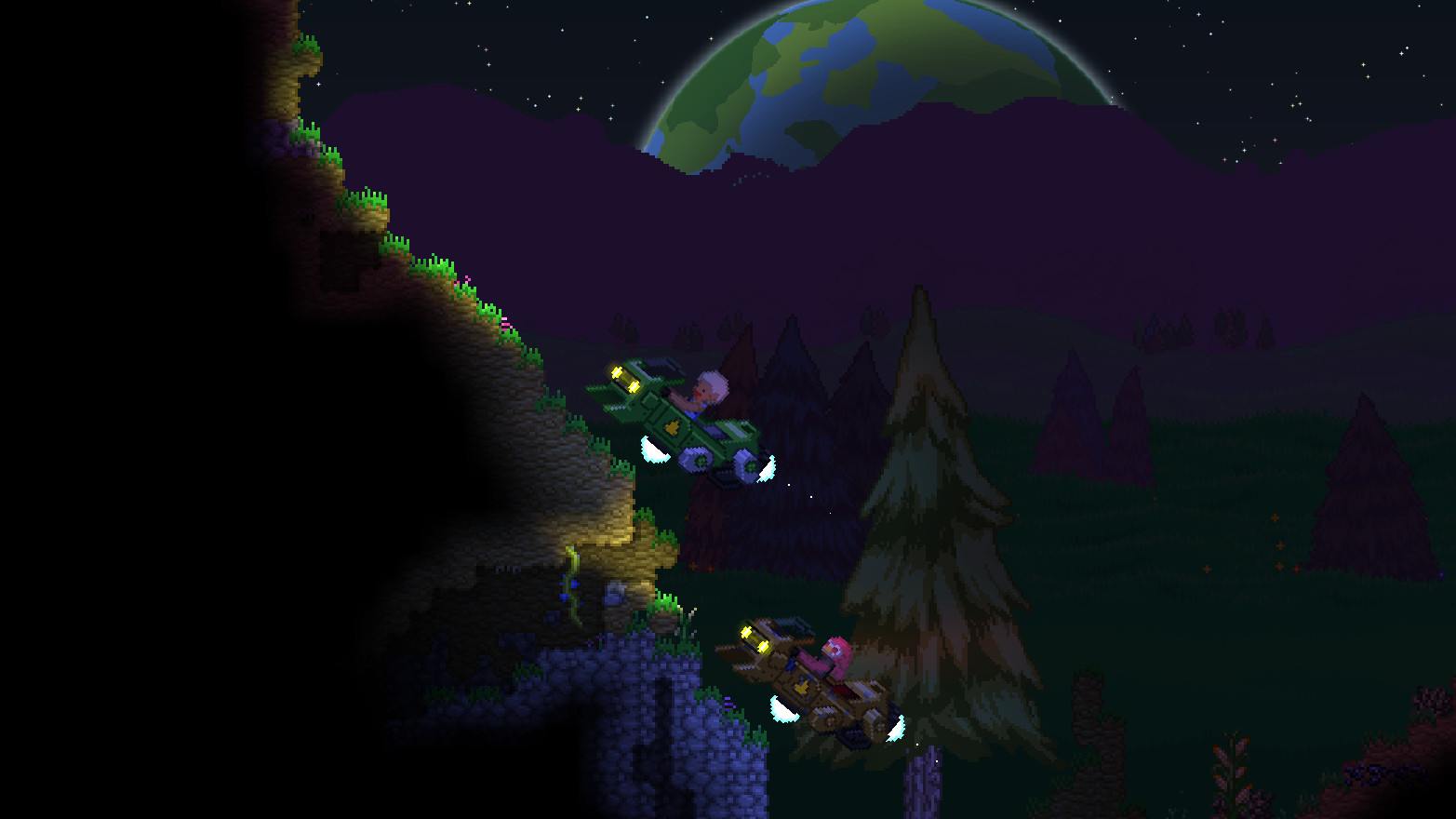
The title supports online drop‑in/drop‑out co‑op across Windows, macOS, and Linux, allowing players to share worlds and trade items.
Starbound is built to be easily moddable via the Steam Workshop, letting users add new items, races, planets, dungeons, and quests.
- Test a new mod in a separate save to ensure compatibility.
- Coordinate with co‑op partners to decide who will host the shared world.
COMMUNITY
Player discussion