 GameWiki
GET YOUR BEARINGS
About STAR WARS X-Wing vs TIE Fighter - Balance of Power Campaigns
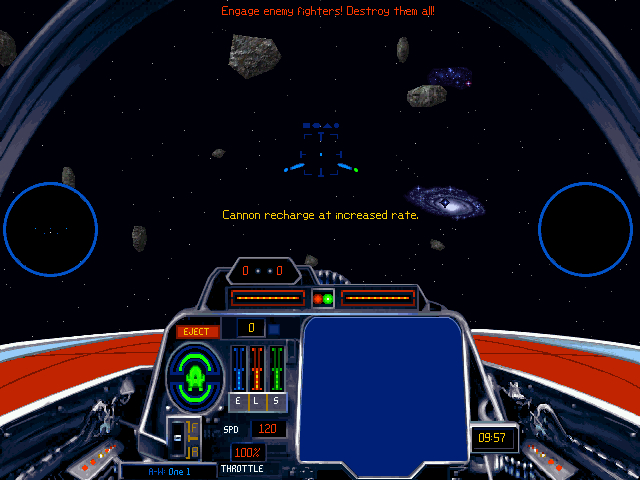
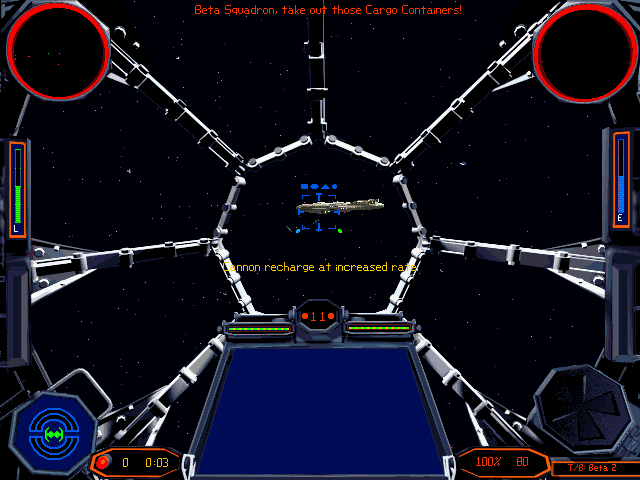
Star Wars™ X‑Wing vs TIE Fighter delivers real‑time space combat for up to eight pilots, letting players dogfight in iconic starfighters. The game offers both solo and group experiences, with over fifty missions that can be tackled cooperatively or competitively.
Nine classic ships are available, and players may choose wingmates carefully for each mission. Multiplayer options include shared or split‑screen play, and the title supports partial controller use, Steam Cloud, and Family Sharing.
01 / THE GUIDE
Multiplayer Modes
The title supports multiplayer sessions for two to eight participants over LAN, allowing both cooperative and competitive play. Players can join in shared‑screen or split‑screen configurations, giving flexibility for local group sessions.
Both PvP battles, where all pilots face each other, and co‑op missions, where friends tackle the campaign together, are listed as supported modes. The range of player counts accommodates small duels and larger melees.
- Try a split‑screen setup when playing locally with multiple friends to keep everyone on the same display.
- Experiment with both co‑op and PvP to see which style fits your group’s preferences.
02 / THE GUIDE
Starfighter Roster
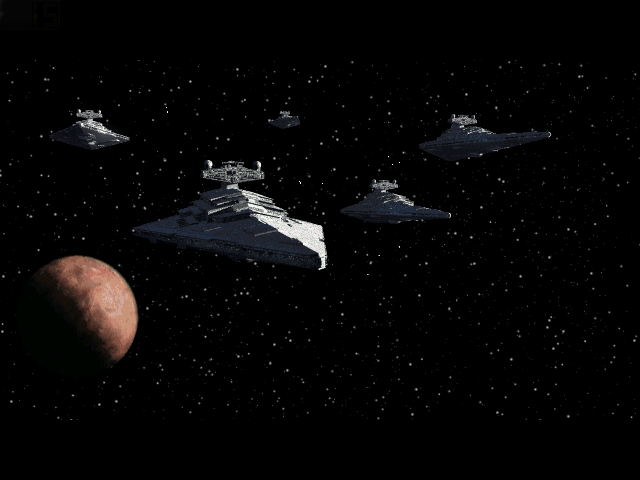
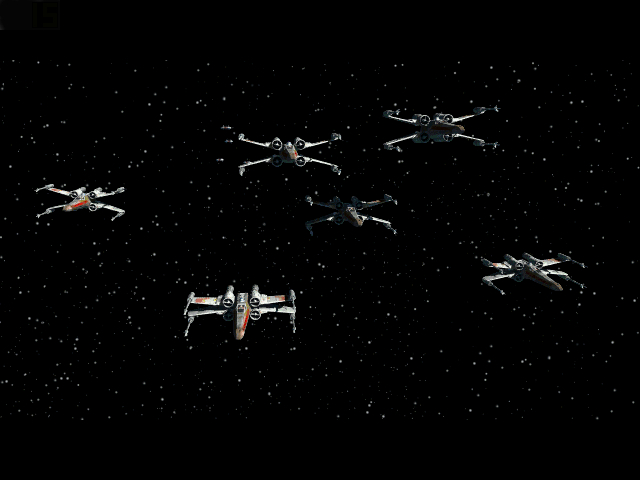
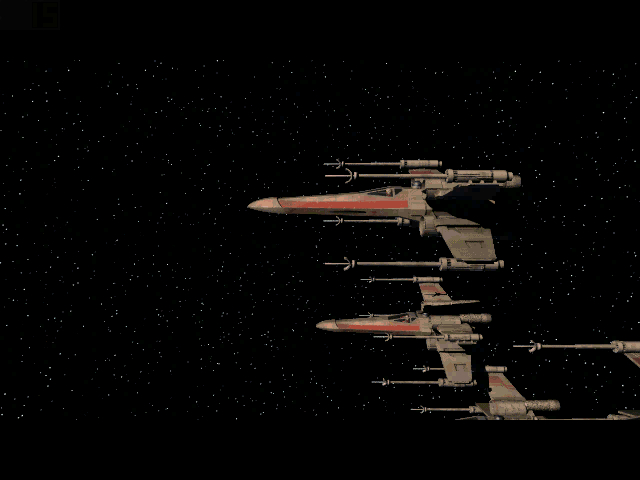
Nine iconic Star Wars starfighters are available, each representing either the Empire or the Rebellion. The roster includes classic X‑Wings, TIE Fighters, and other well‑known craft from the franchise.
Players can choose both their craft and their weapons, and the description encourages careful selection of wingmates to succeed in missions.
- Test each ship in a short practice run to notice handling differences.
- Pair ships with complementary weapon loads for balanced team composition.
03 / THE GUIDE
Mission Structure
The campaign contains more than fifty combat missions, each designed for solo or group play. Missions can be approached alone, with a wing, or against other players in PvP scenarios.
Mission objectives vary, but all emphasize piloting skill and tactical decision‑making, with the Force rewarding the most daring pilots.
- Read the mission brief before launch to understand primary objectives.
- Coordinate with wingmates early to assign roles for complex encounters.
04 / THE GUIDE
Partial Controller Support
The game lists partial controller support, indicating that some controller functions are usable. This feature coexists with other input methods, allowing players to choose their preferred device for certain actions.
Because support is partial, certain actions may still rely on keyboard or mouse inputs, but a gamepad can be used for the functions that are mapped.
- Start a practice mission using a controller to see which actions are available.
- If a needed action is unmapped, switch to keyboard/mouse for that specific input.
05 / THE GUIDE
Steam Cloud and Family Sharing
Steam Cloud integration means game data can be stored online, while Family Sharing lets multiple accounts access the title from a single purchase. These features simplify setup across different computers.
Both services operate independently of gameplay modes, providing convenience for players who switch devices or share the game with family members.
- Enable Steam Cloud in the client settings to keep progress synced automatically.
- Use Family Sharing to let another household member launch the game without buying a separate copy.
COMMUNITY
Player discussion