 GameWiki
GET YOUR BEARINGS
About STAR WARS: Dark Forces Remaster
Star Wars™: Dark Forces Remaster brings Nightdive Studios’ KEX engine overhaul to the classic 1995 FPS, delivering up to 4K resolution at 120 FPS on modern PCs. The remake preserves all fourteen original levels while adding high‑resolution textures, enhanced lighting, and full gamepad support.
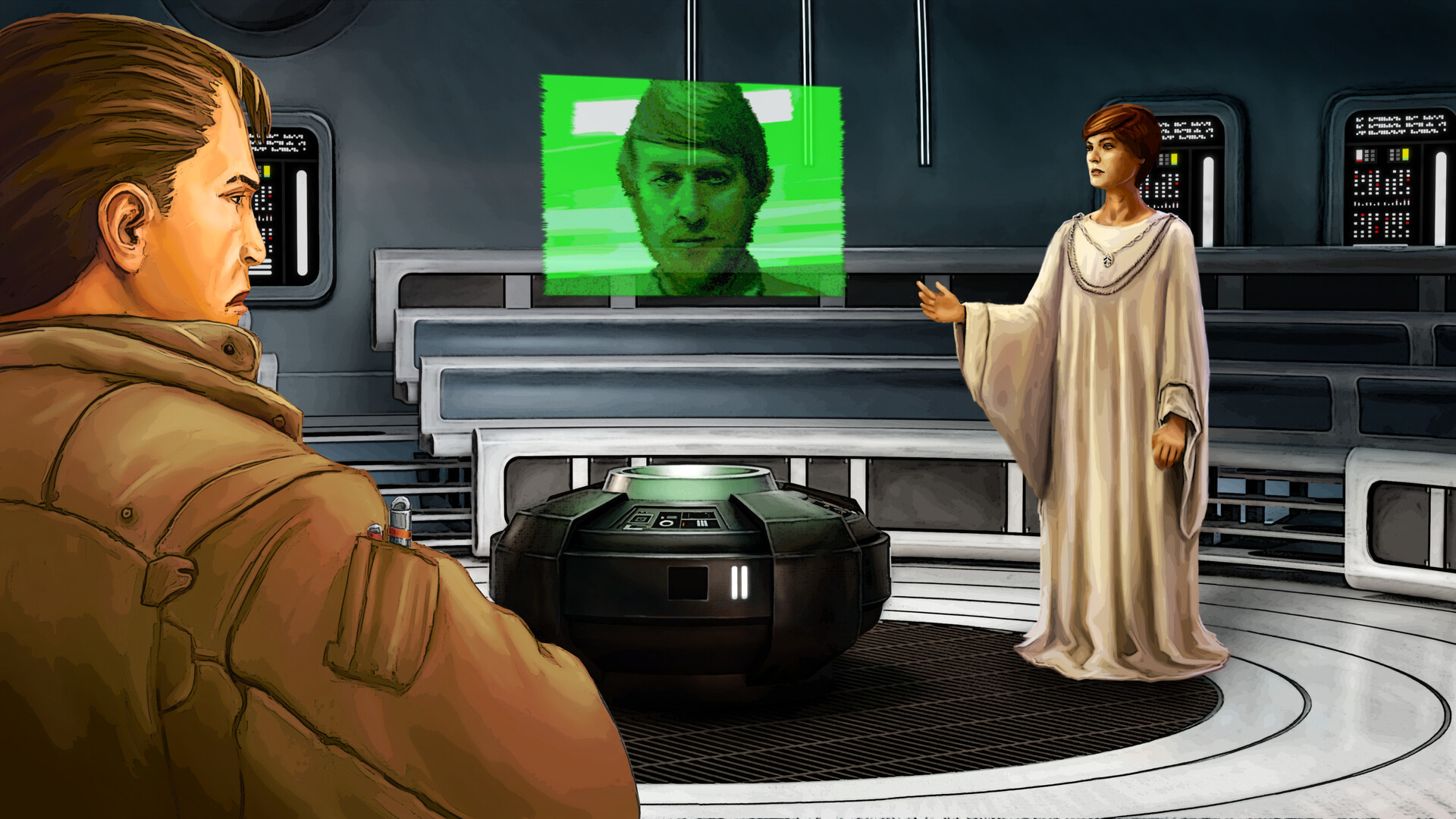
Players step into the boots of Kyle Katarn, a former Imperial operative now working for the Rebel Alliance, to infiltrate Imperial sites and uncover the Dark Trooper Project. The game blends classic movement—jump, duck, crawl—with puzzles, a weapon wheel, and a Personal Digital Assistant for maps and briefings.
01 / THE GUIDE
All Fourteen Original Levels
The remaster includes every level from the 1995 release, set across recognizable Star Wars worlds and capital ships. Each environment retains its original layout while benefiting from updated textures and lighting.
Players can toggle between the classic visual style and the remastered graphics in the settings, allowing a direct comparison of the original and enhanced presentations.
- Switch graphics modes to see how lighting changes affect enemy visibility.
- Use the map in the PDA to navigate familiar level layouts more efficiently.
02 / THE GUIDE
Movement and Environmental Puzzles
Katarn can jump, duck, and crawl, abilities that are required to solve environmental puzzles and navigate mazes. These actions are integral to progressing through many sections of the game.
The puzzles often combine platforming with combat, encouraging players to think about positioning before engaging enemies or accessing hidden items.
- Experiment with crawling in tight corridors to discover hidden power‑ups.
- Observe environmental cues that hint at the correct sequence of jumps.
03 / THE GUIDE
Modern Weapon Wheel and Rumble Support
Full controller support adds a radial weapon wheel, letting players select from ten weapons and additional combat tools. The controllers also feature vibration feedback.
The wheel includes fists, blasters, explosive landmines, and thermal detonators, giving a range of options for different enemy types.
- Practice selecting weapons on the wheel to reduce downtime in fights.
- Feel the rumble cues to anticipate heavy enemy attacks.
04 / THE GUIDE
Personal Digital Assistant (PDA)
The in‑game PDA provides a map, inventory overview, and mission briefings, consolidating essential information for the player. It provides in-game information such as a map, inventory, and mission briefings.
Accessing the PDA helps track objectives and locate power‑ups such as health, shields, and ammunition, which are scattered throughout the levels.
- Check the PDA map frequently to avoid backtracking.
- Review mission briefings to prioritize objectives.
05 / THE GUIDE
4K/120 FPS Visuals and Advanced Rendering
The KEX engine enables the game to run at up to 4K resolution and 120 FPS, delivering smoother motion and sharper detail. Updated lighting and atmospheric effects give a more immersive Star Wars feel.
These visual upgrades do not alter gameplay mechanics but enhance the overall presentation, making enemy encounters and environments clearer.
- Enable 120 FPS if your hardware supports it for smoother combat.
- Use 4K mode to better spot distant enemies and environmental hazards.

COMMUNITY
Player discussion