 GameWiki

GET YOUR BEARINGS
About STAR WARS Zero Company
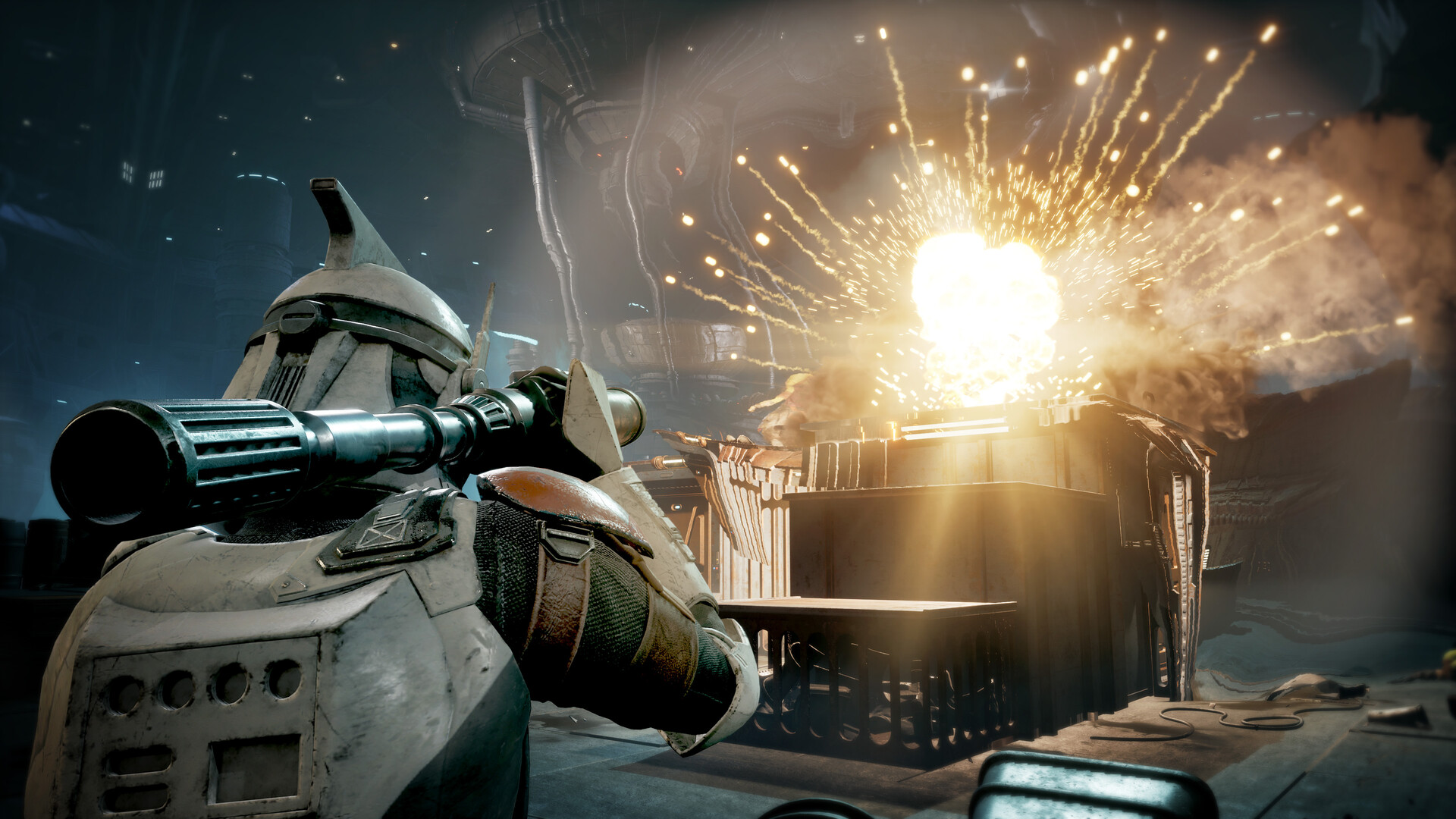
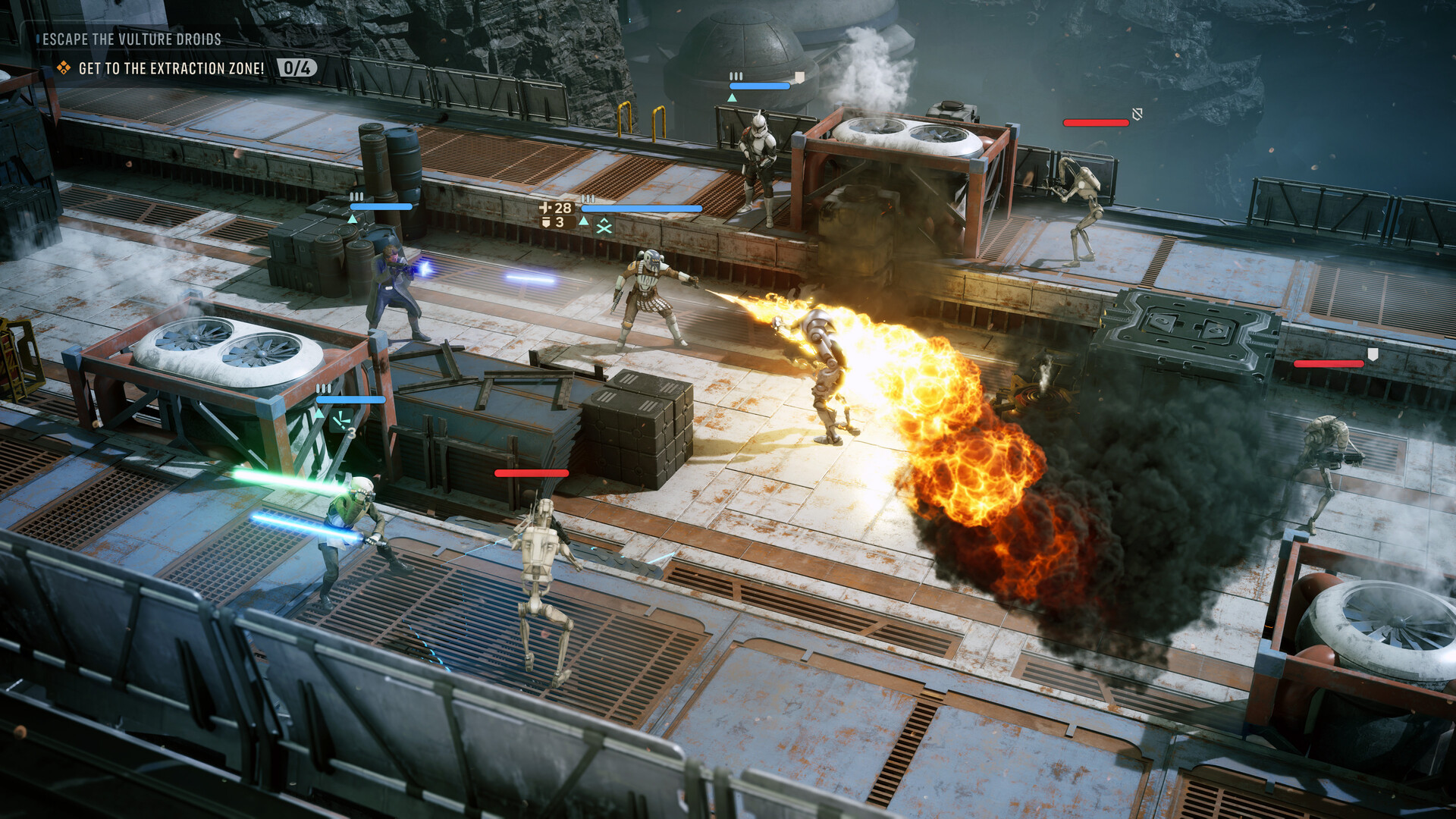
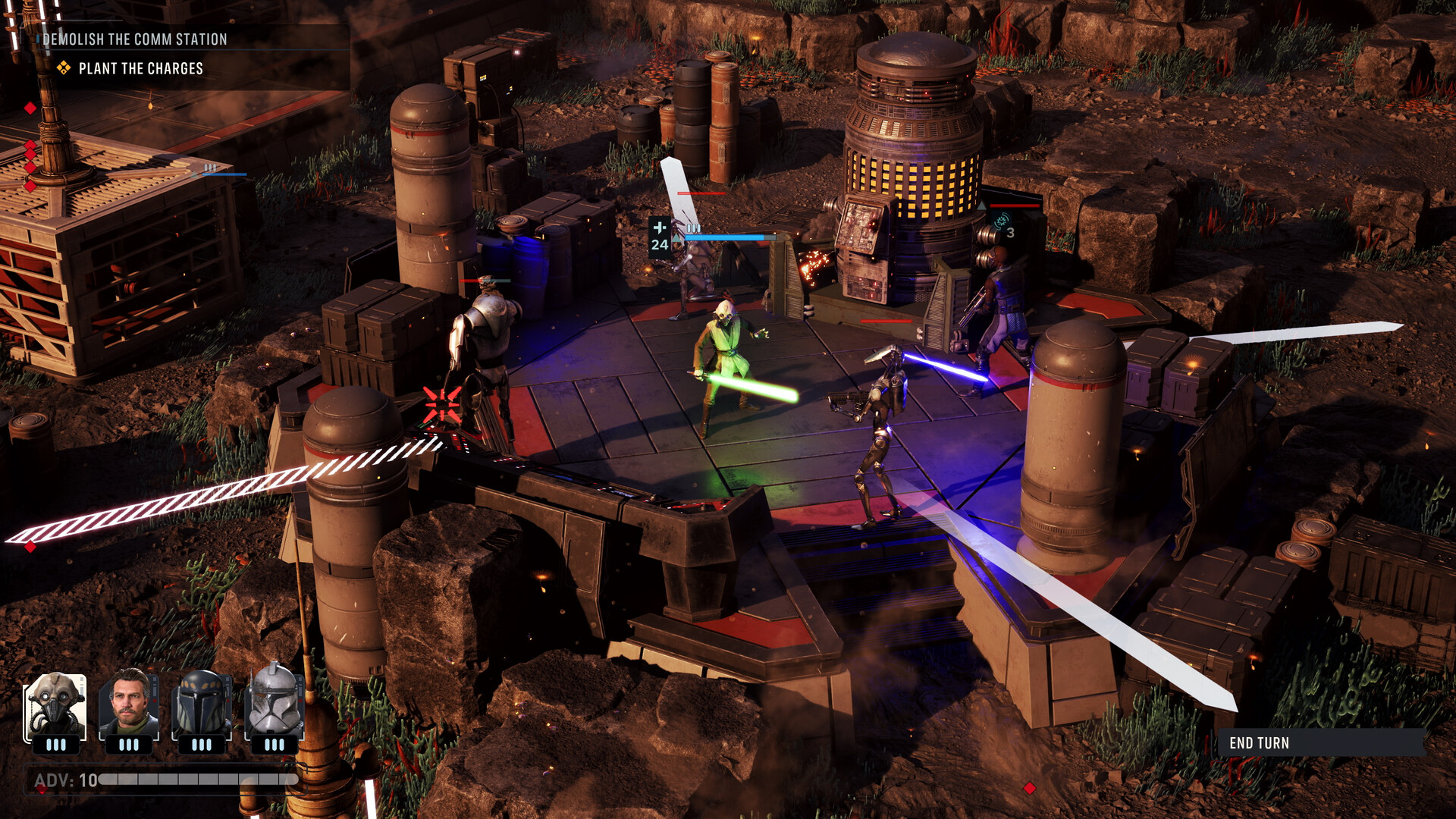
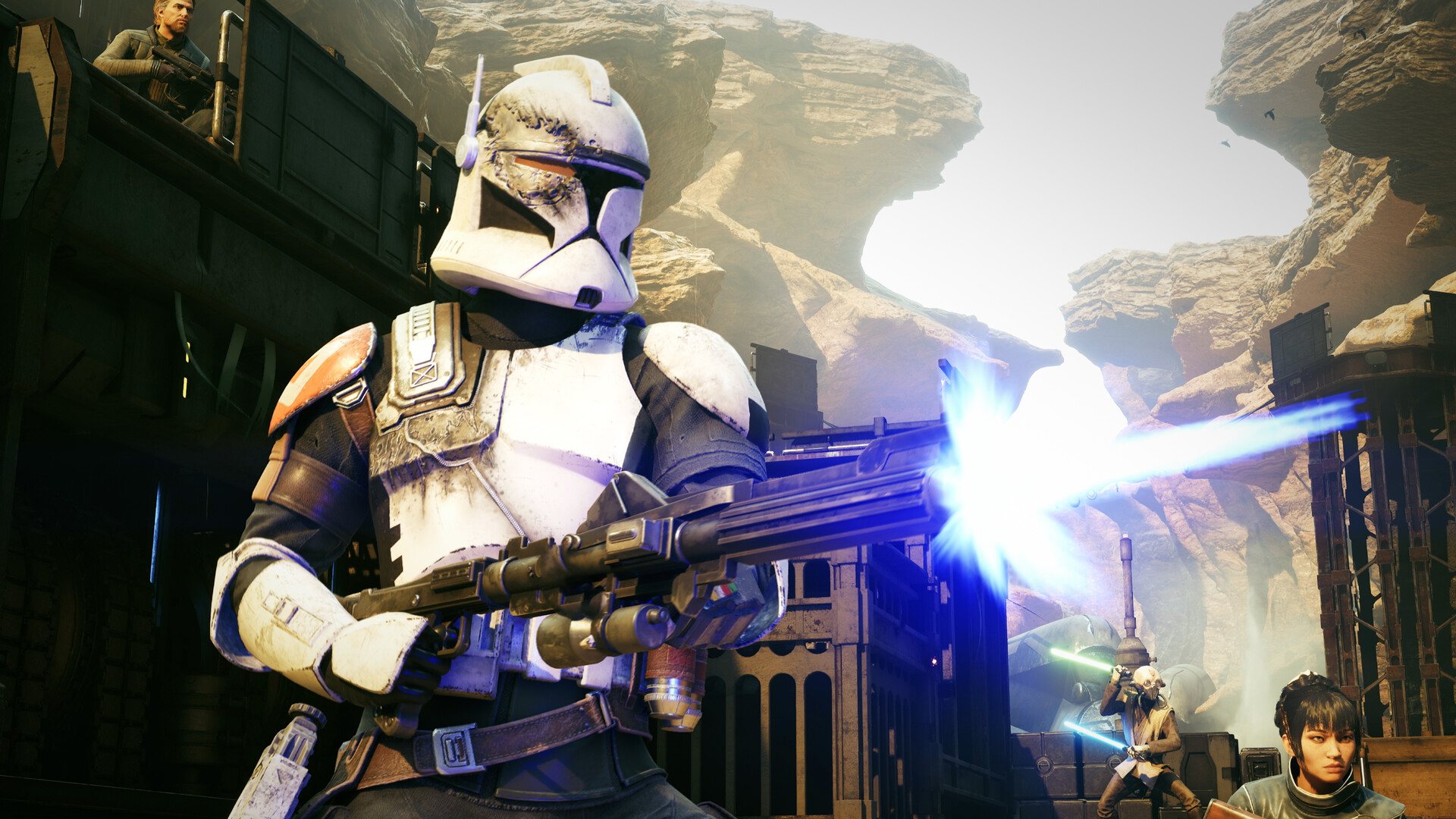
STAR WARS Zero Company™ is a single‑player turn‑based tactics game set in the twilight of the Clone Wars™. Players assume the role of Hawks, a former Republic officer, and lead an elite squad through missions that blend combat, investigation, and story choices.
Each decision influences later outcomes, creating varied playthroughs. The game lets you customize Hawks and recruit operatives of many archetypes, then develop their skills and unlock combat synergies as you progress.
01 / THE GUIDE
Story and Setting
The narrative follows Hawks and Zero Company as they are recruited for an operation against an emerging threat that could consume the galaxy. The description emphasizes a gritty and authentic story set during the final days of the Clone Wars™.
Mission briefings and cinematic moments are presented through tactical operations and investigations, tying each mission to the larger conflict and allowing player choices to shape the unfolding plot.
- Read each briefing carefully; it often hints at the threat’s nature.
- Consider how early choices may affect later mission conditions.
02 / THE GUIDE
Squad Composition
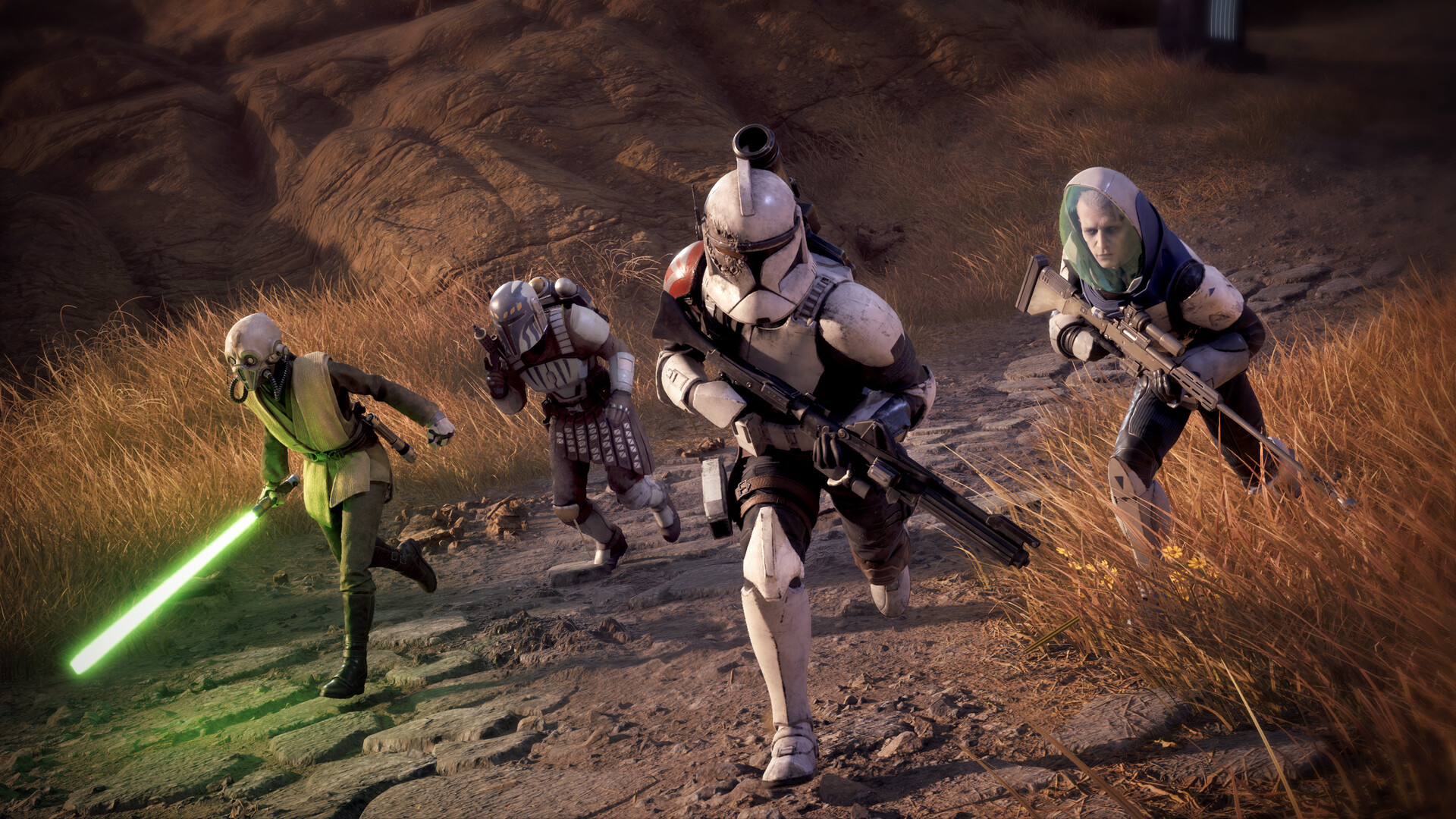
Players build a team from a range of archetypes, including scoundrels, astromechs, and even a Jedi. Each operative brings a distinct set of tactical abilities to the battlefield.
As missions are completed, operatives learn to work together, unlocking combat synergies that can tip the balance between victory and defeat.
- Mix archetypes to increase synergy potential.
- Test Jedi abilities early to understand their impact.
03 / THE GUIDE
Customization
Hawks’ combat specialization and appearance can be customized, and players may also tailor the appearances, loadouts, and abilities of other squad members, including original and custom‑made Star Wars characters.
These options let you align visual style and tactical choices with your preferred approach, ensuring each operative fits the role you need for a given mission.
- Adjust loadouts to complement each archetype’s strengths.
- Use visual cues to keep track of role assignments.
04 / THE GUIDE
Difficulty and Pacing
The game offers adjustable difficulty and is marked as playable at your own pace, with no timed input required. Players can save anytime, allowing thoughtful planning between turns.
These features support both relaxed and challenging experiences, making the title accessible to casual players while still providing depth for strategy enthusiasts.
- Start on a lower difficulty to learn synergy mechanics.
- Save after critical decisions to experiment with alternatives.
05 / THE GUIDE
Platform Support
STAR WARS Zero Company™ runs on Windows and includes controller options such as DualShock, DualSense, and partial controller support. Steam Cloud, HDR, and subtitle options are also available.
Audio features include stereo, surround sound, and custom volume controls, giving players flexibility in how they experience the game's soundscape.
- Enable HDR if your display supports it for richer contrast.
- Turn on subtitles if you prefer reading dialogue.
COMMUNITY
Player discussion