 GameWiki
GET YOUR BEARINGS
About STAR WARS Jedi: Survivor
Star Wars Jedi: Survivor™ continues the saga of Cal Kestis in a third‑person, galaxy‑spanning action‑adventure. Set five years after Fallen Order, the single‑player narrative follows Cal as the Empire pushes him to the galaxy’s edges, confronting both new and familiar threats.
Developed by Respawn Entertainment with Lucasfilm Games, the title emphasizes a desperate fight for survival, the protection of Cal’s crew, and the legacy of the Jedi Order. It runs on Windows with full controller support, adjustable difficulty, and a range of accessibility options.
01 / THE GUIDE
Story Chronology
The narrative picks up five years after the events of Star Wars Jedi: Fallen Order, tracking Cal Kestis as he navigates a galaxy growing darker under Imperial pressure. His journey is framed as a desperate fight for survival and the preservation of Jedi ideals.
Cal is portrayed as one of the last surviving Jedi Knights, forced to make hard choices to protect himself, his crew, and the Jedi legacy. The story’s tone reflects the increasing darkness of the galaxy.
- Pay attention to dialogue cues that hint at Cal’s motivations.
- Observe environmental storytelling for clues about the Empire’s reach.
02 / THE GUIDE
Gameplay Perspective
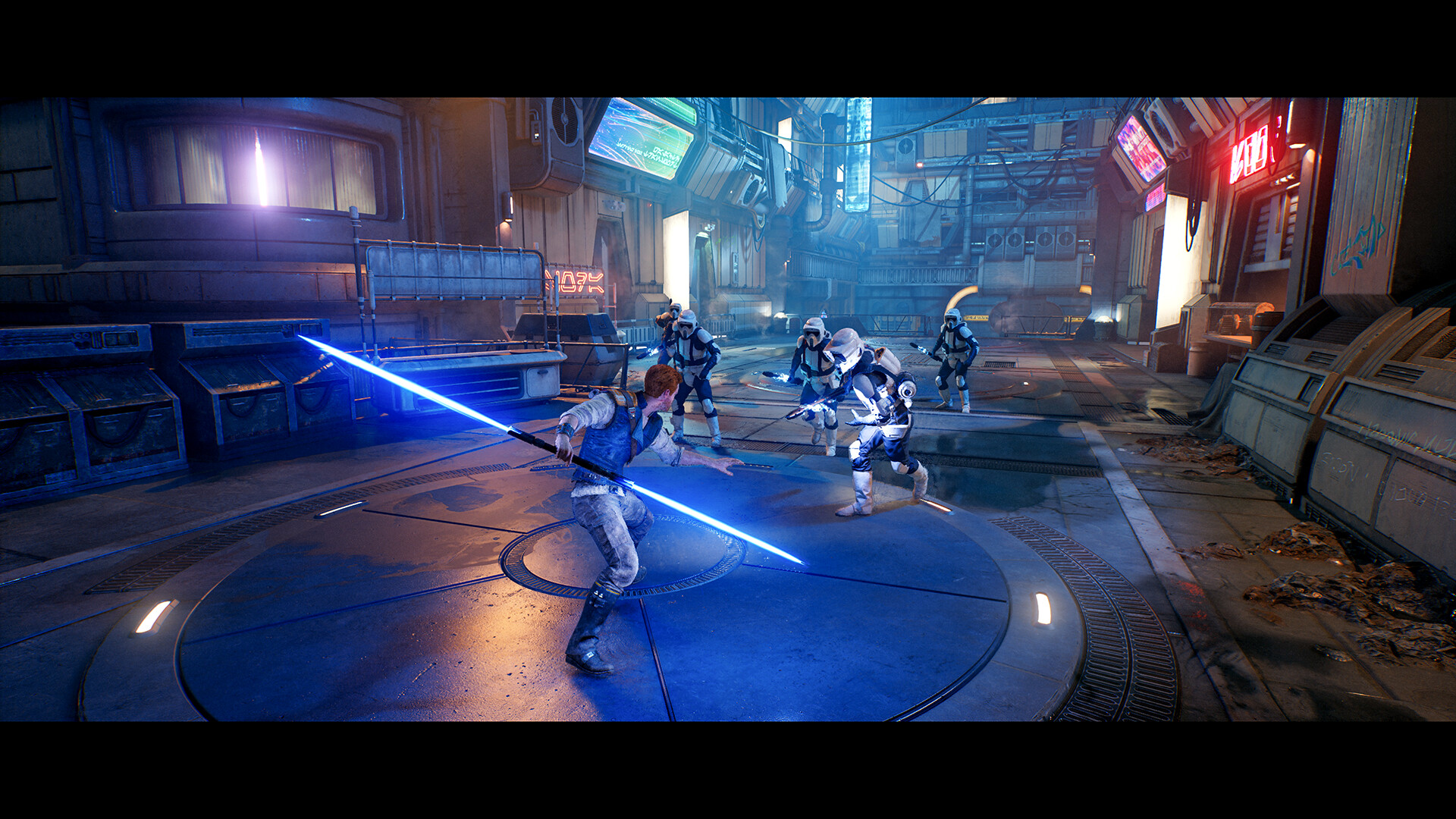
Jedi: Survivor is a third‑person, single‑player experience that emphasizes action‑adventure mechanics. Players control Cal Kestis directly, navigating combat and exploration across varied locations.
The game’s design focuses on narrative‑driven progression rather than multiplayer or competitive modes, keeping the experience centered on Cal’s personal journey.
- Use the camera to maintain awareness of enemy positions.
- Explore each area thoroughly to uncover story beats.
03 / THE GUIDE
Platform Support
Star Wars Jedi: Survivor is available on Windows, with no support listed for macOS or Linux. The game includes full controller compatibility, supporting both DualShock and DualSense devices.
Steam Achievements are integrated, allowing players to track milestones within the Windows version.
- Connect a compatible controller before launching for optimal input.
- Check Steam’s achievement list to set personal goals.
04 / THE GUIDE
Accessibility Features
The title offers captions, color alternatives, and custom volume controls, catering to a range of player needs. Adjustable difficulty lets players tailor the challenge to their skill level.
These options are built into the Windows version, ensuring that players can modify visual and auditory settings without external tools.
- Enable captions if you prefer reading dialogue.
- Adjust difficulty early to match your comfort level.
05 / THE GUIDE
Audio‑Visual Options
Stereo sound and HDR support enhance the game’s presentation on compatible hardware. Players can benefit from richer color depth and clearer audio cues during combat and exploration.
These settings are optional and can be toggled in the options menu to suit individual display and sound setups.
- Enable HDR for a more vibrant visual experience.
- Use stereo sound to better locate enemies.



COMMUNITY
Player discussion