 GameWiki
GET YOUR BEARINGS
About Star Stuff
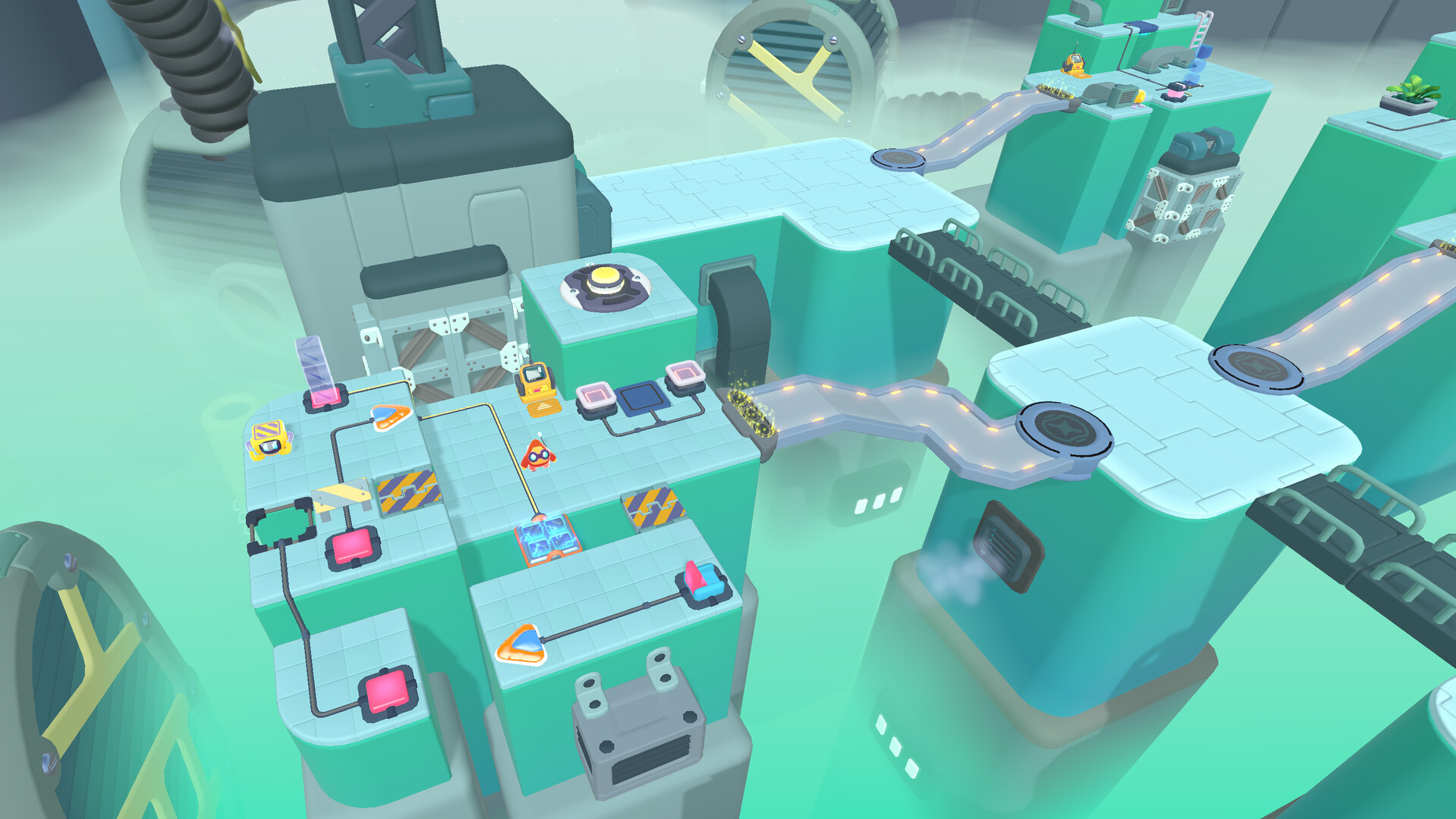
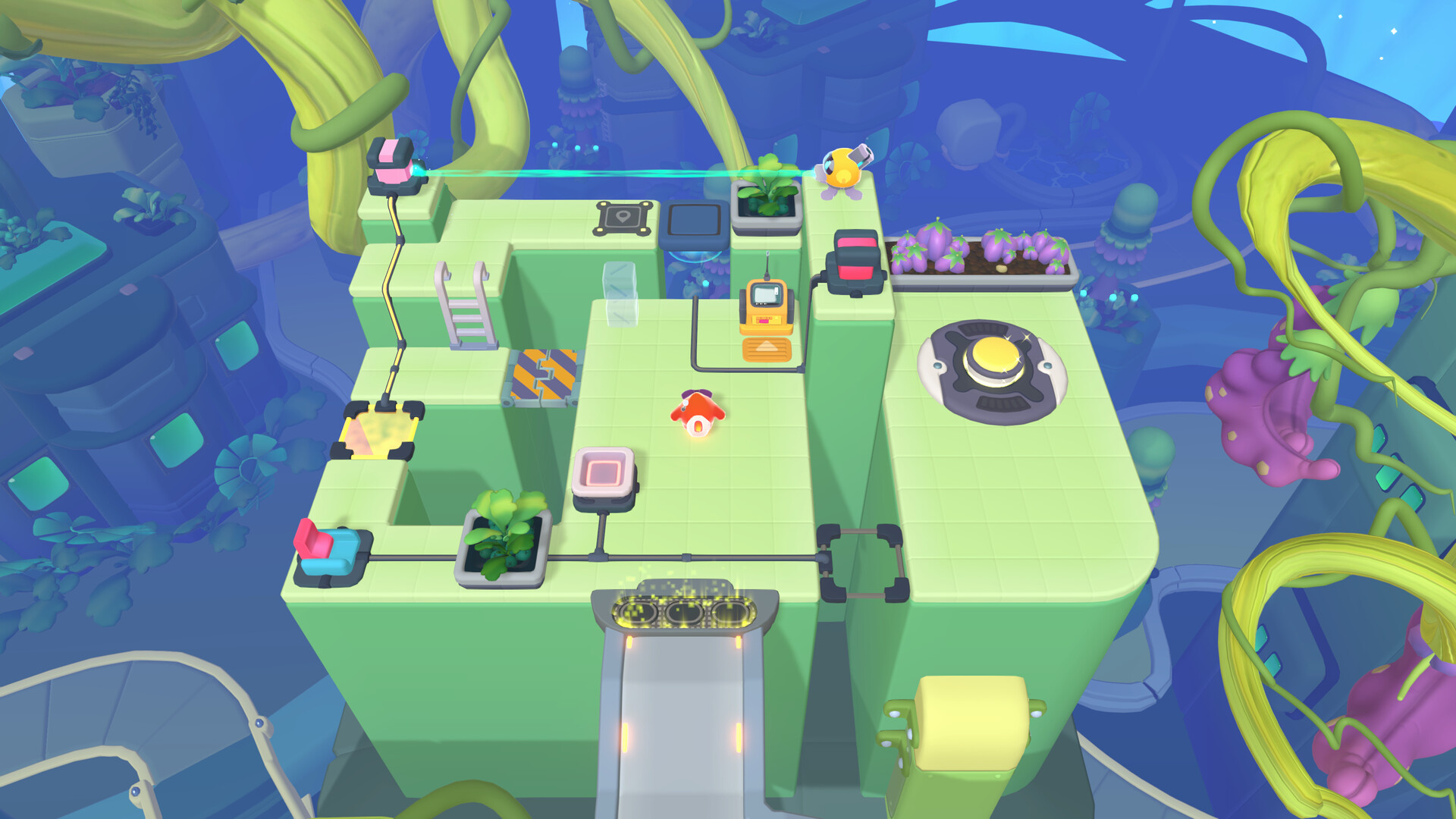
Star Stuff is a cute programming‑puzzle game starring Mija, a new star engineer, who must solve more than 150 factory challenges. Players write short programs for bots that can lift heavy objects or fire lasers, then step in manually when the bots need help.
The title is single‑player, family‑friendly, and runs on Windows and macOS with full controller support. Steam Cloud saves and Family Sharing let progress travel between sessions, while reset and undo let you experiment without penalty.
01 / THE GUIDE
Bot Programming
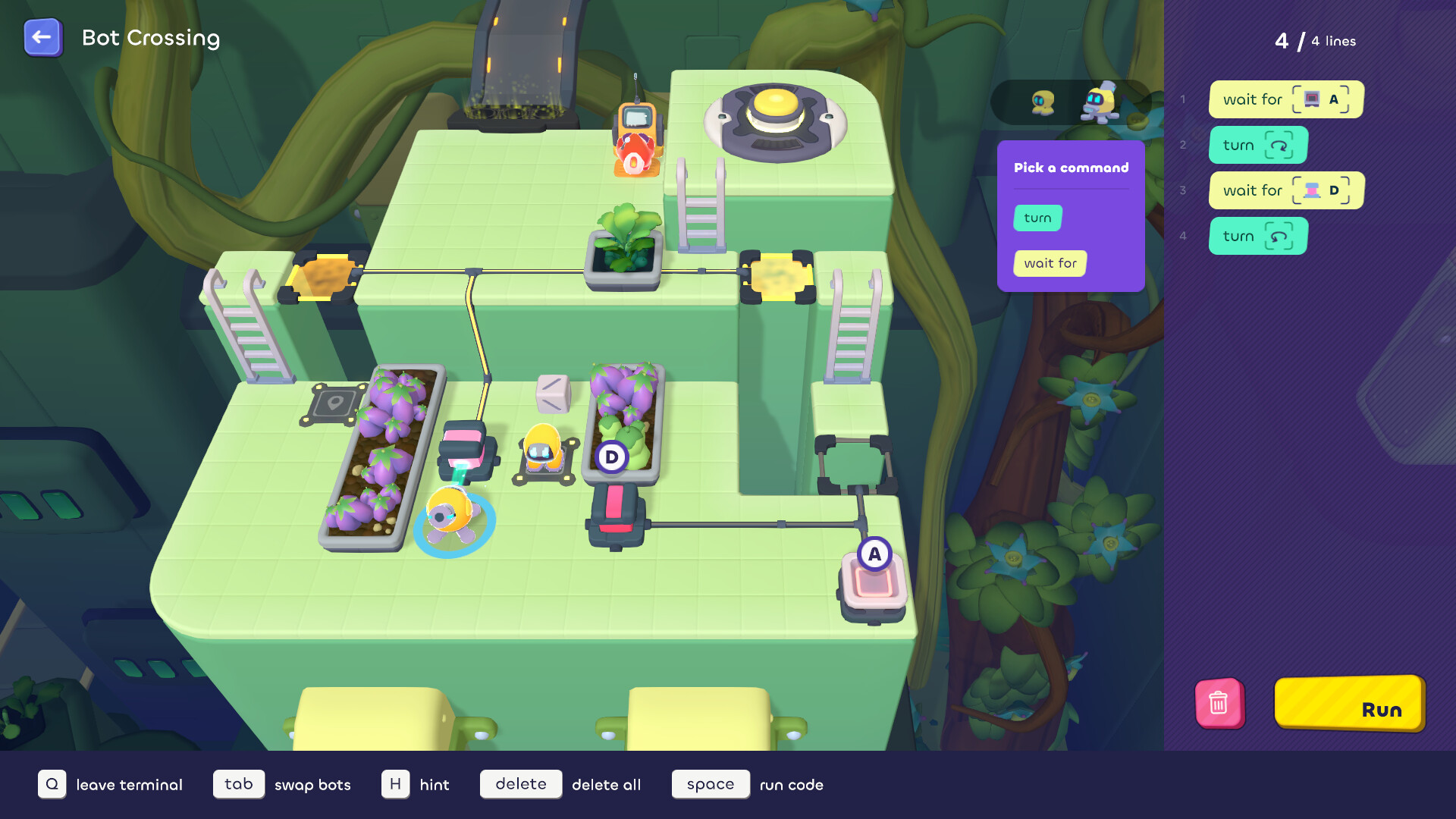
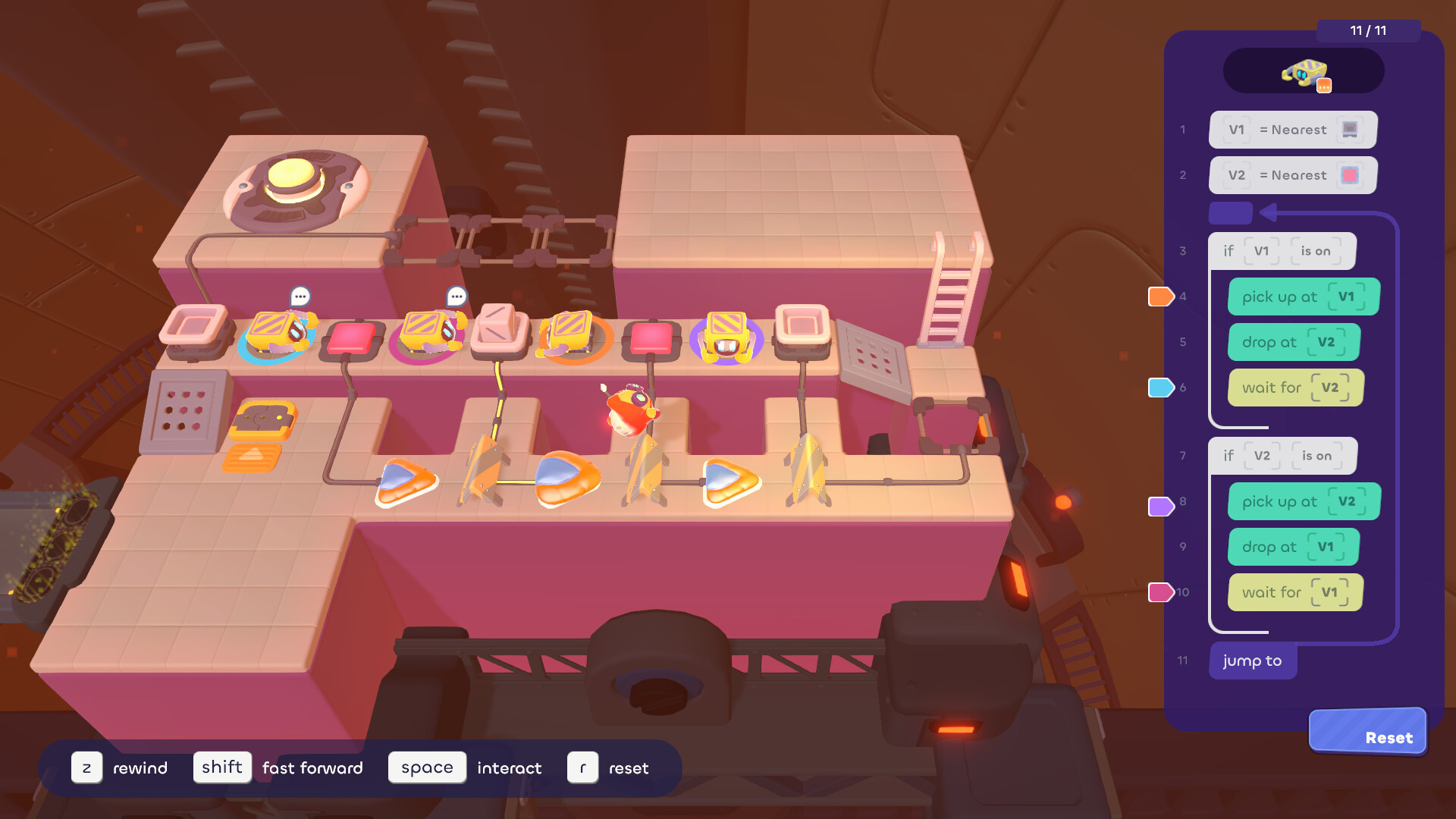
Each puzzle presents a roster of bots, each with a distinct capability such as heavy lifting or laser firing. You create concise programs that direct these bots to move, lift, or fire, forming the core of every level’s solution.
Programming is framed as pure puzzle solving, with every problem offering a chance to learn something new. The game encourages you to learn a new coding concept whenever a new bot or mechanic appears.
- Start with the simplest bot actions before adding more complex sequences.
- Use the undo feature frequently to test small code blocks.
02 / THE GUIDE
Manual Intervention
Even though bots handle most tasks, the game requires you to work in sync with them, performing manual actions when needed. This keeps the experience interactive and prevents full automation.
Manual steps are sometimes required for obstacles that bots alone cannot overcome, reinforcing the team‑effort theme of the star factory.
- Observe bot behavior first to spot where manual help is required.
- Reset the puzzle if a manual move creates an unsolvable state.
03 / THE GUIDE
Level Variety
Star Stuff offers over 150 celestial levels, each introducing new mechanics or bot abilities. The variety keeps puzzles fresh whether you play a quick break or a longer session.
Levels are designed to be approachable for all ages, with simple visuals but increasingly intricate logic challenges as you progress through the star‑making process.
- Treat each level as a learning step; focus on mastering one new mechanic at a time.
- Re‑visit earlier levels after learning new bot functions to discover alternative solutions.
04 / THE GUIDE
Family‑Friendly Play
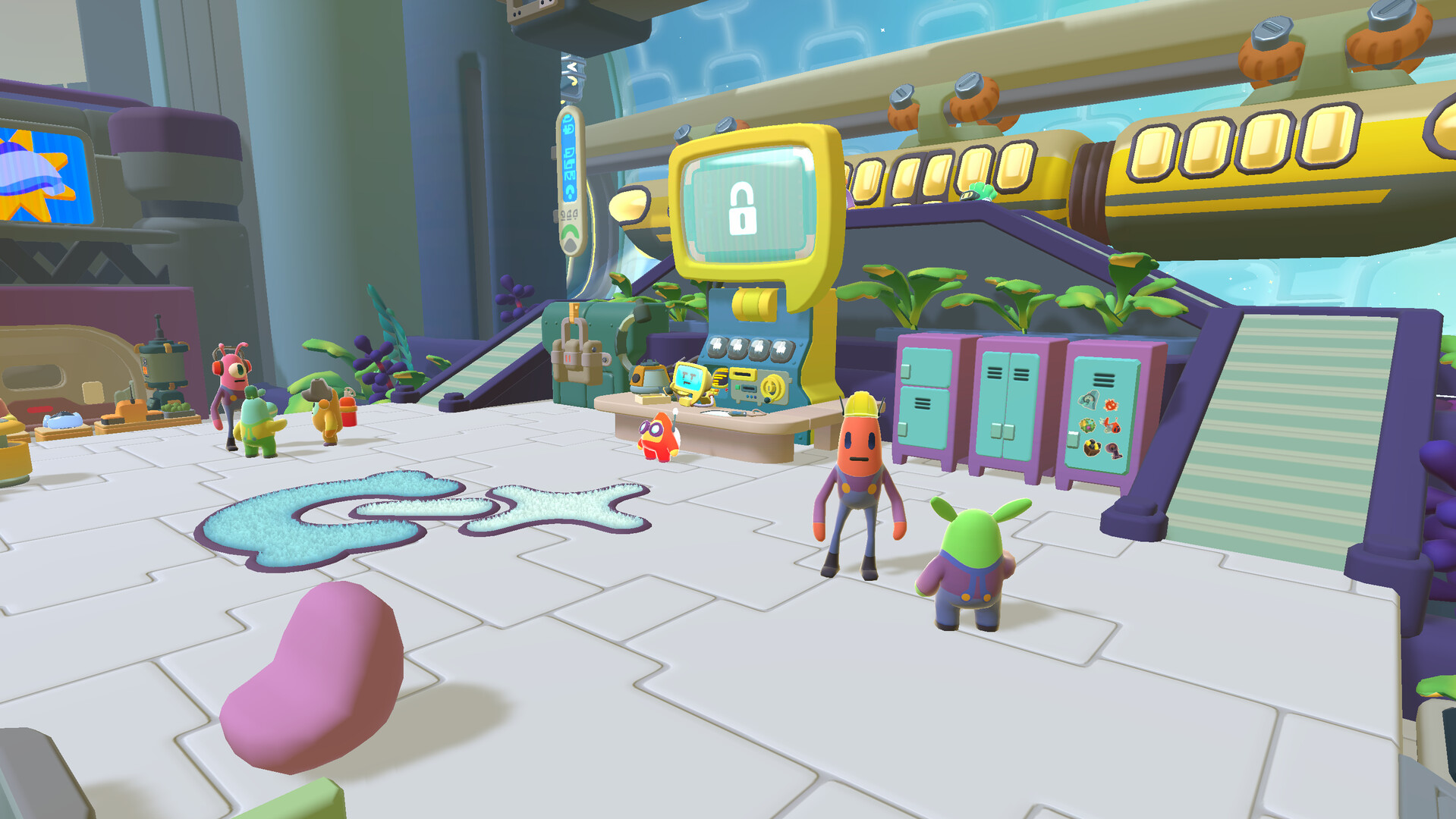
The simple controls and forgiving reset system make the game suitable for players of any skill level, including children and casual gamers. The whimsical atmosphere and stellar soundtrack add a relaxed vibe.
Because the title is single‑player, anyone can sit beside the player and discuss strategies without needing a separate multiplayer mode.
- Explain basic bot commands to younger players before tackling complex levels.
- Take short breaks between puzzles to keep the experience light‑hearted.
05 / THE GUIDE
Platform Support
Star Stuff runs on Windows and macOS and includes full controller support for DualShock and DualSense devices. Steam Cloud integration lets you keep progress across sessions.
The single‑player mode ensures you can enjoy the puzzles alone, while Family Sharing on Steam allows multiple accounts to access the same game library.
- Enable Steam Cloud to safeguard your puzzle progress.
- Try a different supported controller, such as a DualShock or DualSense, if one feels unintuitive.
COMMUNITY
Player discussion